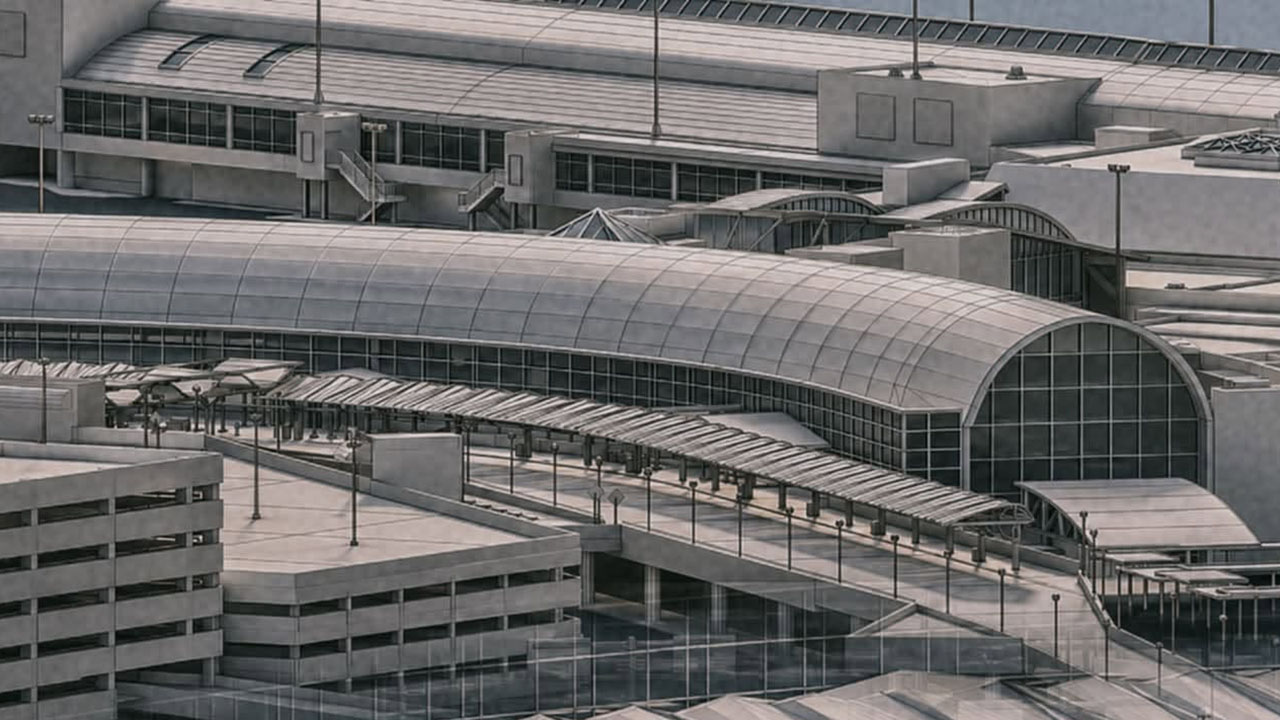
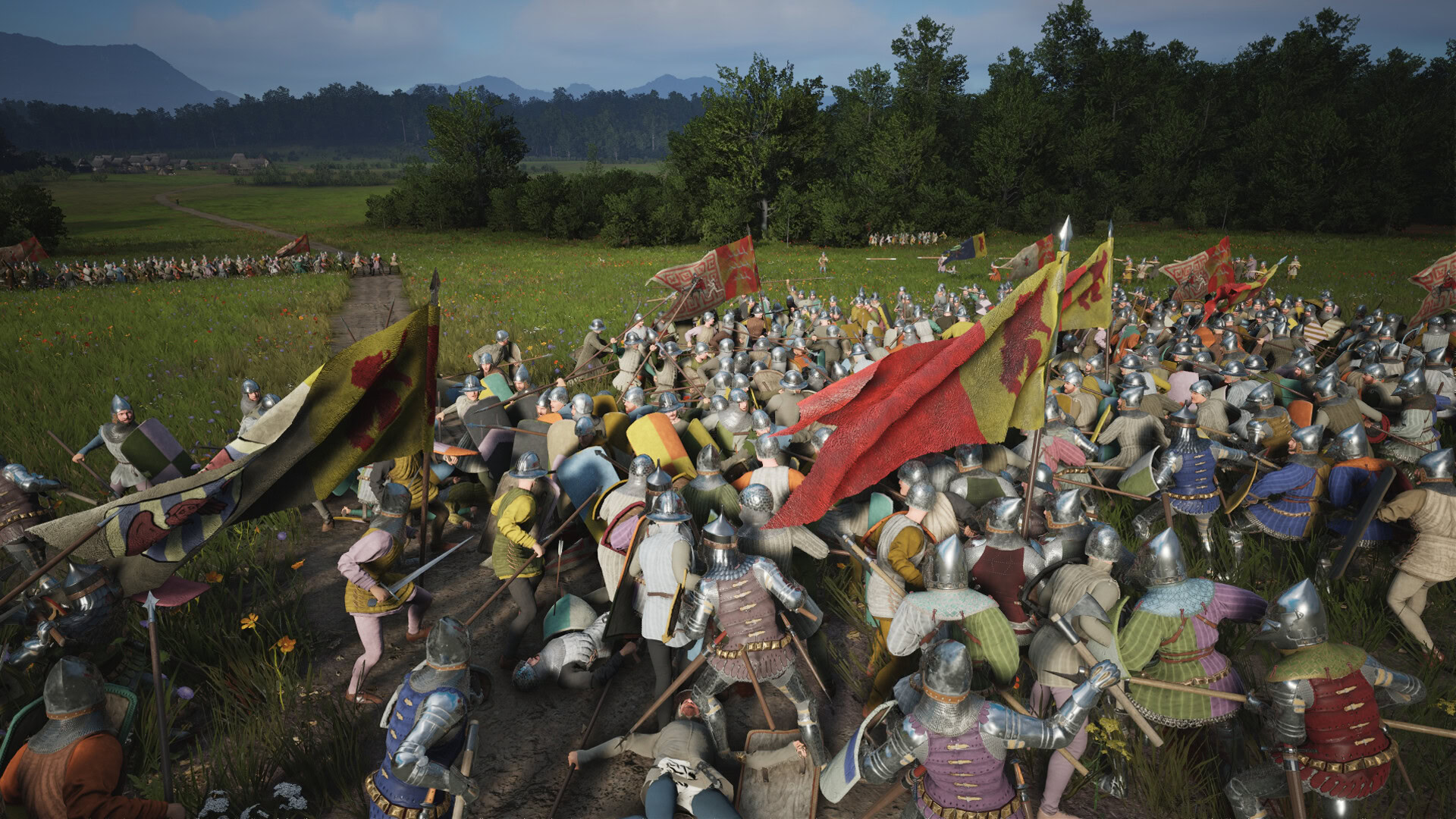
Flight Simulation developers shared news today, including aircraft and airports for Microsoft Flight Simulator 2024 and MSFS 2020, on top of news about Korea: IL-2 Series.
Simulation Daily publishes a roundup every day for all the news across the flight simulation field, helping you keep up to date with the ins and outs of the industry. Of course, today is going to be much bigger, and the same will go for the next two days.
Before we move on to the flight simulation news, below you can find a story that received its own individual coverage.
Also, make sure to check out today’s episode of our “Can You Guess this Airport?” video series.
Without further ado, I leave you with today’s flight simulation news.
Mscenery Ejected from MSFS 2024 and MSFS 2020 Marketplaces
In an unprecedented move, Microsoft jettisoned the much-hated “content” by Mscenery from the official marketplaces of both MSFS 2024 and MSFS 2020.
The decision was taken based on extensive user feedback about the following points
- low quality of Mscenery content
- lacking information in product descriptions and misleading images
- validity of high user score
Basically, Mscenery spent a long time literally spamming extremely low-quality content at a breakneck pace of several aircraft a week, which then ended up “mysteriously” getting near-perfect user scores, creating a massive discoverability issue for everyone else’s products and the marketplaces themselves.
Customers that alread purchased the “products” will retain access to them, but everyone else won’t have to bear with their presence anymore.
Microsoft mentioned that the decision wasn’t taken lightly, but I think everyone can agree it was the right decision.
Fokker F100 and F70 for MSFS 2024 and MSFS 2020 Released
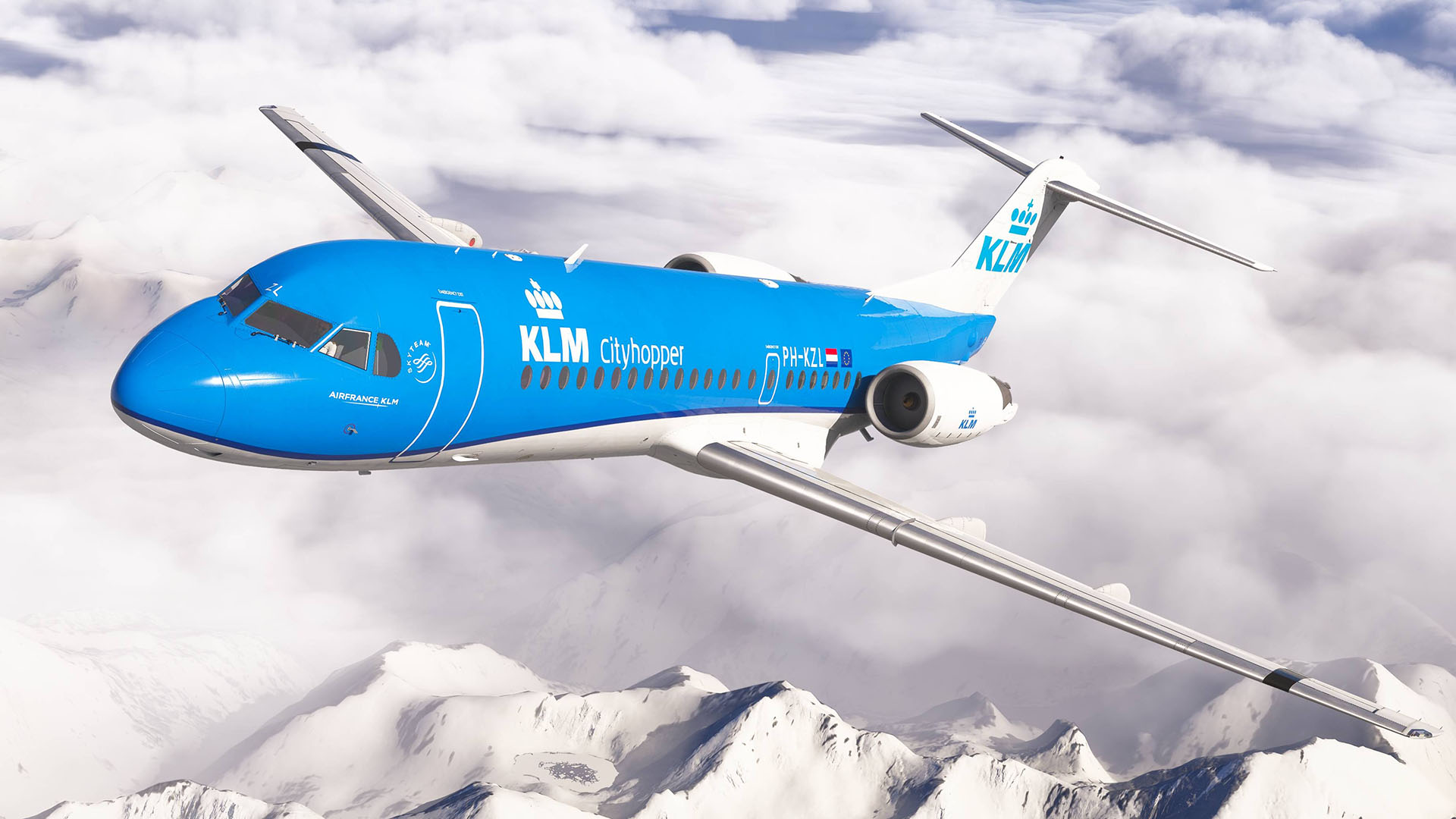
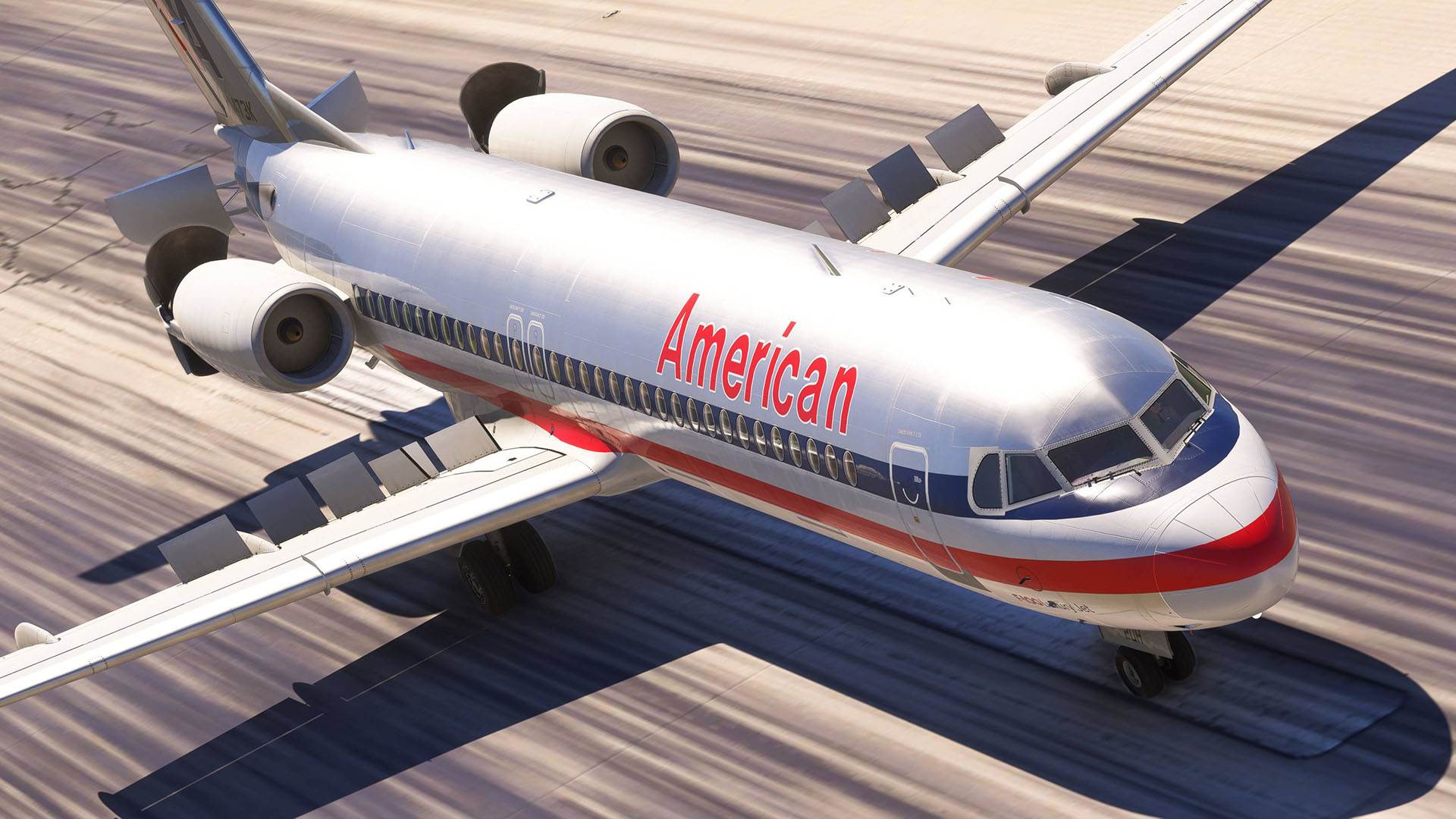


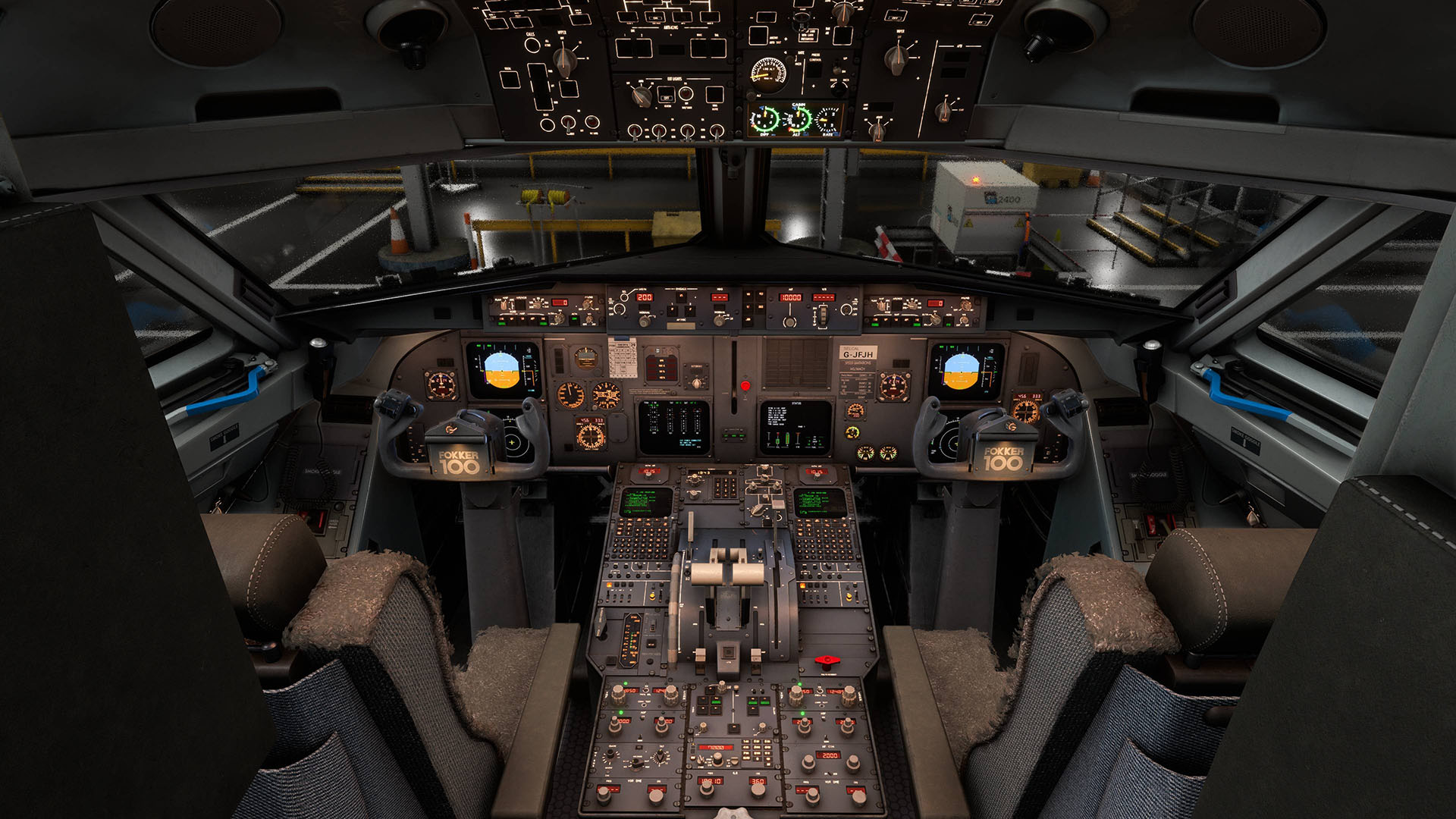

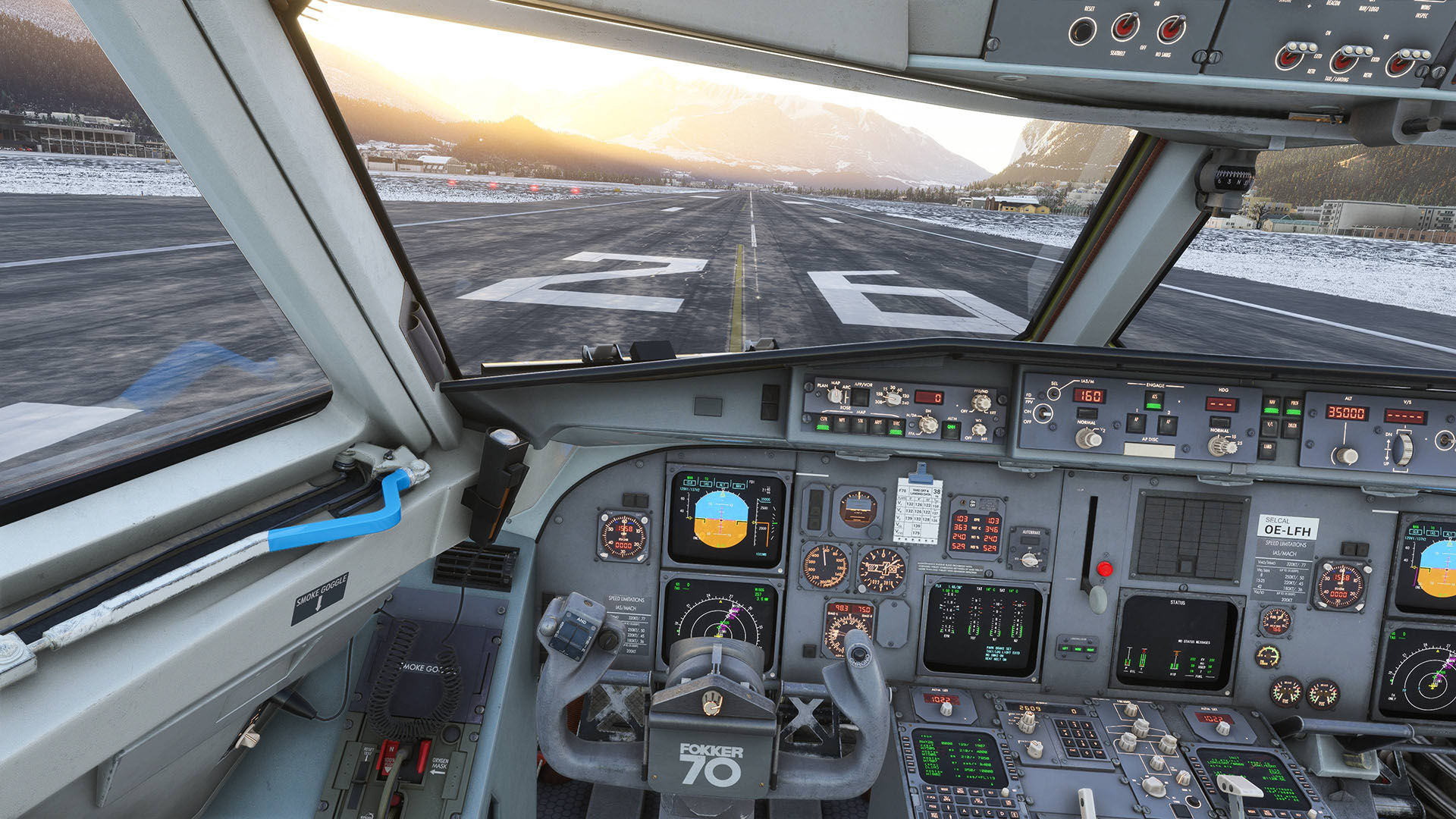
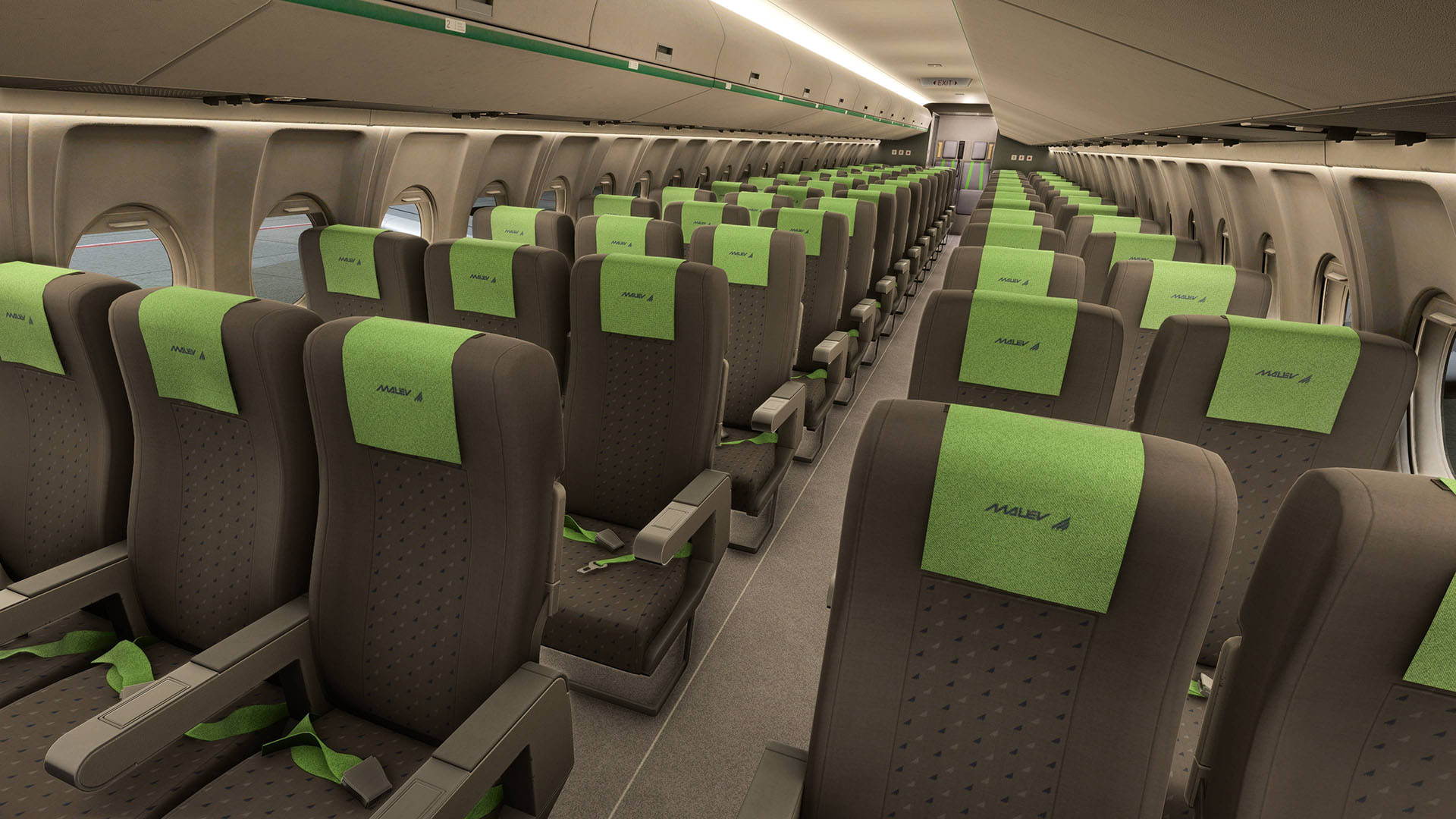
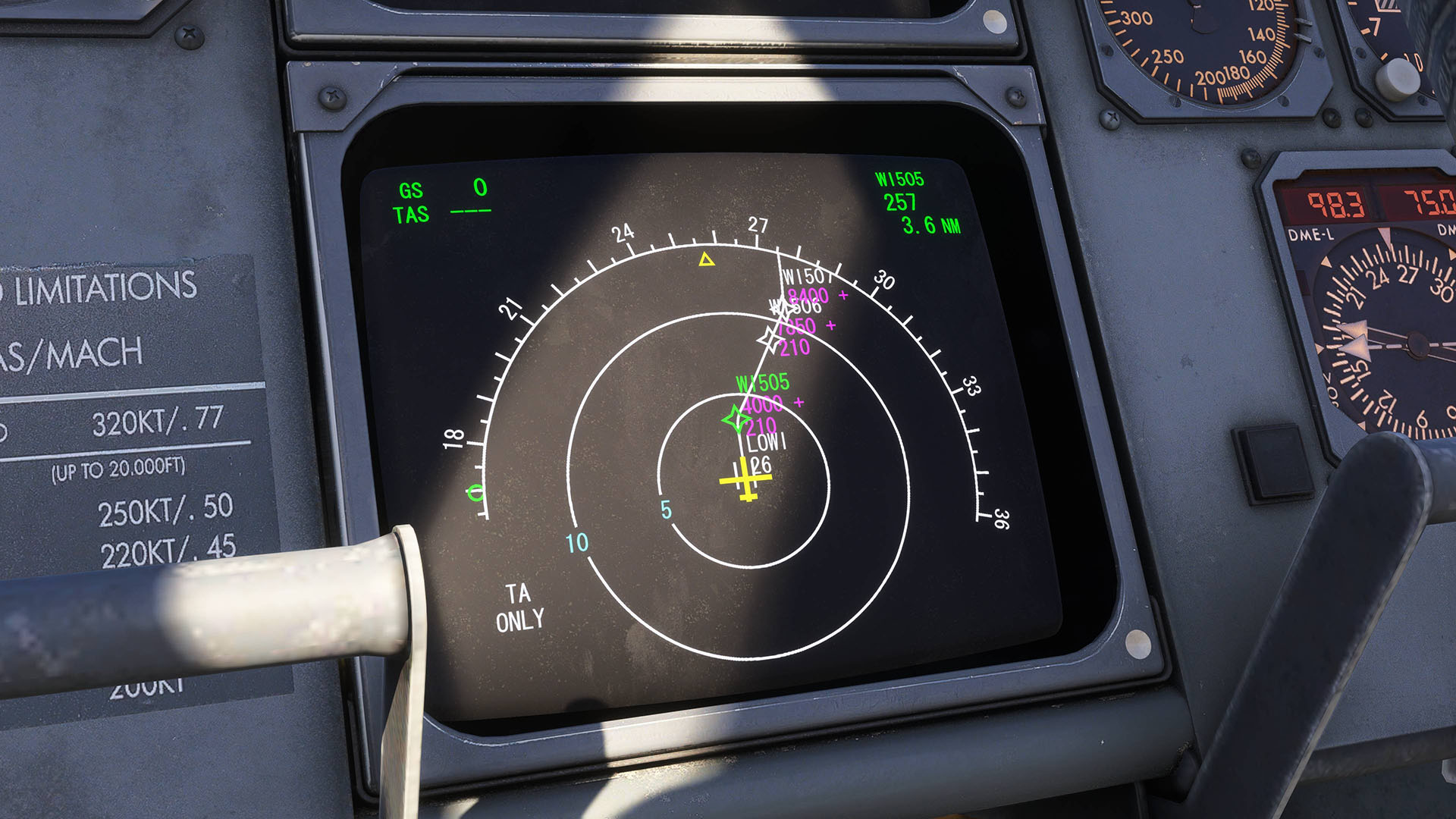
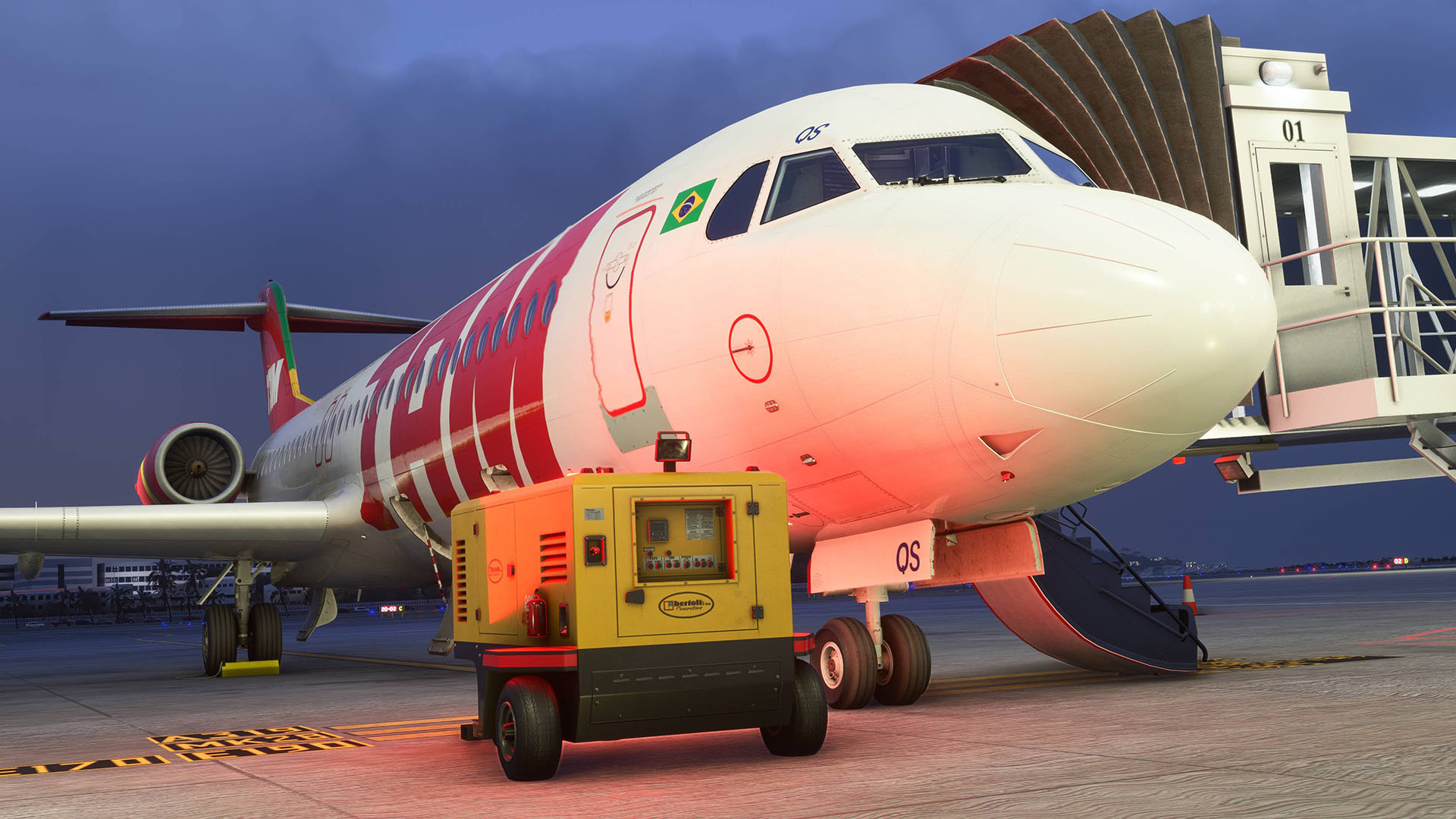
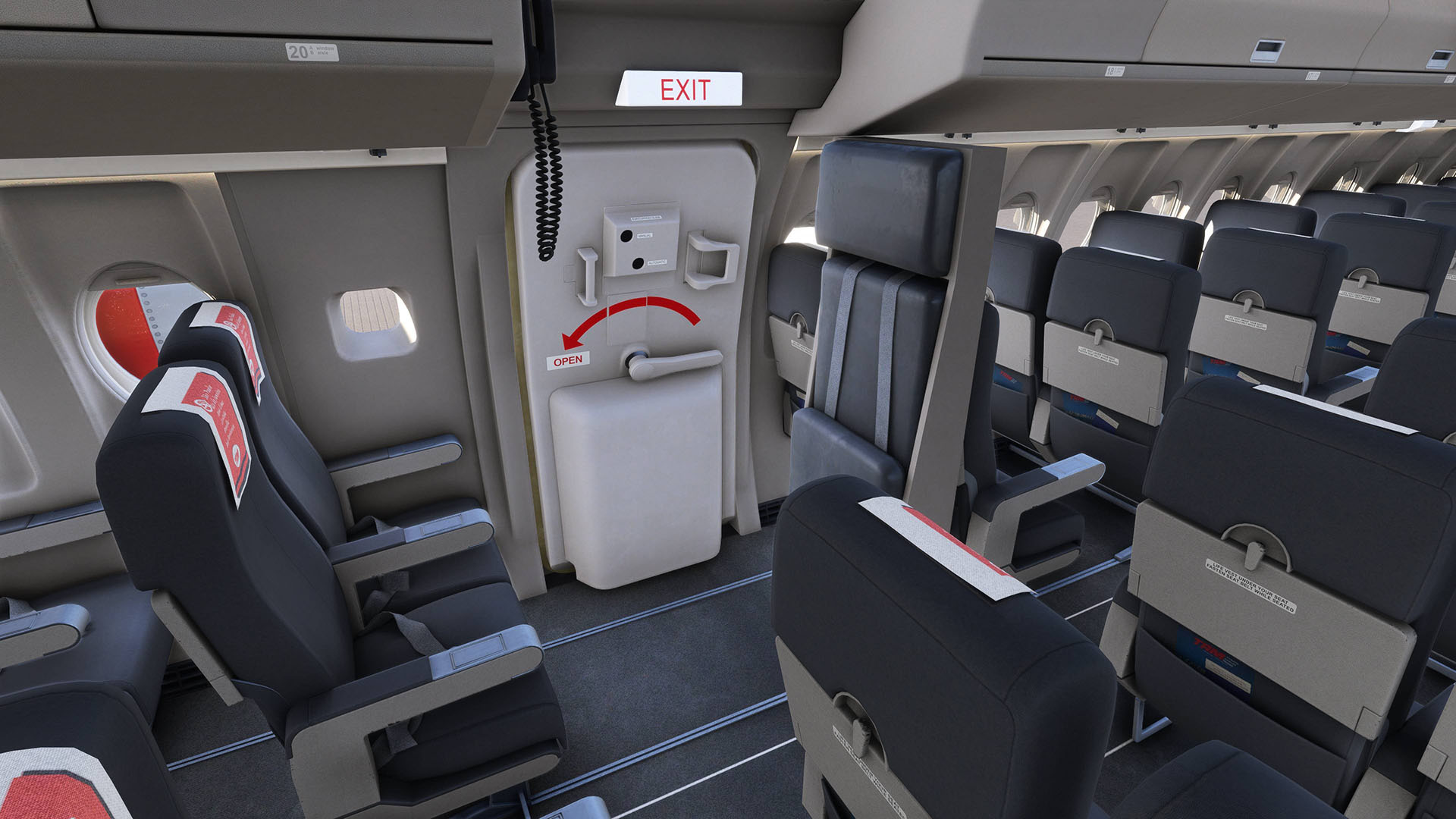
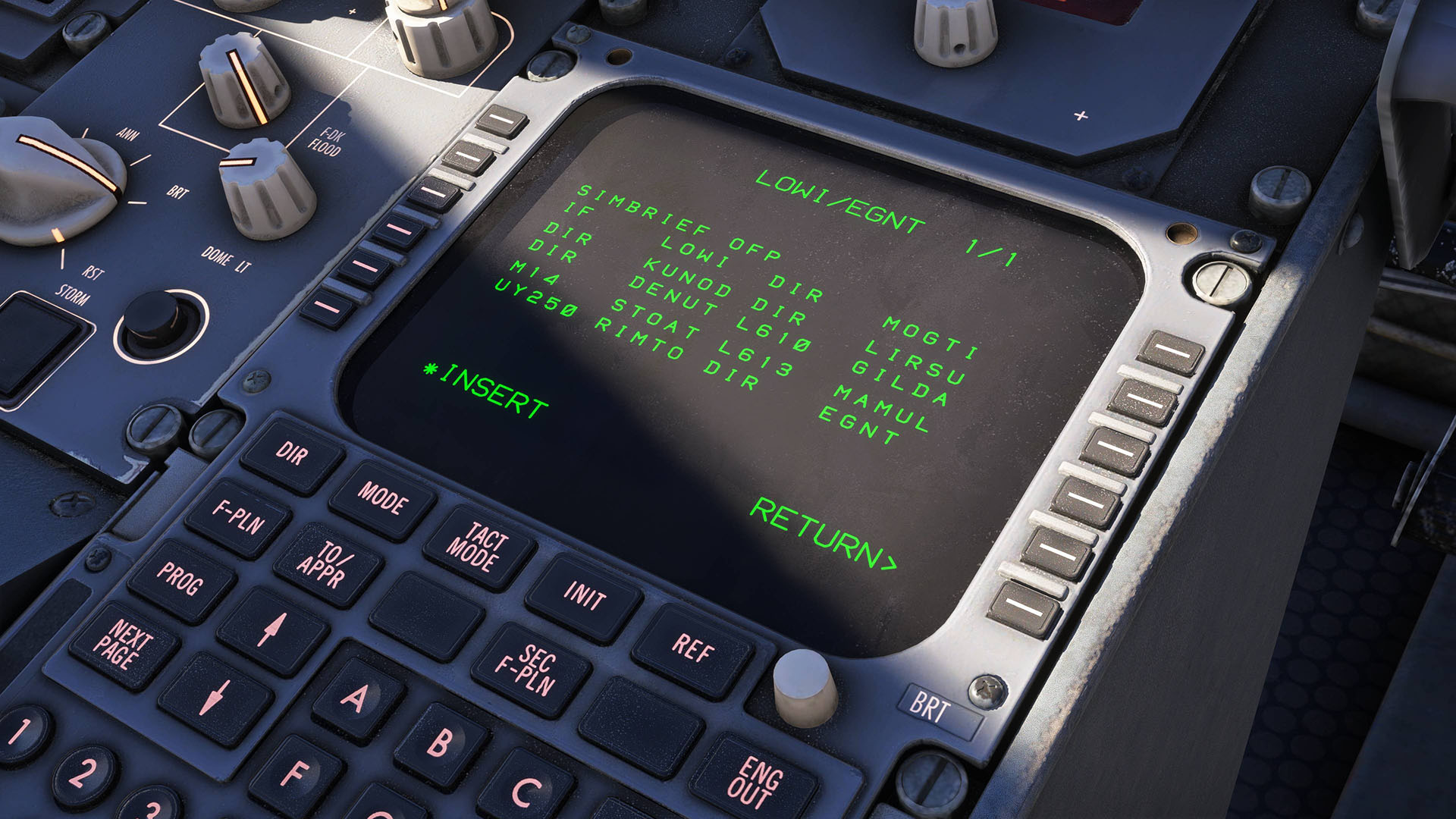
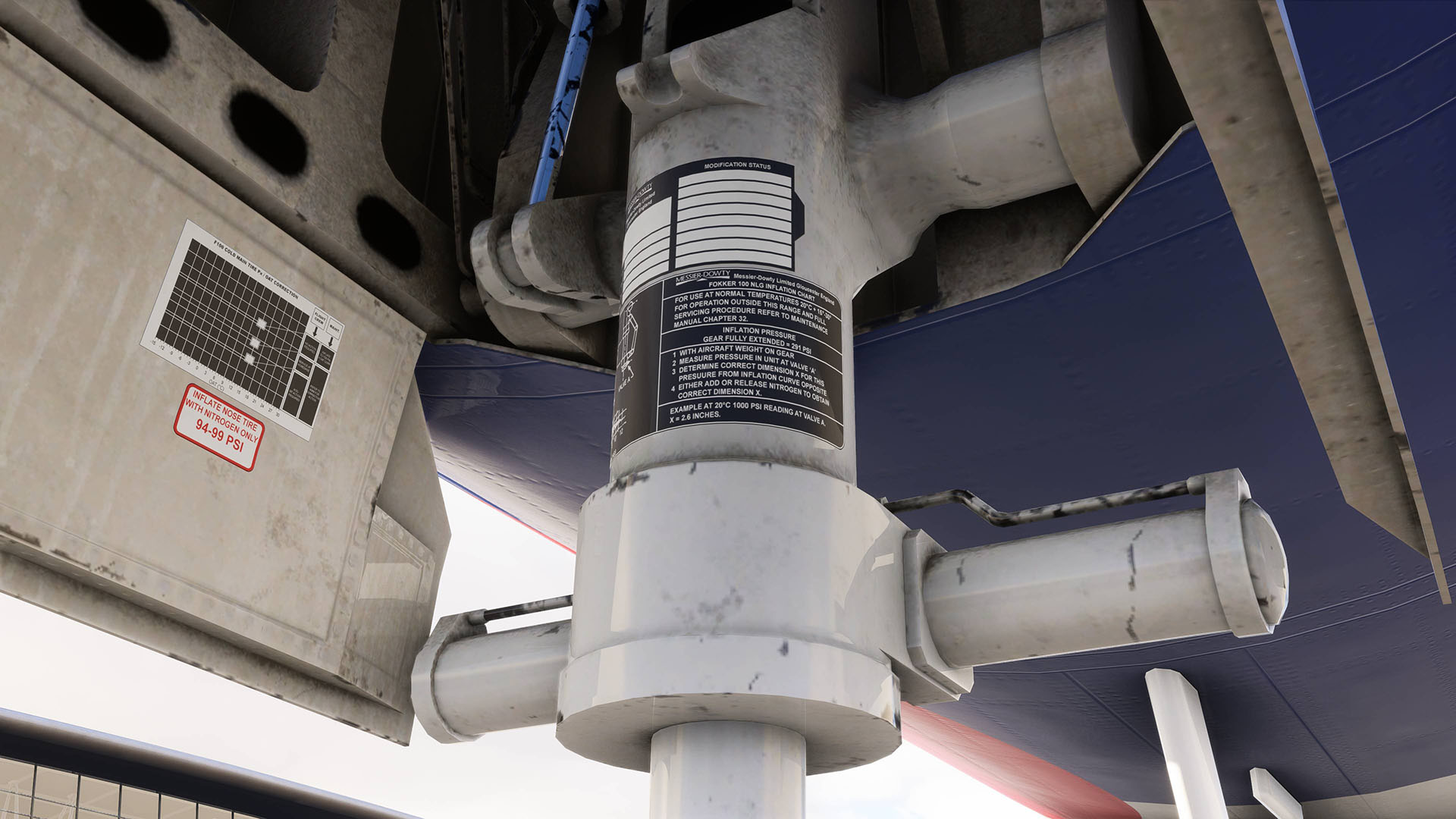

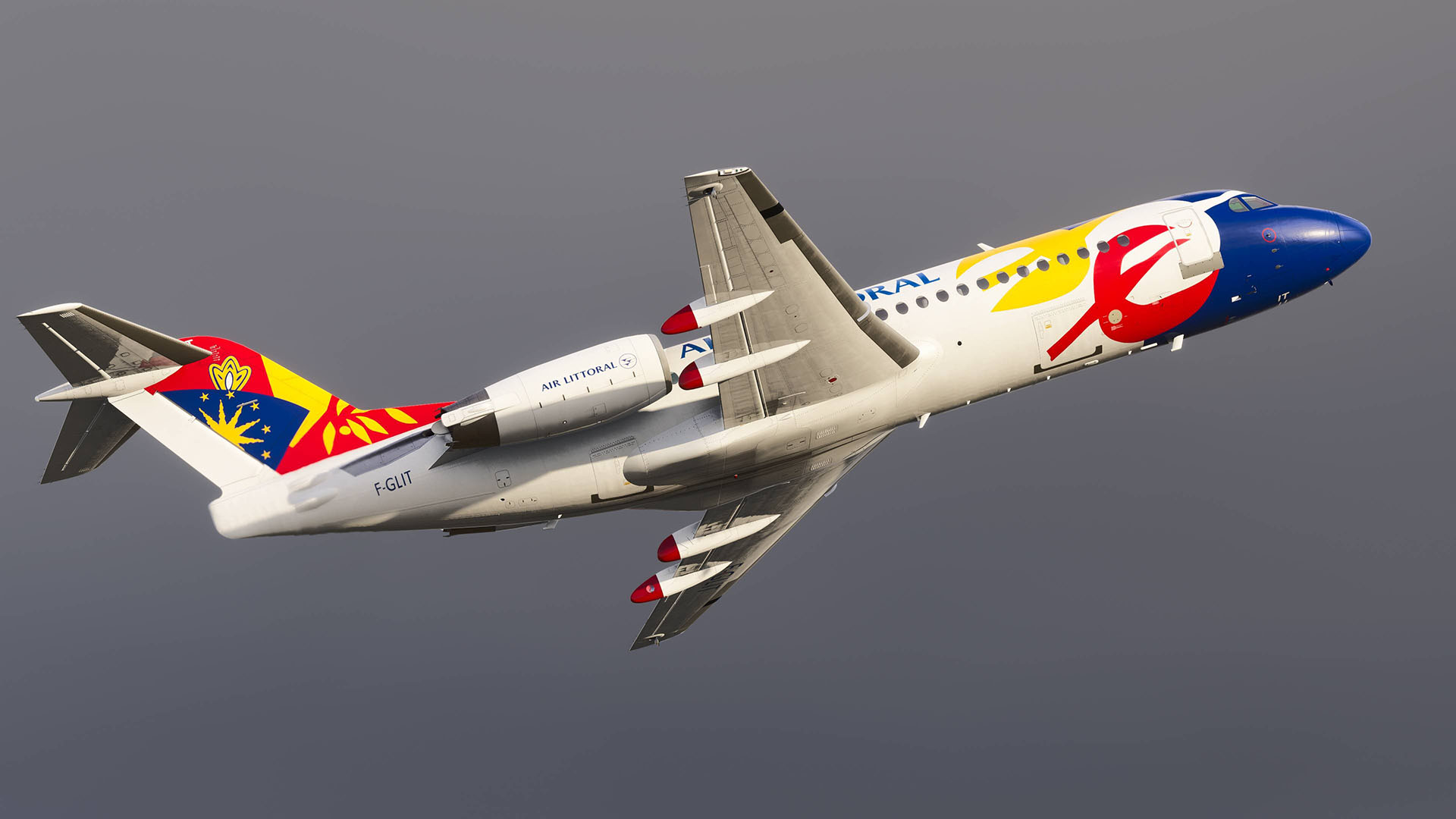
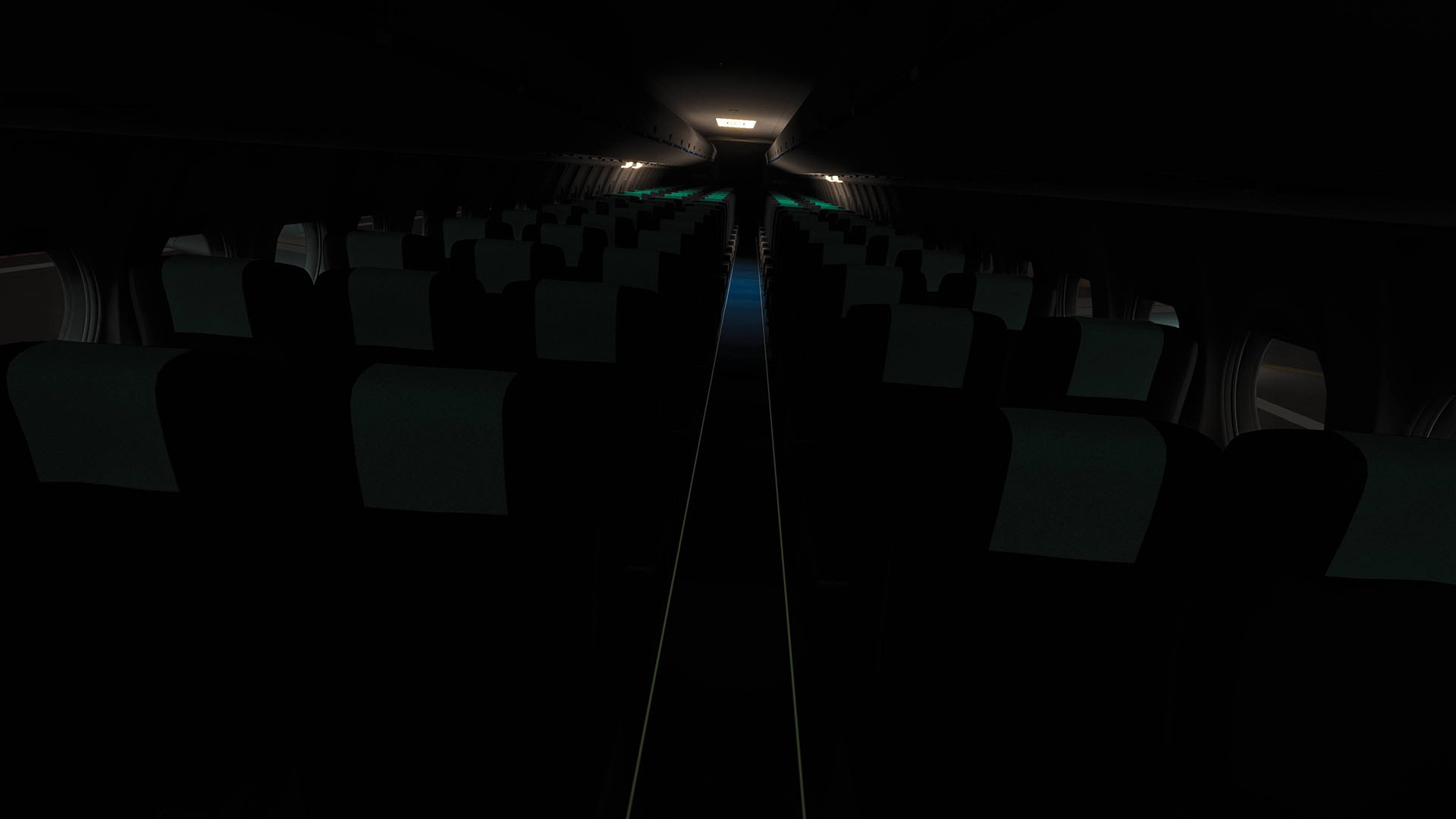
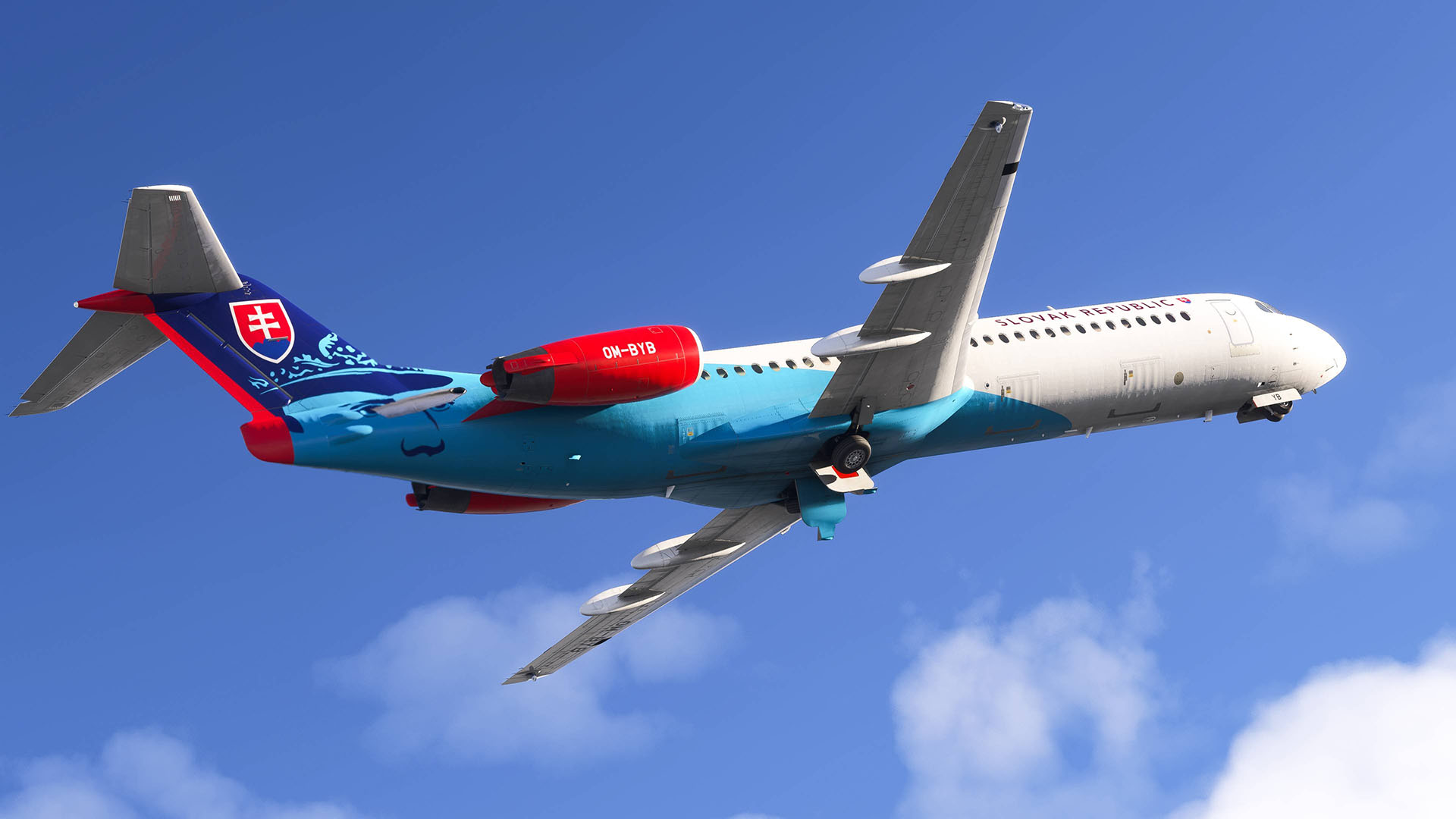
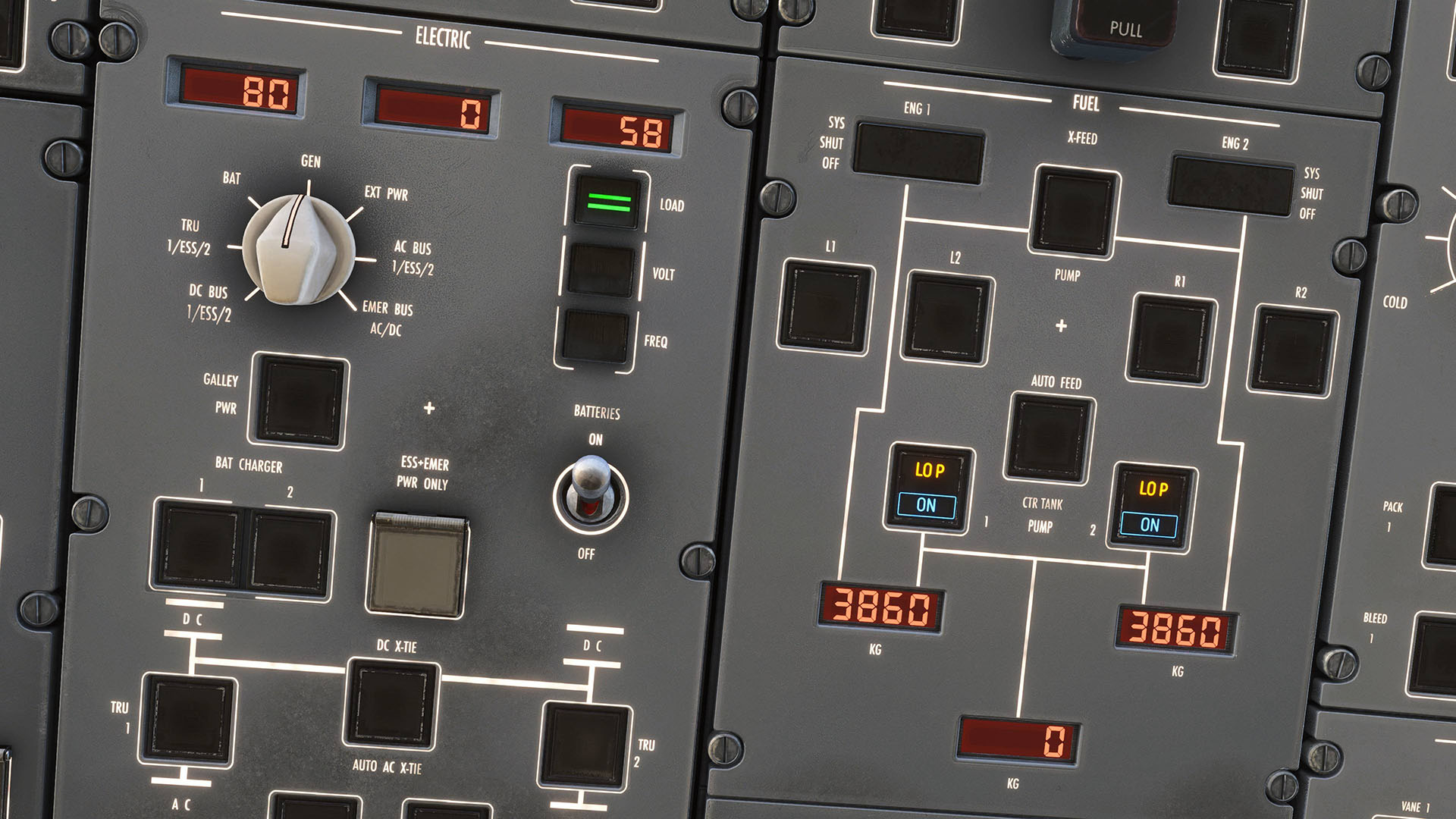
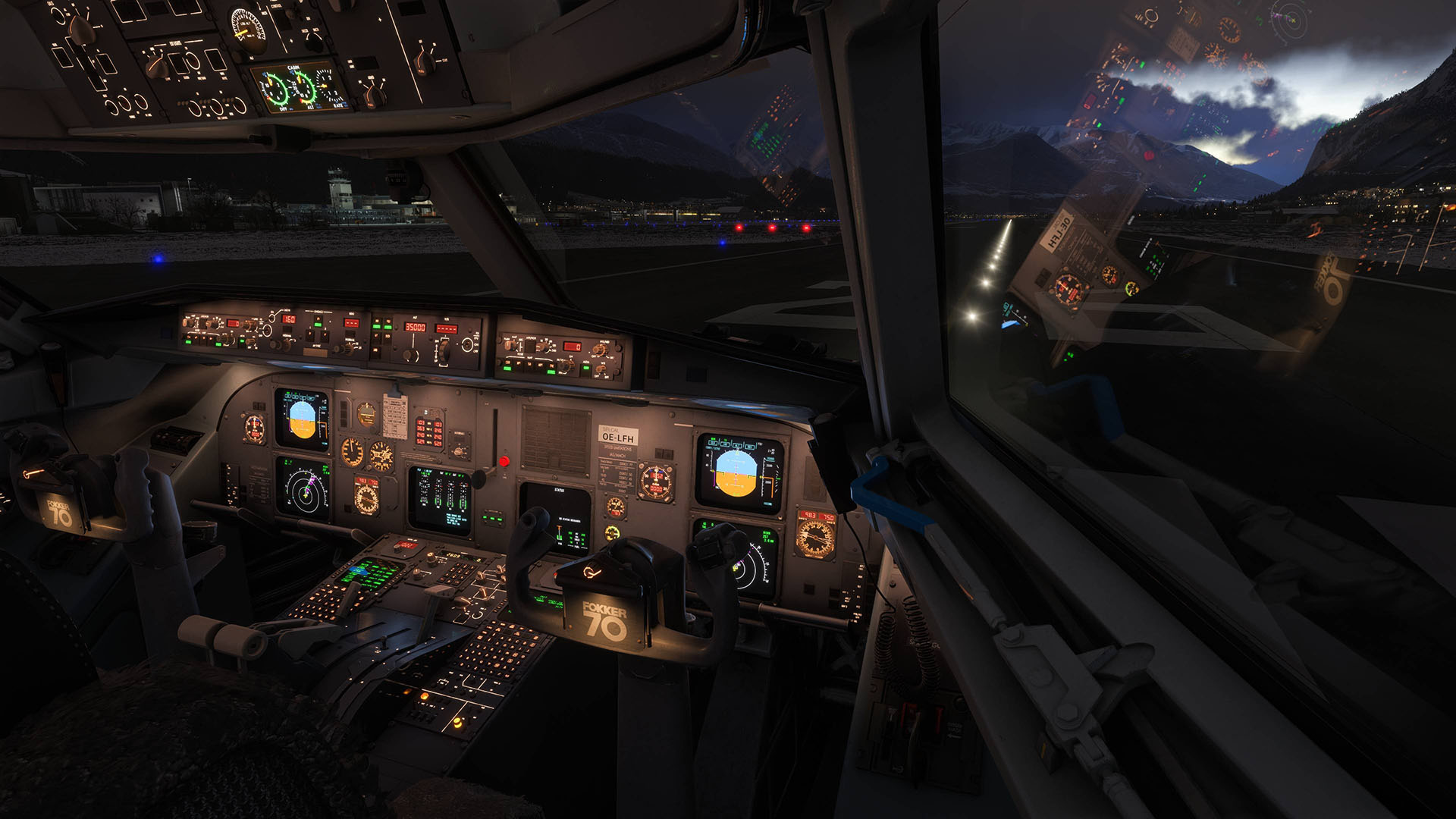

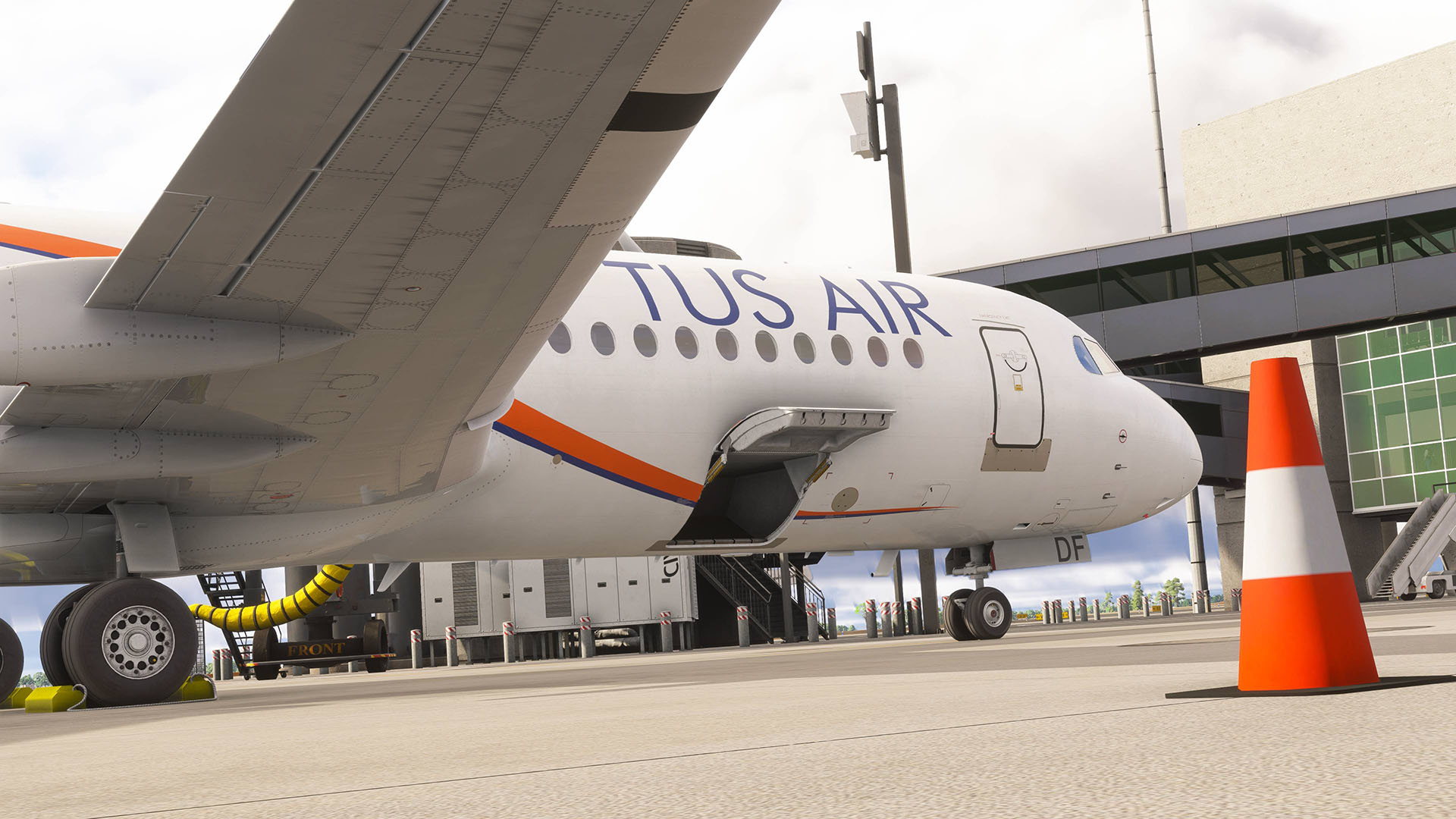

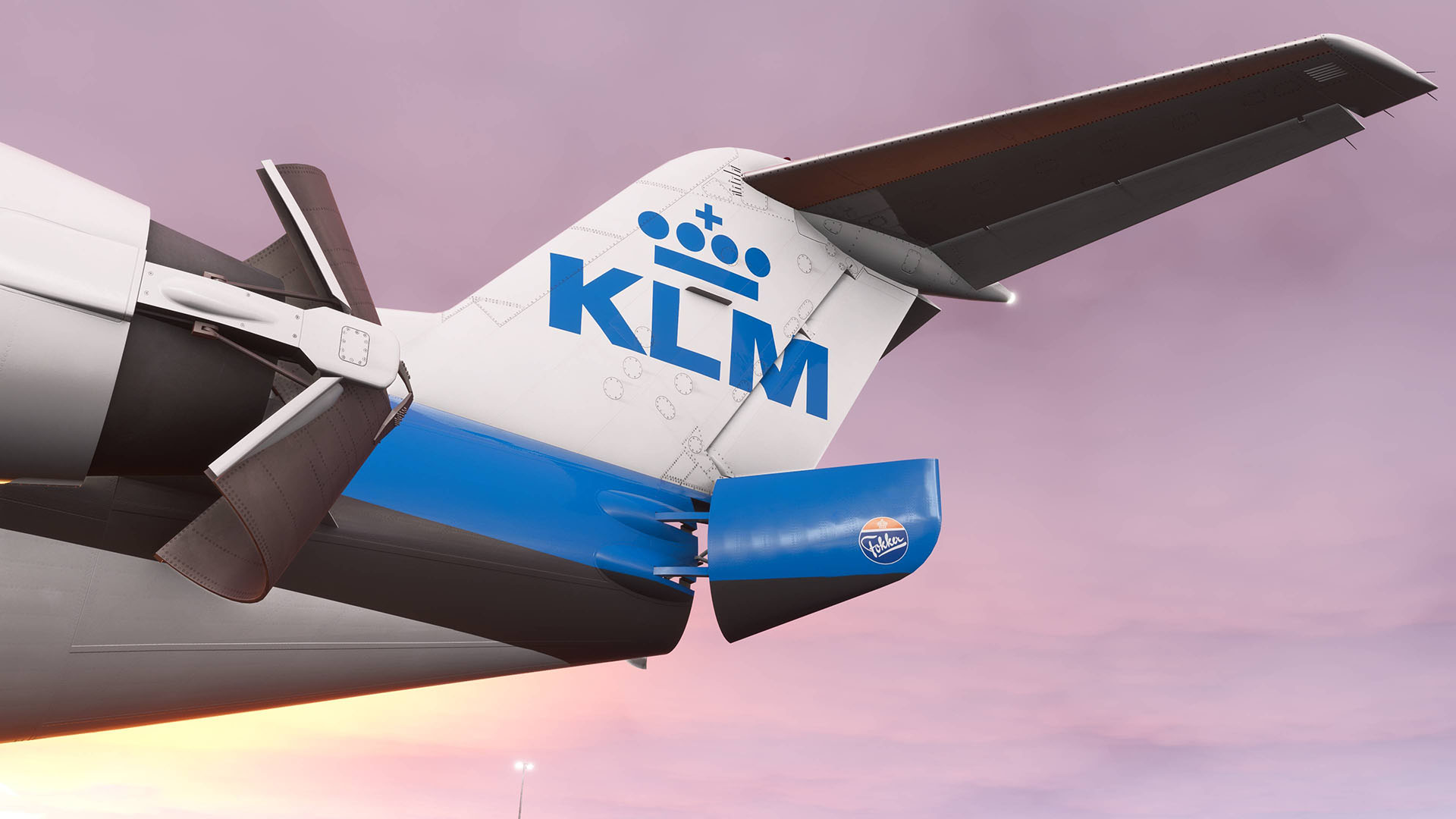
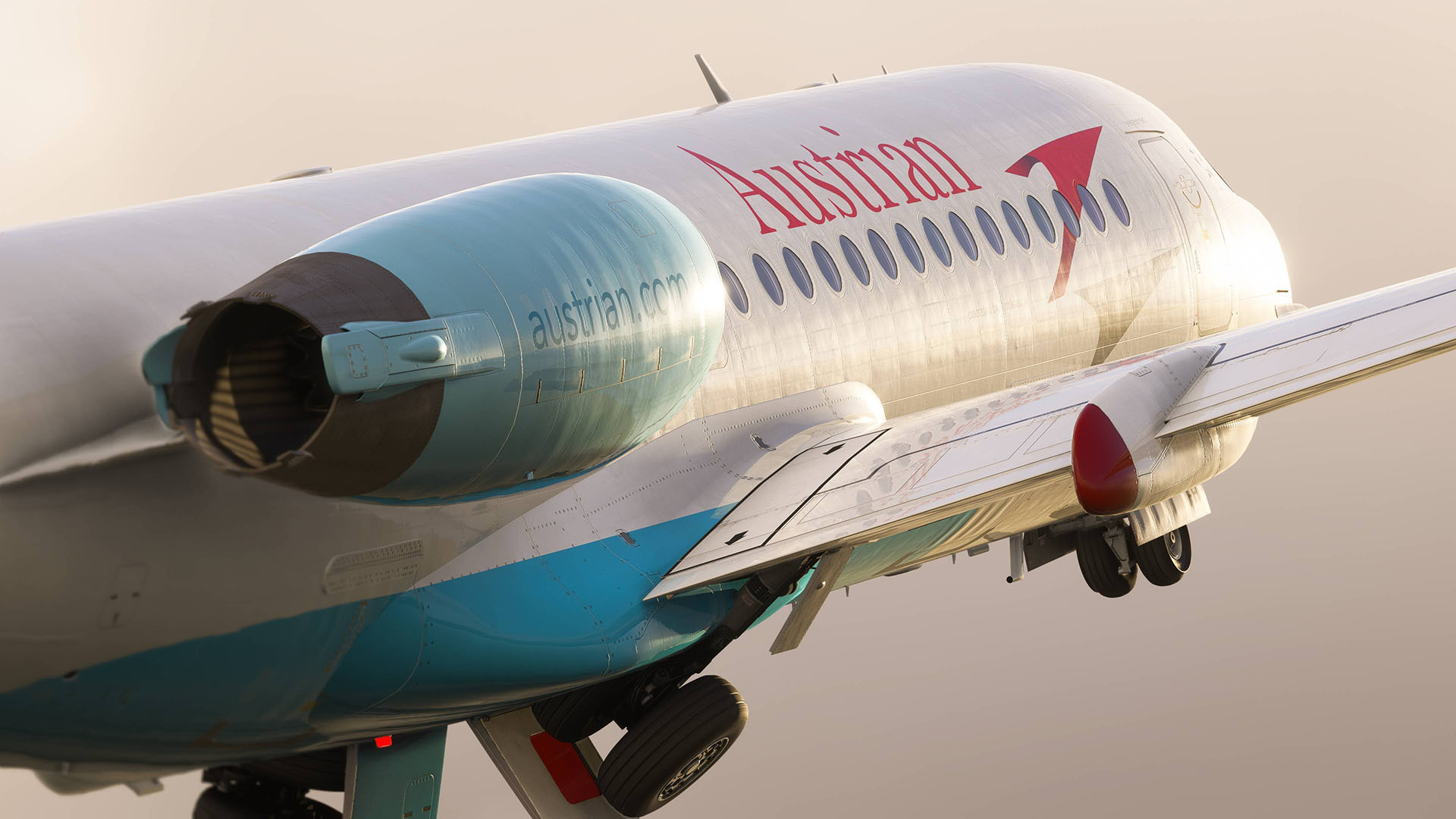

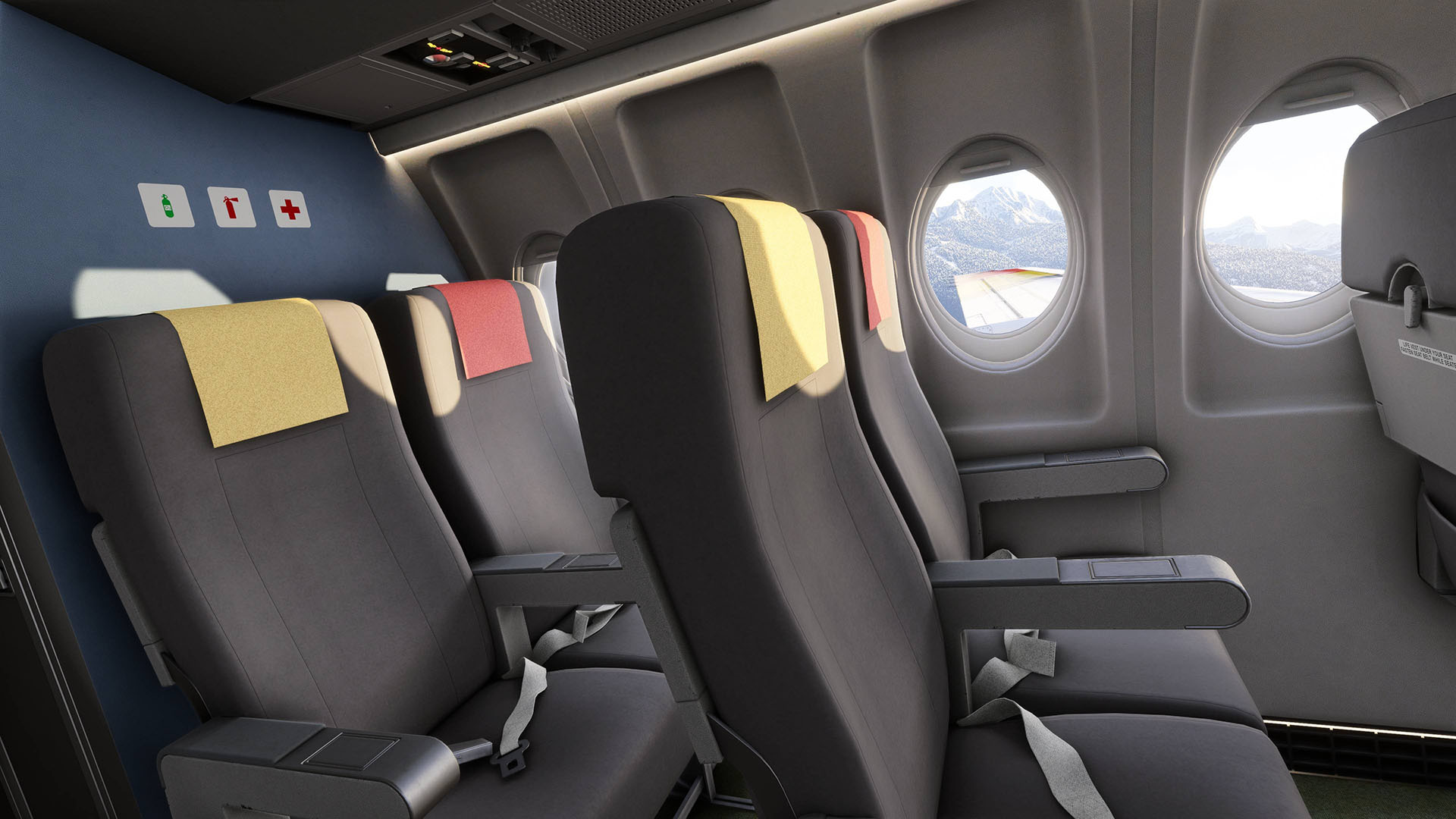

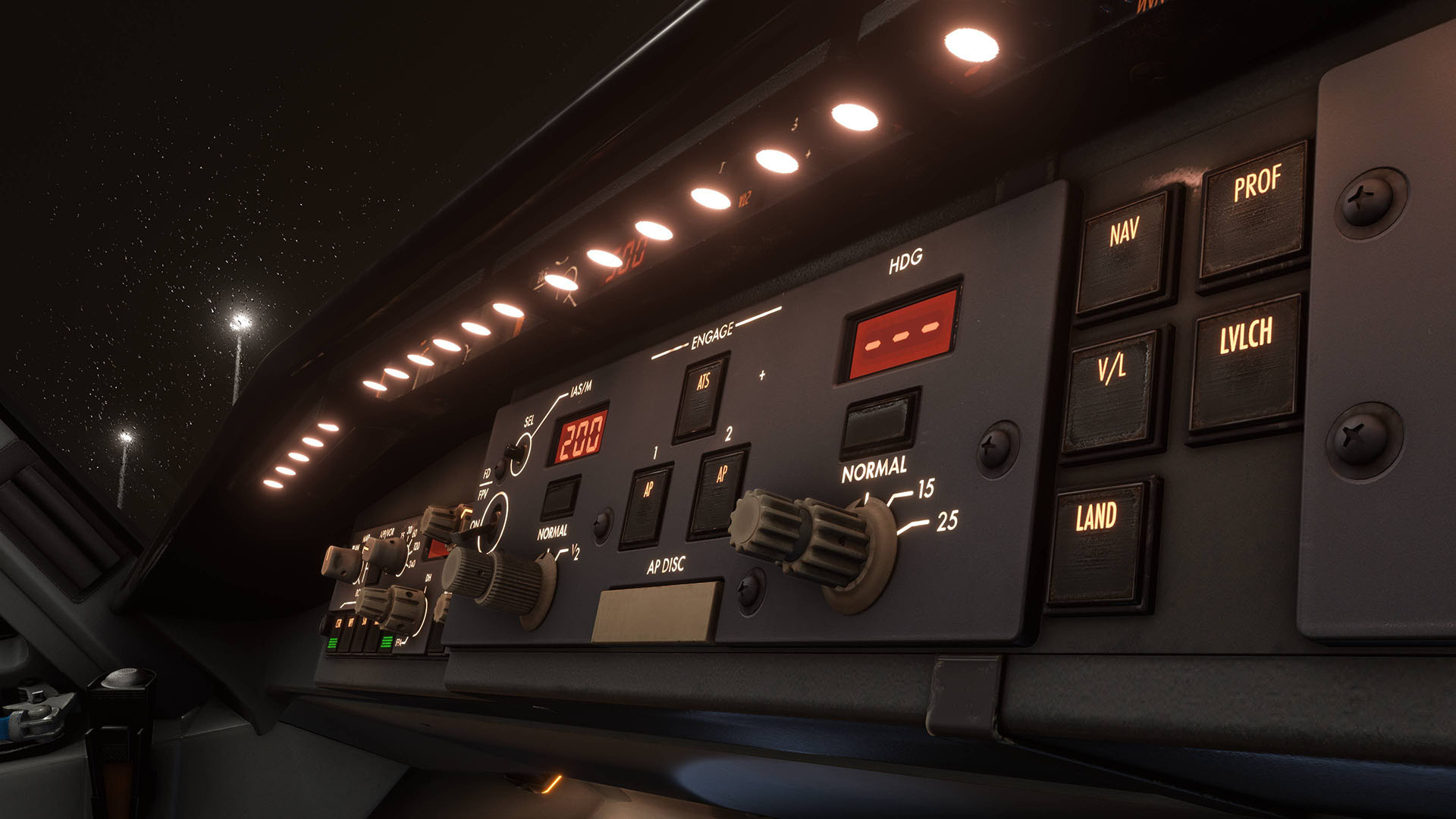

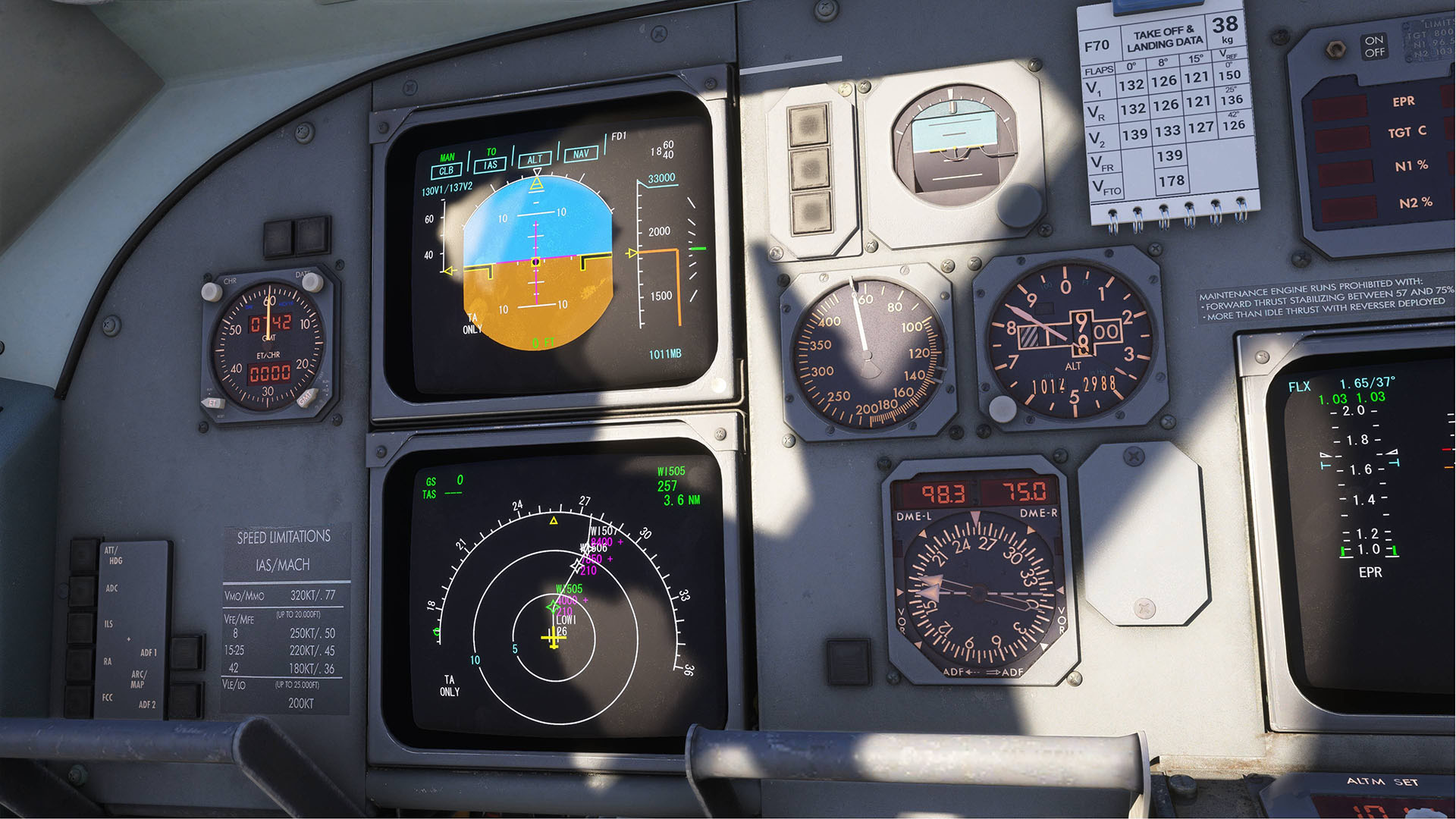
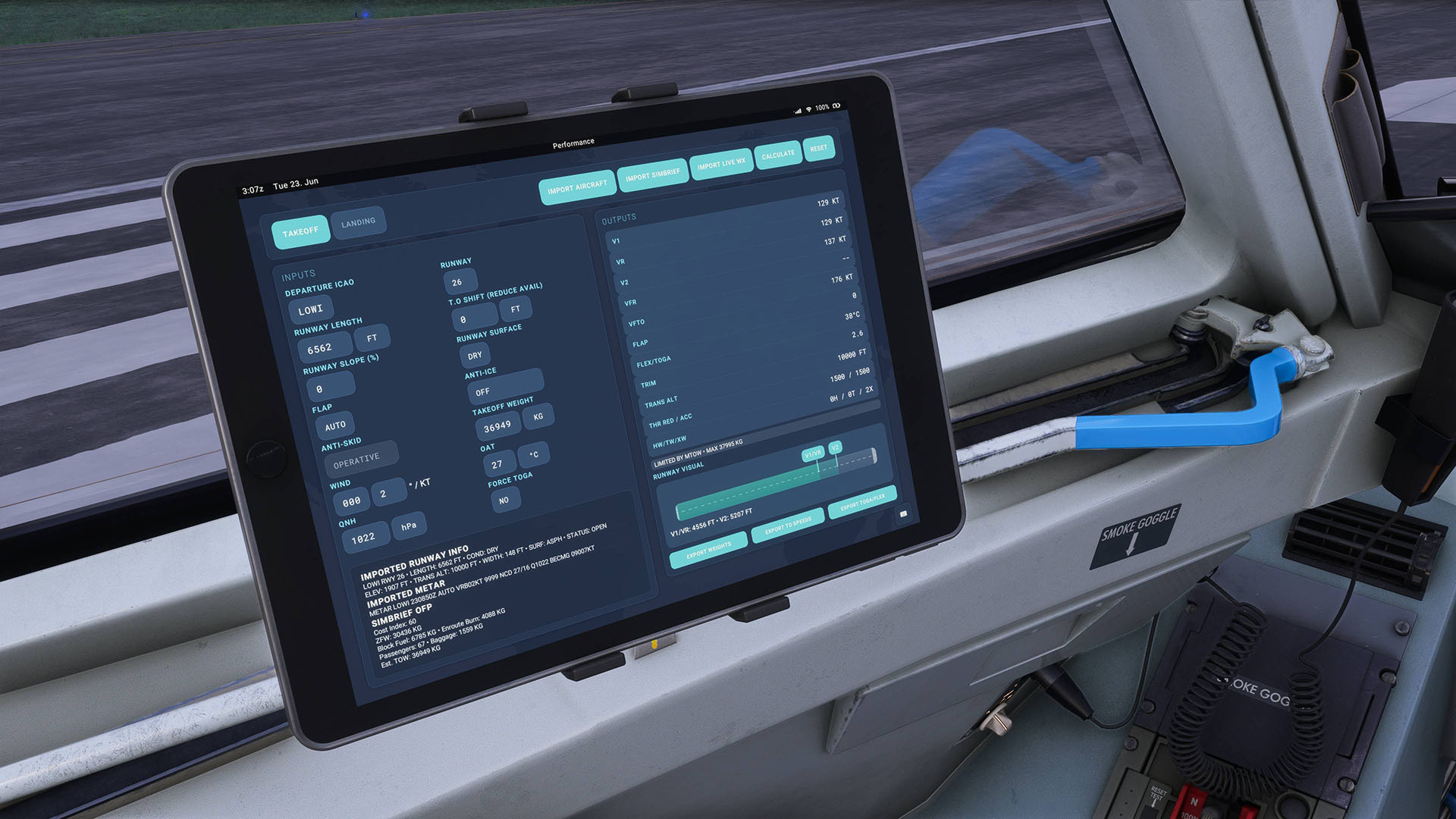

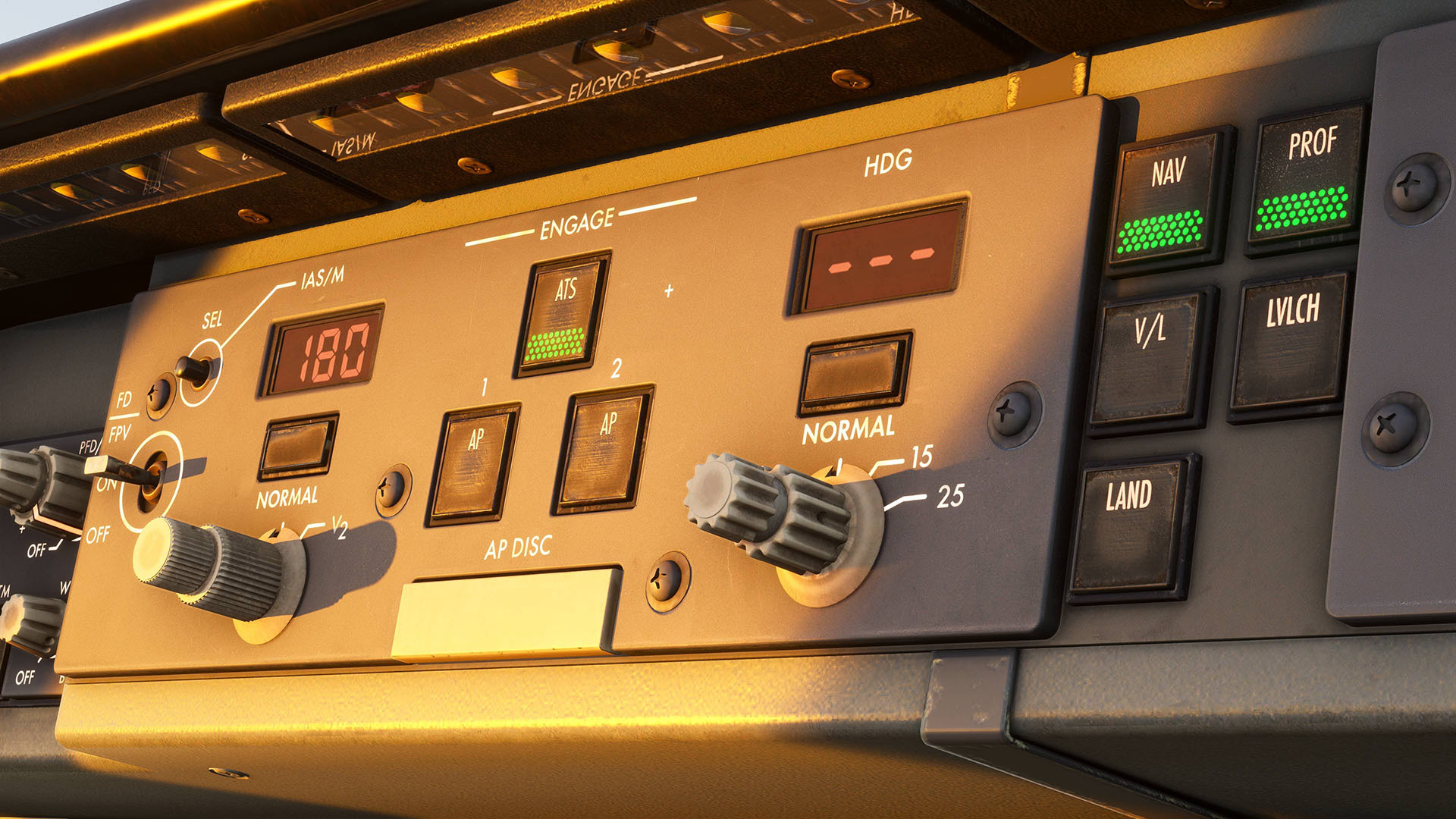

Just Flight released its Fokker F100 and F70 airliners.
They’re available as a bundle for $84.99, and separately (F70 and F100) for $69.99 each.
Here are the features for the Fokker F100.
VARIANTS
Four variants of the F100 are included, each with unique passenger and cargo door configurations, cabin layouts, flight models and liveries:
- F100 | 100 Pax | Integral Airstairs | Small Cargo Door
- F100 | 100 Pax | Integral Airstairs | Large Cargo Door
- F100 | 100 Pax | Sliding Door | Large Cargo Door
- F100 | 98 Pax | L2 Door | Integral Airstairs | Small Cargo Door
LIVERIES
The F100 Professional is supplied with a range of liveries representing the type’s past and present operators from all around the world:
- Just Flight House Livery
- Air Berlin (D-AGPB)
- Air France Regional (F-GPNK)
- Air Niugini (P2-ANH)
- Air UK (G-UKFG)
- Alliance Airlines – 90th Anniversary First Ever Trans Pacific Flight (VH-FGB)
- American Airlines (N1473K)
- British Midland (G-BVJD)
- Carpatair (YR-FZA)
- Demonstrator (PH-LXD)
- Germania (D-AGPJ)
- Helvetic (HB-JVG)
- KLM UK (G-UKFE)
- QantasLink (VH-NHA)
- Slovak Government Flight Service (OM-BRB)
- Spanair (EC-JJM)
- TAM (PT-MQS)
- TAT – British Airways (F-GIOA)
Note: All liveries are available to download separately via the Just Flight Livery Manager application (available as a free separate download).
A PSD paint kit (12GB) is available via a separate download so you can create your own liveries.
COCKPIT MODEL
- Captain, First Officer and Observer positions modelled with all switches, knobs and levers animated and functional
- Fully 3D cockpit environment down to accurately modelled circuit breakers and screw heads
- High resolution cockpit textures featuring realistic wear and tear based on reference photos of the real aircraft
- Authentic curved CRT displays including Electronic Flight Instrument System (EFIS), Multifunction Display Units (MFDUs), and Control Displays Units (CDUs).
- Analogue standby instruments with smooth animations7Wide range of quality-of-life features, including hideable control columns, preset camera views for every cockpit panel, and hidden clickspots for setting TOGA thrust and the standby altimeter STD settingElectronic Flight Bag (EFB/tablet) with multiple positions and optional visibility toggle
- Interactive paper checklists with support for custom document import
- Interactive speed flipchart with V-speeds that update automatically based on aircraft weight
- Multiple interior model LODs for optimised FPS/performance
- Developed using the latest MSFS standards, including intuitive controls for rotary knobs, multi-position switches, and levers (LOCK and LEGACY Cockpit Interaction Systems supported)
CABIN MODEL
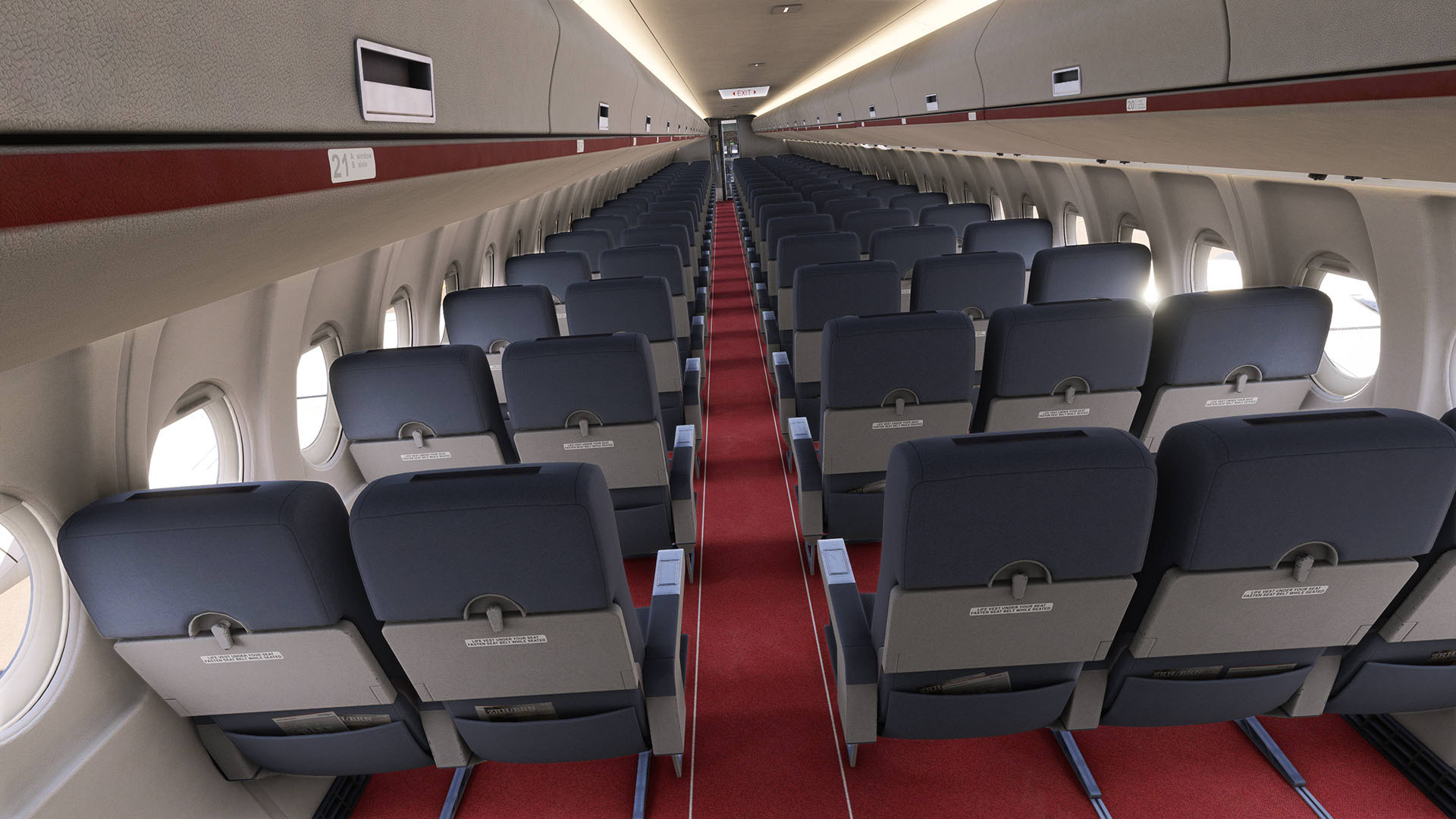
- Highly detailed, fully accessible passenger cabin and galleys
- Interactive lighting throughout the cabin, including Galley, Sidewall, Ceiling and Toilet Area lighting, with ON/OFF and BRT/DIM controls
- Interactable passenger and service doors
- Interactable cabin interphone system with simulated cabin-to-cockpit and cockpit-to-cabin communication
- Functional galley equipment, including ovens, water boilers, and worktop lighting
- Custom cabin textures for all included liveries
- Optimised for performance, with multiple LODs for improved FPS
- Optional cabin visibility toggle via the EFB/tablet
EXTERIOR MODEL
- Accurately modelled exterior using real-world aircraft documentation and extensive photographic reference
- High-resolution textures deliver exceptional clarity, accurate levels of wear and tear, and decals used for high-resolution text
- Realistic animations for all passenger, service and cargo doors, control surfaces and associated mechanisms, including distinctive lift-dumpers and tail-mounted speedbrake
- Multiple exterior model LODs for optimised performance and FPS
- Custom-coded dynamic wing flex
- Custom ground equipment, including GPU, safety cones, and wheel chocks
- Supports MSFS 2024 walkaround mode, with interactable doors and equipment
FLIGHT MODEL AND EFFECTS
- Realistic and accurate performance in the air and on the ground, based on real-world data and input from F100 pilots and engineers
- Highly accurate climb and cruise performance modelling, reflecting the aircraft’s strong low-level performance and more limited high-altitude characterises.
- Custom-coded Engine Pressure Ratio (EPR) simulation
- Full support for MSFS visual effects, including icing, APU and engine efflux, contrails and wheel spray
- Accurately simulated exterior lighting, including beacon, logo, strobe, wing inspection, and independent taxi/landing lights
- MSFS 2024 rain and wiper effects (MSFS 2024 only)
SOUNDS
- MSFS-native (Wwise) sound package taking full advantage of MSFS’ capabilities
- An immersive sound environment, with recordings captured during high-power engine runs of the real aircraft
- Studio-quality Tay 620-15 engine sounds
- Detailed, physics-based modelling of engine and wind noise
- Hundreds of flight deck sound effects, including buttons, switches, stabiliser trim “whooler”, and TCAS aural alerts
- Realistic equipment audio for APU, electrical and hydraulic systems
- Accurately positioned 3D sound sources throughout the aircraft for a fully spatial audio experience
- Custom crash and scraping effects
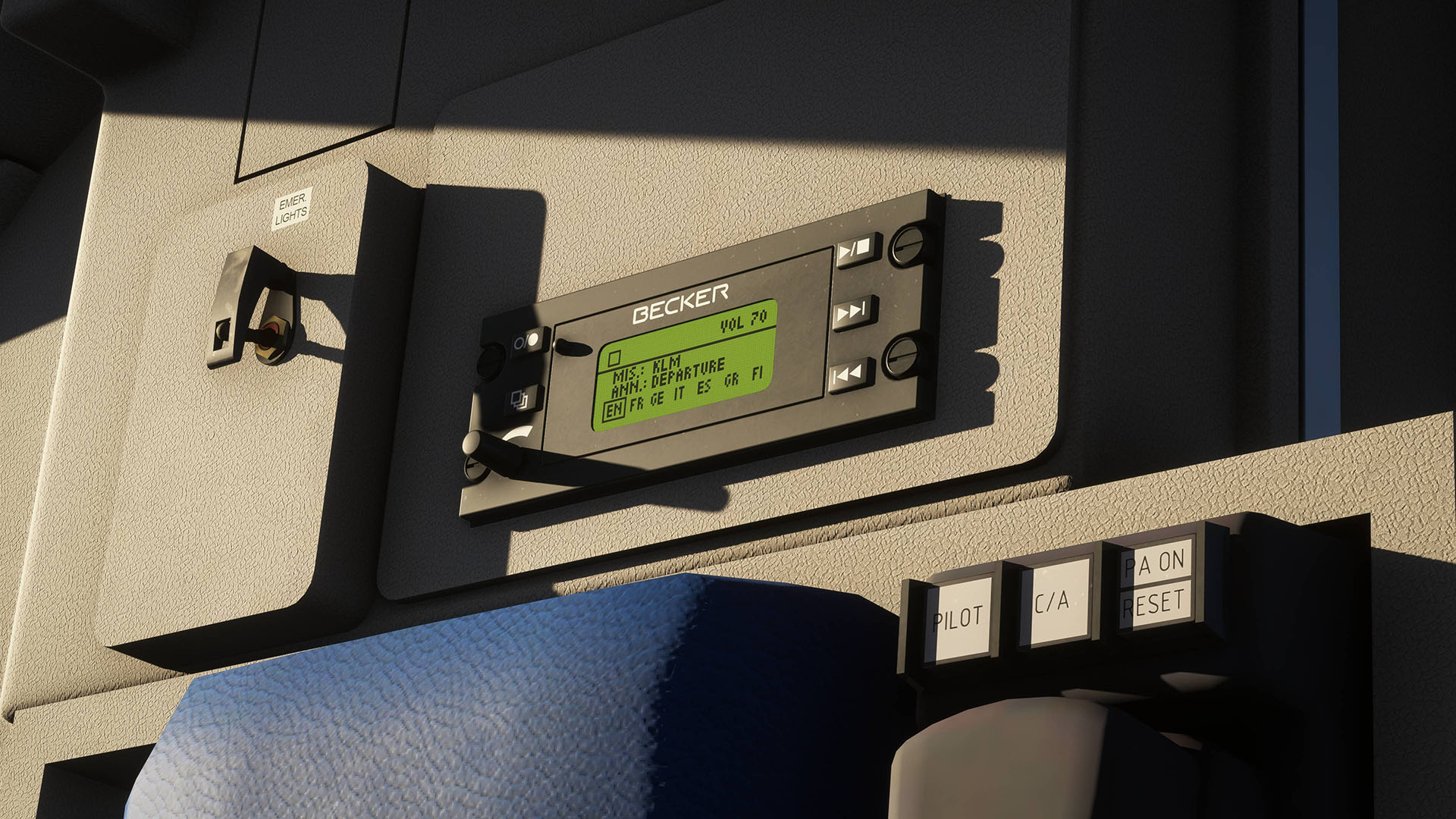
- Cabin audio environment featuring announcements, music, chimes and door sounds
- Fully functional Digital Music Player with dedicated Announcements and Music modes
- Support for importing custom announcements and music
SYSTEMS
The F100 Professional features a complex array of custom-coded system, developed with a high degree of accuracy based on real world data and input from real-world pilots and engineers with experience on the type. A summary of the depth of simulation is listed below:
Air conditioning and Pressurisation
- Automatic and manual flight deck and cabin temperature controls
- Automatic and manual pressurisation modes with control of outflow valves, barometric and cabin rate settings, indications and cabin altitude warnings
- Cabin altitude and differential values based on real-world data
- Controllable cockpit and cabin temperature
- Realistic bleed air demand from engines and APU, and pneumatic supply to air conditioning and ice protection systems
- Simulated recirculation fans
Automatic Flight
- Fully custom-coded Automated Flight Control and Augmentation System (AFCAS) with sophisticated Lateral Navigation (LNAV) and Vertical Navigation (VNAV) modes
- All modes on the Flight Mode Panel (FMP) are simulated, including AP1/AP2, NAV, PROF V/L, LVLCH, LAND and other lateral and vertical sub-modes
- Finely tuned Autoland modes
- FD and FPV with controls to vary the angle of the FPV indicator
- Fully custom-coded Autothrottle System (ATS), including IAS/M Hold and IAS/M Select sub-modes
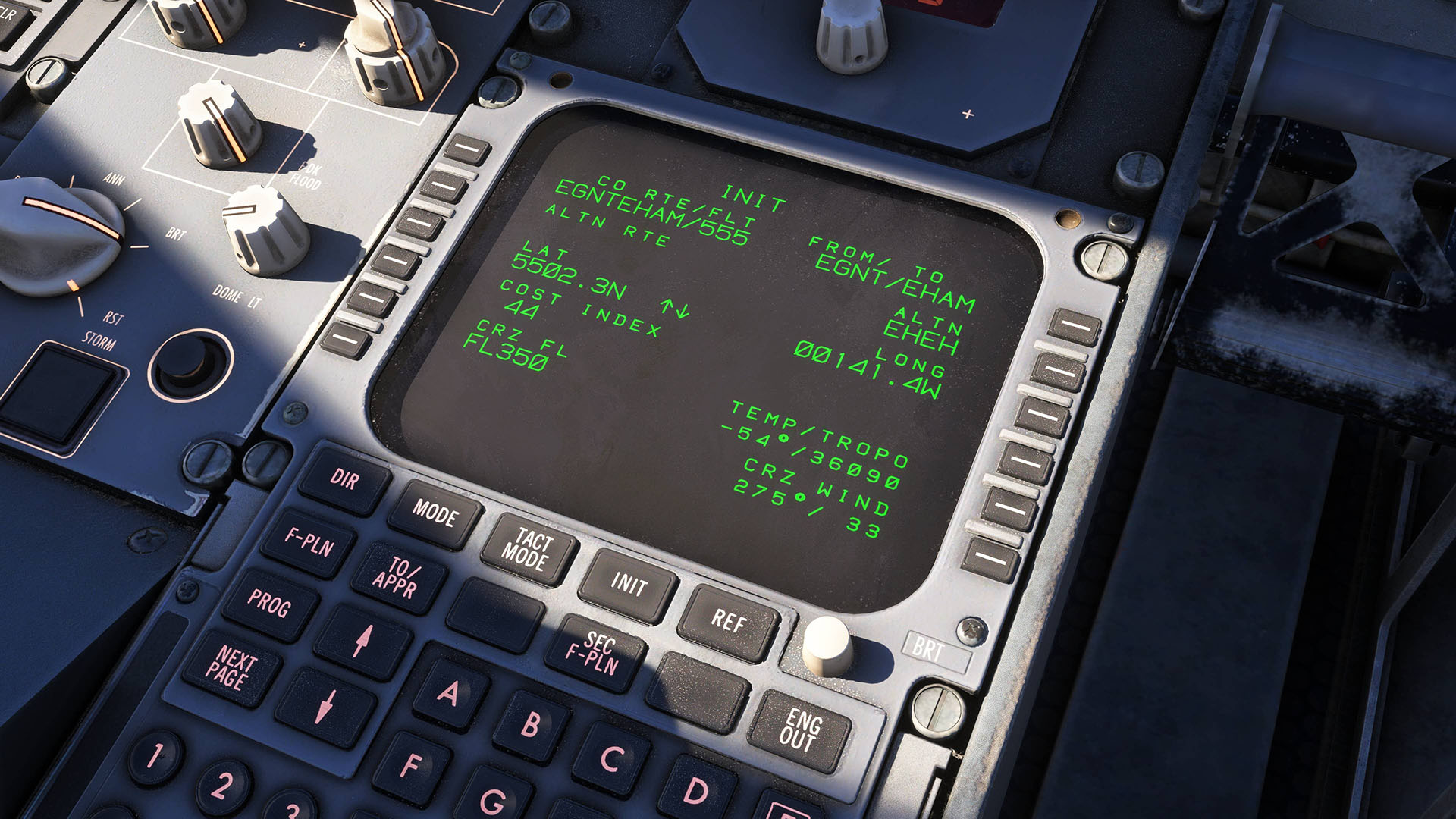
- Climb/Cruise/Descent speeds vary based on performance calculation in the Flight Management System (FMS), including Cost Index and Tactical Mode
Auxiliary Power Unit (APU)
- Realistic APU start and shutdown procedures, including APU Fire test
- Realistic bleed air and electrical power supply
- RPM, EGT and fuel burn values based on real-world data
Cockpit Equipment
- Animated captain, first officer and observer seats
- Animated cockpit door
- Animated sun visors, with visibility toggle on the EFB tablet
- Control columns with independent visibility logic
- Interactable paper checklists – use clickspots on the paper checklists to cycle through the checklist pages; import your own custom checklists
Communications
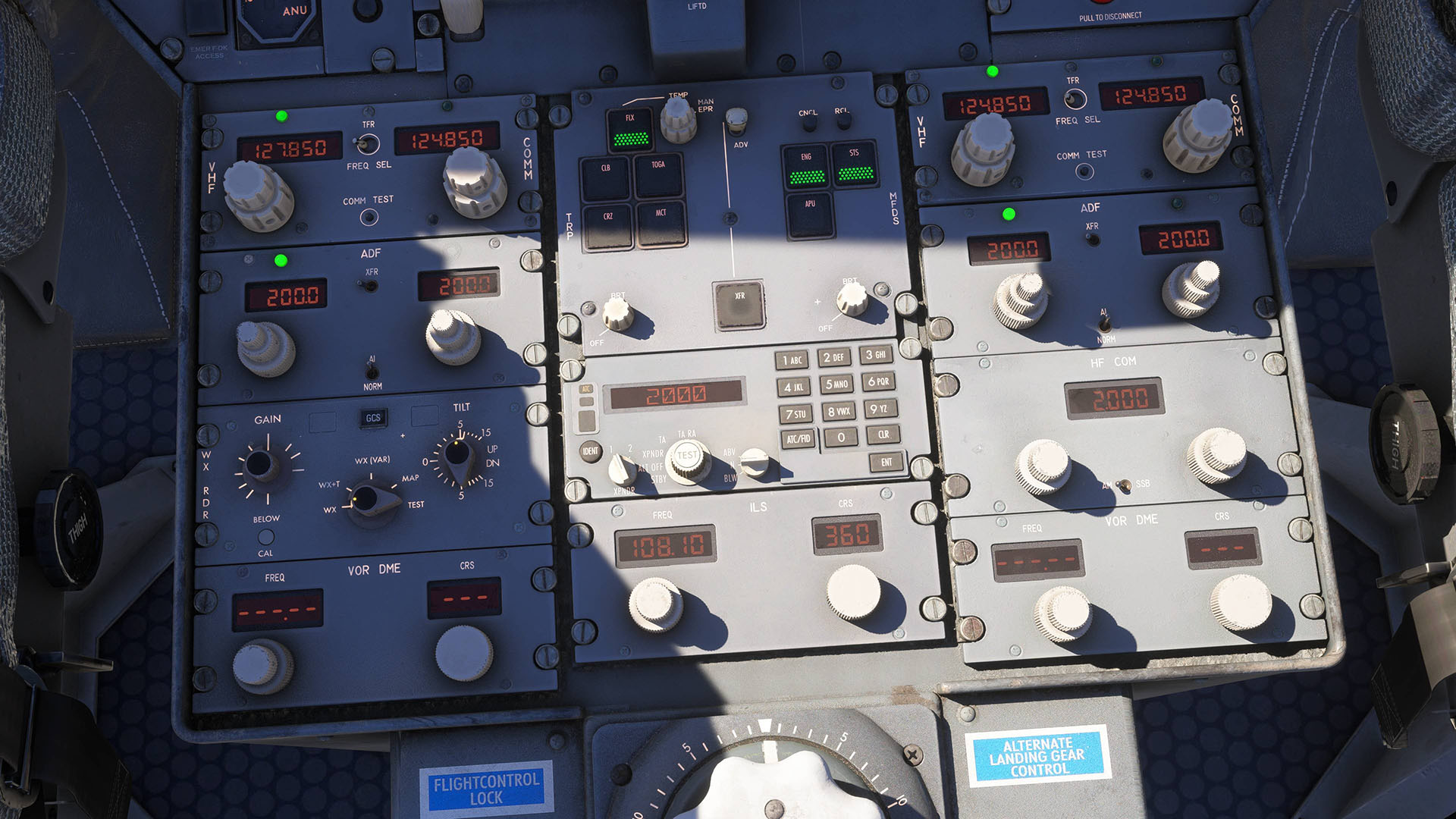
- Dual VHF COMM, NAV and ADF radios, with 8.33KHz spacing support
- Cockpit voice recorder test and indication systems
- Functioning Audio Panels, with audio source selectors, frequency monitoring, and volume controls
- Simulated internal communication between cockpit-to-cabin, cabin-to-cockpit, and cabin-to-cabin – cockpit and forward galley controls fully functional, and generate realistic chimes and call lights in the aircraft
- First Officer will provide callouts during all phases of flight
- Cabin crew interaction including, welcome onboard, safety briefing, cabin is secure, and seat belt announcements
Electrical
- Independent engine, APU and external power (AC and DC) sources
- External power available via GPU and Jetway sources
- Generator and TRU loading, and automatic and manual load switching
- Emergency and Essential power sources
- Accurate AC and DC load values depending on system usage
Electronic Flight Bag (EFB)
The aircraft is equipped with a tablet EFB for controlling various aircraft configuration options, weight and balance, and more. Features include:
- Aircraft Configuration menu with many options, including Altimeter Sync, State Saving, Equipment Customisation options (logo lights, taxi lights, etc.), IRS alignment speed (Fast/Realistic), imperial/metric units toggle, and much more
- Custom-coded Fuel and Payload manager: Set fuel quantity in individual tanks (including total fuel weight, automatically split between tanks), set specific payloads in the passenger cabin and cargo hold (including Zero Fuel Weight)
- Boarding and Refuelling Simulation, allow you to load and unload the aircraft in a realistic timeframe
- Aircraft State selections (quickly load the aircraft in a “Cold and Dark”, Turnaround” or “Ready for Takeoff” state)
- Controls for toggling the Ground Power Unit (GPU) and chocks, and opening/closing Passenger, Cargo and Service doors
- Monitor Centre of Gravity position and automatically set the correct take-off stabilser trim with a click of a button
- Pilot and cabin announcements controls
- Quality of life apps, such as: Checklists, Map, Notes and a Top of Descent Calculator
- Take-off and Landing Performance calculators – with buttons to import data from a SimBrief OFP, and export data to the FMS
The EFB also includes flight planning and monitoring features:
- Import your Simbrief OFP and view a summary of the flight plan, the METAR weather reports for you departure, destination and alternate airports, or view the OFP in full
- Monitor your flight in real time using a Map app, with tracking, zoom and pan controls
- Support for Navigraph Airport Charts and Navigraph En Route Charts (requires an active Navigraph subscription)
Fire Protection
- APU and engine fire detection and warning systems
- APU and engine fire extinguishing systems
- Fire test functionality
- Various overheat detection and warning systems on all subsystems
Flight Controls
- Fully simulated flight control system
- Aileron control tab simulation when hydraulic pressure is not available
- Alternate stabiliser and flap controls
- Iconic tail-mounted speedbrake and lift dumpers with manual and automatic extension modes, all with realistic deployment times and custom deployment sounds
- Gust lock functionality
Fuel
- Realistic fuel quantity and consumption based on real-world data (the simulated aircraft features wing tanks and a centre tank)
- Automatic and manual centre tank fuel transfer via transfer pumps (including fuel venting should the wing tanks be overfilled in manual mode)
- Fuel levers with SHUT and OPEN positions
- Simulated fuel collector tanks
- Fuel quantity indications for each wing and centre tank (displayed in KG or LB based on a toggle on the EFB tablet)
- Refuelling Simulation on the EFB/tablet provides functionality to refuel the aircraft at a realistic rate
Hydraulics
- Independent System 1 and System 2 hydraulic systems with realistic pressure, quantity and supply to subsystems
- Simulated electrically driven pumps for both hydraulic systems – increase brake system pressure prior to engine start using the electrically driven pumps
- Simulated loss of brake effectiveness with a hydraulic pressure loss
- Variable hydraulic pressure and quantities based on real world reference material
Ice and Rain Protection
- Simulation of engine anti-icing, wing anti-icing and tail anti-icing
- Ice detection and accumulation simulation on exterior surfaces
- Ice detection warning system
Instruments and Recorders
- A vast array of annunciators, including accurately simulated Flight Warning System (FWS) and Standby Annunciator Panel (SAP)
- Independent Electronic Flight Instrument System (EFIS) for Captain and First Officer, with simulated alternate modes of operation
- Fully functional EFIS Control Panels, including EFIS ND PLAN/MAP/ARC/ROSE formats, CSTR/WPT/STA/ARPT/TRFC filters, map ranges from 30B to 240, and more
- Weather radar functionality on EFIS ND
- Secondary instruments (RMI, Chronometer)
- Standby instruments (Airspeed indicator, Altimeter, Horizon, Compass)
- Cockpit Voice Recorder and Flight Data Recorder, including Ground Control mode and Ground Tests
Landing Gear
- Accurate landing gear retraction and extension times with timings varying based on hydraulic system pressure
- Dynamic brake temperature dependent on brake application force and ambient temperature
- Simulated Anti-Skid test
- Nose-wheel steering controllable via rudder pedals or steering tiller (steering mode toggleable via option on EFB tablet)
Lighting
- Independent lighting controls for Captain and First Officer
- Dimmable integral cockpit instrument lighting
- Simulated emergency and standby lighting
- Freely moveable reading lights, and yoke checklist lights
- Accurately simulated exterior lighting, including Beacon, Landing, Logo, Navigation, Strobe, Taxi and Wing Inspection lights
- Toggleable Logo and Taxi light configurations via options on the EFB tablet
- Realistic fade in/fade out effects of external incandescent lighting
- Cabin lighting controllable via forward galley panel, including ceiling, side wall, galley, and emergency lighting
- Integral stair lighting in passenger door
Navigation
- A complex, fully-custom coded, Flight Management System (FMS) with two independent Control Display Units (CDUs)
- FMS supports lateral navigation, vertical navigation, position determining, automatic and manual navaid tuning, weight and balance computation, time and fuel predictions, manual flight plan entry, manual waypoint creation, manual navaid creation, flight plan imports, and much more!
- DIR, MODE, TACT MODE, INIT, REF, F-PLN, TO/APPR, and PROG pages all simulated, including most sub-pages (SEC F-PLN and ENG OUT not simulated)
- Dual Inertial Reference System (IRS) configuration, with independent controls for each IRS
- Realistic alignment time based on the aircraft’s latitude (options to toggle between Realistic/Fast IRS alignment speeds on the EFB/tablet)
- Set IRS position either via the Control Display Uni (CDU) or Inertial Systems Display Unit (ISDU) – IRS re-alignment and position update simulated
- VOR/DME, NDB and ILS procedures simulated
- SimBrief flight plan imports via the SimBrief API or via local file saves
Power Plant
- Tay 620-15 engine simulation producing 13,850 lbf thrust
- Accurate engine performance based on real world data – engine parameters displayed on Multifunction Display Unit (MFDU)
- Thrust Rating Panel (TRP) with FLX, CLB, TOGA, CRZ and MCT modes – reduced thrust take-offs possible via “FLX” mode and MAN EPR controls
- Custom-coded Engine Pressure Ratio (EPR) simulation
- Thrust Lever Lock integration with Flight Control Lock
- Standby Engine Indicator (SEI)
- Reverse thrust functionality
Warning Systems
- Flight Warning System (FWS) simulated and integrated with Master Warning Lights, Master Caution Lights, Multifunction Display System (MFDS), Standby Annunciator Panel (SAP), and other local alert lights
- Level 1, Level 2 and Level 3 alert levels with accurate audio
- Alert Messages and Memo Messages simulated, including procedures comprising of action and advisory checklists following an alert
- WARN SYS test simulated with over 180 light filaments illuminating in an accurate order
- Traffic alert and Collision Avoidance System (TCAS) simulated, including TEST, STBY, OFF, XPDR, TA ONLY and TA/RA modes, and UP/DOWN filters
- TA and RA advisories and resolutions displayed on the PFD and ND
OTHER FEATURES
- Comprehensive Operations Manual including systems descriptions, procedures, limitations, and a tutorial flight
- EFB Manual with detailed information on all EFB features
- Interior and exterior camera presets, including engine/wing views
- Support for the MSFS interactive checklist system
- Support for numerous control assignments for compatibility with a variety of controllers and hardware
- GSX compatible; custom aircraft profiles provided for each F100 variant
- Custom Simbrief profiles provided
- PSD paint kit (12GB) available via a separate download so you can create your own liveries
The F70 has the following liveries.
- Just Flight House Livery
- Air Littoral (F-GLIT)
- Alliance Airlines (VH-NUO)
- American West (N528YV)
- Austrian Airlines (OE-LFH)
- Demonstrator (PH-MKC)
- KLM Cityhopper (PH-KZL)
- Malev Airlines (HA-LMC)
- Netherlands Government (PH-KBX)
- TUS Air (SB-DDF)
- Tyrolean (OE-LFK)
Dassault Falcon 50 Released for MSFS 2024 and MSFS 2020
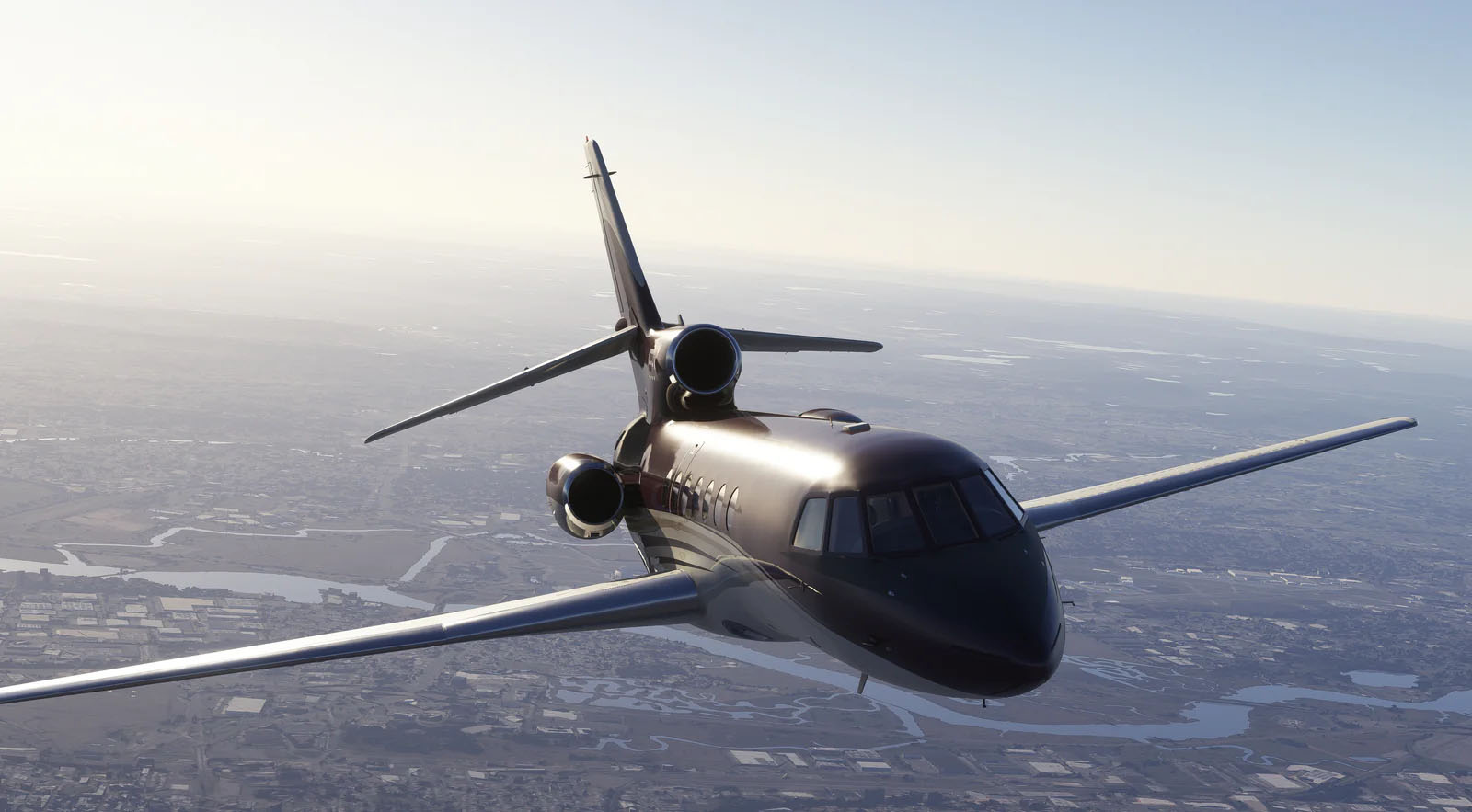
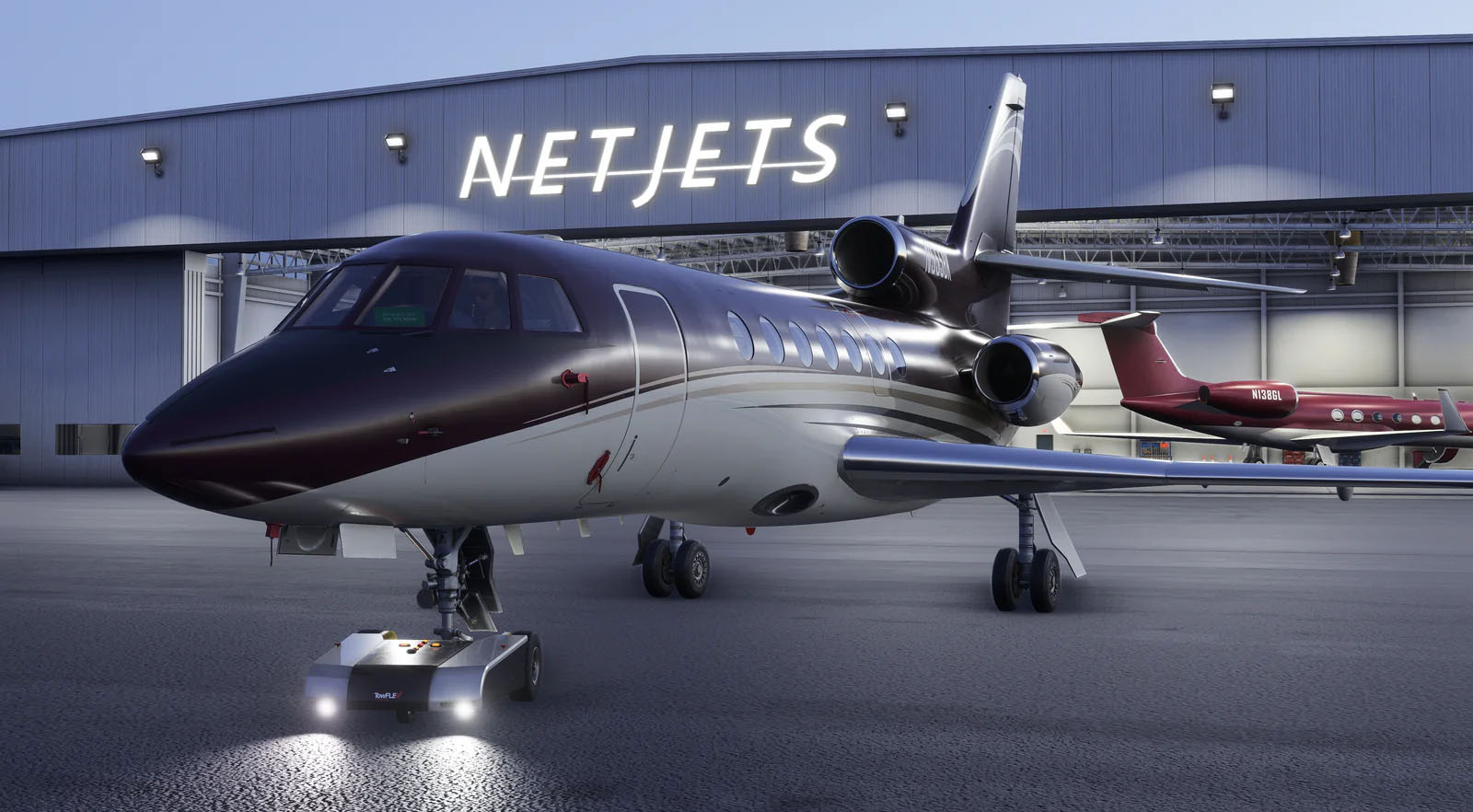
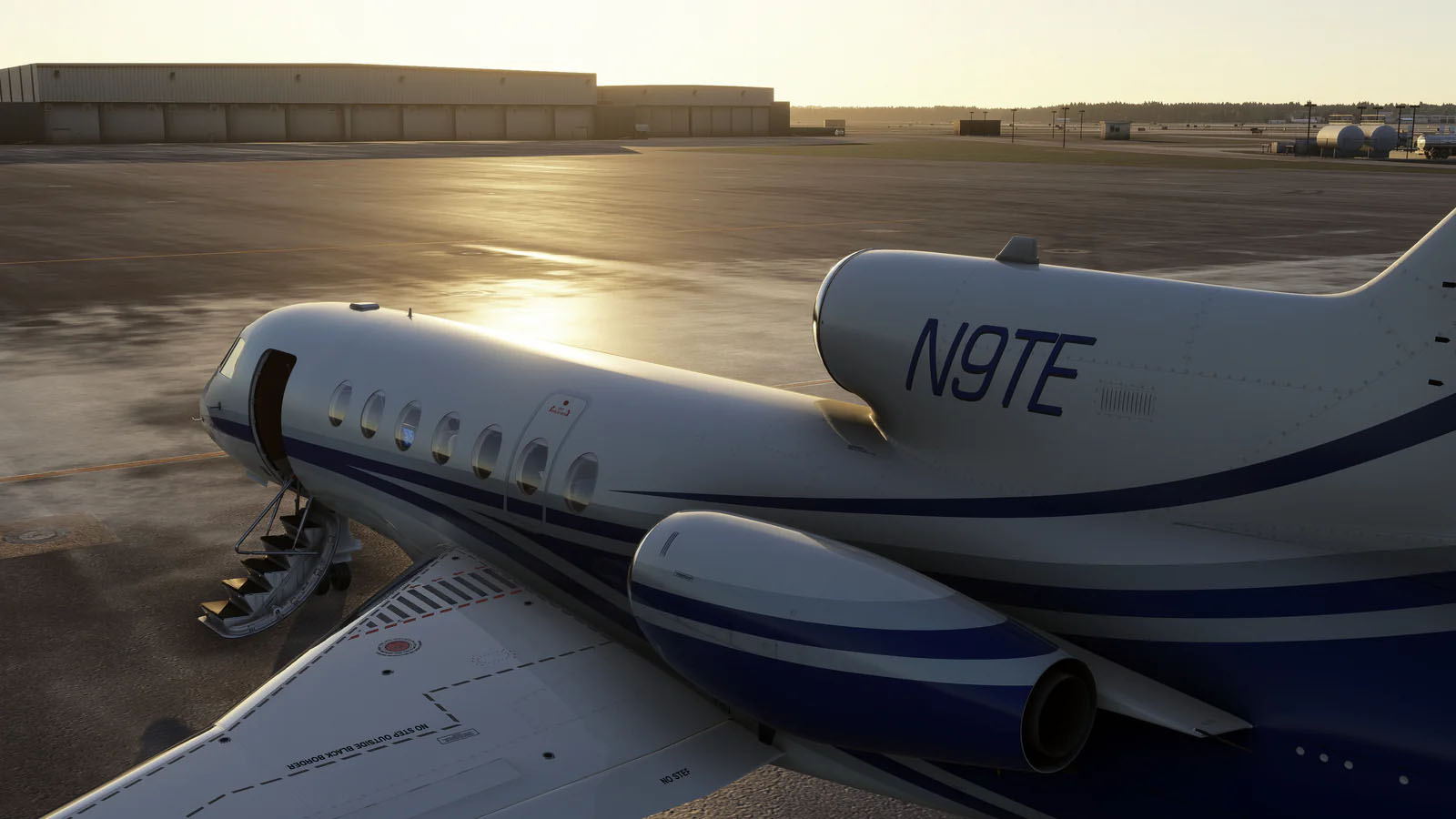
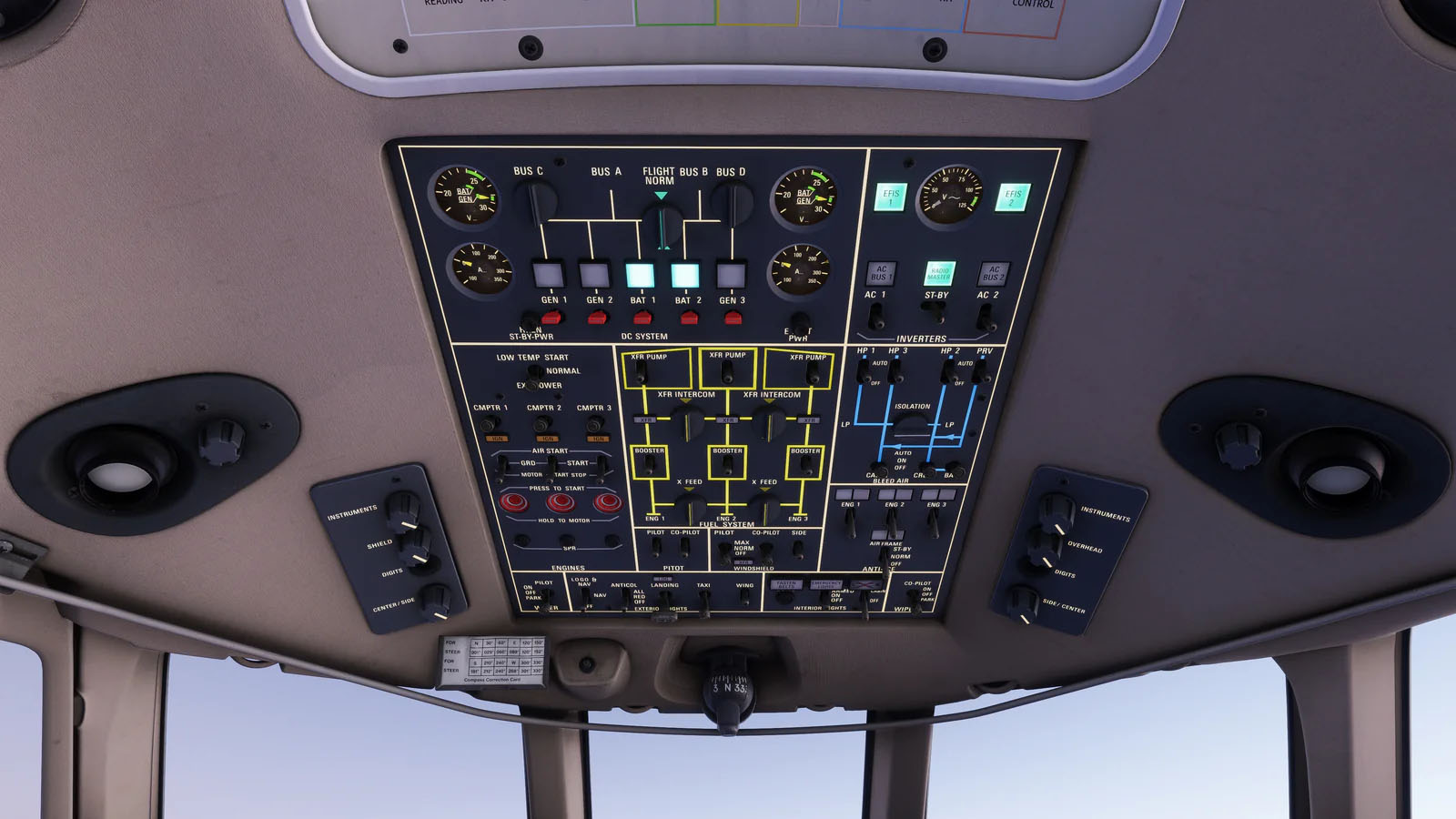
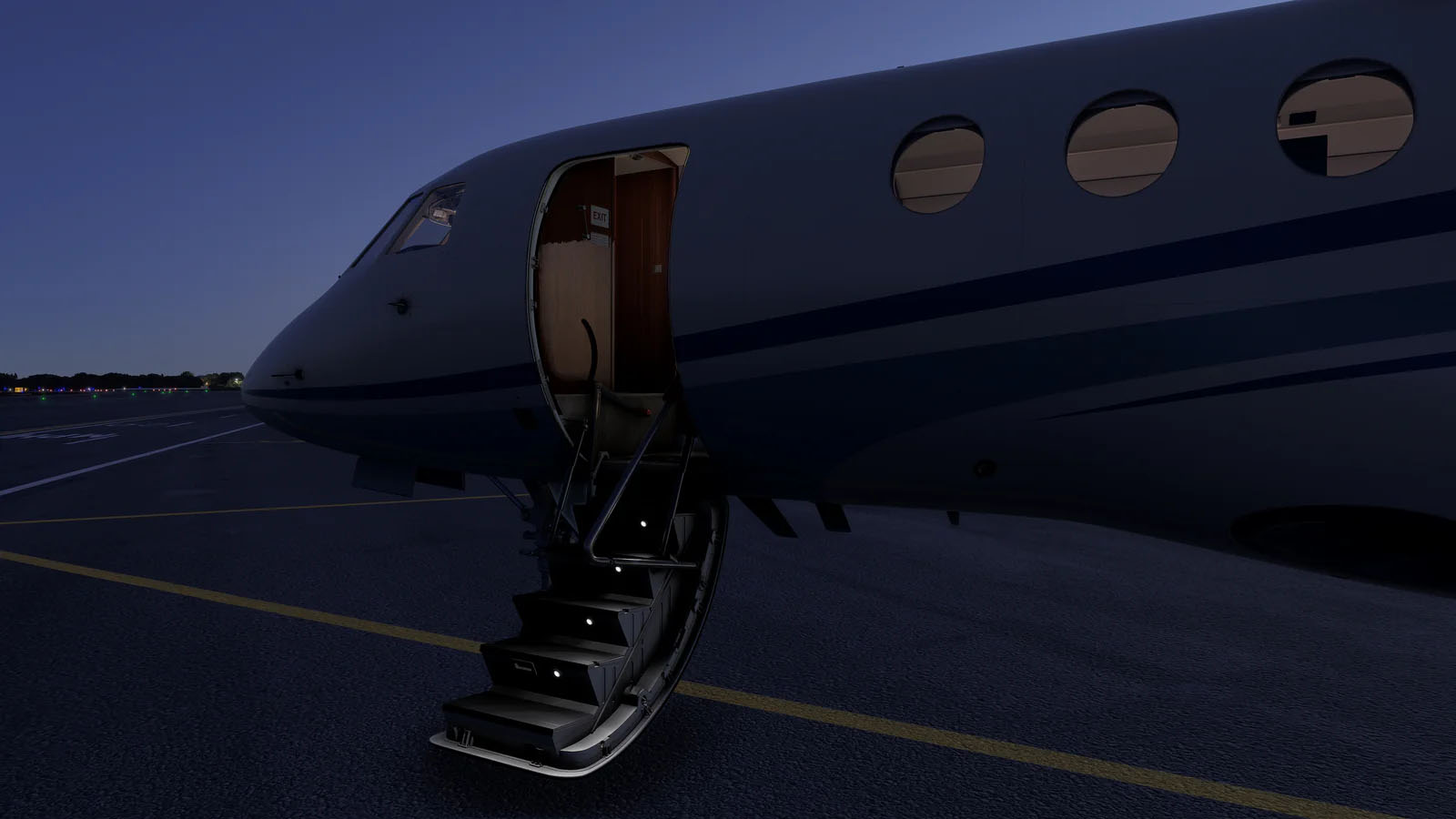
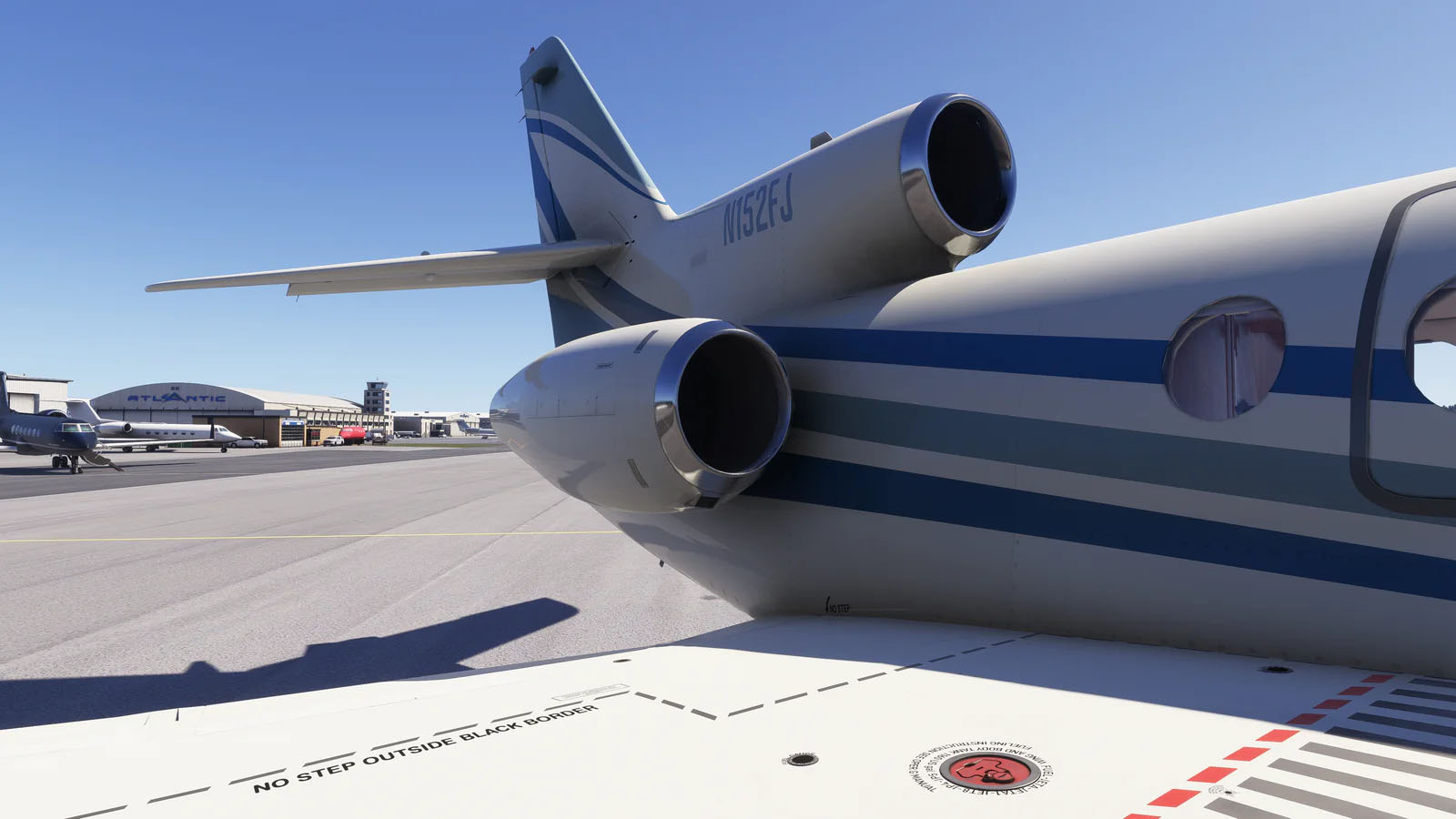
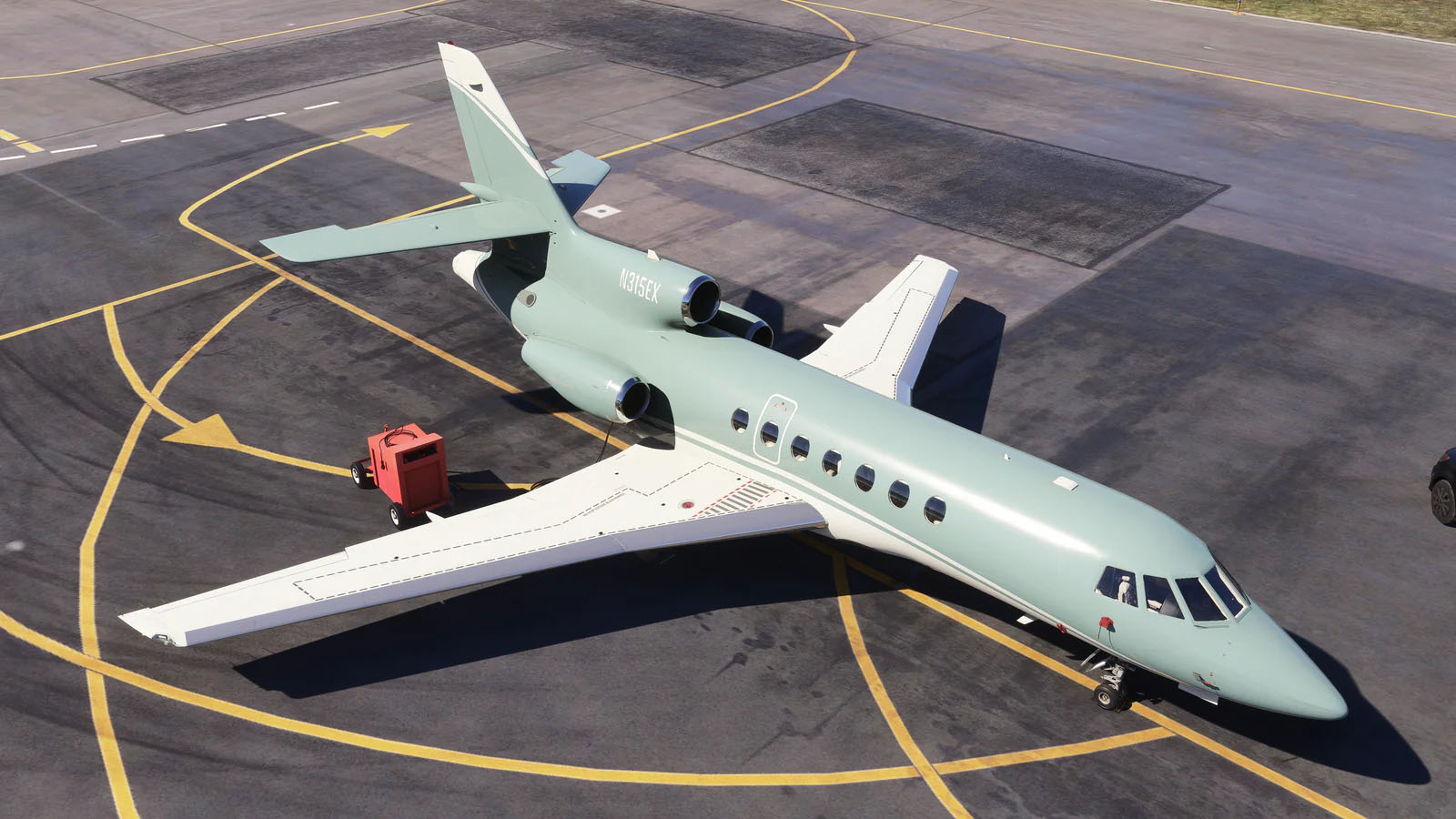
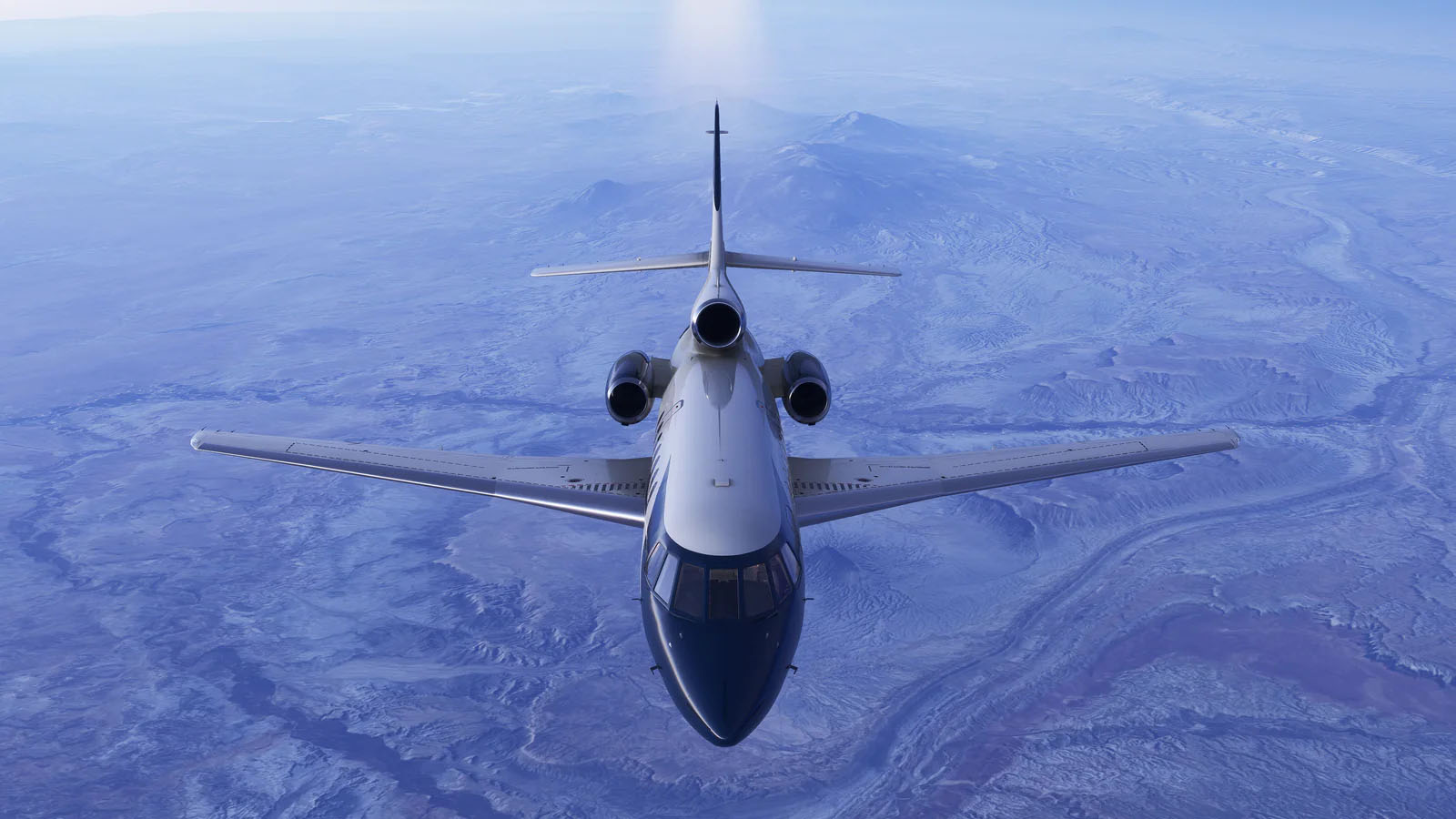
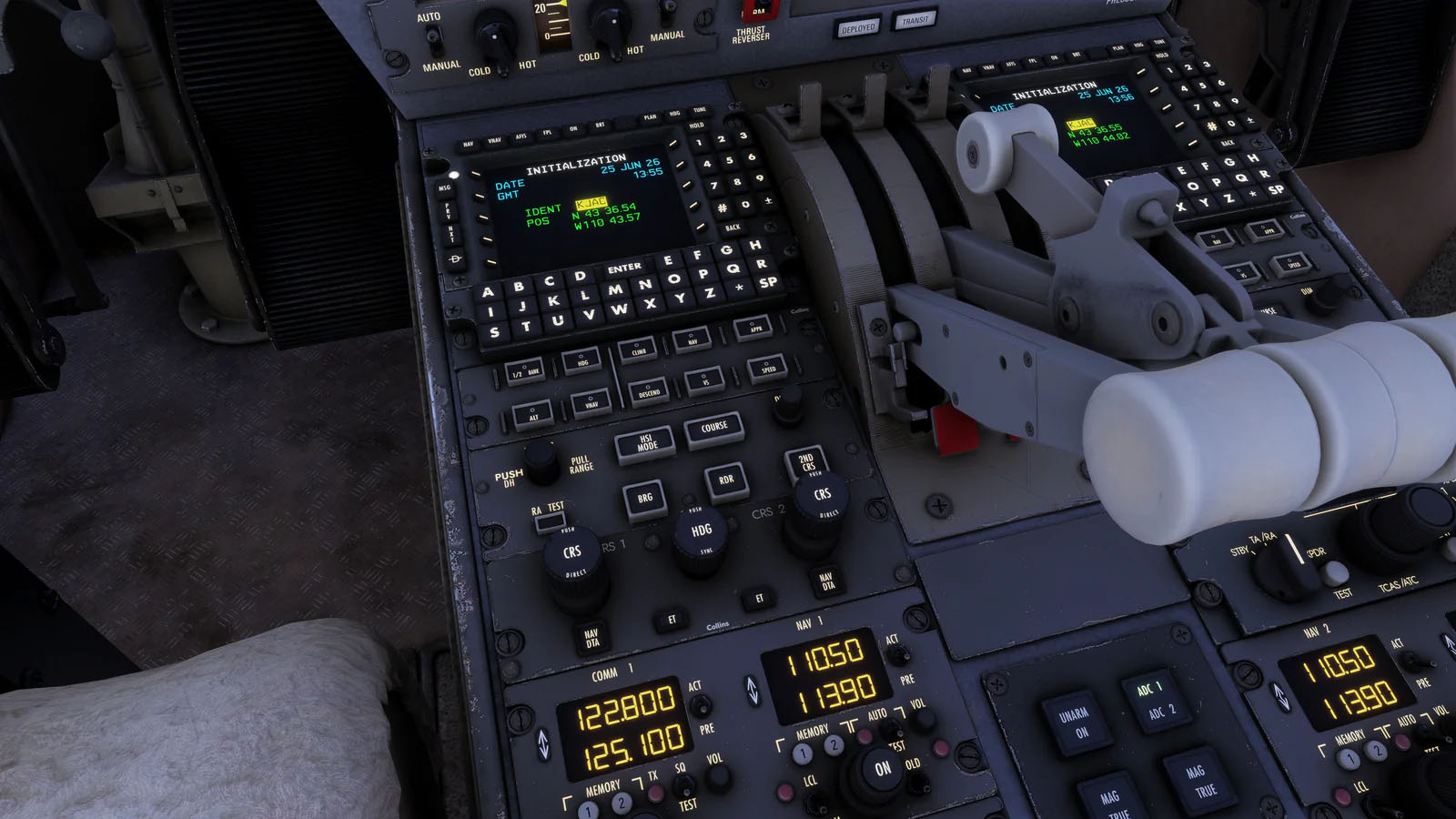
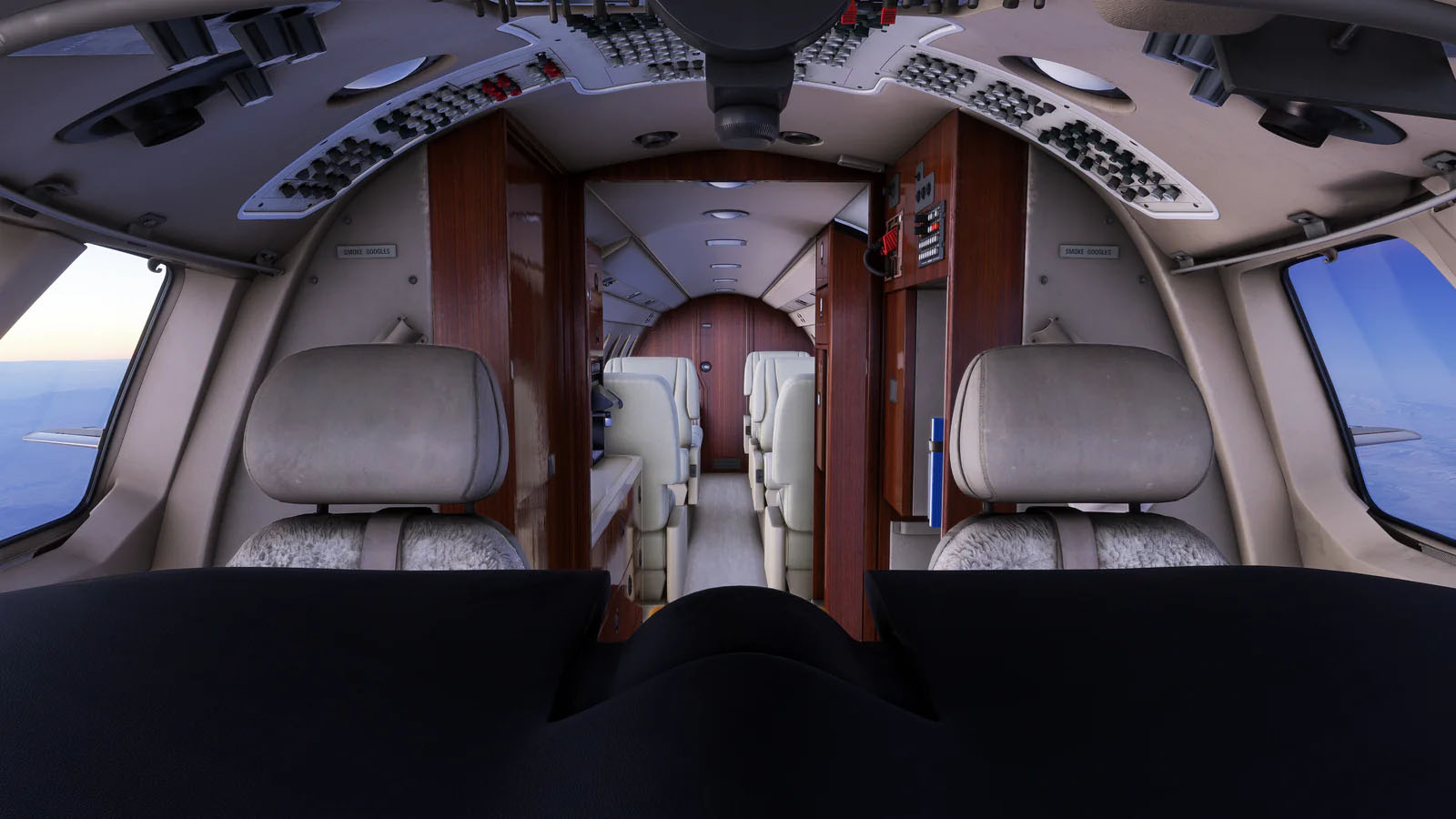
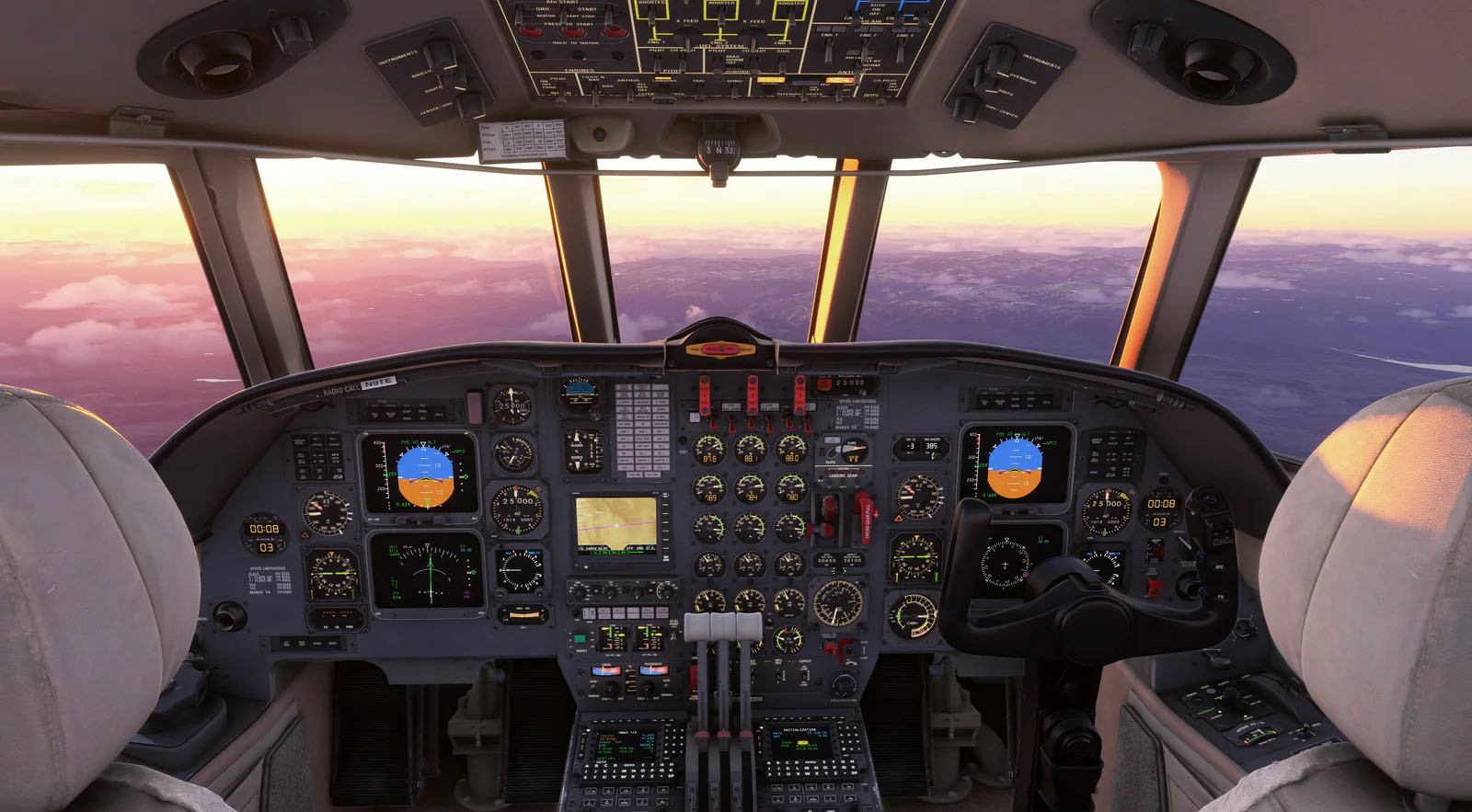

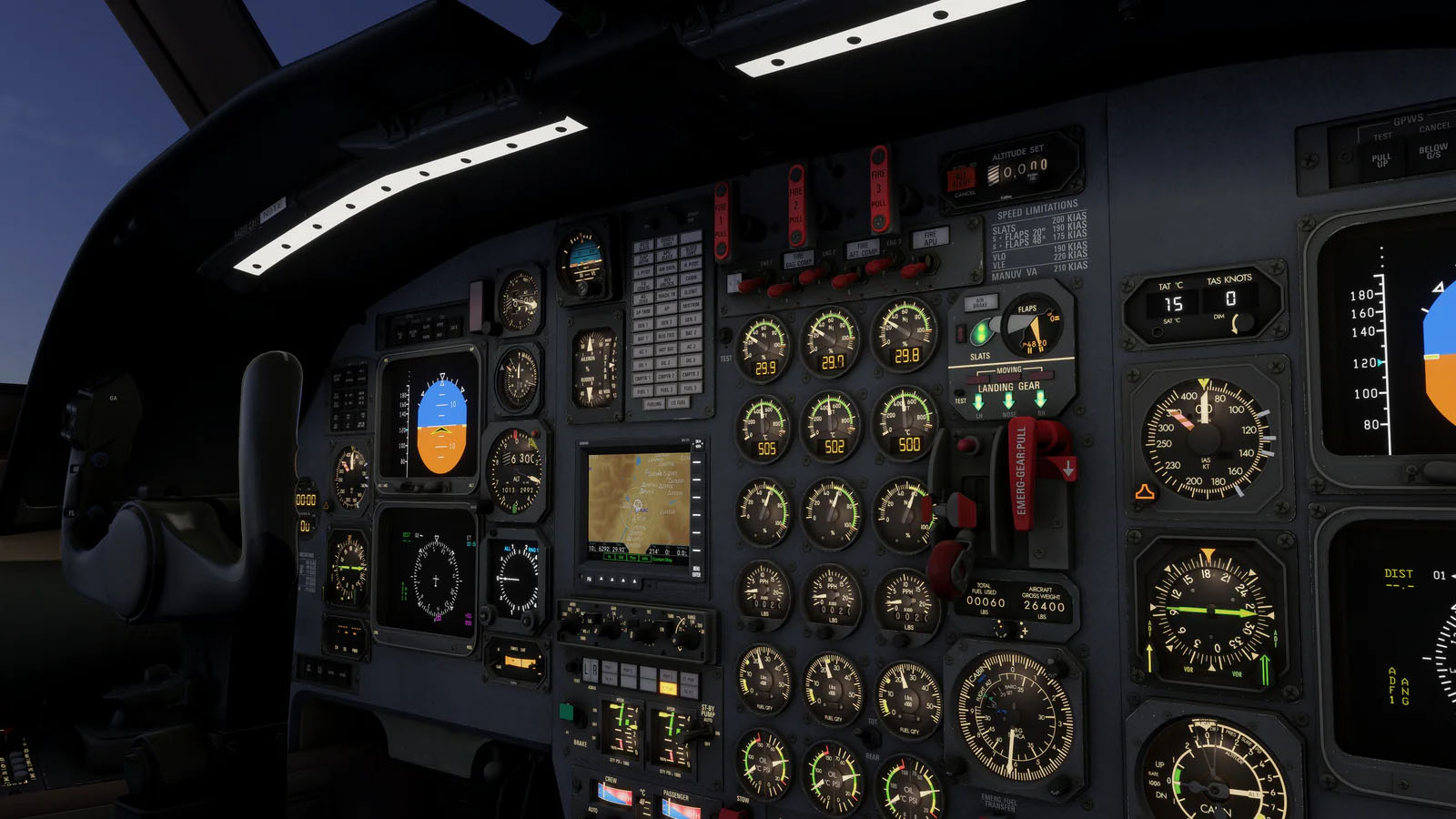
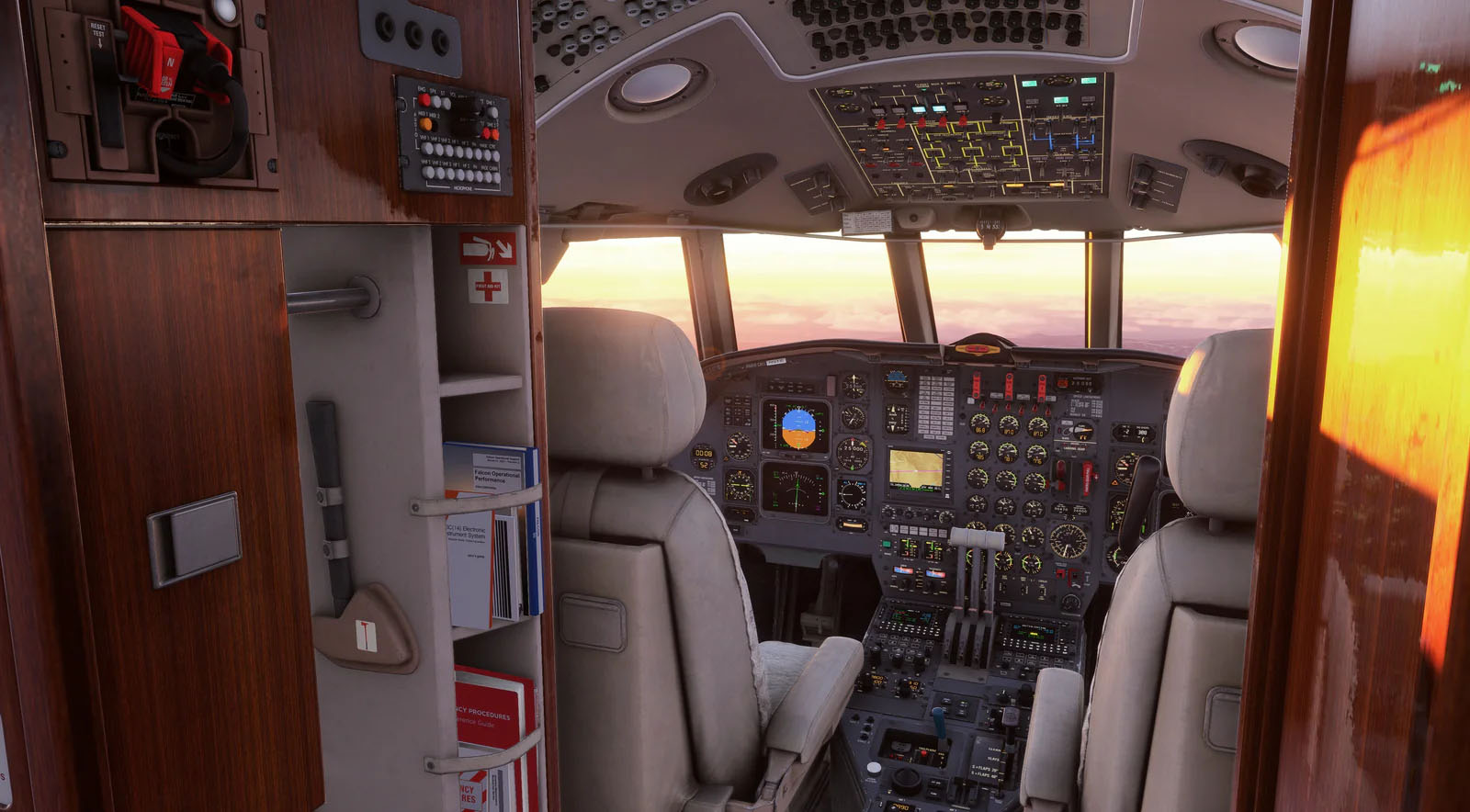

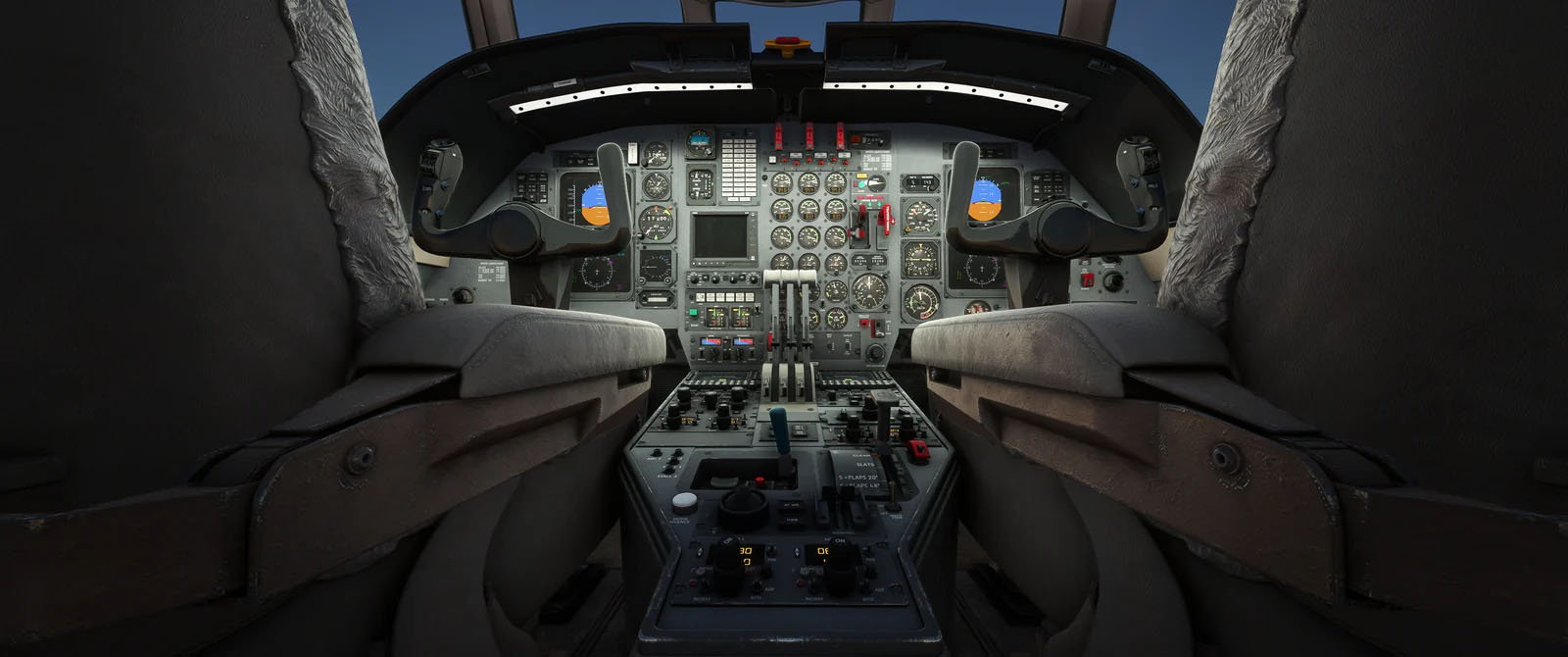
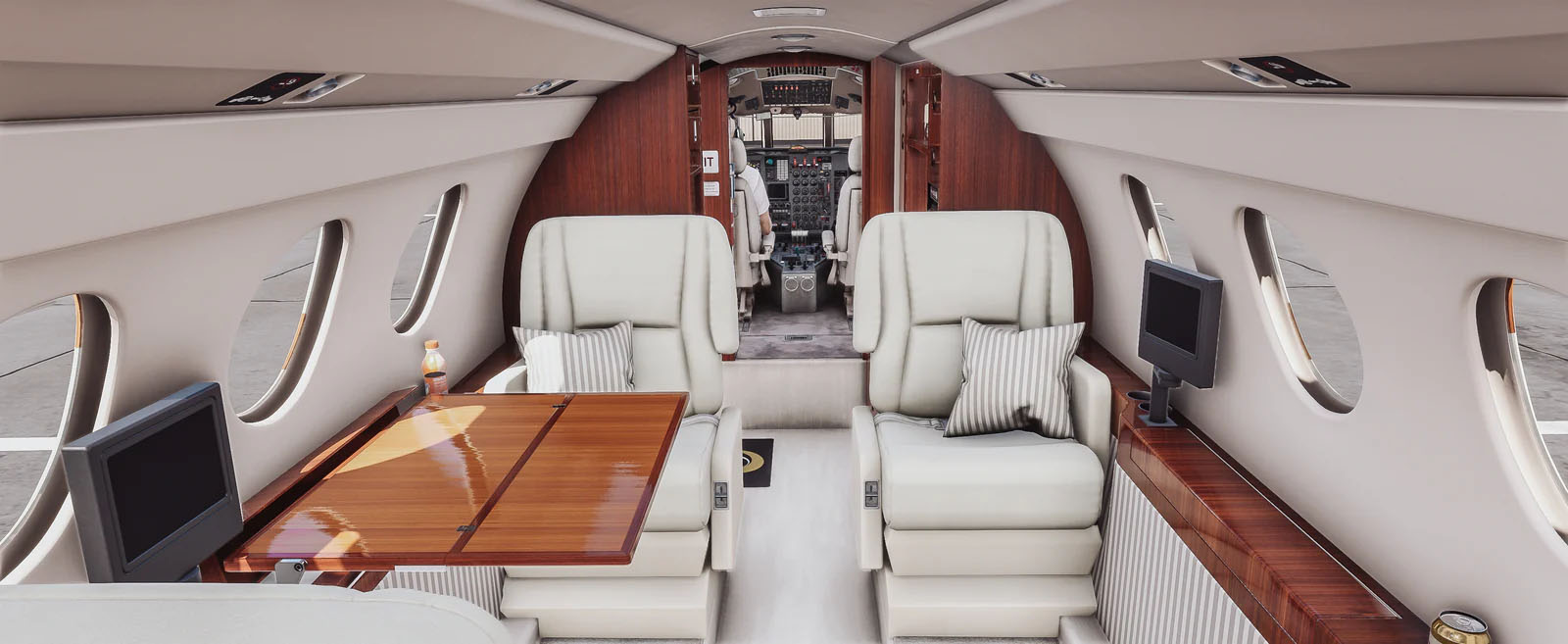

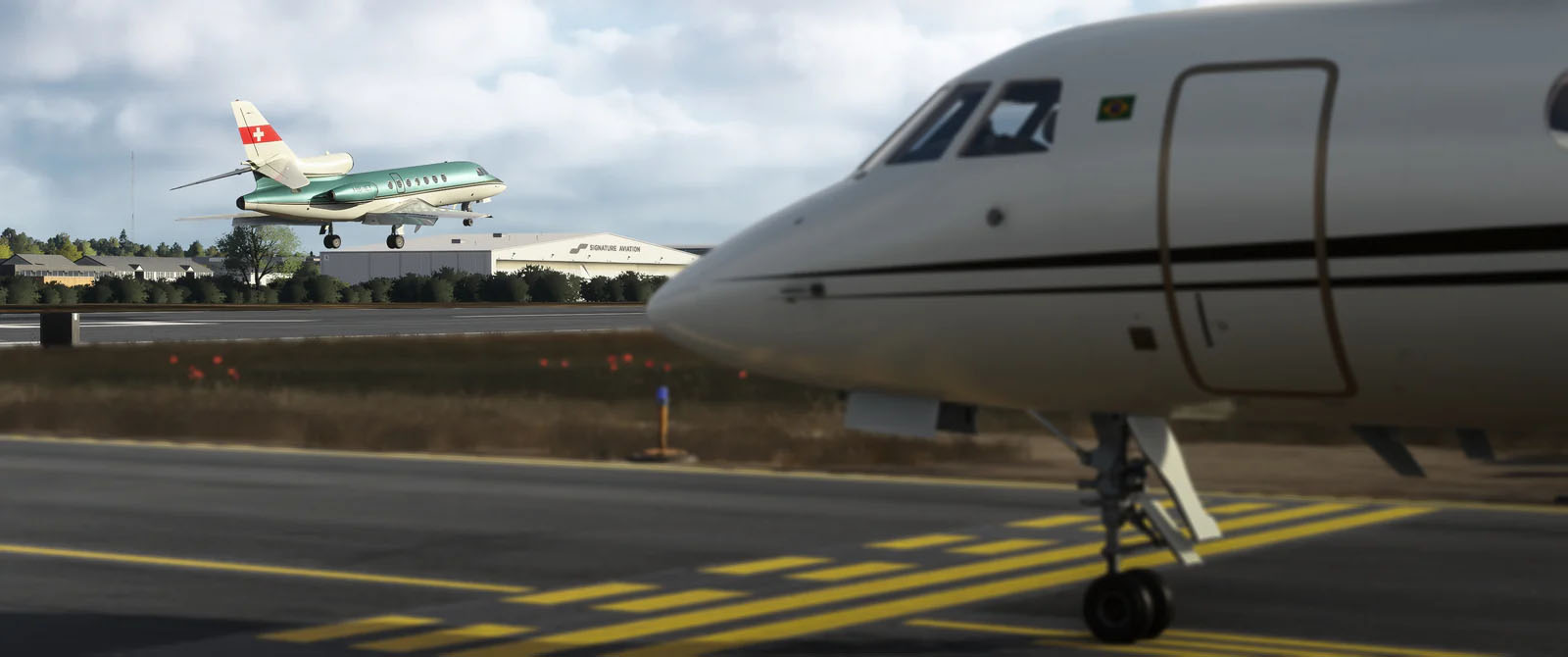
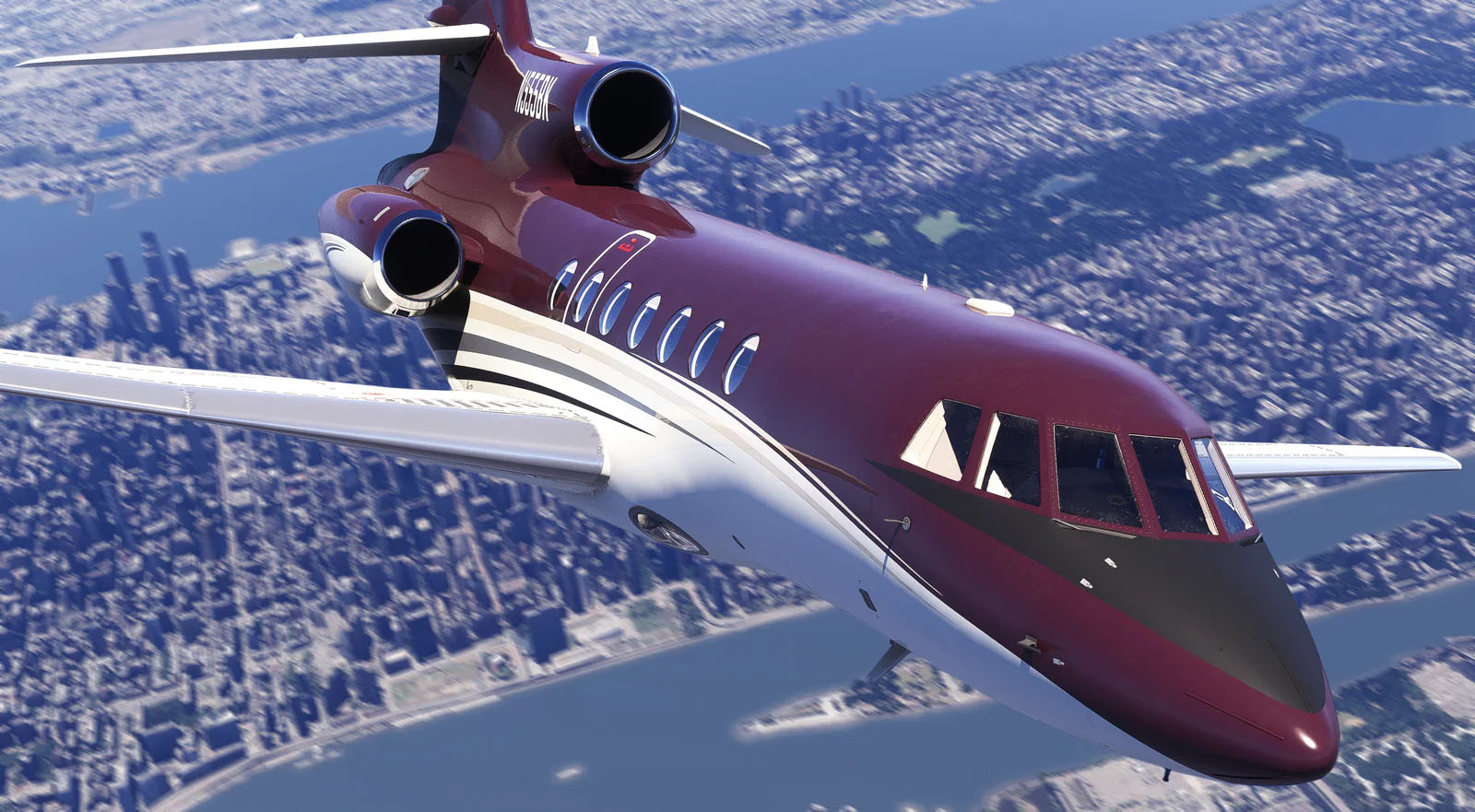
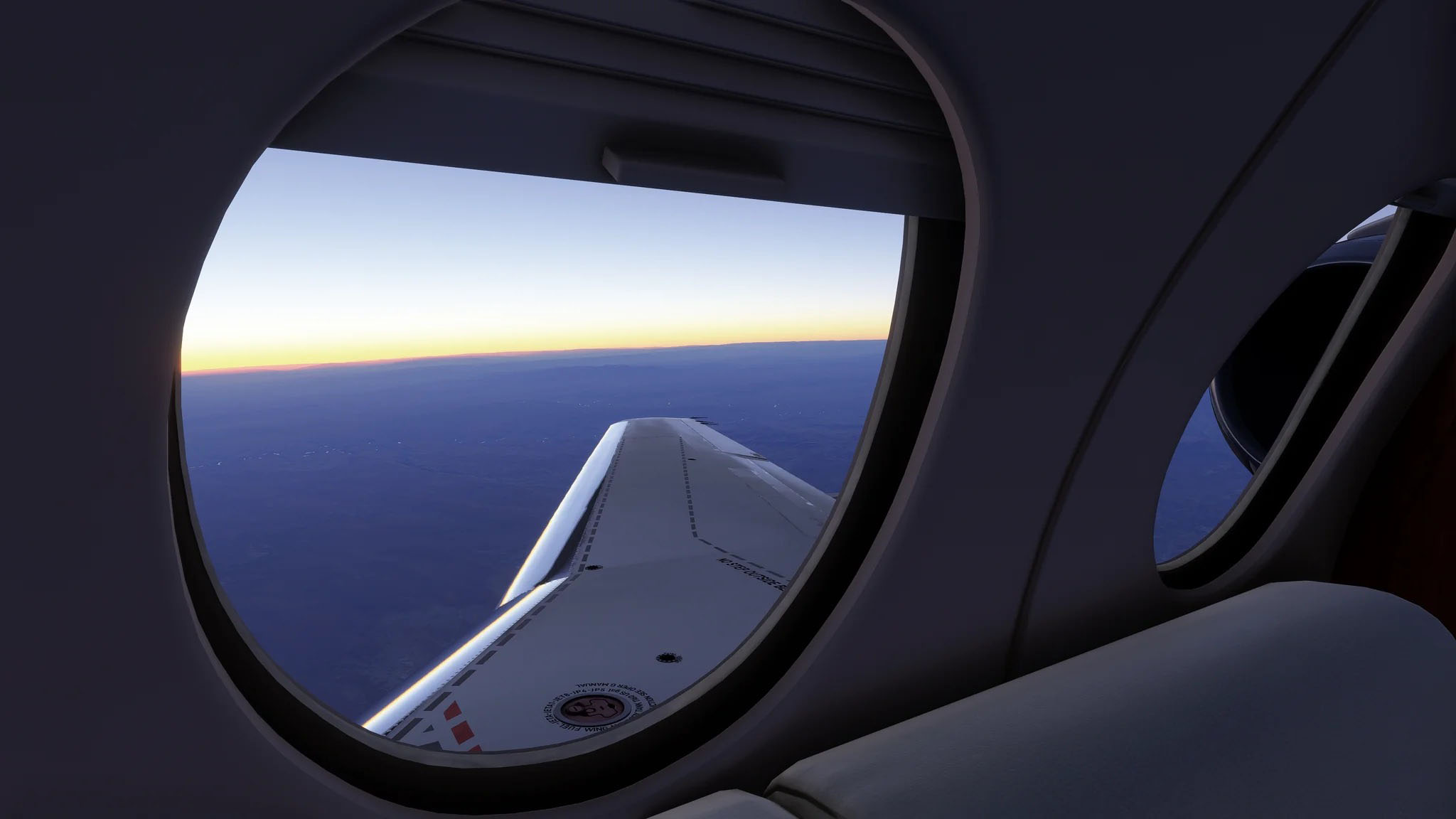


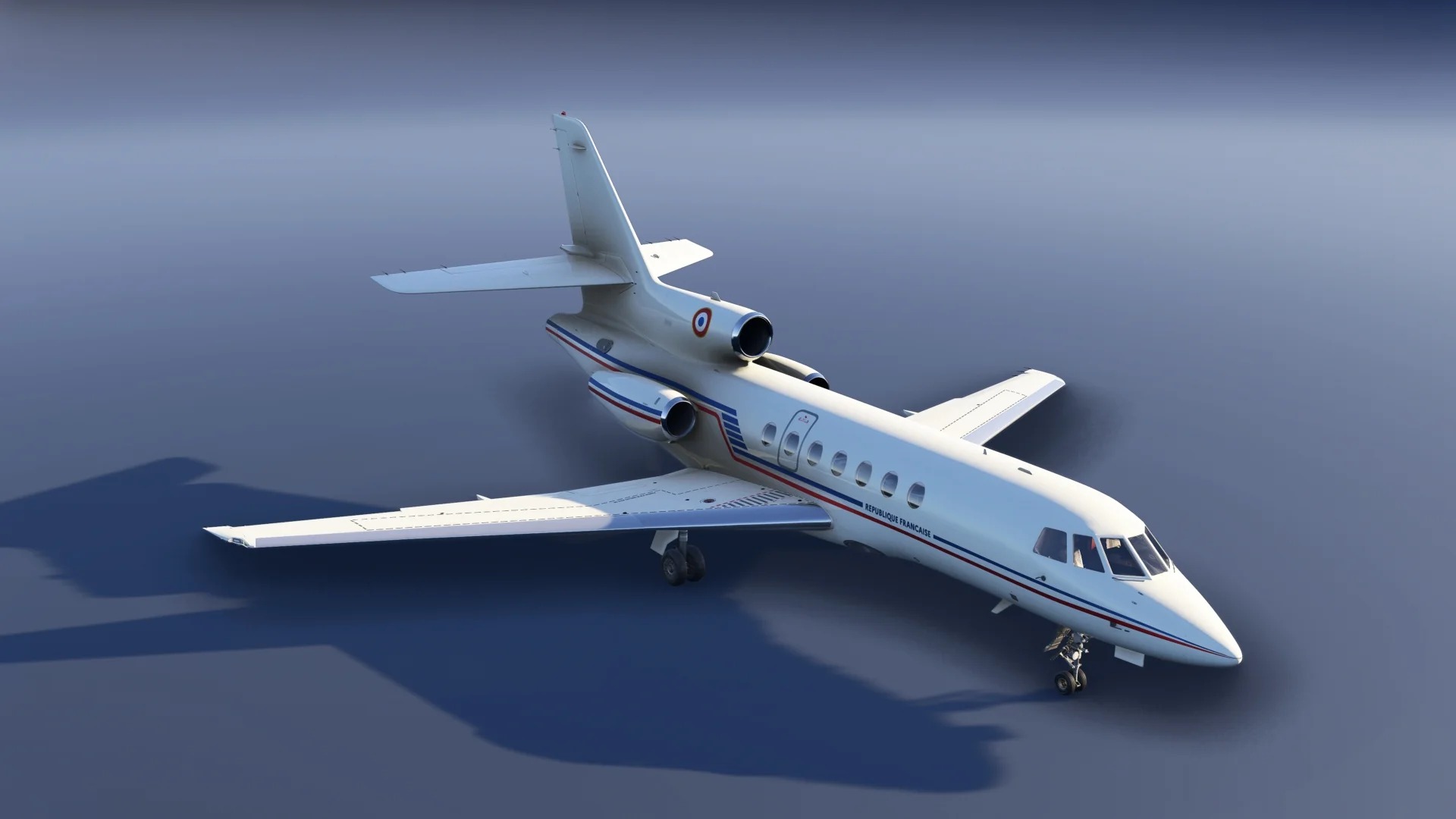

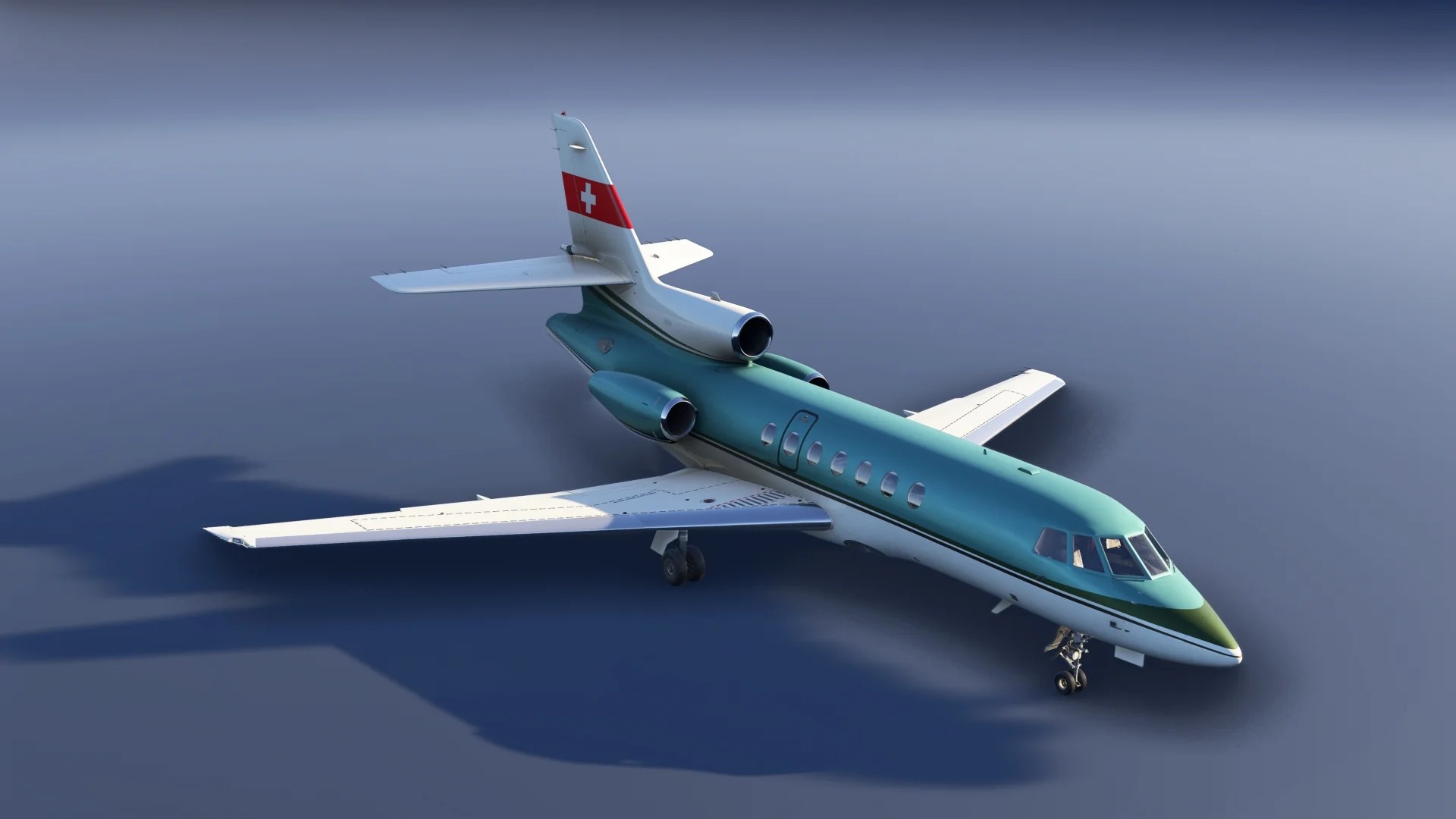
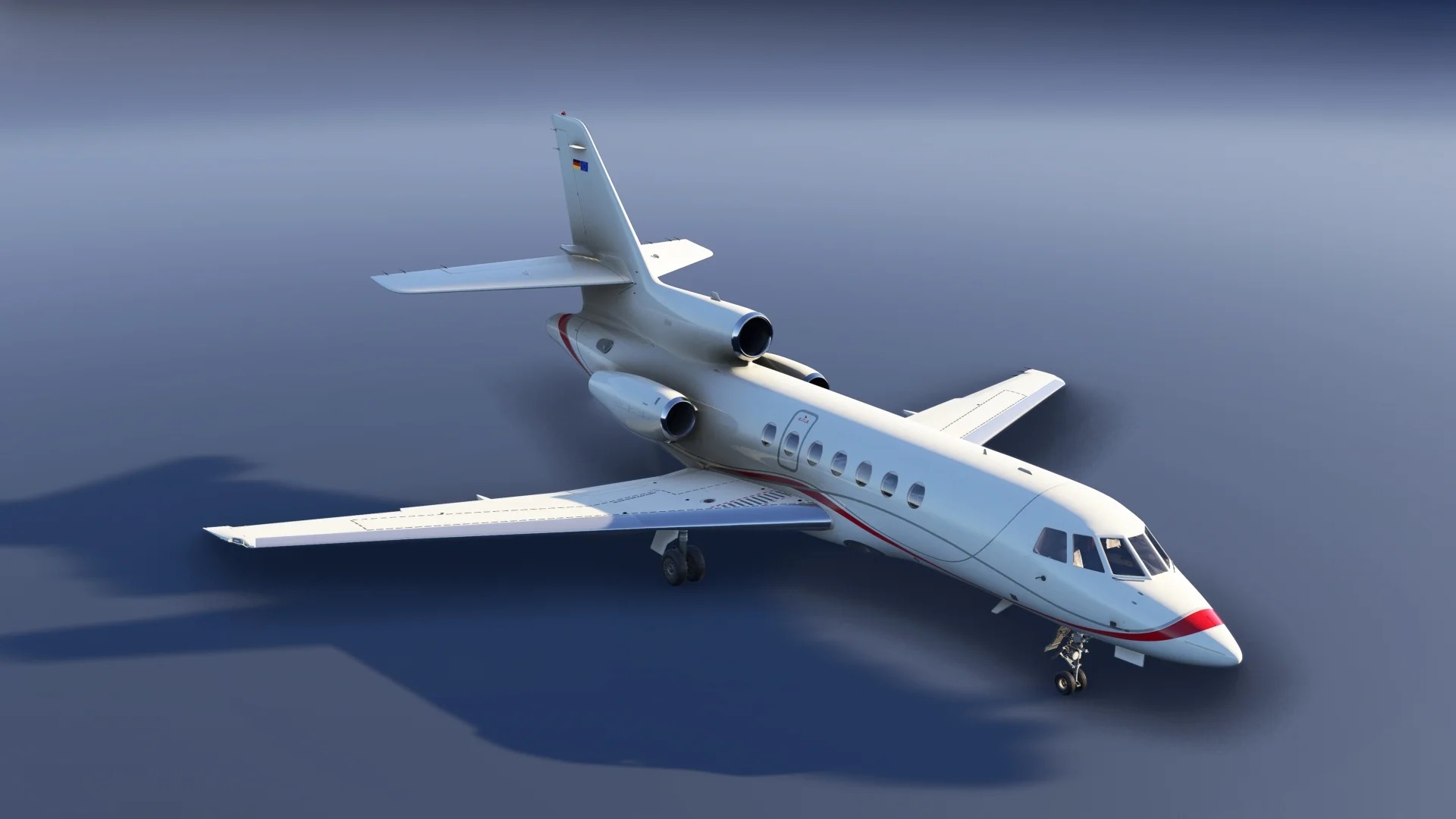

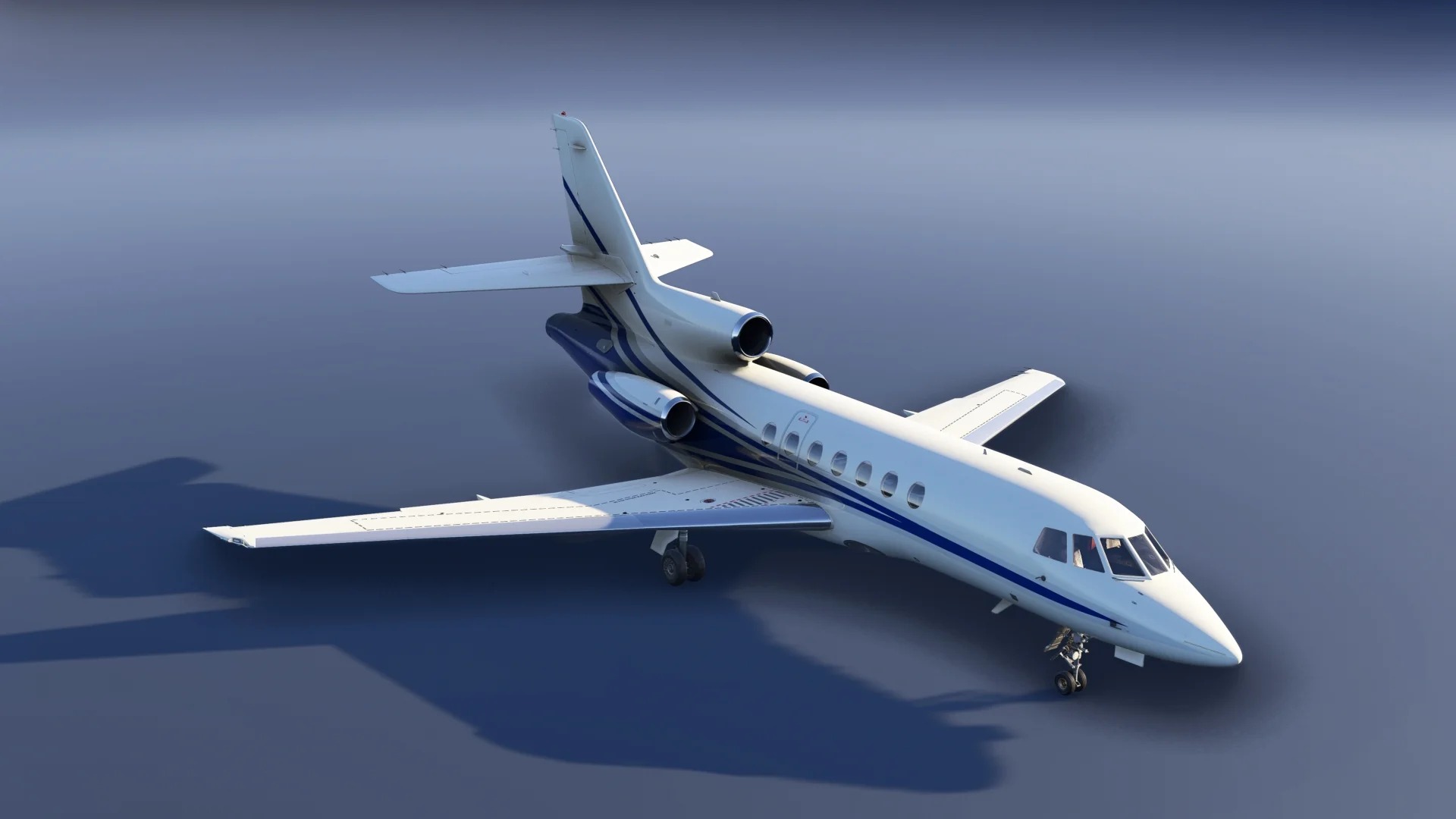

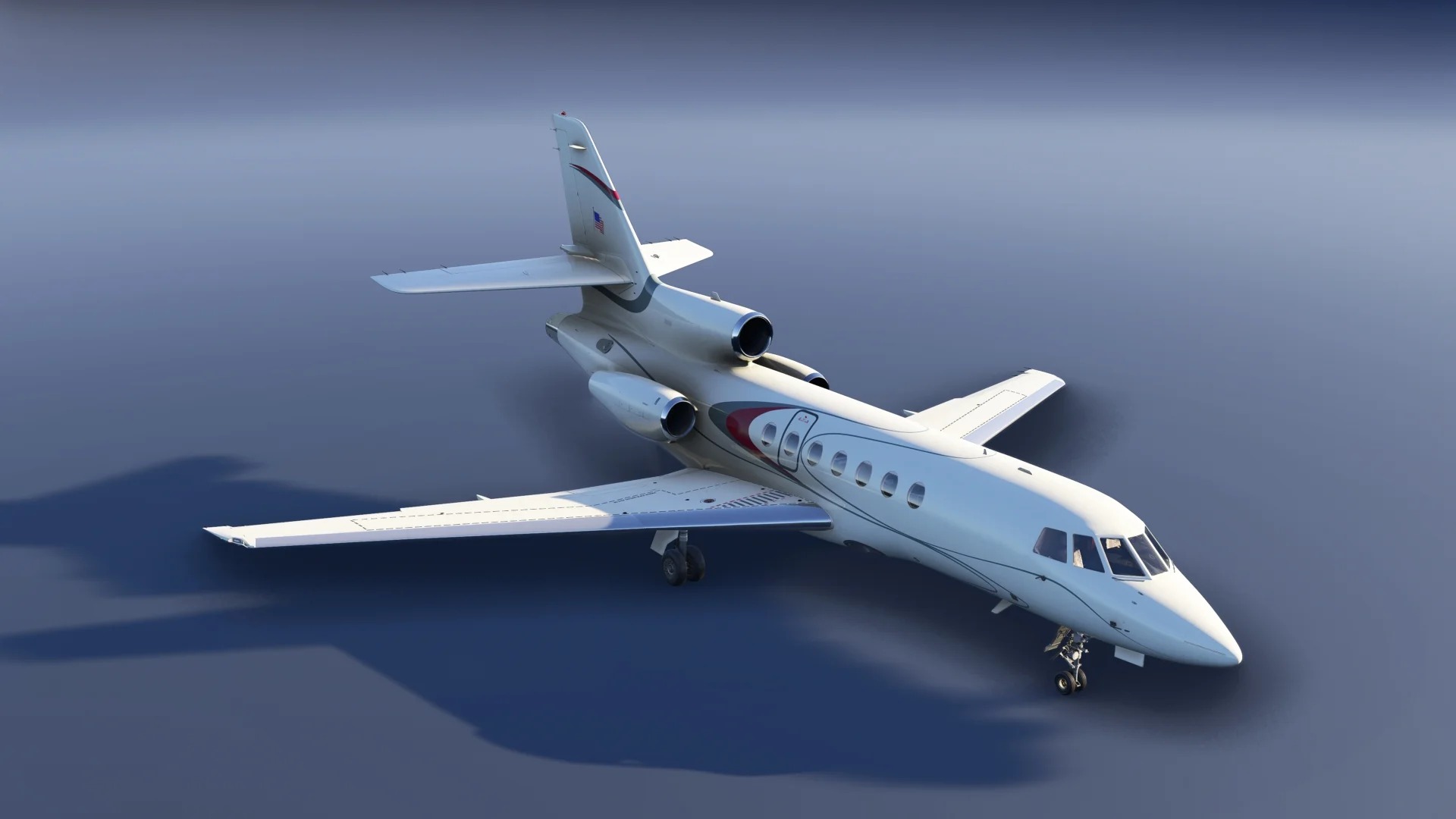
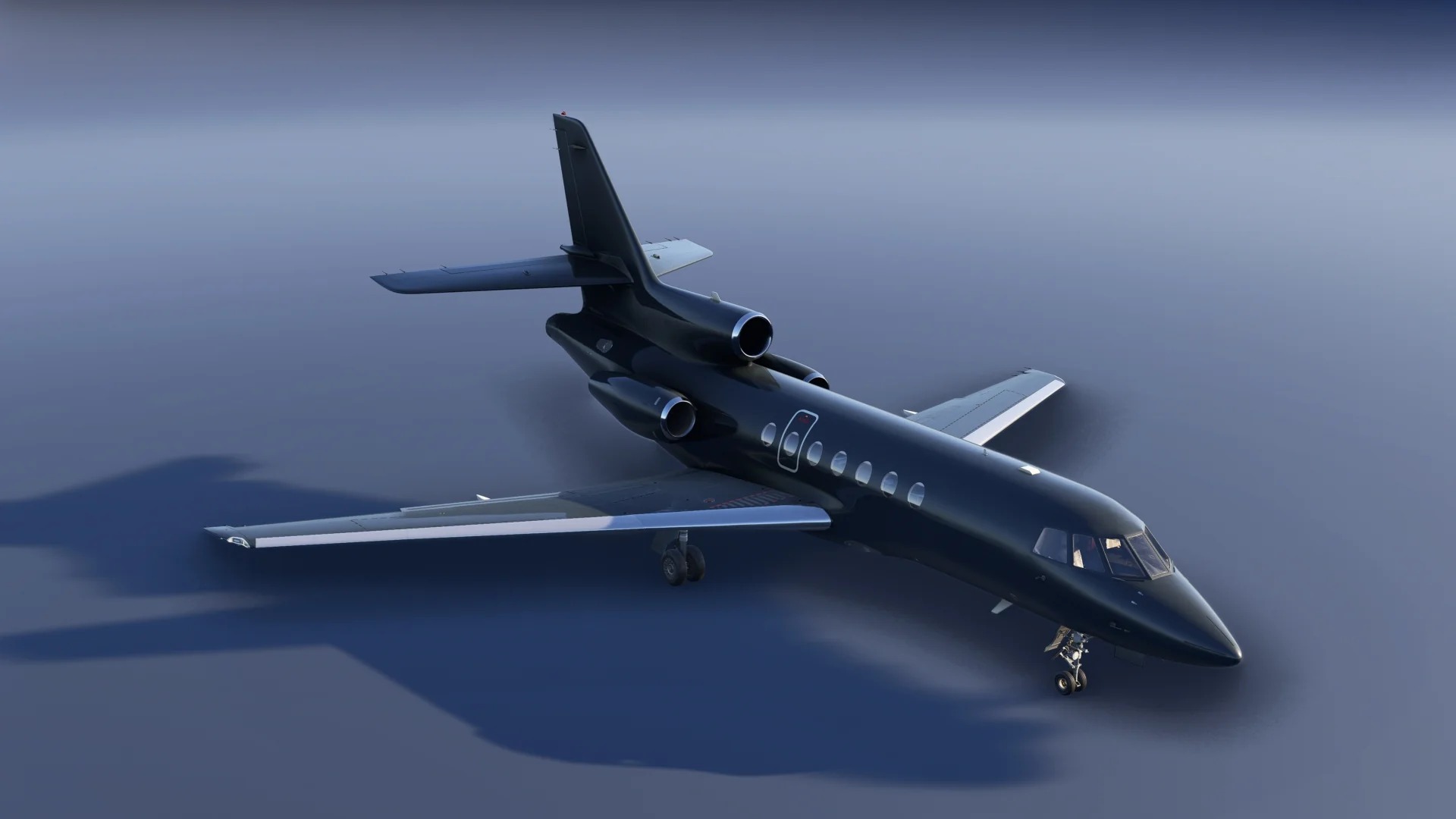
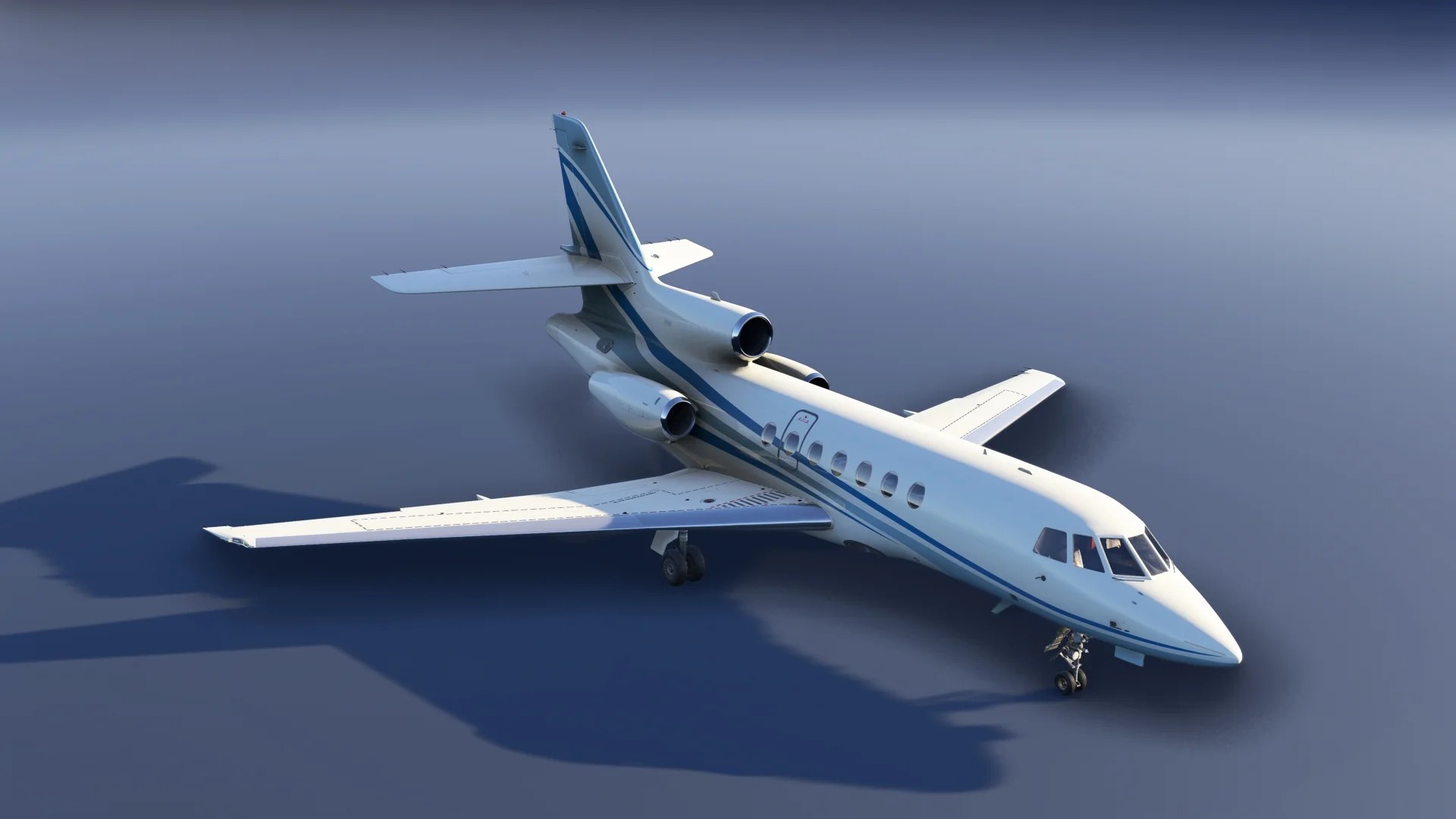


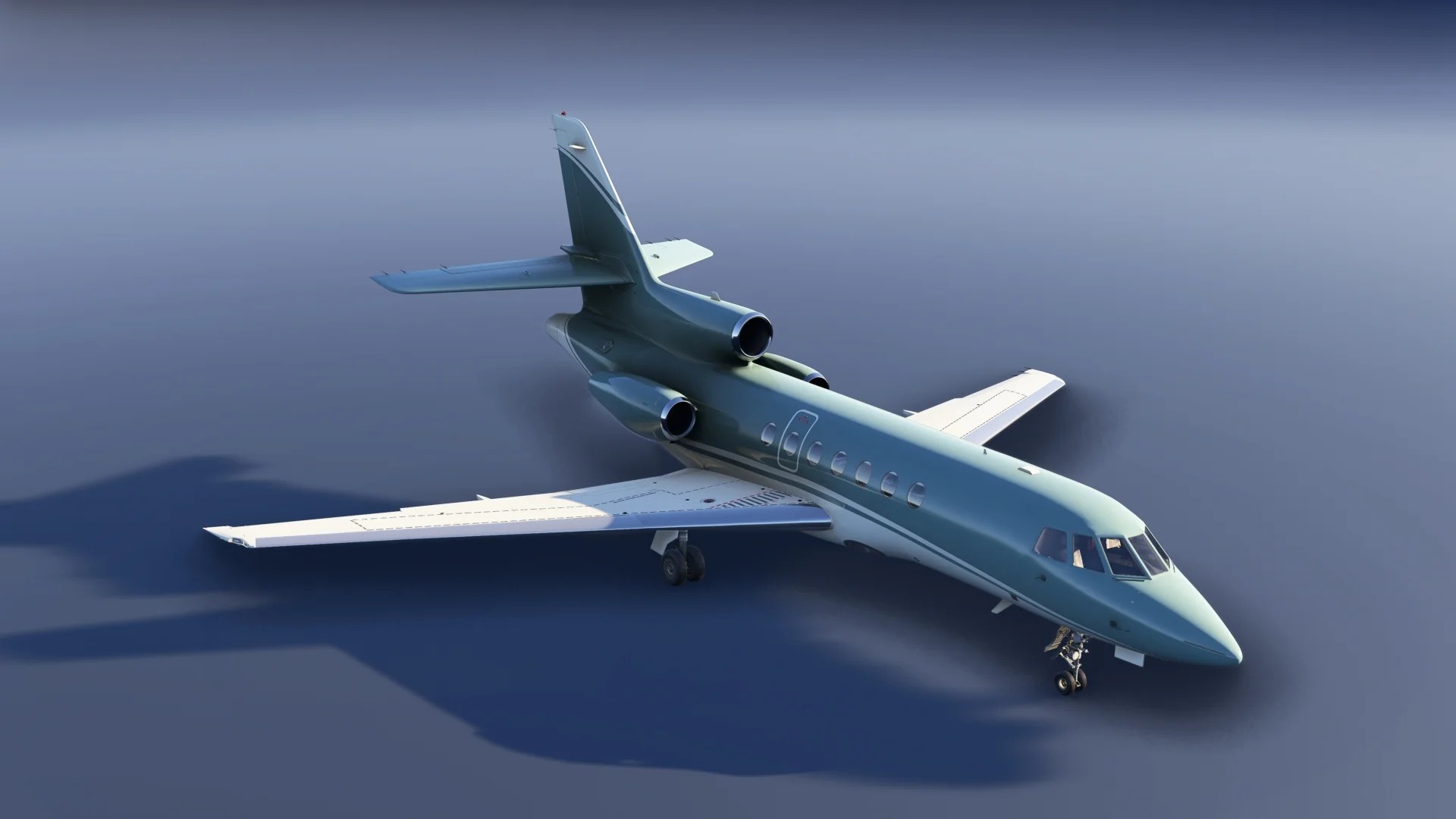
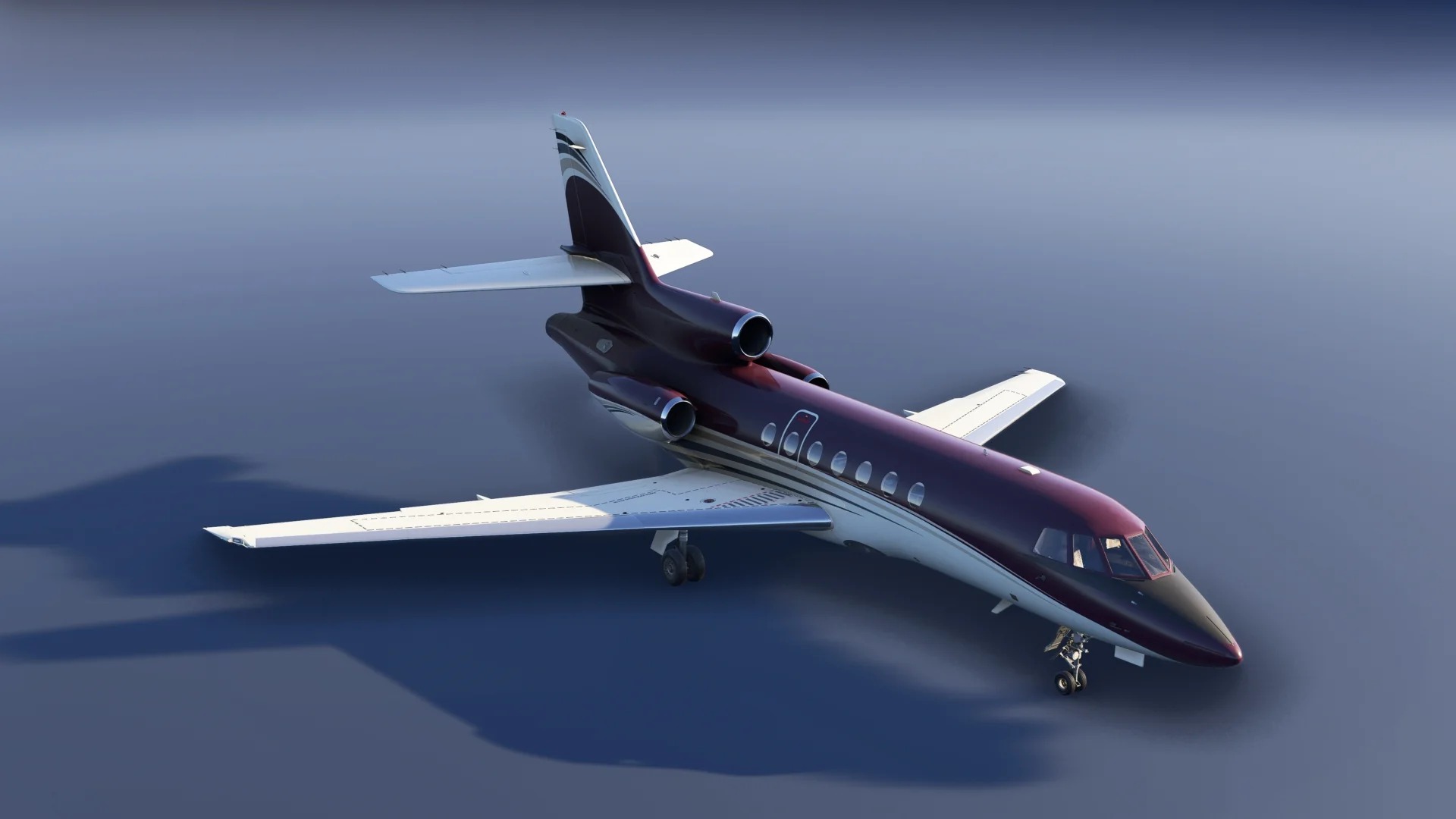

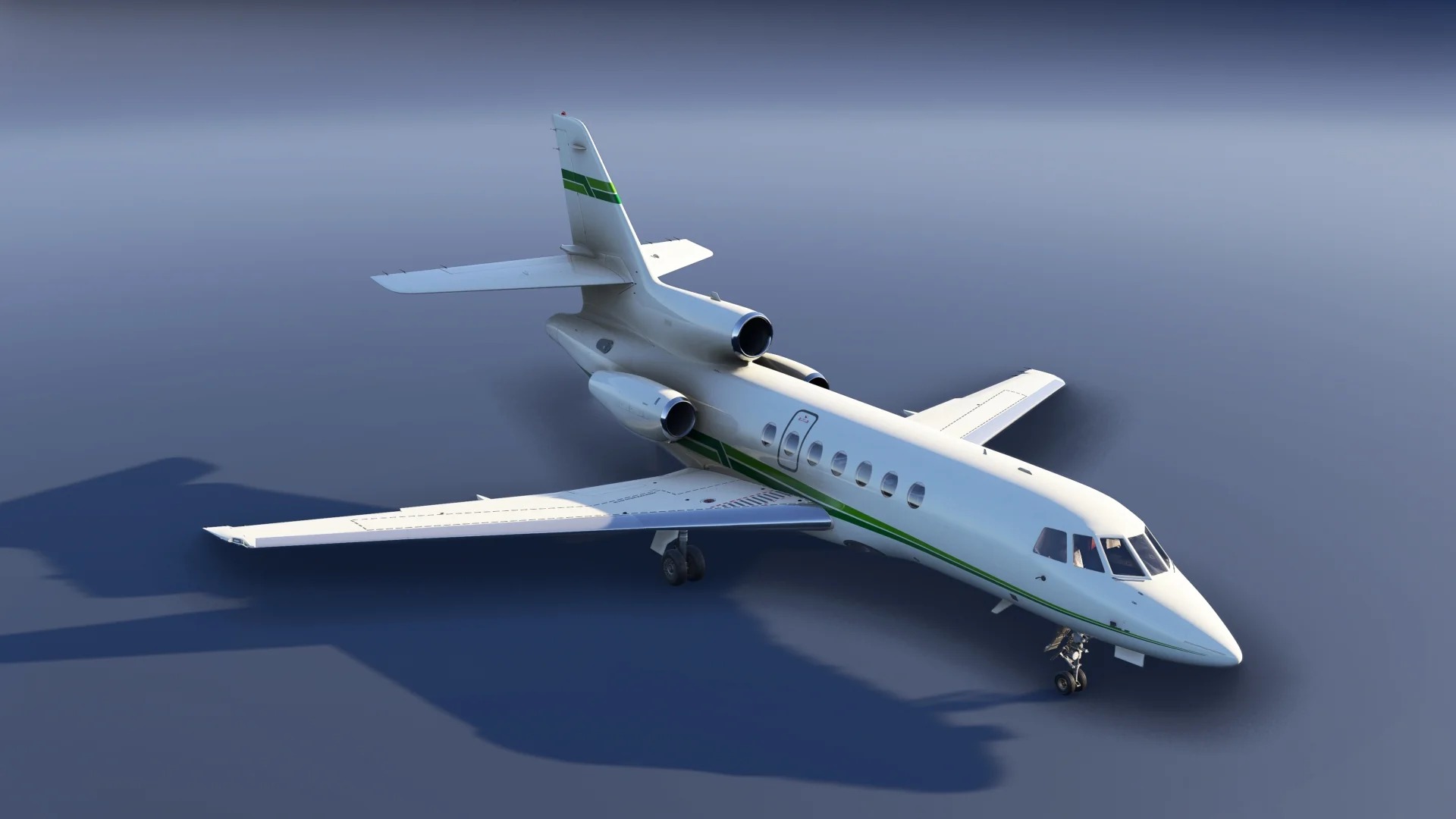
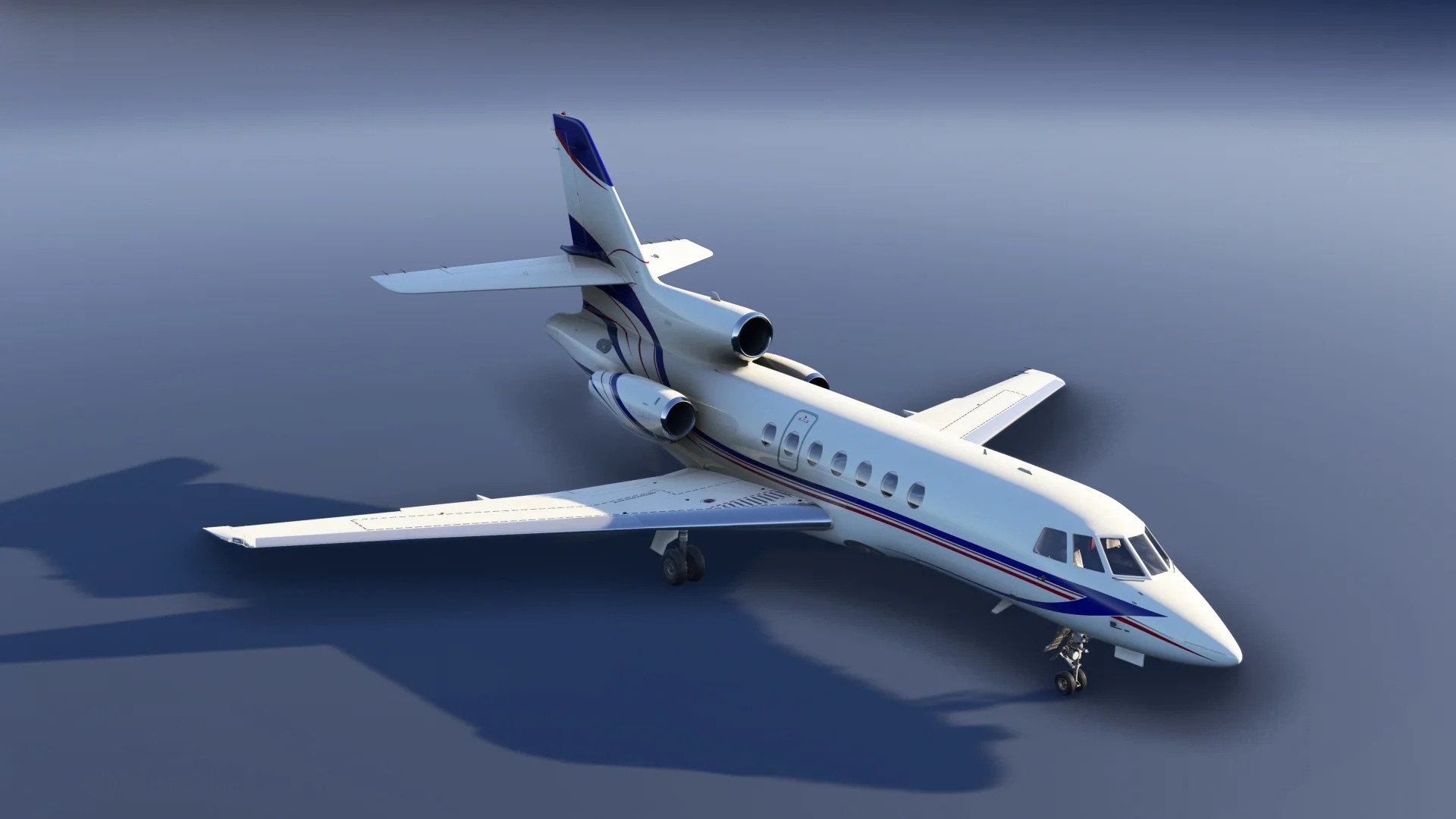


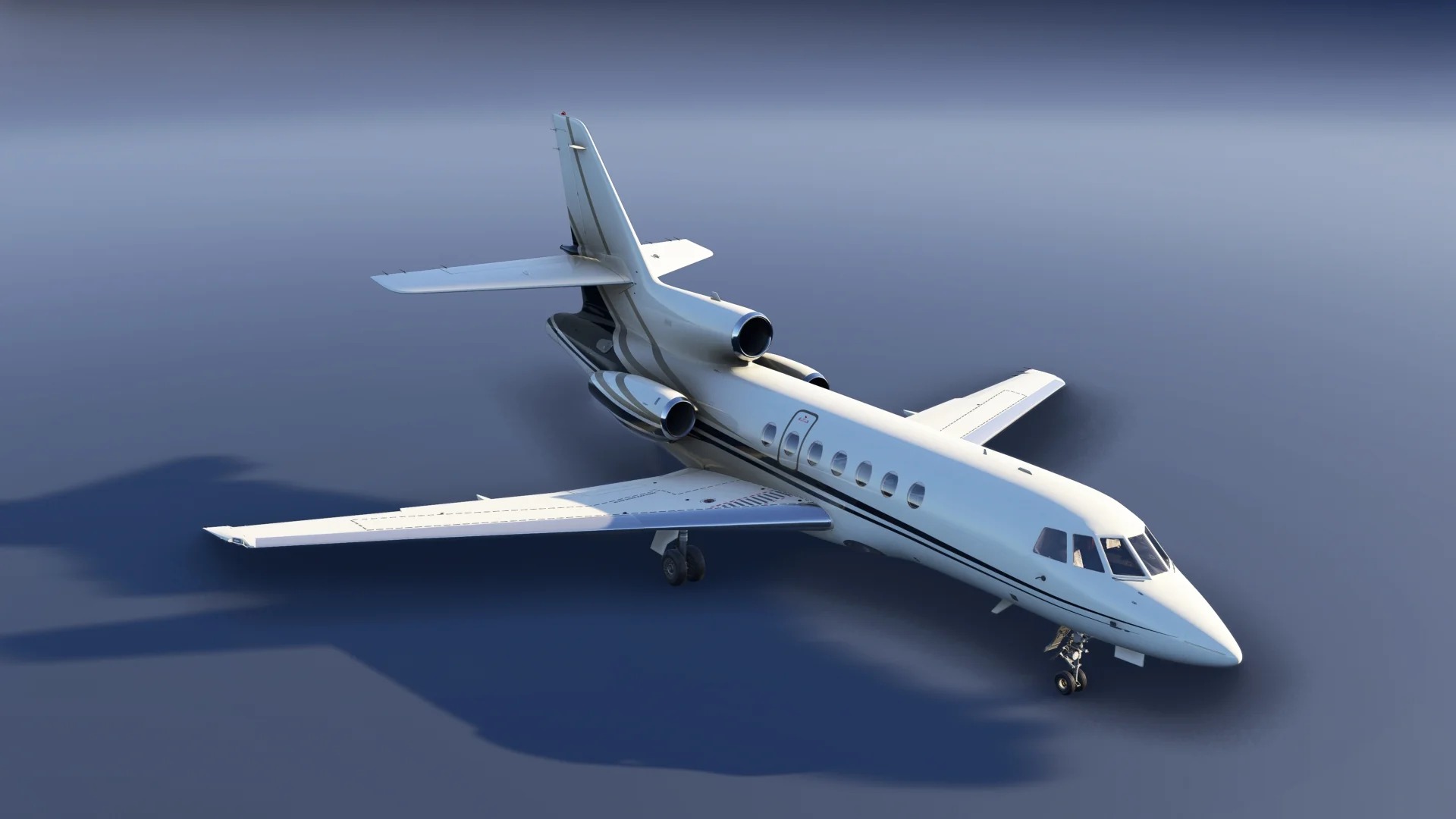
Contrail released the Dassault Falcon 50 for Microsoft Flight Simulator 2024 and MSFS 2020.
It’s priced at $38.26 on Contrail’s own store.
Systems & Avionics
- Completely custom made avionics such as: EFIS 85C, MX20 MFD, GNS-XLS FMS
- Working weather radar with tilt function, plus datalink weather on MX20 and GNS-XLS (MSFS 2024 only)
- Custom EFB app with SimBrief and JetCard import (weight and balance), Navigraph Charts integration, ground handling services page, and many options to customize the aircraft to your needs (some features MSFS 2024 only, see 2020 note below)
- Paperclip chart for takeoff and landing performance, with synced speed bugs and weights
Autopilot & Autothrottle
- Accurate autopilot modes matching the real aircraft, including VNAV, Climb and Descent modes with profiles
- Parallel Course, VNAV Offset, and VNAV Direct To
- Autothrottle holding Max Continuous Thrust in climb and Mach Hold in cruise
Flight Model & Sound
- Accurate custom flight model and ground handling, vetted by real FA50 pilots
- Custom sound set recorded from the real aircraft
Modelling & Visuals
- Detailed PBR textures inside and out, with a used, realistic cockpit and cabin look and feel
- Custom liveries using decal mesh technique for unparalleled resolution
- Dynamic registration for most liveries
- Custom animations throughout the aircraft
Interactivity
- Many interactive elements inside and out, such as sun shades, window blinds, TOW/NO TOW sign, and Torque Link disconnect feature
- Fuel your own aircraft according to real world ops
- Tow your own aircraft with a remote control (MSFS 2024 only)
MSFS 2024 Native
- Native MSFS 2024 export with walkaround items, weather radar with tilt function, and ground handling physics
MSFS 2020 Note
The 2020 version features a Lite EFB which does include the most important features to operate the aircraft but misses certain features. A fully enhanced EFB is only available in MSFS 2024.
Centro Universitario de Aviación Released for MSFS 2020
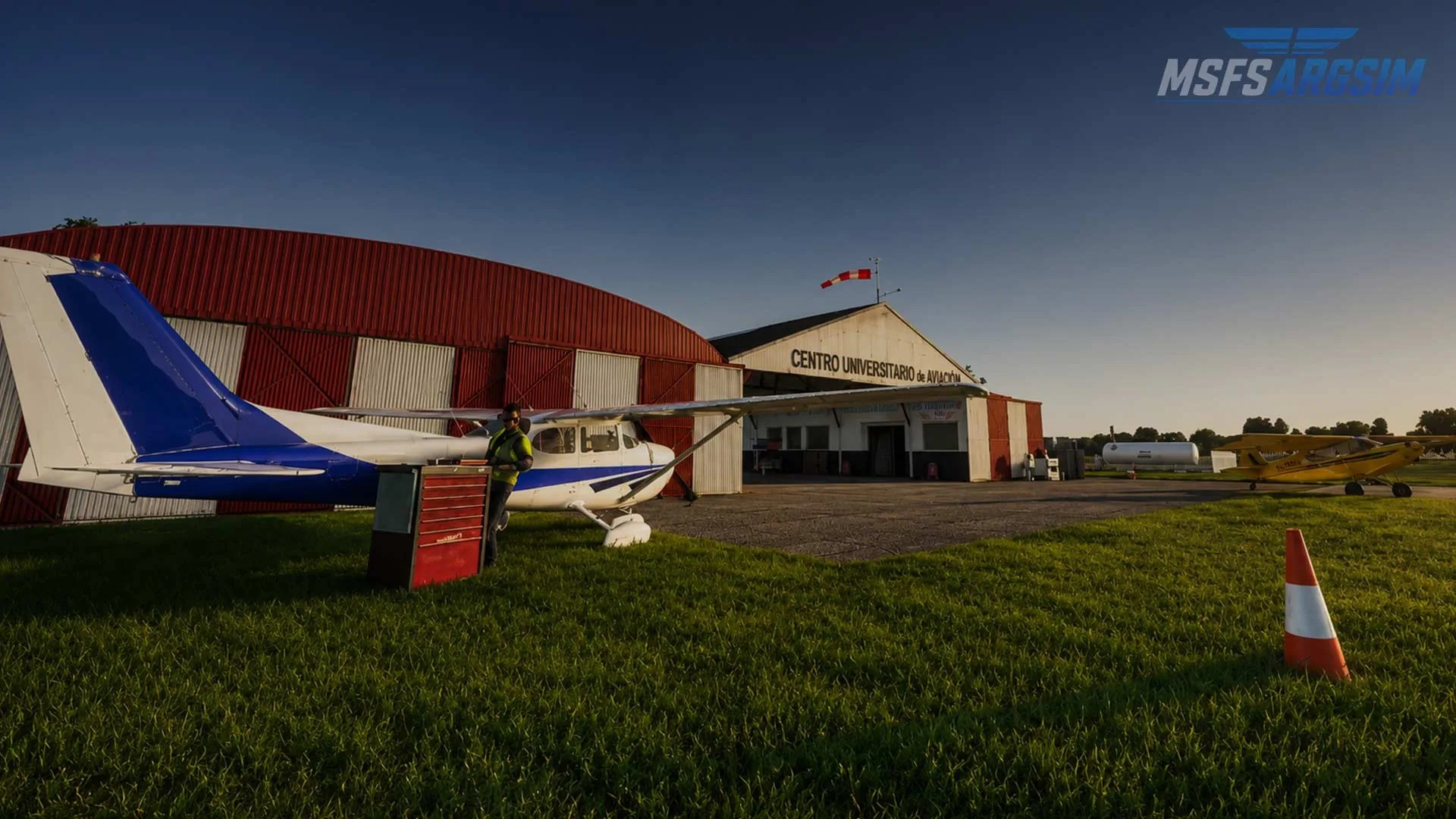

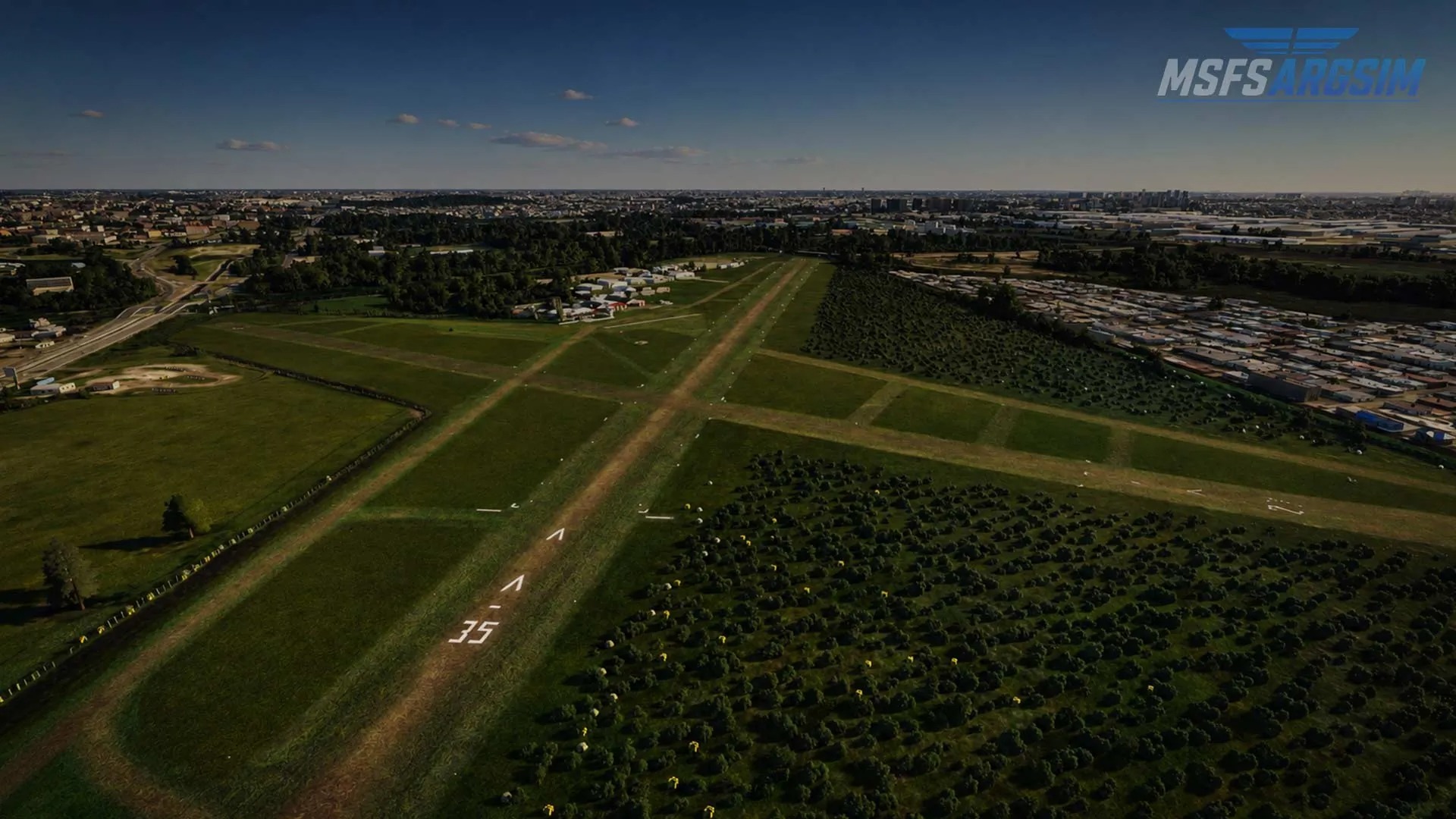


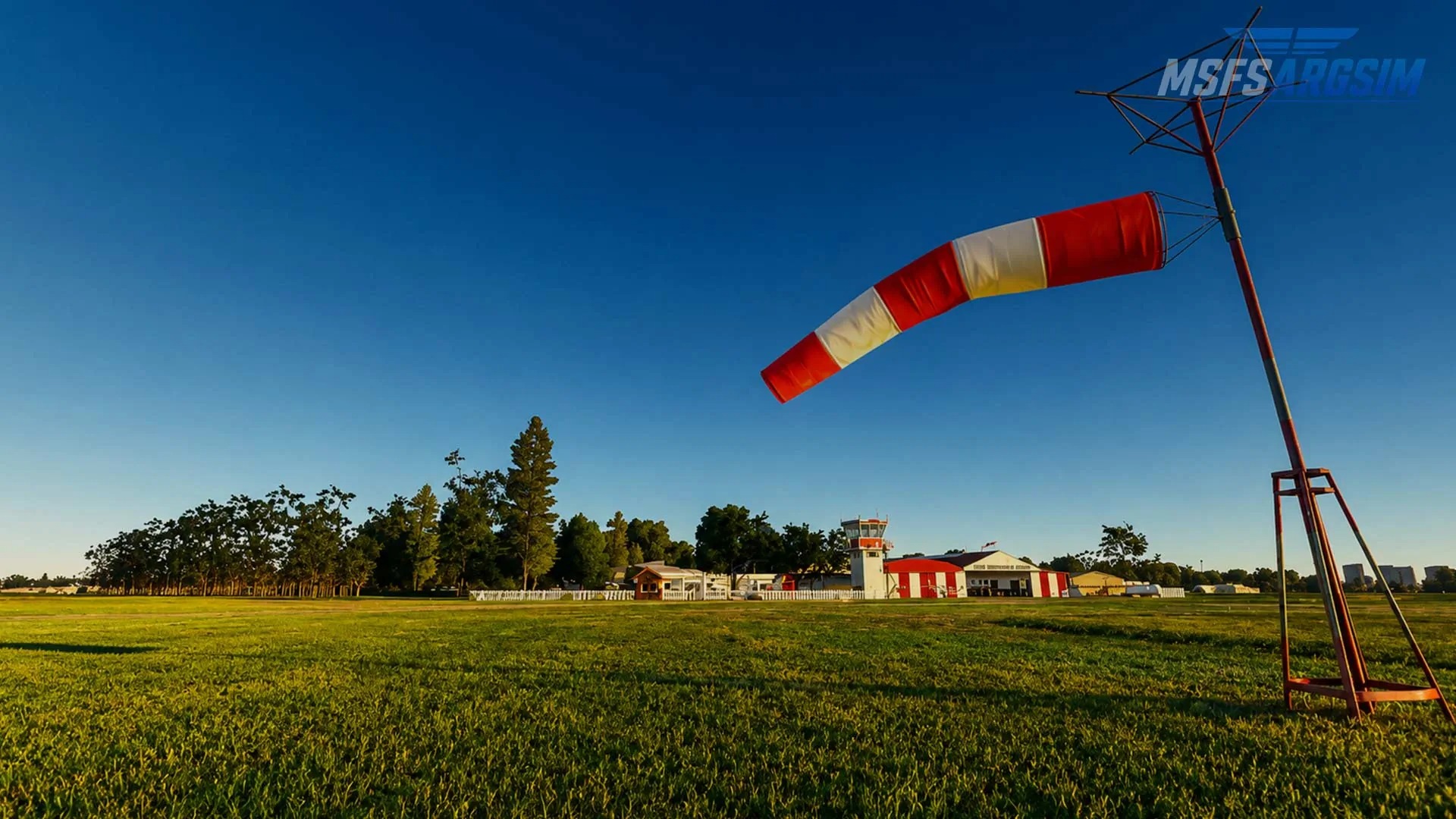
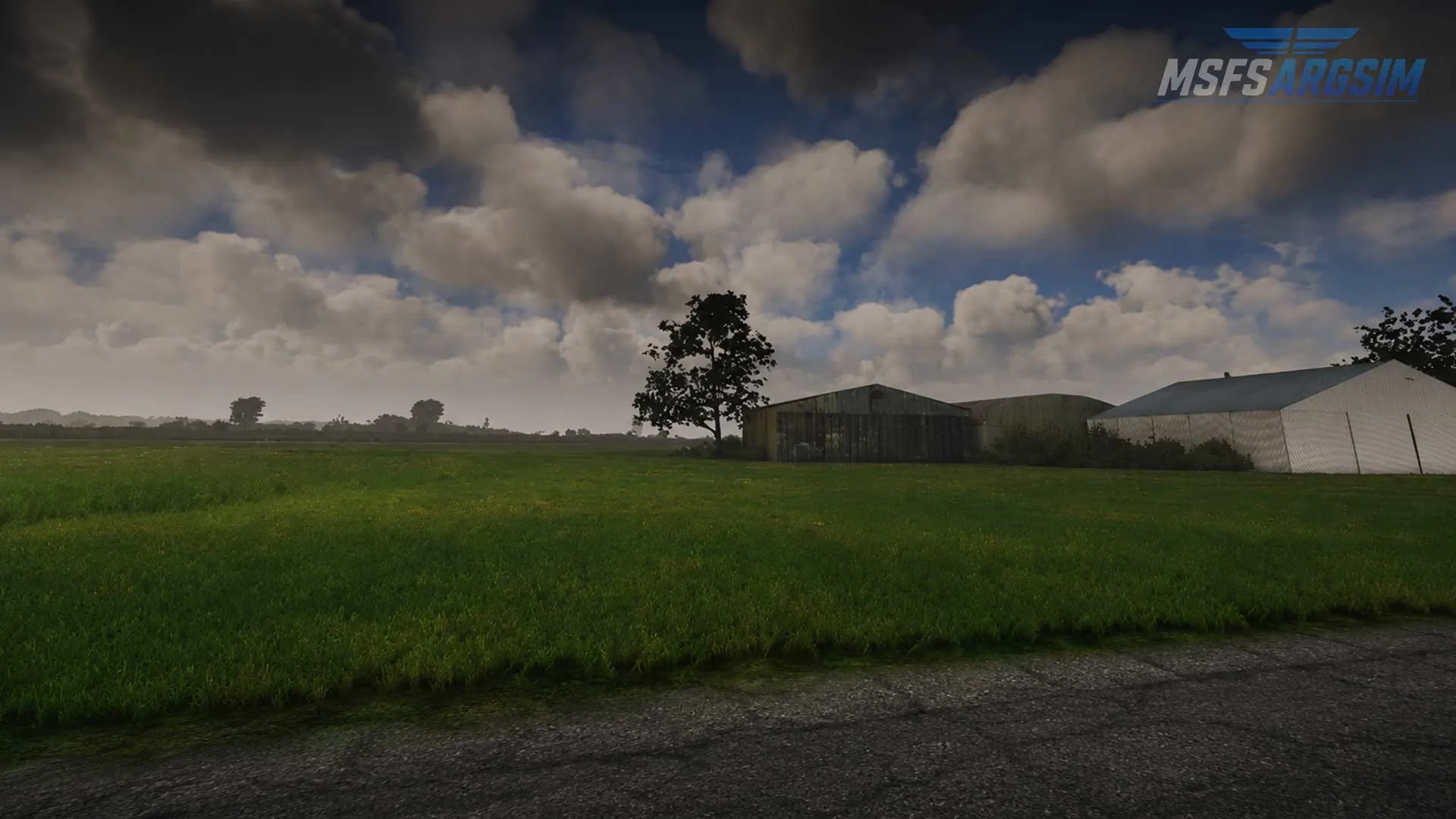

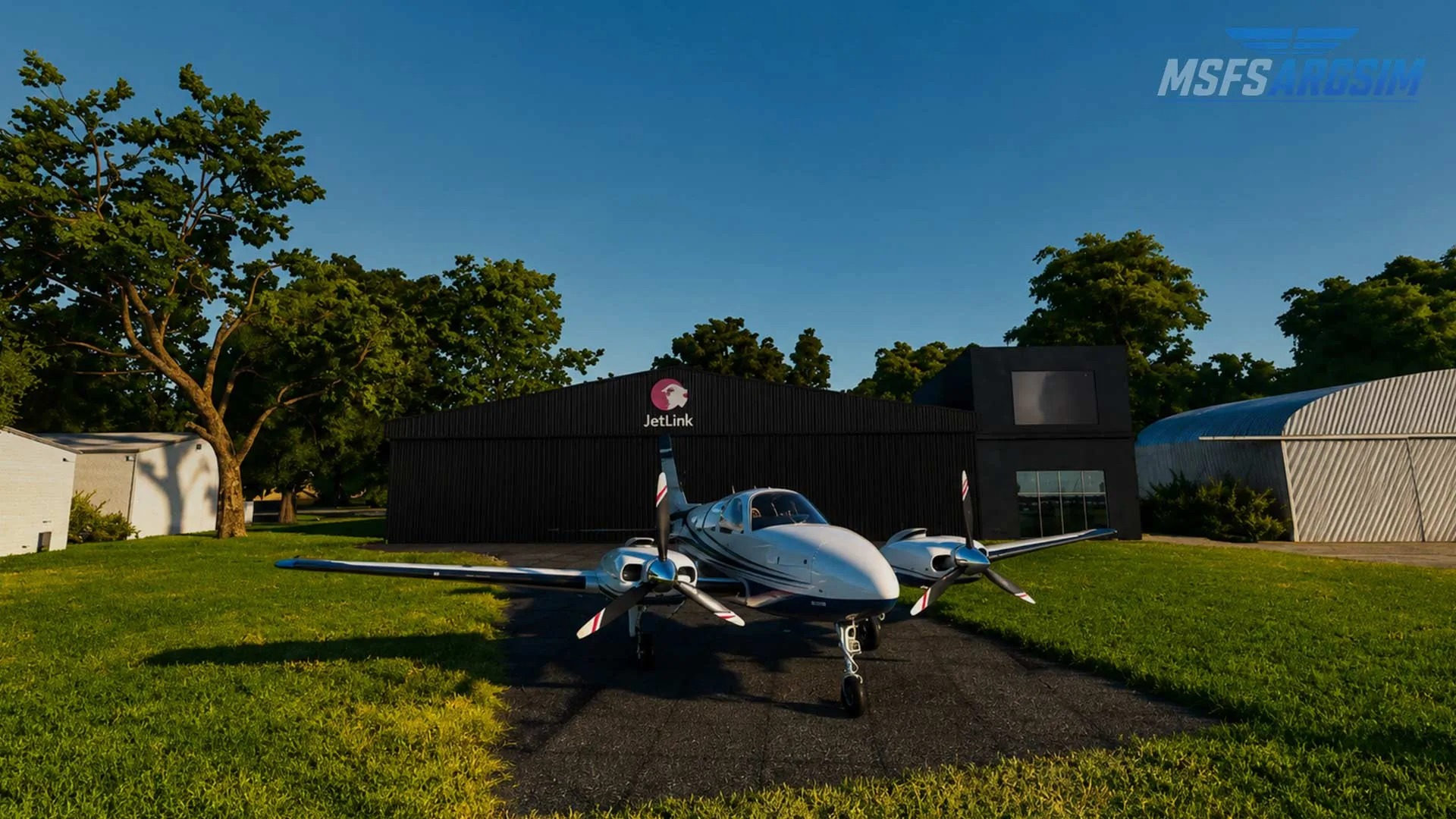
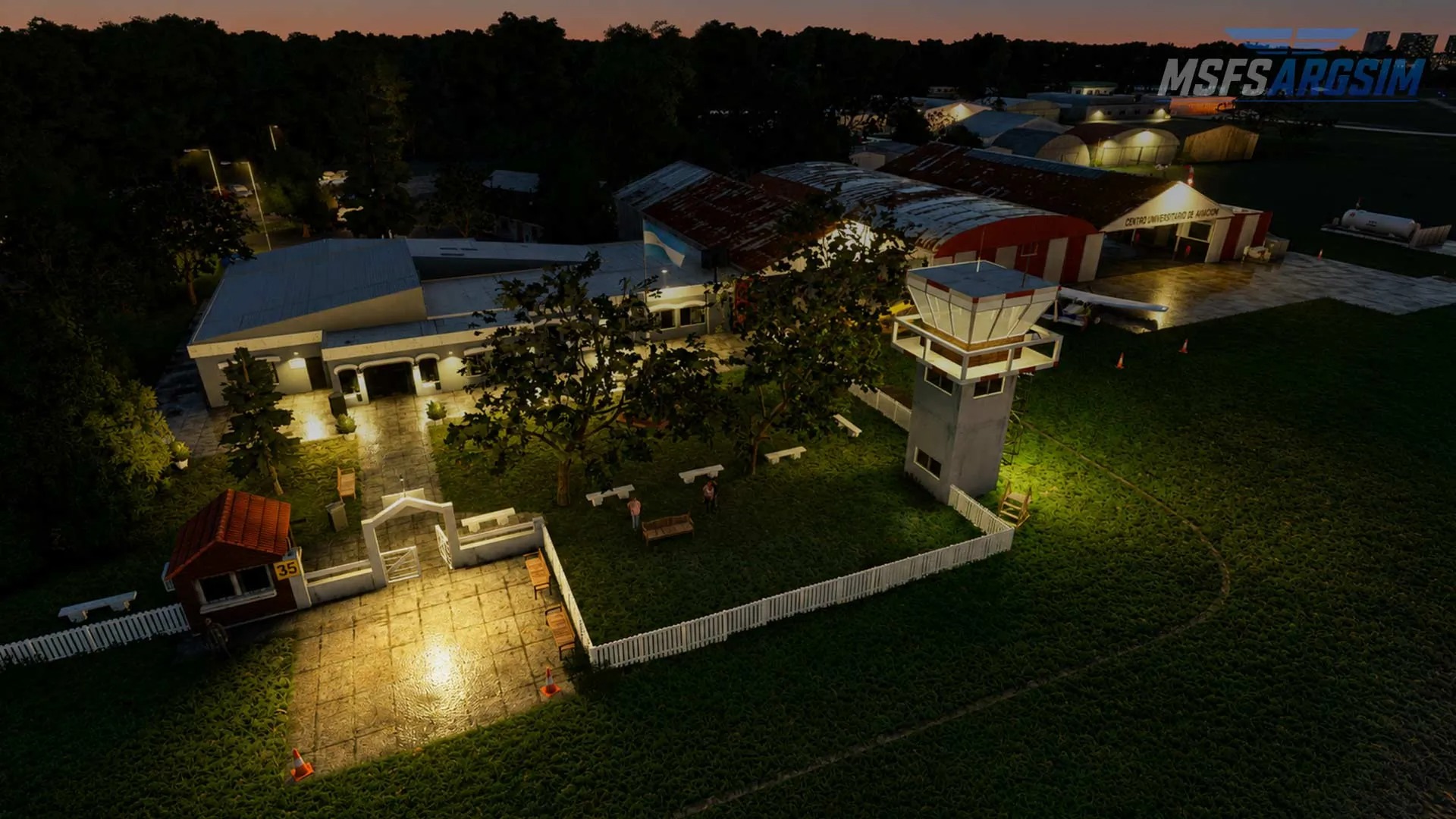



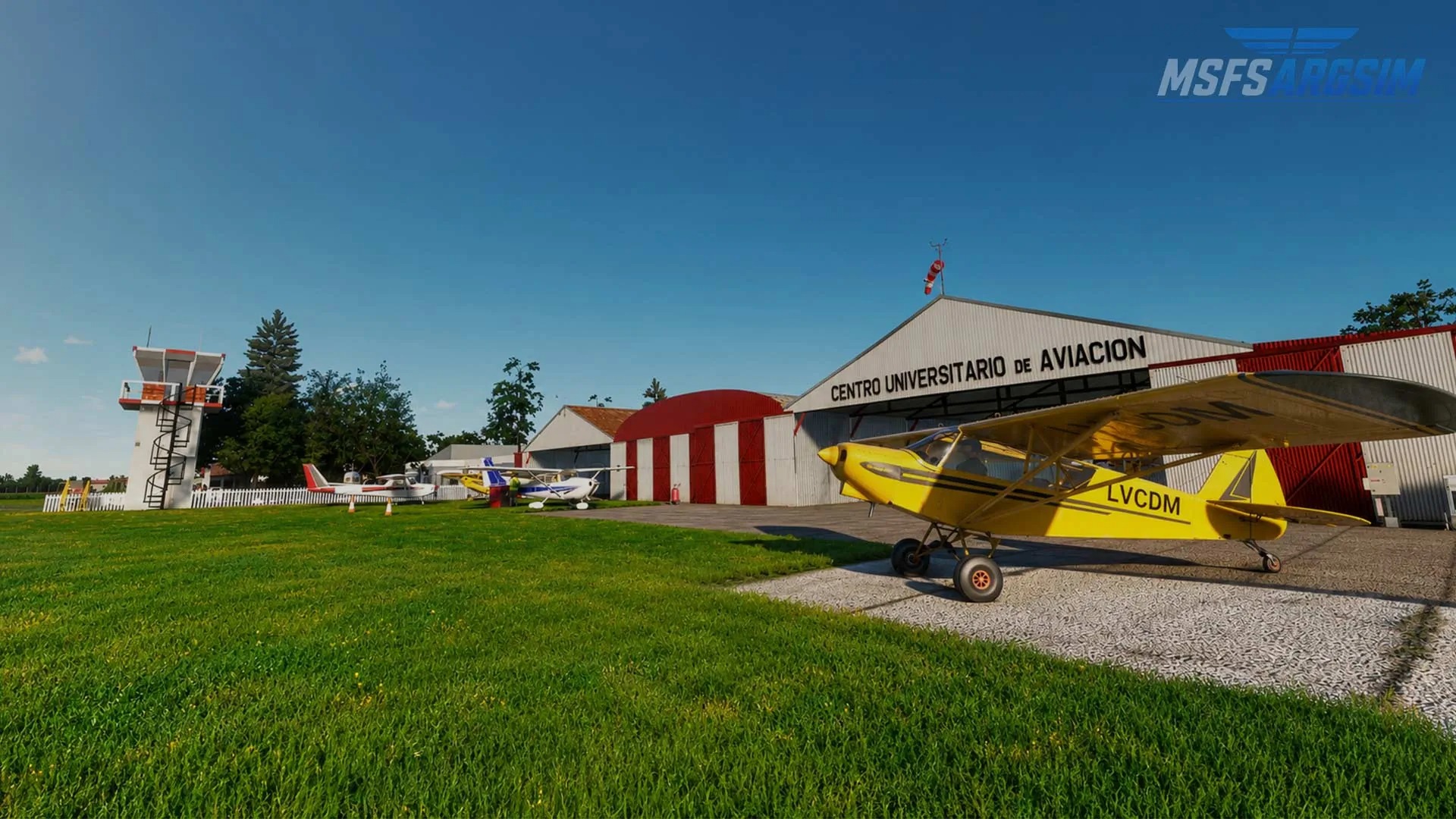
MSFSArgSim released the Centro Universitario de Aviación (CUA) in Argentina for MSFS 2020.
You can purchase it on Simmarket for $12.44. It includes the following features.
- Custom 3D Modeling: Accurately placed hangars, flight school buildings, and main structures matching their real-world counterparts.
- High-Resolution Textures: Full PBR (Physical Based Rendering) materials applied to buildings, ground markings, and runways for realistic reflections and lighting.
- Accurate Ground Layout: Up-to-date runway markings, taxiways, aprons, and parking spots according to real aeronautical charts.
- Enhanced Environment: Hand-placed native vegetation, perimeter fencing, and immersive airport clutter to recreate the authentic suburban Buenos Aires atmosphere.
- Night Lighting: Custom-designed night lighting for runways, taxiways, and aprons, allowing for realistic night operations.
Korea: IL-2 Series Early Access Released
1C Game Studios released the early access version of its Korean War flight simulator Korea: IL-2 Series.
Those who got a pre-order pack can get access to the simulator right now from their profile on the official site.
The simulator will fully launch on August 4, 2026, for everyone, also on Steam.
If you’d like to read more flight simulation news, you can find plenty in our previous roundup article from yesterday.
If you want to go further back, we have a handy overview video of the major flight simulation news in the past week. You can watch it below. As usual, leaving a like and a comment and subscribing to our growing YouTube channel is extremely helpful.
While Simulation Daily is owned and financed by Orbx Simulation Systems, its staff is afforded full editorial independence and will strive to cover products from all companies and developers impartially. Check out our editorial policy.