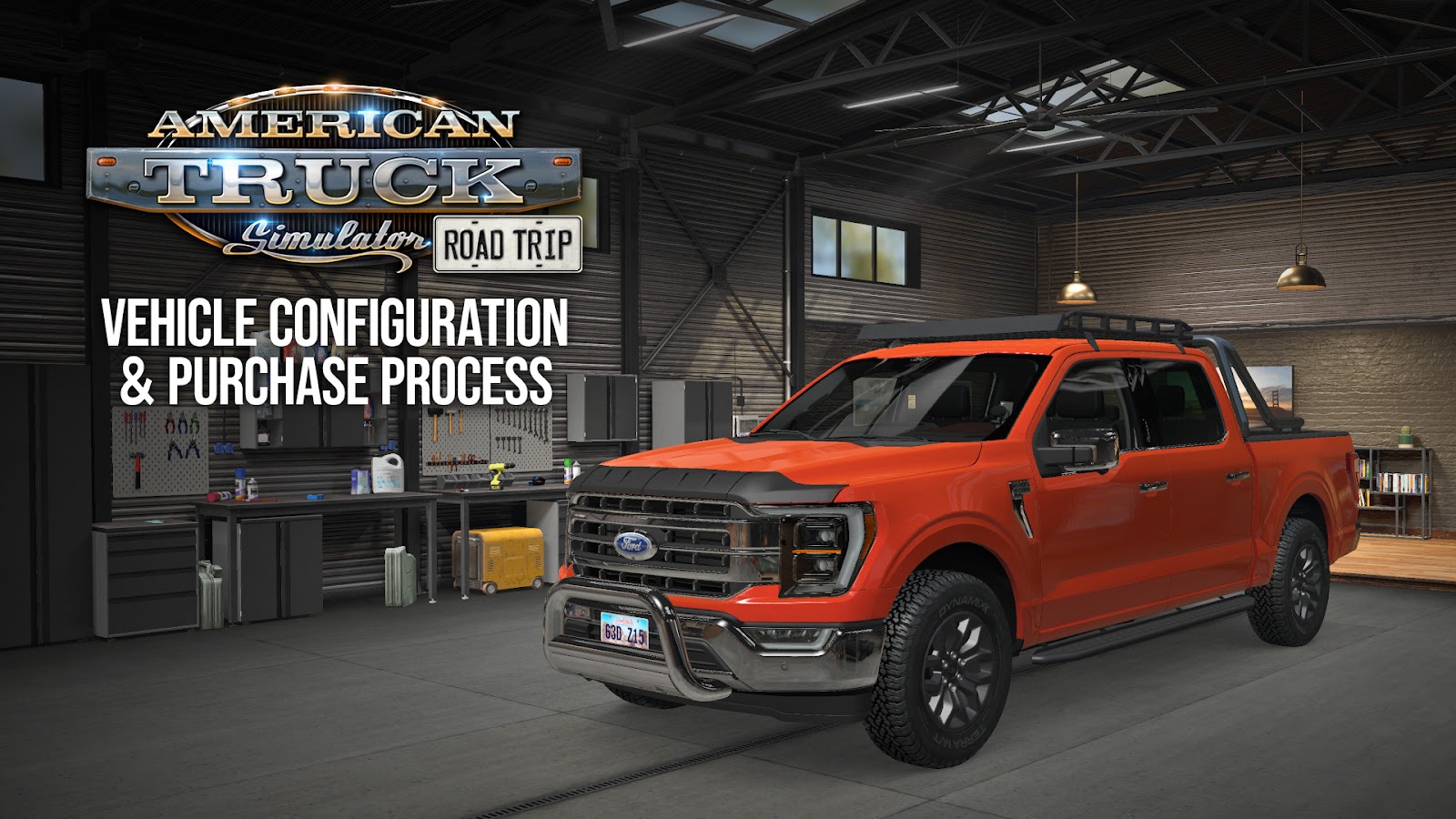
SCS Software revealed some of the mechanics behind car purchase and customization with the Road Trip expansion for American Truck Simulator.
To purchase a car, you need to use the car dealership tab, and you’ll find options depending on the car pack you have purchased. Then you can explore the car you want and pick a color.
Once purchased, you can drive it immediately or customize it further with a variety of accessories, including interior and exterior parts that can be picked in the Garage.
After that, you can just use the “Drive” button to go explore the simulator’s word on your new sweet ride.


American Truck Simulator is available for PC, and it’s the sister game to Euro Truck Simulator 2. PS5 and Xbox Series X|S versions are also coming.
South Dakota is likely the next DLC, and we already saw its Truck Stops, countryside, towns, cities, more Truck Stops, the road network, more settlements, even more towns, Hot Springs, Badlands National Park, the Industry, Rapid City, Sioux Falls, the Black Hills, Mount Rushmore, on top of gameplay.
The game will soon cross the borders of the United States and go to Canada with the British Columbia DLC, of which we also saw some screenshots, some of the towns, and the tunnels.
Then American Truck Simulator will return to the US with Indiana and North Dakota, on top of a Nevada rework.
Another big project is the Road Trip feature, spearheaded by the Ford Car Pack (of which we also saw the Ford Crown Victoria, the Ford F-150, the Ford Mustang Fastback, and the Ford Bronco Badlands) and the Ram & Dodge Car Pack with the Dodge Challenger SRT Hellcat Widebody, which will expand the simulator’s experience from trucks to cars and pickup trucks, including pure exploration and the delivery of smaller packages.
We also saw the Atlas feature coming with Road Trip.