Dash 8 Q400 for Microsoft Flight Simulator 2024 and MSFS 2020 Gets New Screenshots, Video, and Development Update












Majestic Software released a new batch of screenshots, a video, and a development update about its De Havilland Canada / Bombardier Dash 8 Q400 for Microsoft Flight Simulator 2024 and MSFS 2020.
Development is “progressing quite well,” and a lot of time is being spent reworking the exteriors and updating systems functionality in the flight deck.
The focus is not only on the overall visual quality, but also on providing an equal balance for systems implementation and overall performance within the simulator.
Final corrections are being done on the exterior model based on the specifications of the real aircraft and in collaboration with some real-world operators.
A few months after releasing the Q400, the developer will work on completing the Q300, which will be a complete rebuild only for MSFS 2024.
It’s worth mentioning that all the images and video are work-in-progress, and the remodeling of the flight deck has not begun yet.
Boeing 757 for MSFS Gets New Screenshot

Bluebird Simulations released a single new screenshot of its Boeing 757, providing a look at the night lighting.
The developer mentions that the fireworks to celebrate July 4th have been added, but everything else is in MSFS 2024.
FlightRadar24 Live Traffic Coming to X-Plane 11 and 12 Thanks to Navigraph
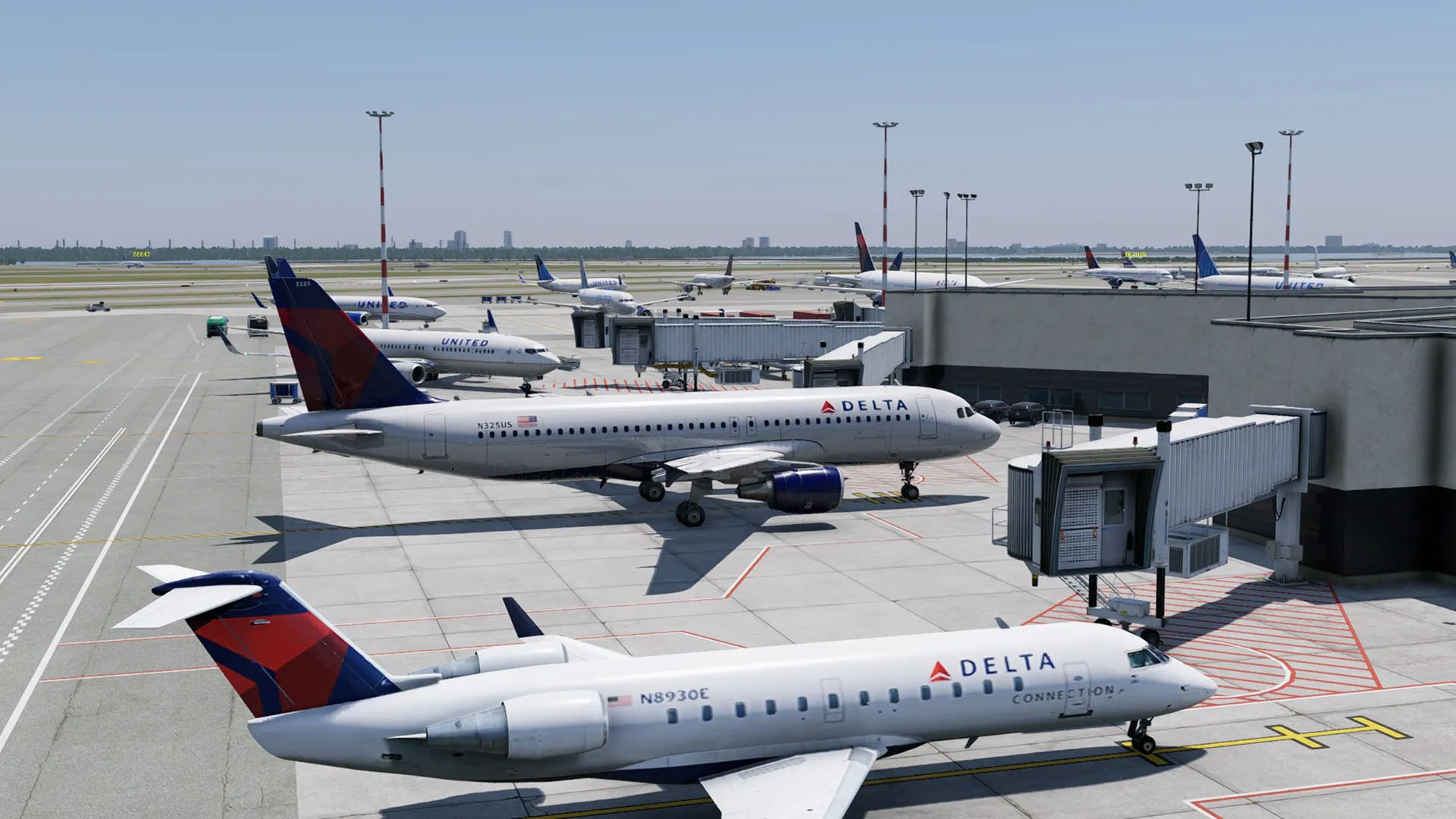

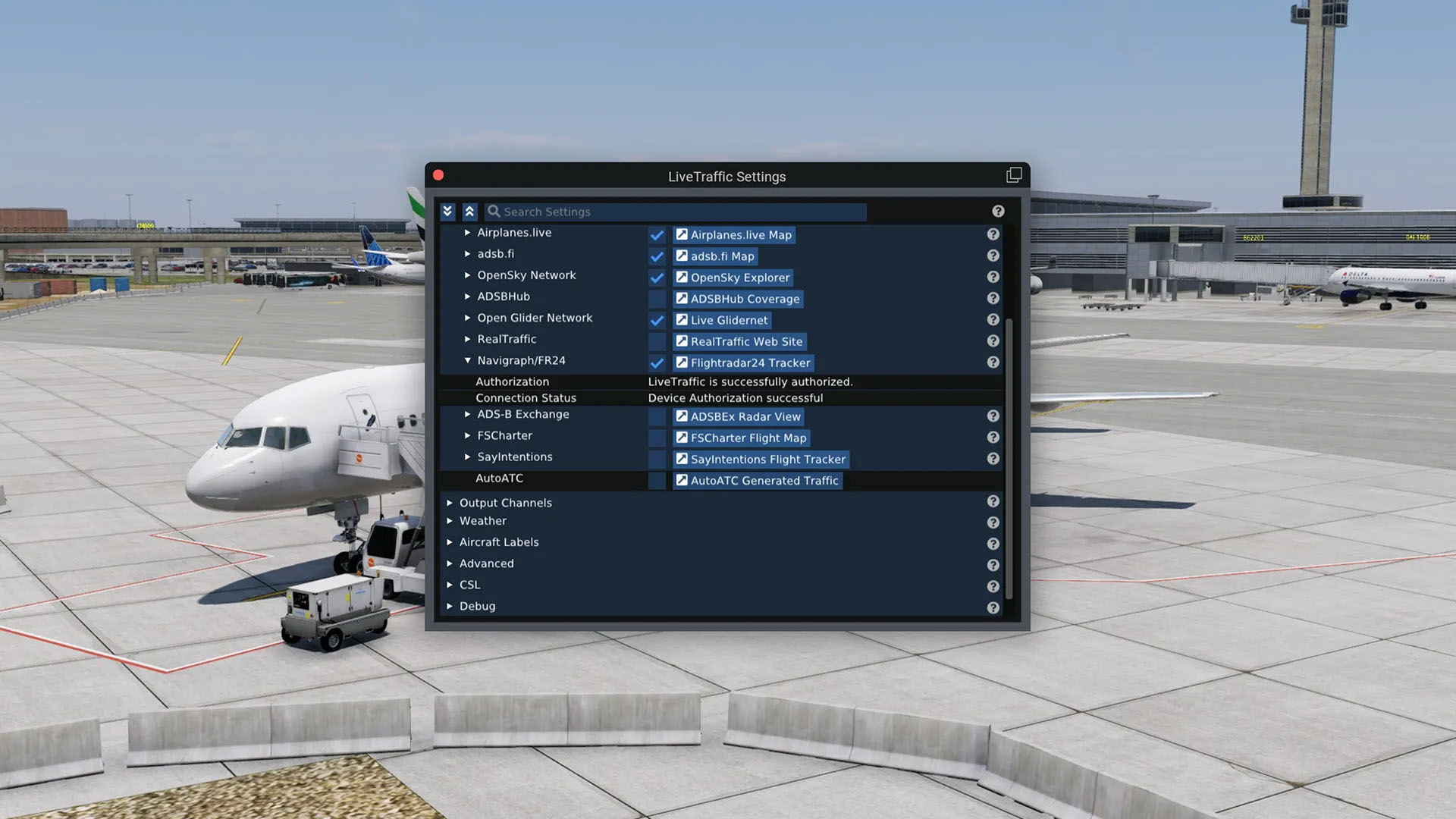
Navigraph has partnered with LiveTraffic to bring live traffic from FlightRadar 24 to X-Plane 11 and 12 as well, following the implementations in MSFS with BeyondATC and FSLTL.
As usual, you need a Navgraph subscription, and you need to download and install LiveTraffic for X-Plane. Here’s what you need to do.
- Download LiveTraffic. Grab the plugin from the X-Plane.org file page and unzip it.
- Install the plugin. Move the LiveTraffic folder into your X-Plane
Resources/pluginsdirectory. - Add CSL aircraft models. LiveTraffic needs CSL models to actually render the traffic. Follow the CSL installation guide to download the Airbus and Boeing packages and place them in
LiveTraffic/Resources/CSL. - Authorize with Navigraph. Launch X-Plane, open Plugins > LiveTraffic, and find the Flightradar24 Tracker section. Click Authorize Live Traffic, log in with your Navigraph account, and confirm the connection. You’ll see a “Live Traffic successfully authorized” message once it’s linked.
- Set your data source. In the tracking data settings, uncheck every source except Flightradar24 Tracker so LiveTraffic pulls exclusively from that source.
F-14B(U) Tomcat for DCS World Gets New Video
Heatblur released a new video about the upcoming F-14B(U) Tomcat for DCS World, which is currently available for pre-order.
Specifically, we get to see the navigation systems included in the aircraft, including the EGI (Embedded GPS INS), the CDNU (Control Display Navigation Unit), the PTID (Programmable Tactical Information Display), and the BDHI (Bearing, Distance, Heading Indicator).
These systems helped turn the Tomcat from a pure fighter into a very effective deep strike platform.
If you’d like to read more flight simulation news, you can find plenty in our previous roundup article from yesterday.
If you want to go further back, we have a handy overview video of the major flight simulation news in the past week. You can watch it below. As usual, leaving a like and a comment and subscribing to our growing YouTube channel is extremely helpful.
While Simulation Daily is owned and financed by Orbx Simulation Systems, its staff is afforded full editorial independence and will strive to cover products from all companies and developers impartially. Check out our editorial policy.