Flight Simulation developers shared news today, including an aircraft and scenery for Microsoft Flight Simulator 2024 and MSFS 2020.
Simulation Daily publishes a roundup every day of all the news across the flight simulation field, helping you keep up to date with the ins and outs of the industry.
Without further ado, I leave you with today’s flight simulation news.
Venice Airport for MSFS 2024 Detailed: New Screenshots Released

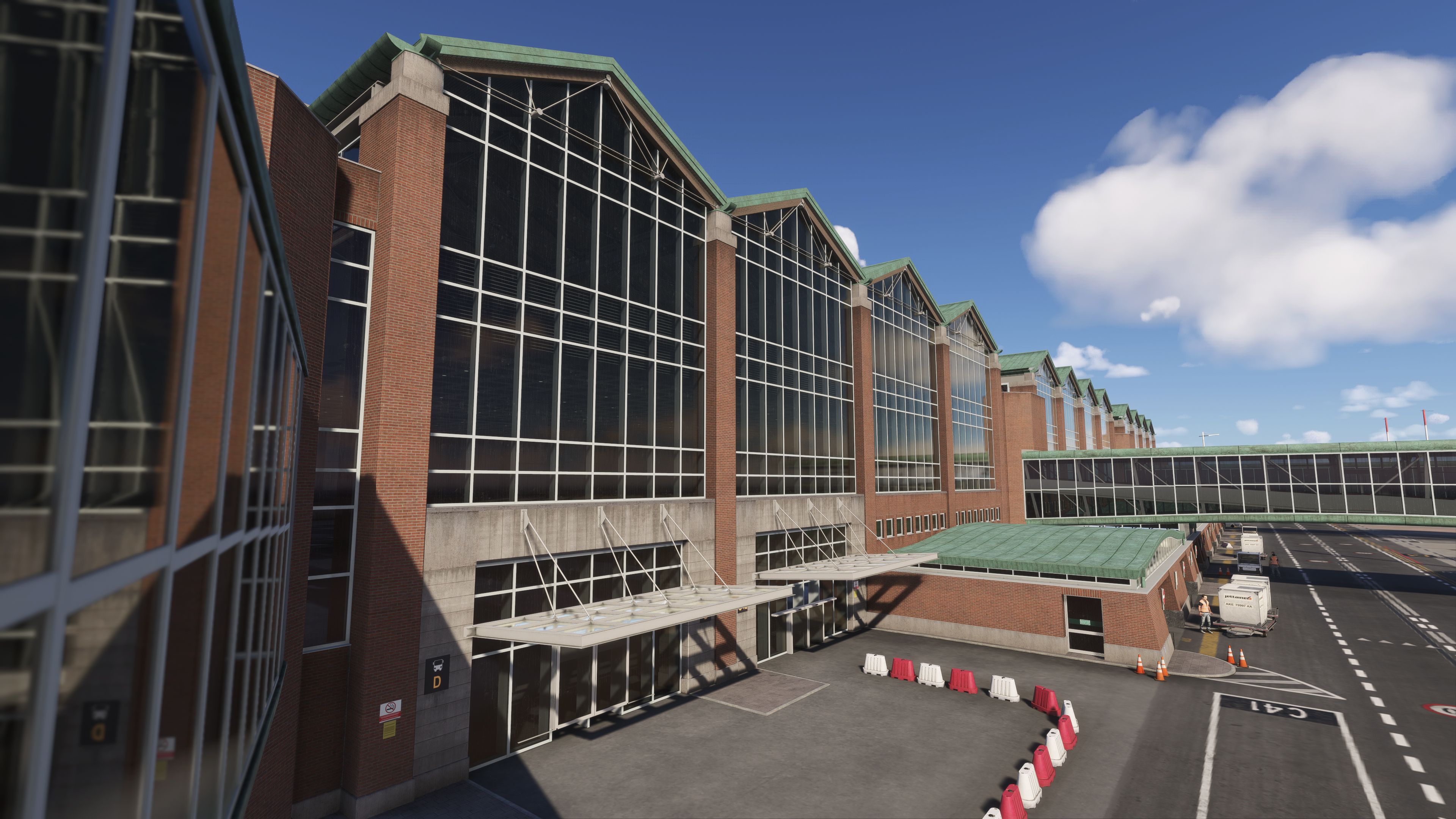


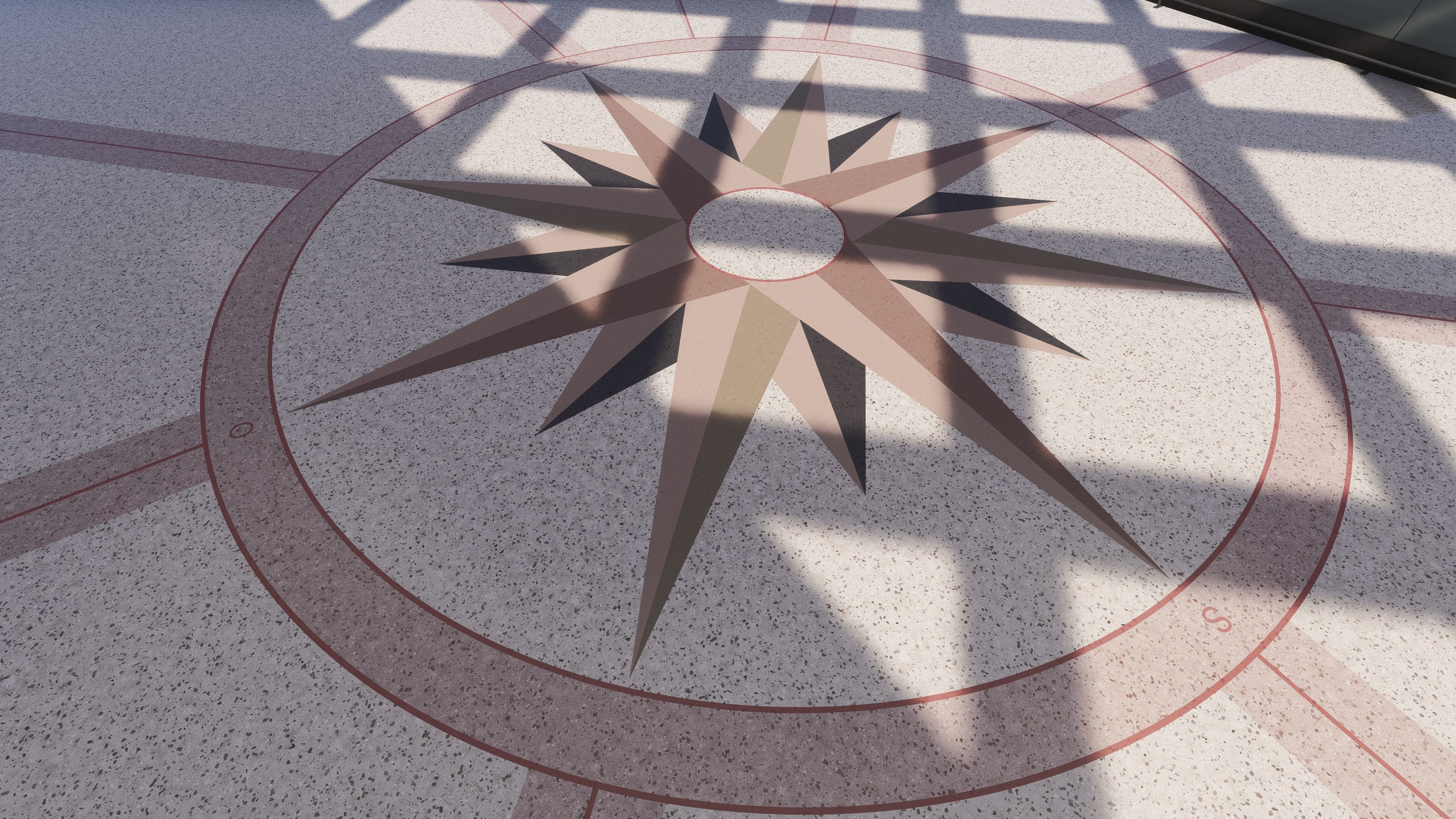
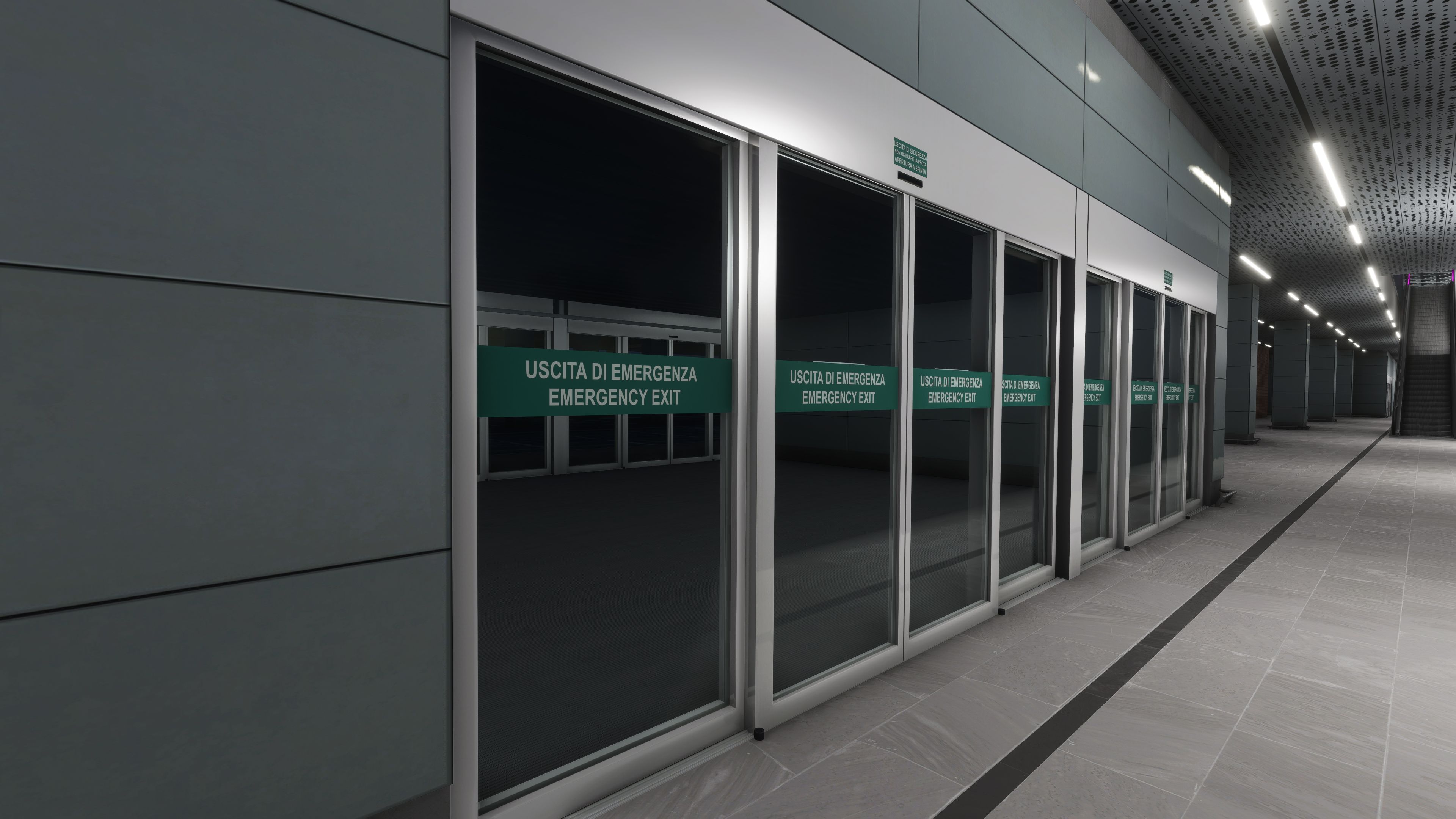


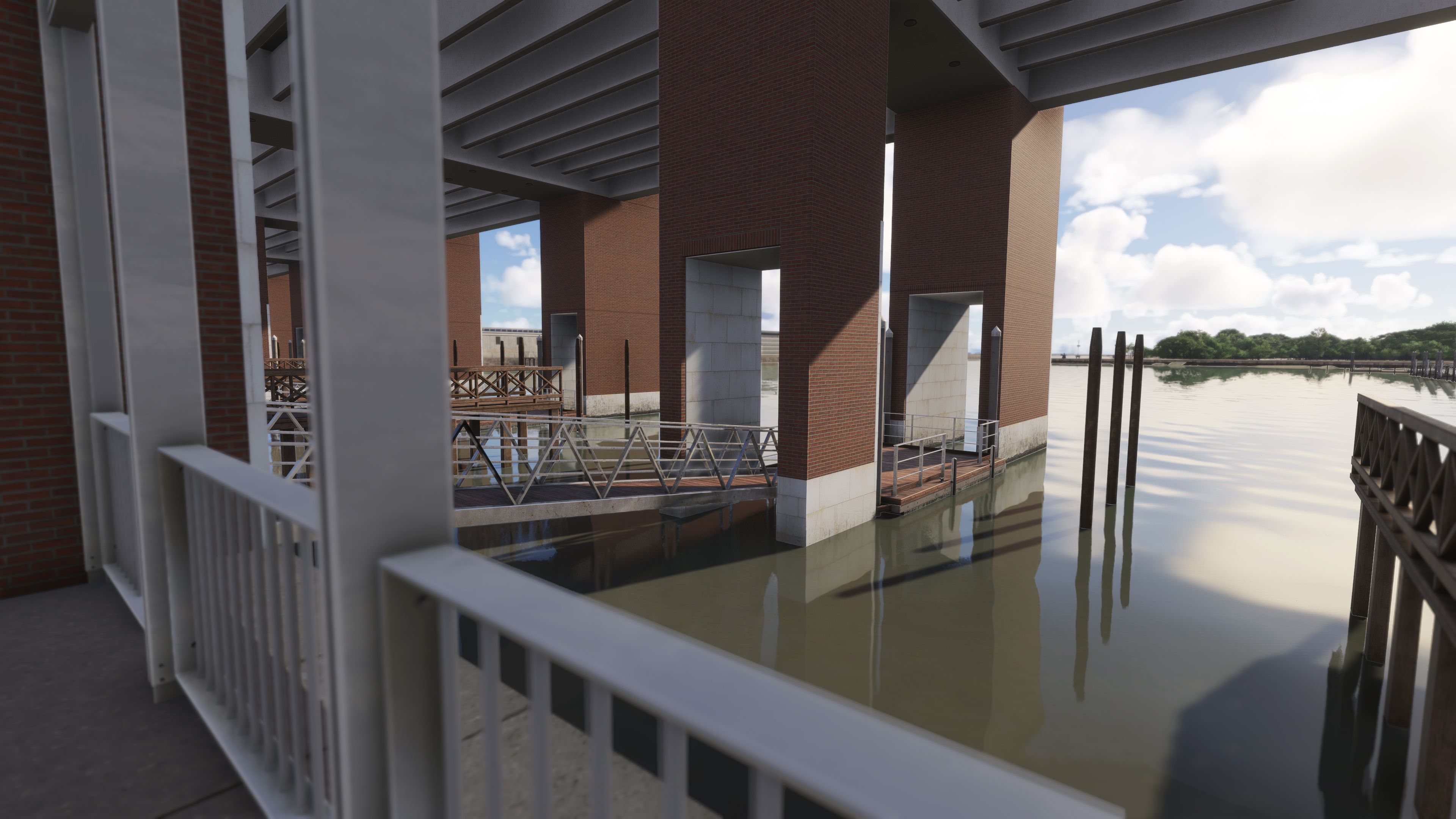
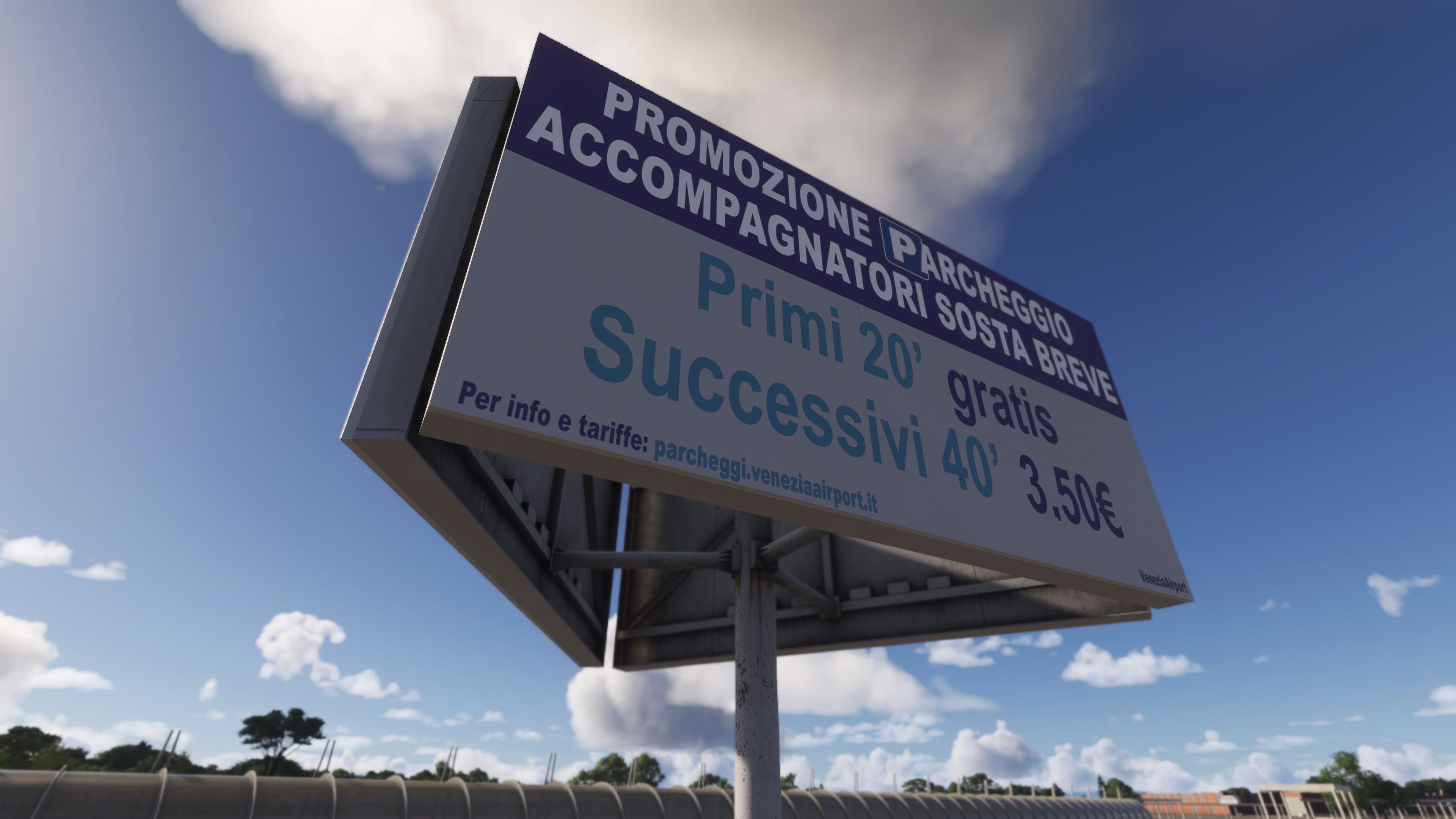

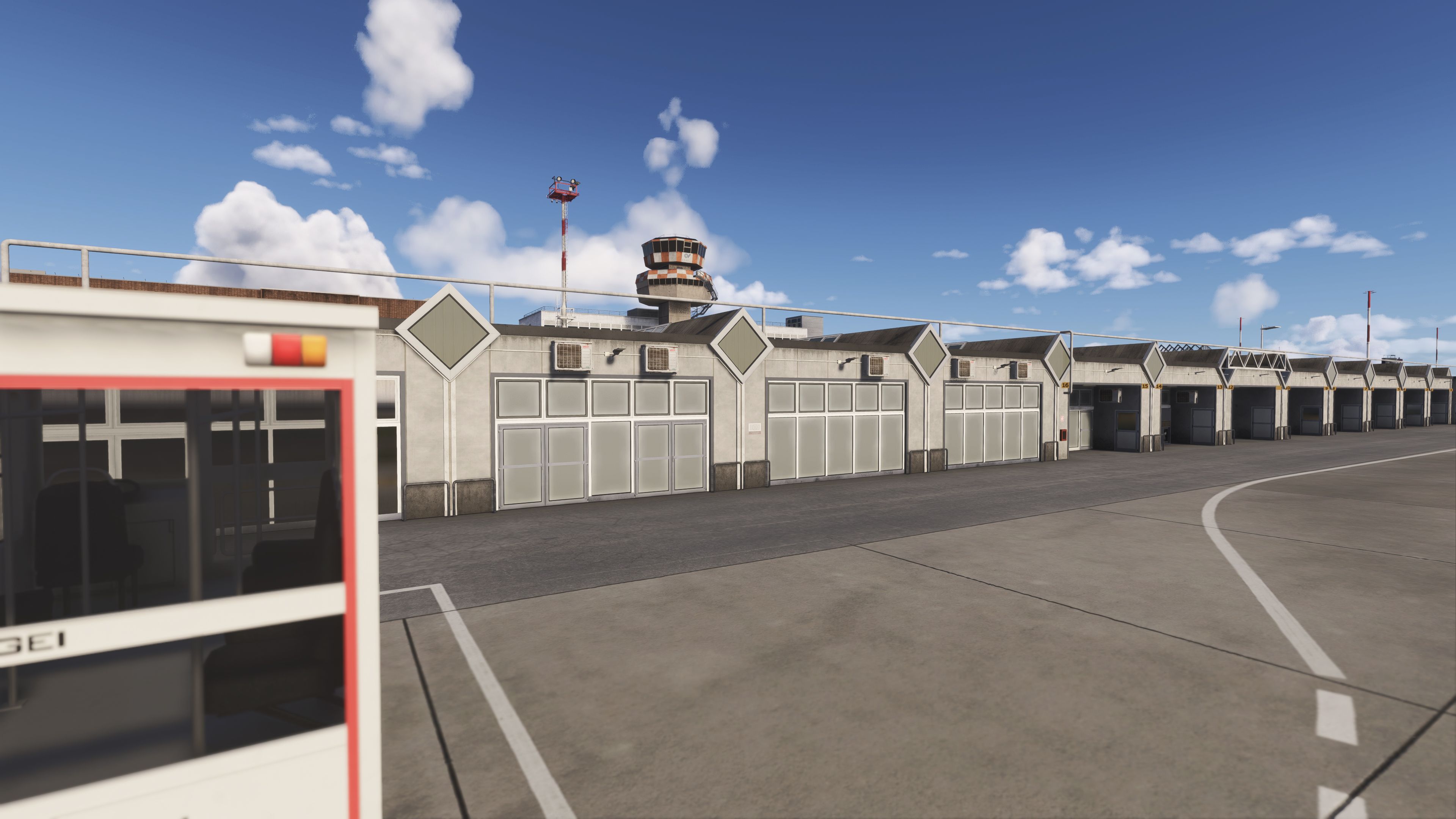
Aerosoft fully revealed on Discord plenty of details about Venice Marco Polo Airport (LIPZ), which is the next creation by Jo Erlend Sund and Lukas Vezyroglou pair.
Here’s what you can expect, as you can take a look at a gallery of screenshots above. The pricing remains unannounced, but we hear that it won’t be surprising compared to what we have seen from the company.
The quality is said to be comparable to Stuttgart or even better, and the scenery can be explored in avatar mode.
- Includes a highly accurate recreation of Venice Airport (LIPZ/VCE)
- Developed exclusively for MSFS 2024 using all new SDK features
- Accurate models of airport buildings and facilities
- High resolution and realistic building textures
- Highly realistic night time effects
- Custom taxiway signage models
- Accurate taxiway lighting including custom models for the light fixtures
- Custom approach light models and effects
- Stands support AI traffic with airline parking codes
- Custom jetway models
- Supports the Aerosoft VDGS and GSX VDGS
- Includes custom GSX profiles with accurate procedures
- Dynamic and living airport environment with:
- Accurate interior modeling
- Walkable interiors including jetways, entrance area etc
- Dynamic scenery with various animations, visual effects and sounds
- Custom vehicle and boat traffic
Airbus A350 by Rhodiumcode Gets Development Update, Screenshots, and Details


Rhodiumcode revealed an extensive development update with screenshots and details about its upcoming Airbus A350 on its Discord Server.
It’s very extensive, and summarizing it wouldn’t do it justice, so you can read it below in its entirety.
Inside the Hangar — Issue 1 — Integrated Modular Avionics (IMA)
We’ve gotten quite a few questions about this. A big part of what makes the A350 unique under the hood is its Integrated Modular Avionics (IMA) system — and after studying countless hours of videos and documentation, we realized a lot of the aircraft’s interesting behaviors (and quirks) stem from how the IMA works. So we decided we weren’t going to build an A350 without it. At the core of the Rhodiumcode A350 is a full-stack IMA simulation that routes data through all the proper components. It’s not a “feature,” rather, it’s the foundation everything else is built on — systems in our aircraft talks to other systems through it, just like the real aircraft.
The Nervous System of the A350
At a high level, the IMA is made up of Core Processing Input/Output Modules (CPIOMs) and Common Remote Data Concentrators (CRDCs), all linked together by the Avionics Full-Duplex Network (AFDX). And yes, all CPIOMs, CRDCs, and the AFDX interconnections are simulated. Almost all “data” — a voltage reading on an electrical bus, a pitch angle, whether the landing gear is down — is collected or calculated by a sensor or computer, then distributed across this network through a fairly complex web of components. In our view, this network is a big part of the “soul” of the airplane. For example: If data flow gets interrupted somewhere — say, a component along the data’s path loses power — the displays will show “amber XX.” You’ve probably seen these flash across the screens in videos online. Each one has its own specific cause, and over the years we’ve worked through the vast majority of them to understand and recreate the same behavior you’d see on the real aircraft.
Challenges in the Sim
From a simulation standpoint, this created an extra layer of difficulty: hosting and running all of this logic in a way that’s actually performant in Flight Simulator.
Take the voltage on an AC bus. It’s no longer just a variable — it’s first calculated by our custom electrical simulation, measured, transmitted across the network through several nodes, received by a display, and only then shown to the avionics. On the real aircraft, separate physical devices each handle one piece of that chain. In MSFS, our sim has to calculate all of it — which means a lot to keep track of. In the following constructed example, suppose a single voltage value gets measured, transmitted to a CRDC, transmitted onto the AFDX, passing through a couple of switches, then displayed on a screen, that’s effectively 5+ different numbers we’re tracking for what started as one reading. Why track all 5 separately instead of just the final value? Because one system might rely on A, another uses B, the display uses E, etc. When something fails, A and B might still be available while C, D, and E aren’t — and that causes different systems to behave differently, which changes what data they send onward. The effect compounds fast.
Scaling This Up
As we’ve added more systems to the aircraft over the years, we’ve also been adding new pieces of data to the IMA. The A350 has 12 AC buses (well, not quite — there are actually more
— but that’s a topic for another time), so just tracking those alone means 12 numbers. Run those through the data path described above and you’re looking at roughly 12×5 = 60 numbers just for this data alone. But, every single indication you see on our SD pages are driven by data, so you can imagine how much data that is. And that’s just talking about the data itself, the CPIOMs, CRDCs and the AFDX switches all have their simulation in order to bring this network alive. On top of all that, there are also redundancies: the same piece of data can be routed through multiple routes to make sure a single failure doesn’t bring down the aircraft.
Which means any inefficiency in how we handle this gets felt deep and wide across the entire aircraft. That’s why we’ve spent countless hours to refine this system over the years. After many iterations, we’ve finally got a design that can stably handle the full AFDX data flow, for every single piece of data in the aircraft.
What This Gets Us
As I’ve mentioned, none of this shows up as some standalone “IMA feature” in a menu — it’s the reason a lot of smaller things can behave the way they should, without us hard-coding each one individually.
Those amber XX you’ve seen in our screenshots and videos, for instance, aren’t just scripted UI. They show up on our screens because the underlying data genuinely isn’t reaching where it needs to go — the same way it would on the real aircraft. It also means with a lot of the pieces already in place — including a good chunk of ECAM alerts we’ve already added — this opens the door to more realistic failure simulation, with failures propagating through the aircraft the way they actually would. Notice how some AC busses show amber “230”/”115″ while some other show “XX”? The difference is, the amber number means it’s “measured, not normal”, but XX means it’s “not measured”.
To close this issue off, we’ll draw your attention to one of the screenshots that has the special FWS 1+2 & CPIOM FAULT screen, which shows off this capability more. When both Flight Warning Systems (FWS) are not working (they are hosted on CPIOMs, and they could lose power!), the aircraft loses its capability to display any ECAM alerts and procedures. Instead, a rudimentary screen is displayed by the Control and Display System (CDS) in its place to provide the pilots with limited information. Because of its limited capabilities, it will not paginate the lines, instead, depending on which CPIOM is working or not, it’ll show/hide certain lines that are applicable/not applicable. So, the some of the gaps are actually hidden alerts/actions that may show up in other situations.
FAQ
What’s happening with the project?
Heavy development work is happening on all fronts, including coding, art (exterior and interior), sounds, and other things. On that note, we are now looking for anyone interested in collaborating with us on making the VFX for the aircraft, so if you have experience and are interested, please head over to 🤝help-wantedWhat about the sounds you mentioned last time that were ‘not present’?
Since our last update, we’ve received many inputs on this (thanks to all who reached out here and on our trailer!). I am happy to say that we brought on board a very capable sound engineer and they are actively working on the sounds. Based on the progress, we hopefully can showcase that soon. Stay tuned on this.Can I test this?
Not yet. However, as we’ve mentioned before, we are taking applications for testers/QA and we are open for future social media collaboration opportunities. So if you want to participate, feel free to reach out to us using the info in #help-wanted . For our initial testing phase, we are only looking to invite a handful of people to test, so the spots are limited. For those who already reached out and have received a response from us, thank you, and rest assured, we’ve not forgotten about you.When is this coming?
Short answer: Too early to tell. Long answer: We understand that you are anxious to find out, maybe to put this on your holiday wishlist or not. But, at this moment, with so many things still in various stages of development, we simply can’t reasonably estimate. The only thing we can say now is that we will have a more concrete timeline after beta testing is well underway (which hasn’t begun yet).Will console be supported?
Short answer: We hope so, but too early to say for certain. Long answer: At the moment, we are trying our best to support a console release by keeping our development completely using MSFS APIs. So if everything works out, console should be supported. But our priority is making a good, high-quality simulation in terms of immersion and performance. So if, in the end, to achieve this goal we need to, for example, offload workloads onto the PC itself through custom executables, then console will not be supported, or the console version will have limitations vs. the PC version. As the development matures, we may have more info on this.How much is this thing?
Short answer: We’ve not set it yet. Long answer: We want to be grounded by reality, so this is more of a question of “what can we deliver?” — and that remains to be seen. What we can say now is, it’ll be reasonably priced.
Project Nepal: High Himalayas Gets First Teaser Trailer
Karma Studios followed up on the recent reveals of Project Nepal: High Himalayas with the first teaser trailer.
We get to see Mt. Machapuchare and the area at its feet, Mardi Himal.
If you’d like to read more flight simulation news, you can find plenty in our previous roundup article from yesterday.
If you want to go further back, we have a handy overview video of the major flight simulation news in the past week. You can watch it below. As usual, leaving a like and a comment and subscribing to our growing YouTube channel is extremely helpful.
While Simulation Daily is owned and financed by Orbx Simulation Systems, its staff is afforded full editorial independence and will strive to cover products from all companies and developers impartially. Check out our editorial policy.