


Flight Simulation developers shared news today, including airports for Microsoft Flight Simulator 2024 and MSFS 2020.
Simulation Daily publishes a roundup every day for all the news across the flight simulation field, helping you keep up to date with the ins and outs of the industry.
Before we move on to the flight simulation news, make sure to check out our new video from the “This Week in Flight Simulation News” series to catch up on any big news you may have missed in the past seven days, and today’s episode of our “Can You Guess this Airport?” video series.
Without further ado, I leave you with today’s flight simulation news.
Vagar and Tenerife South Airports for MSFS 2024 Coming Soon
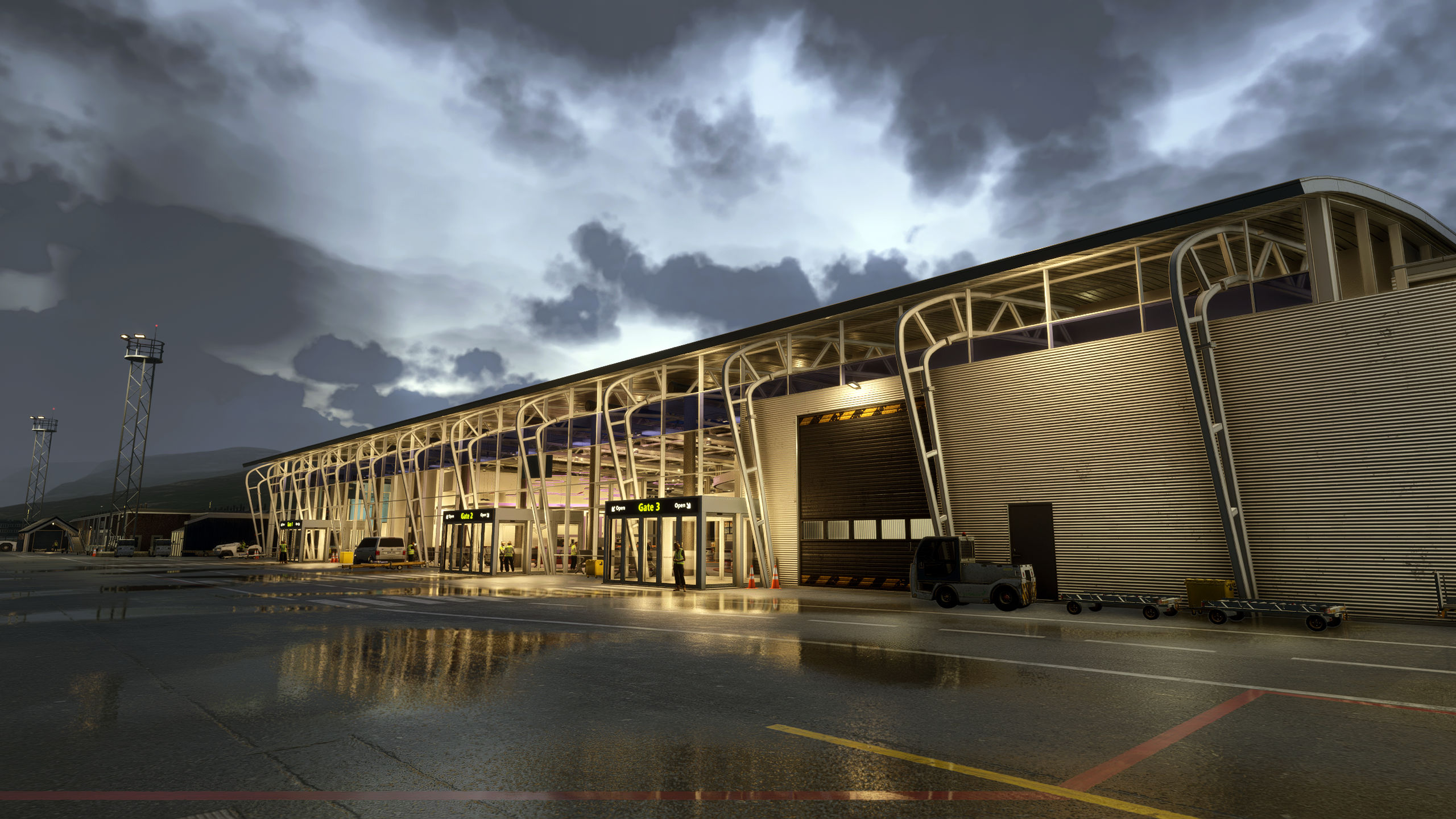
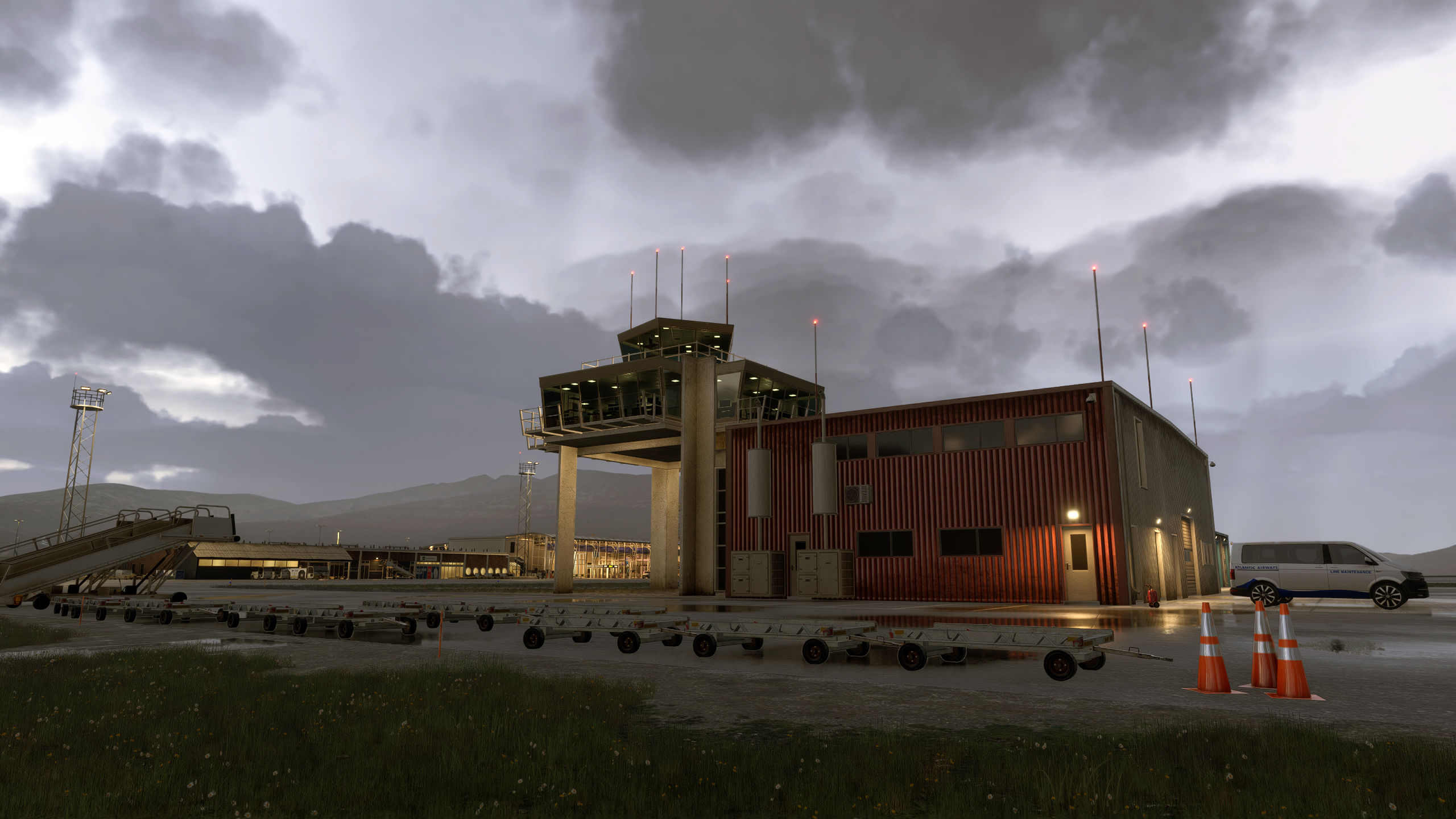
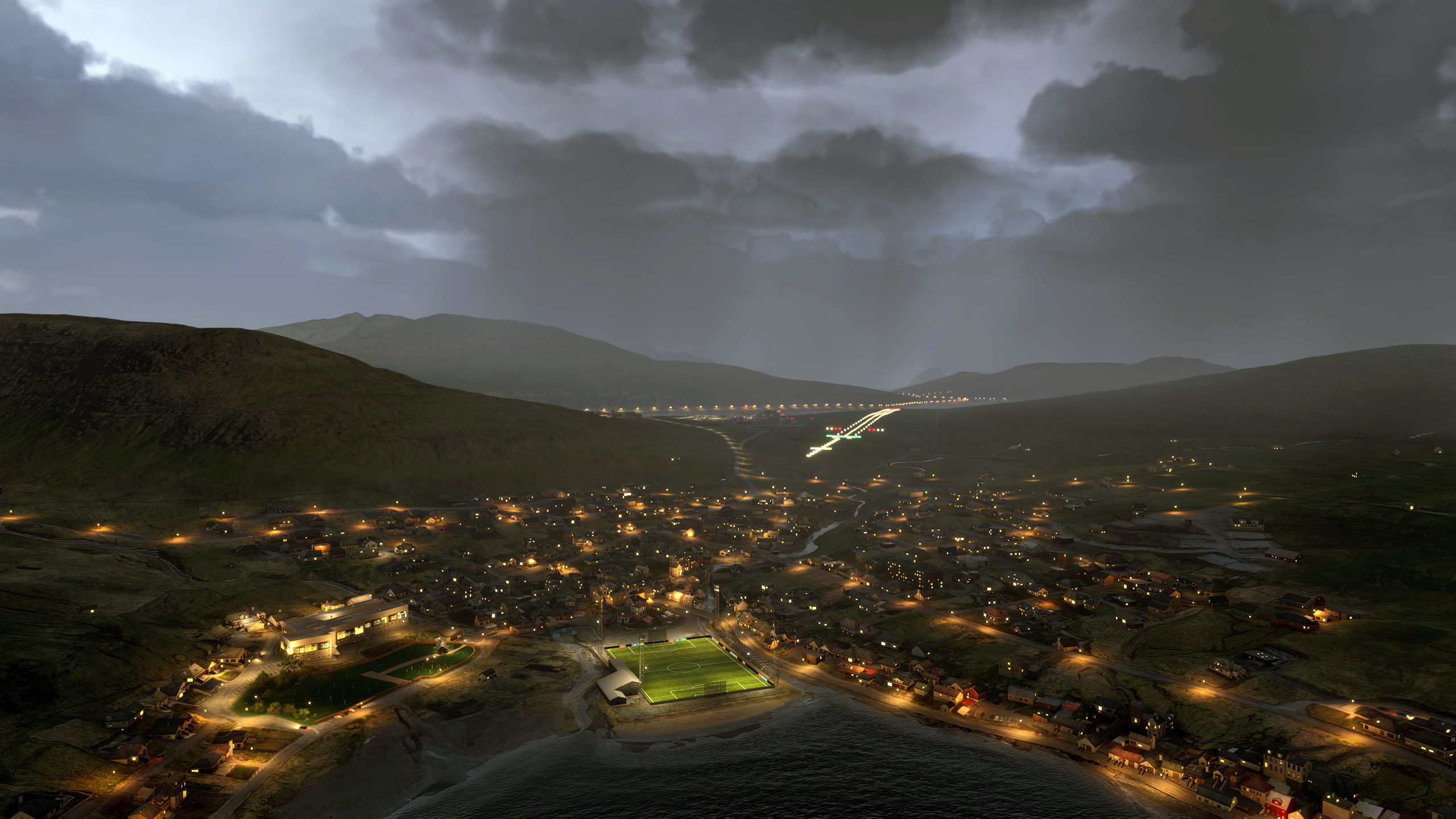


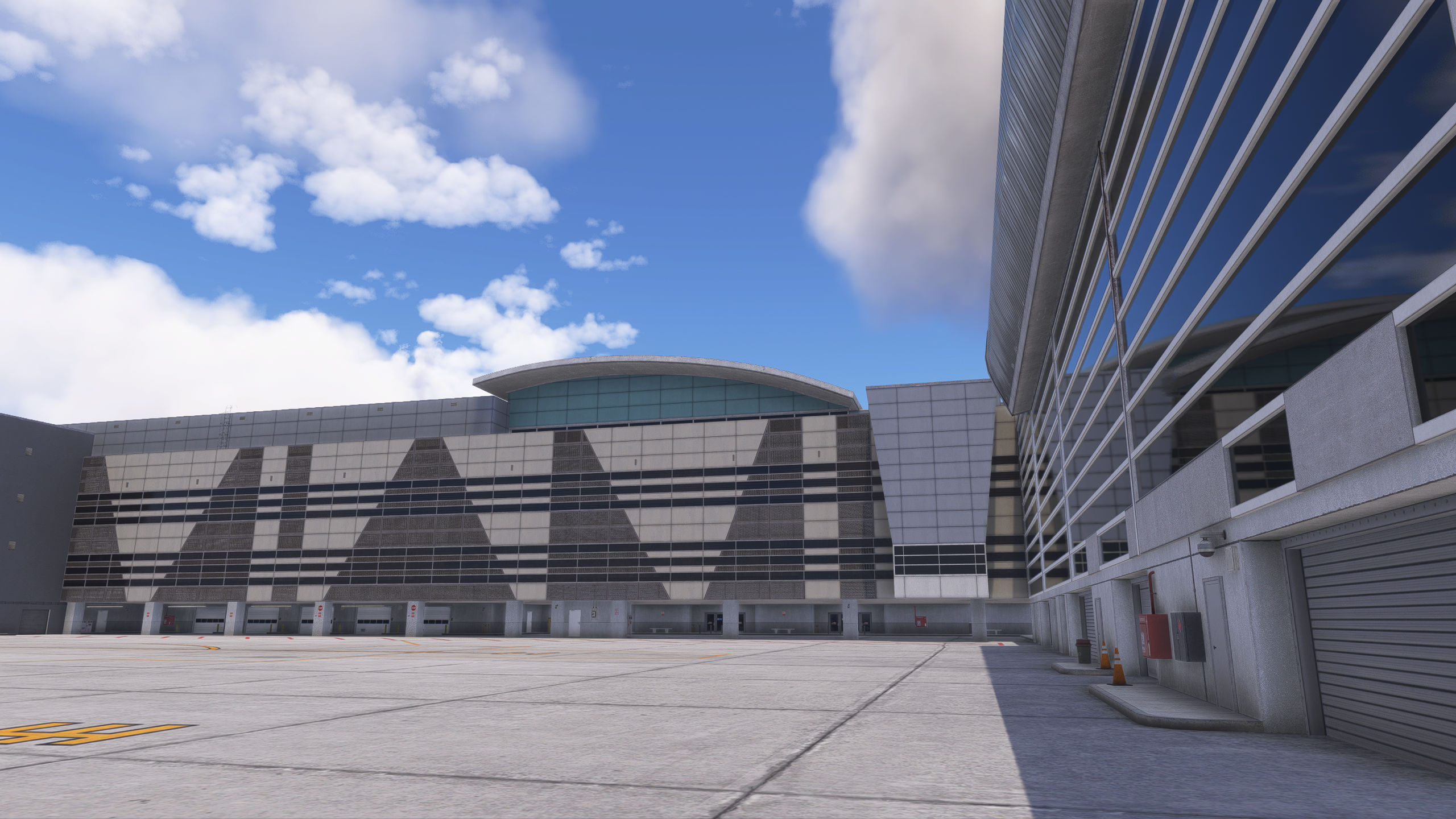
MK Studios announced on Discord that testing is done on Vagar Airport (EKVG) V2 and Tenerife South Airport (GCTS). You can see them above.
Next week will be dedicated to the creation of GSX profiles and their testing, and both airports are expected to release sometime after August 17.
Three Airports in Northern California Released for Free for MSFS 2024 and MSFS 2020
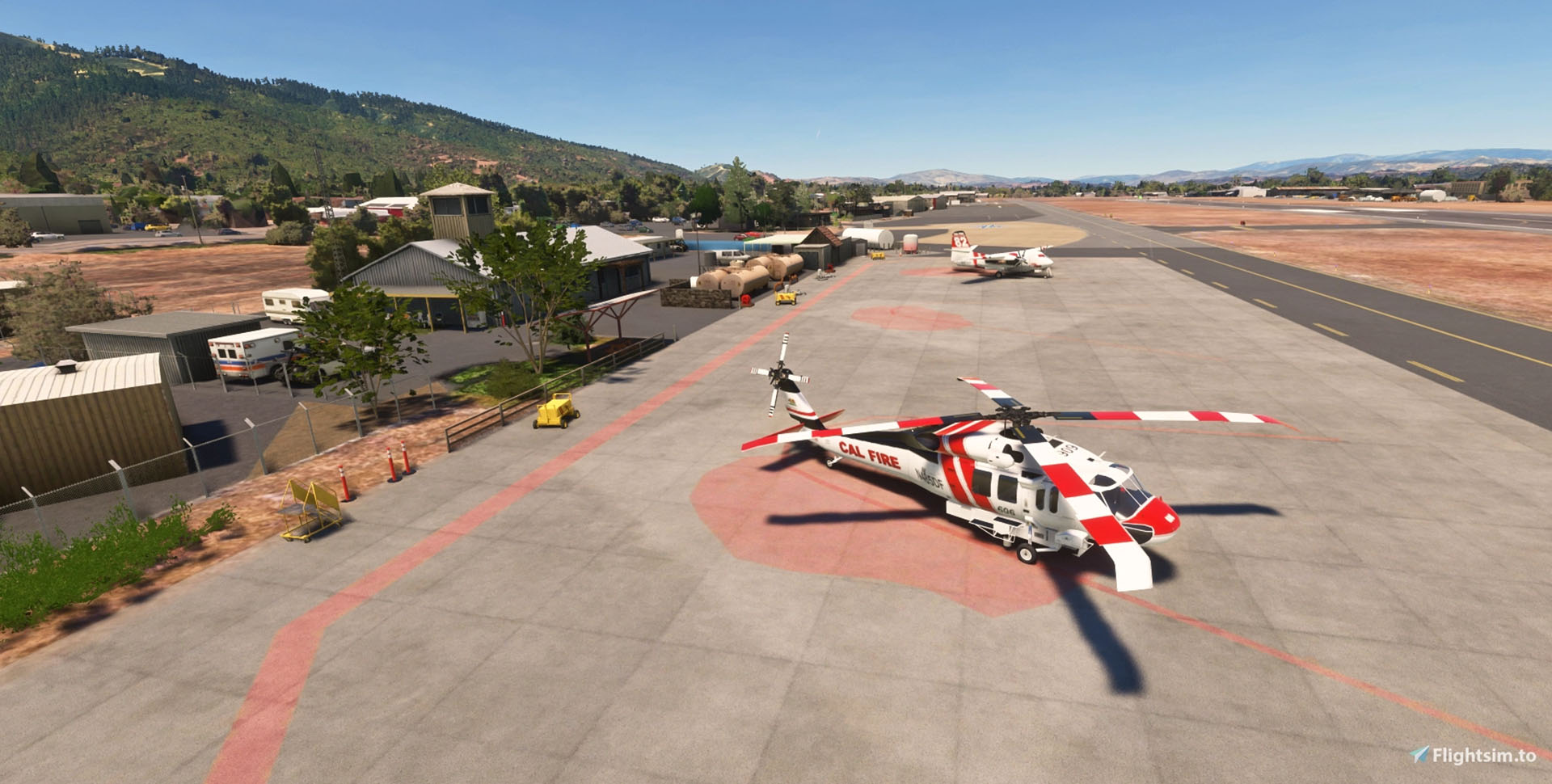
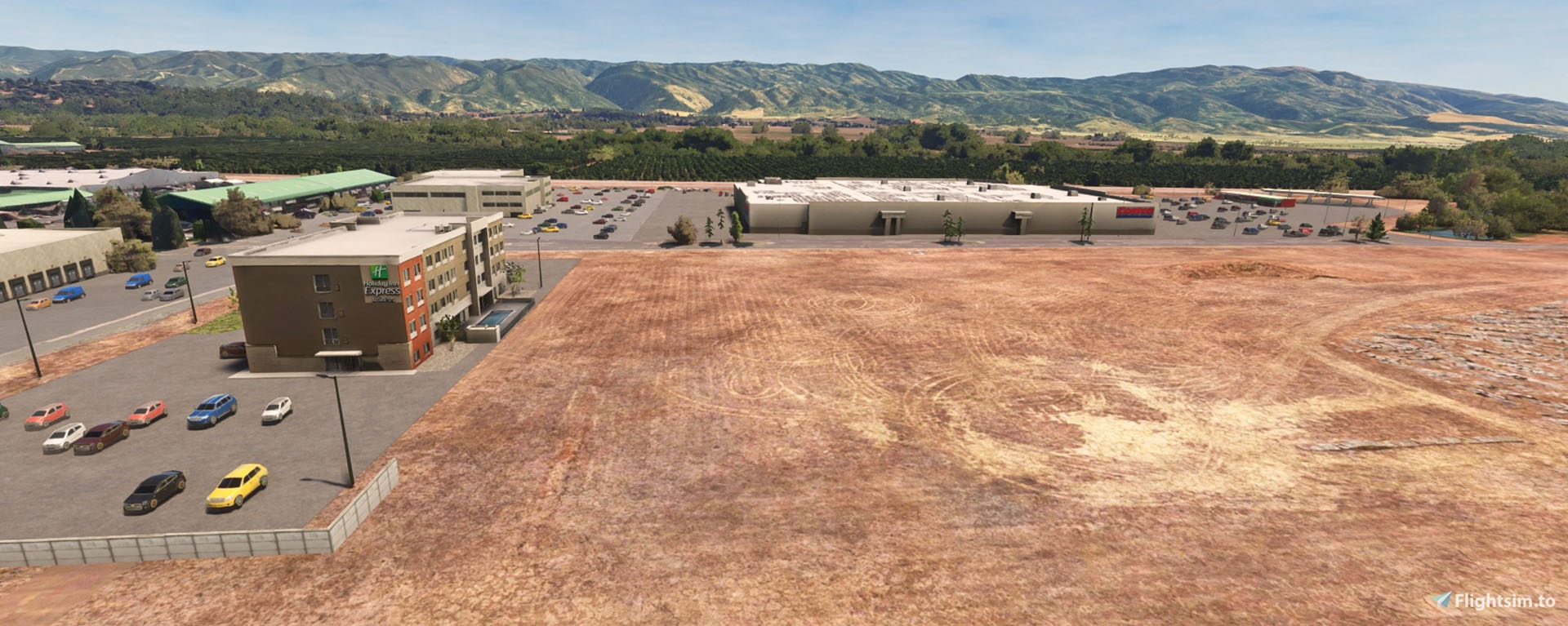
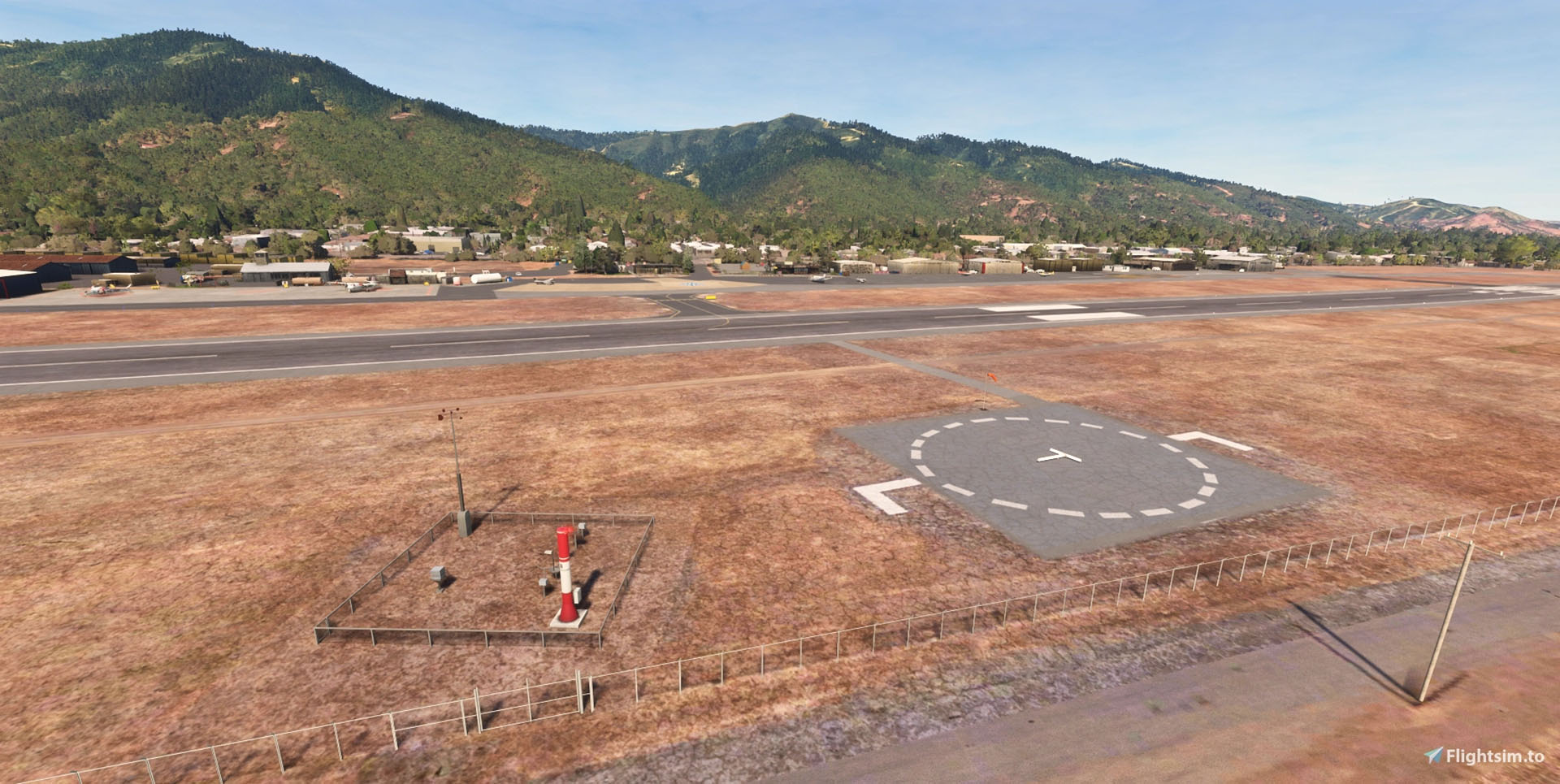


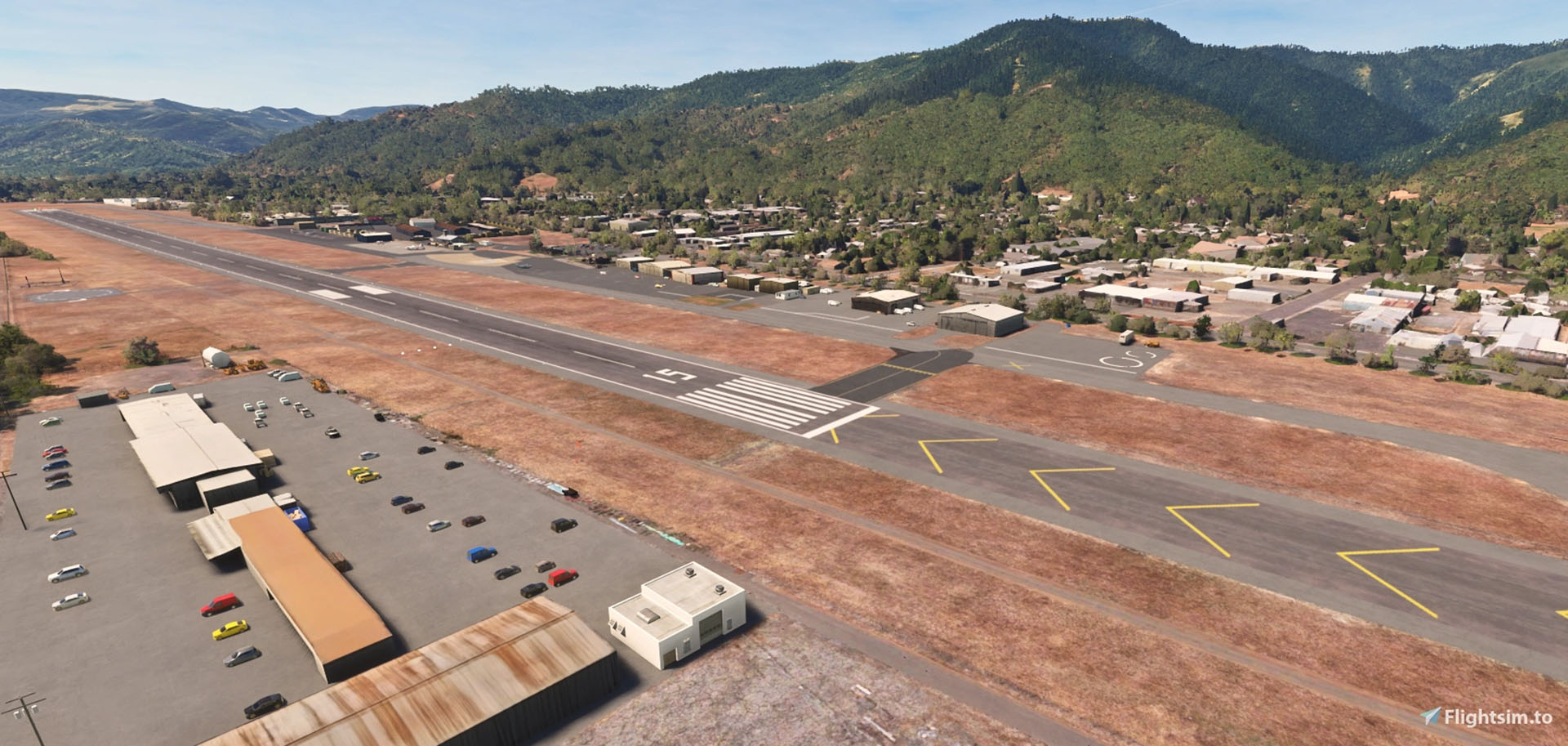


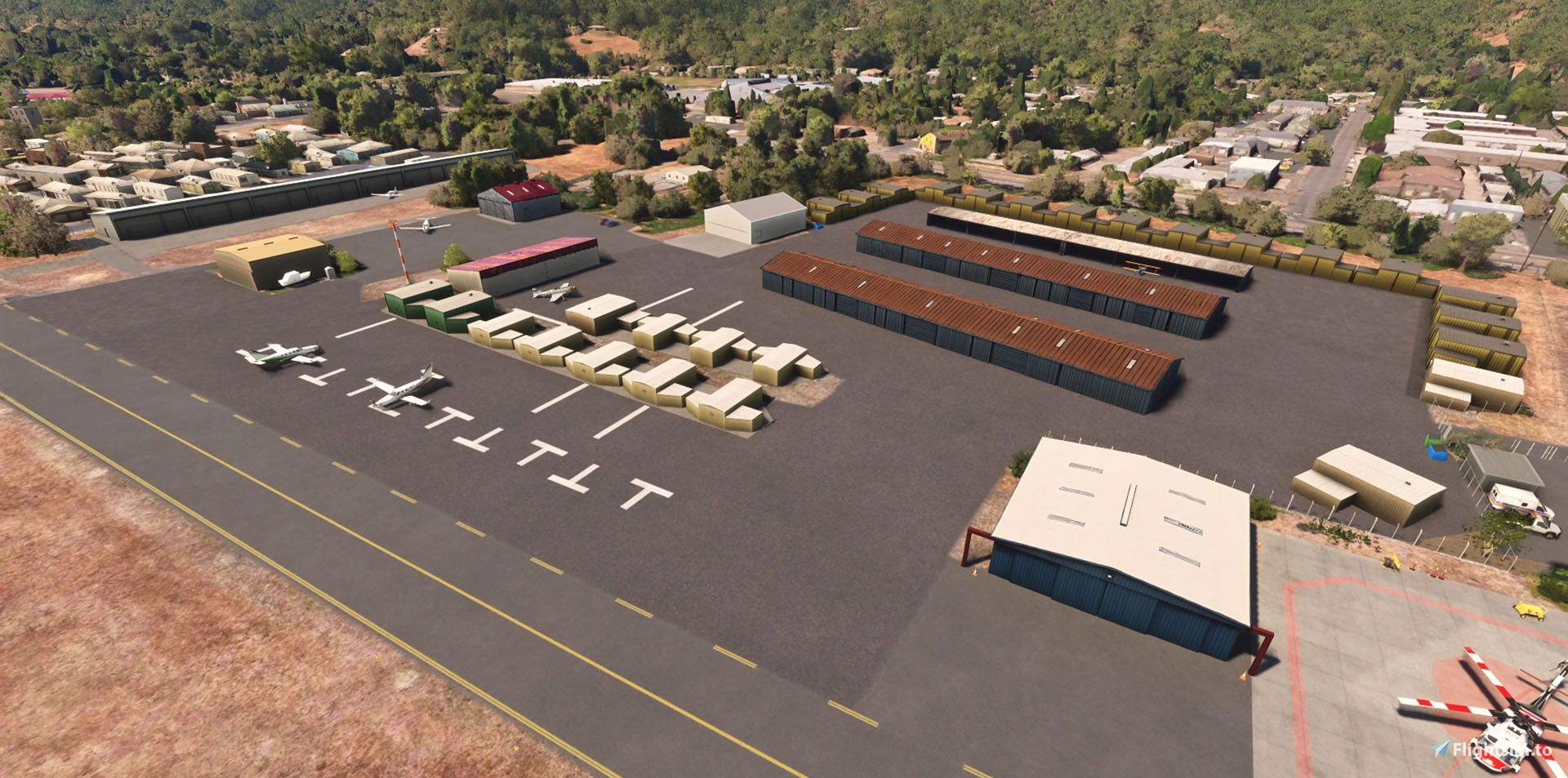
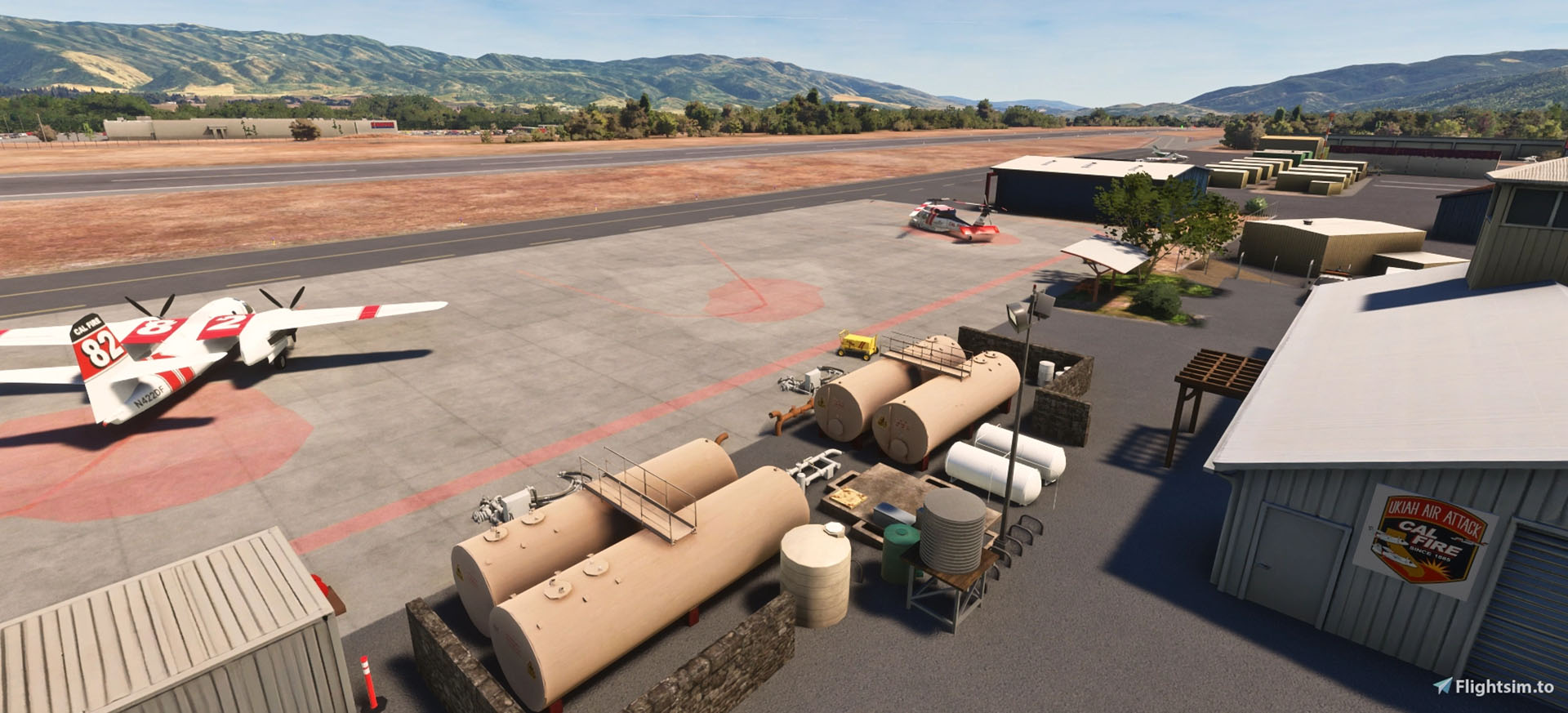
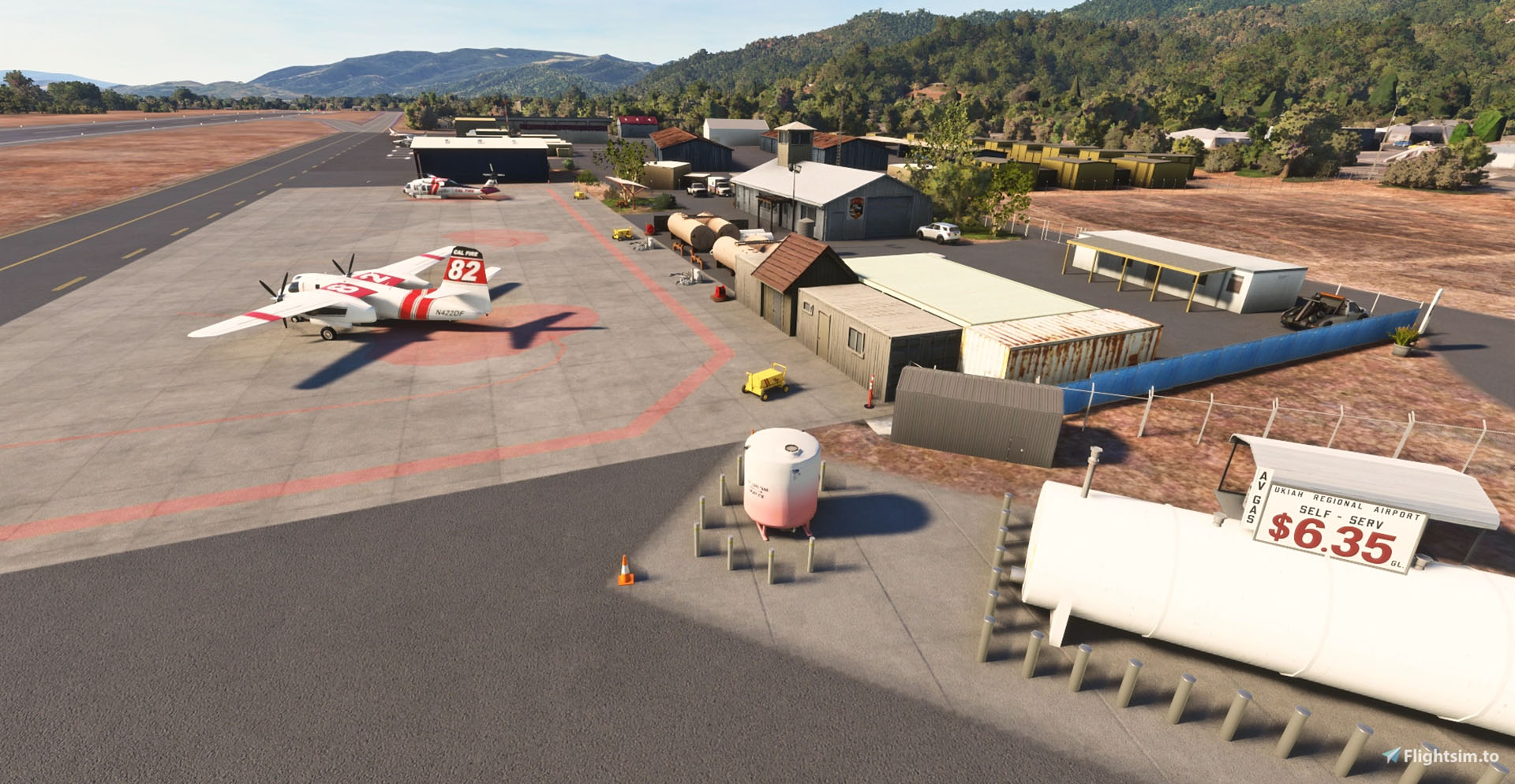
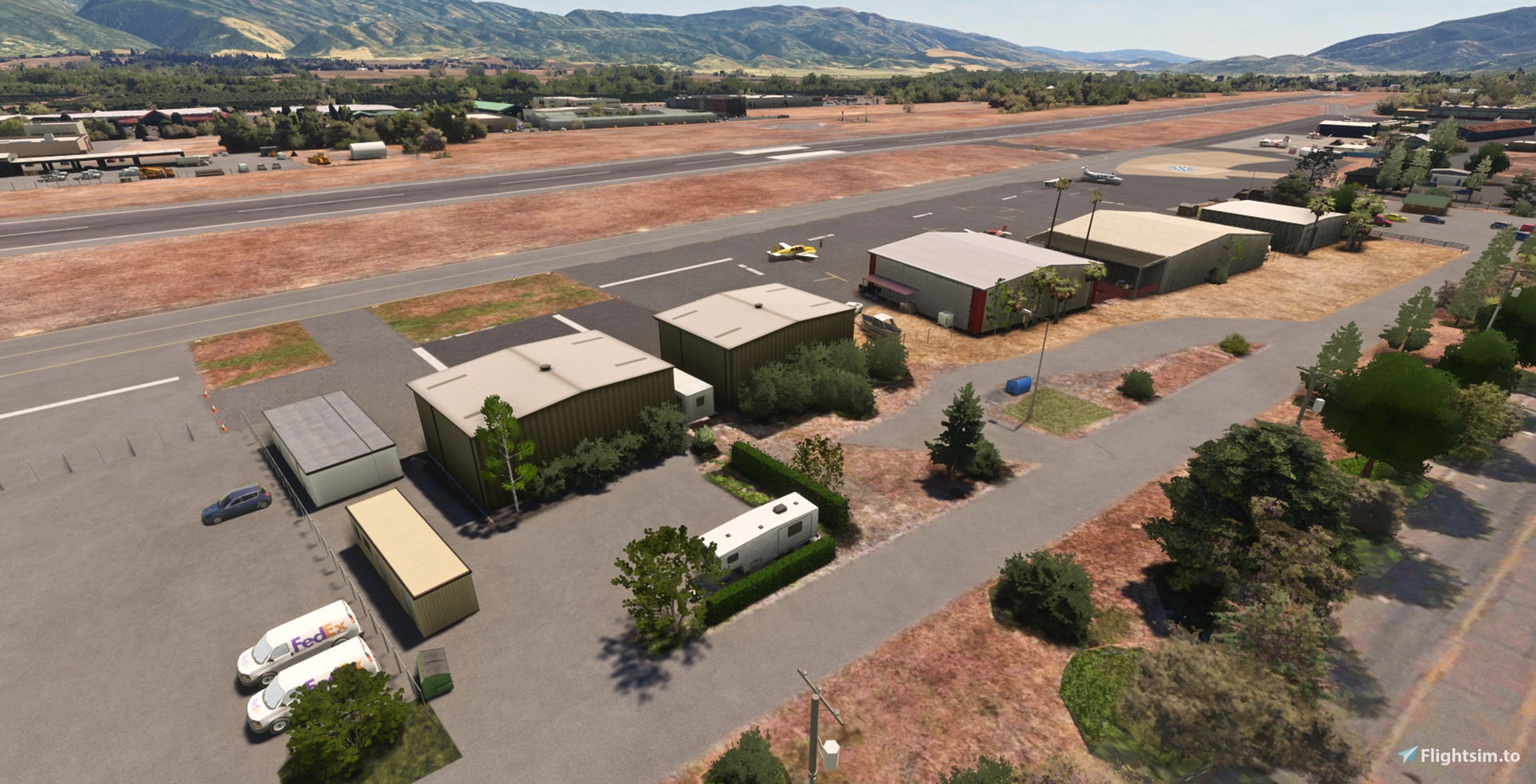
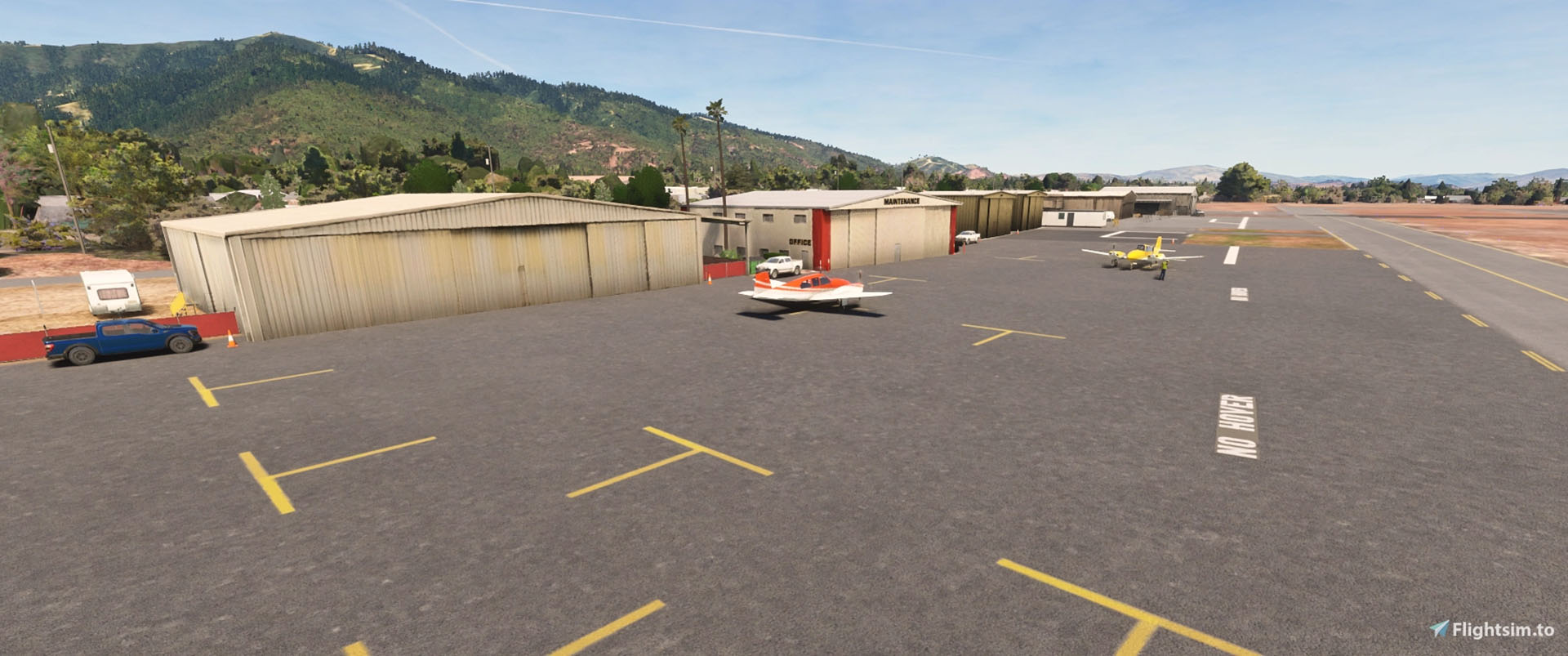
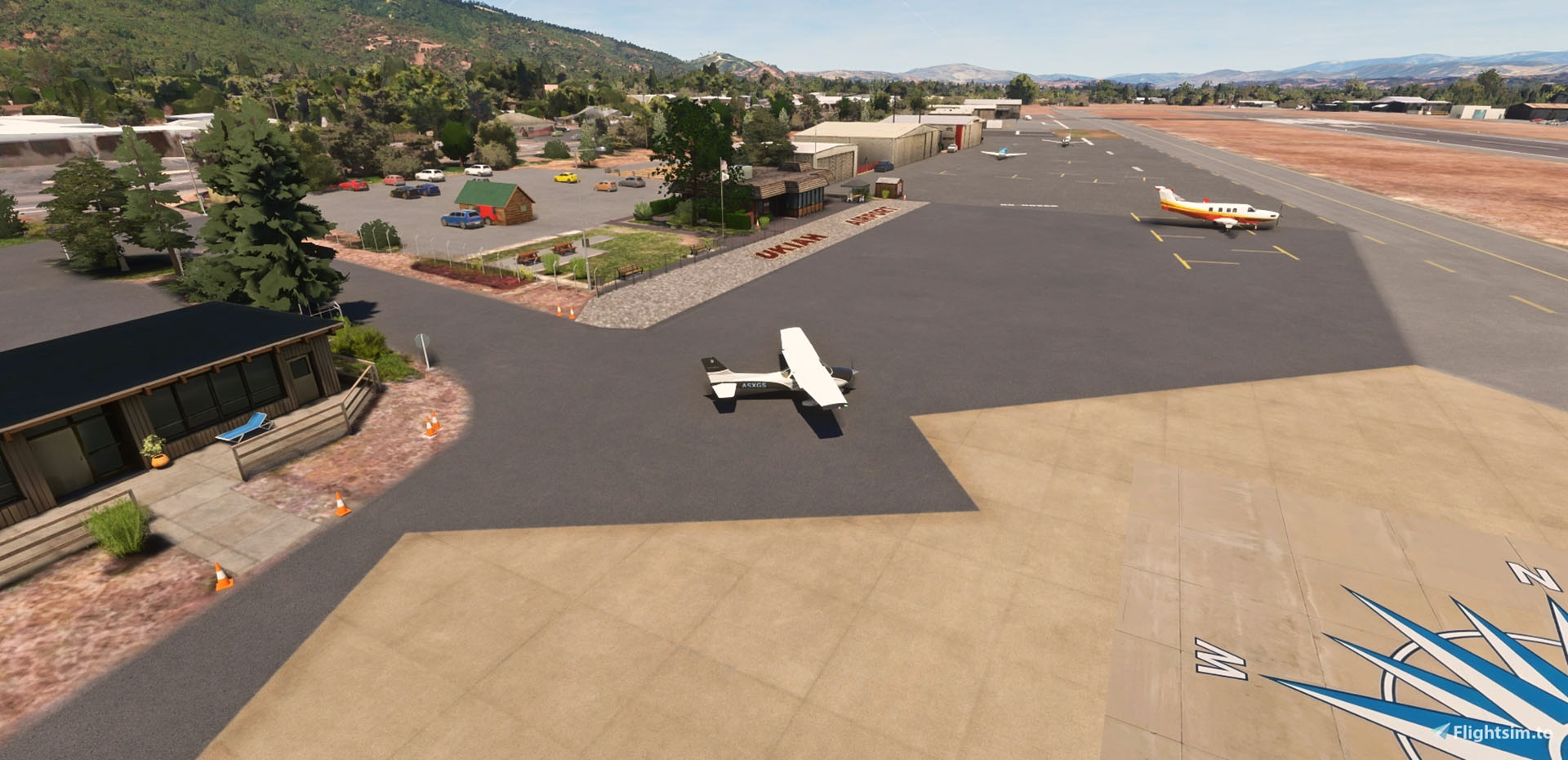

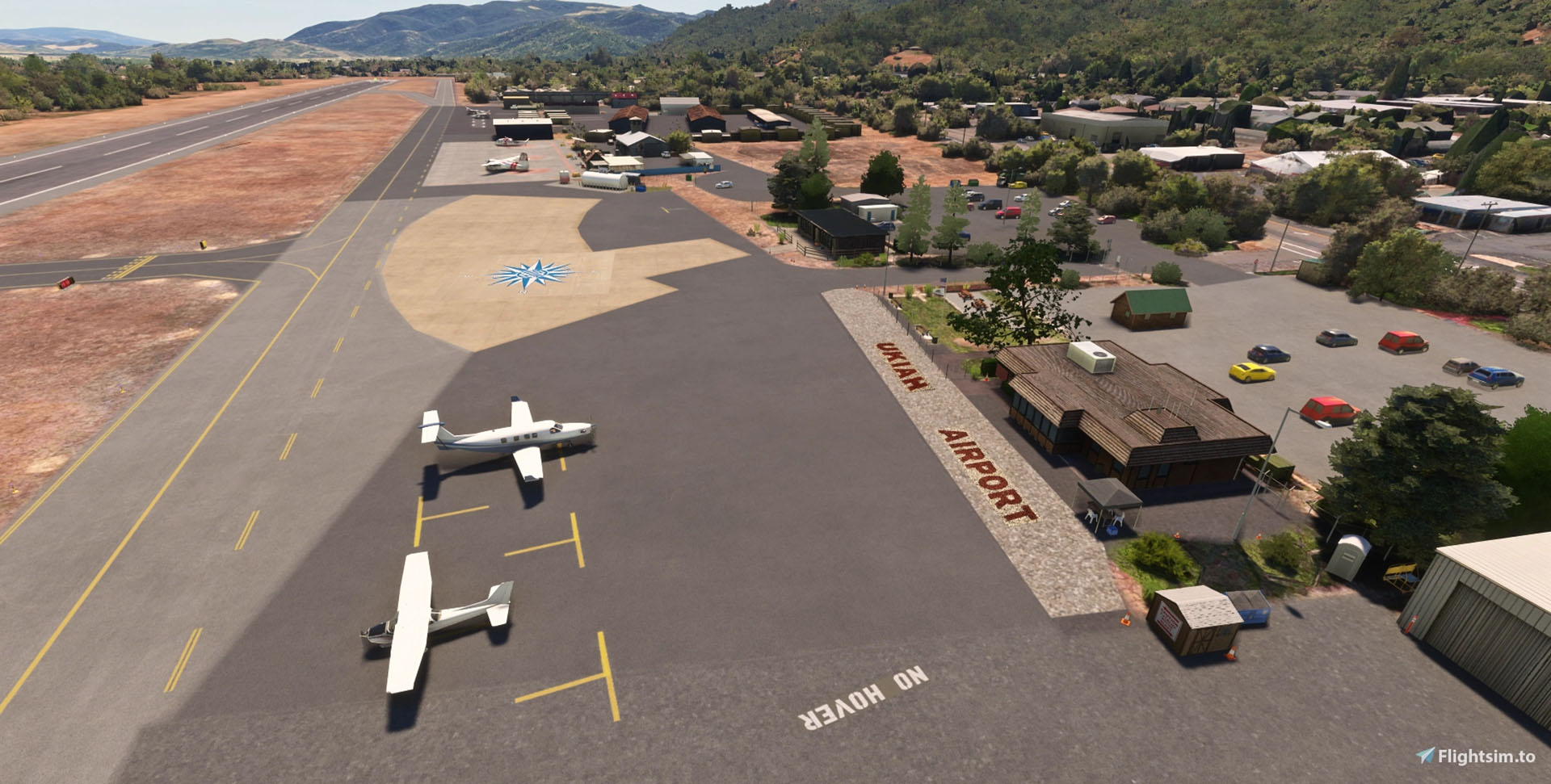
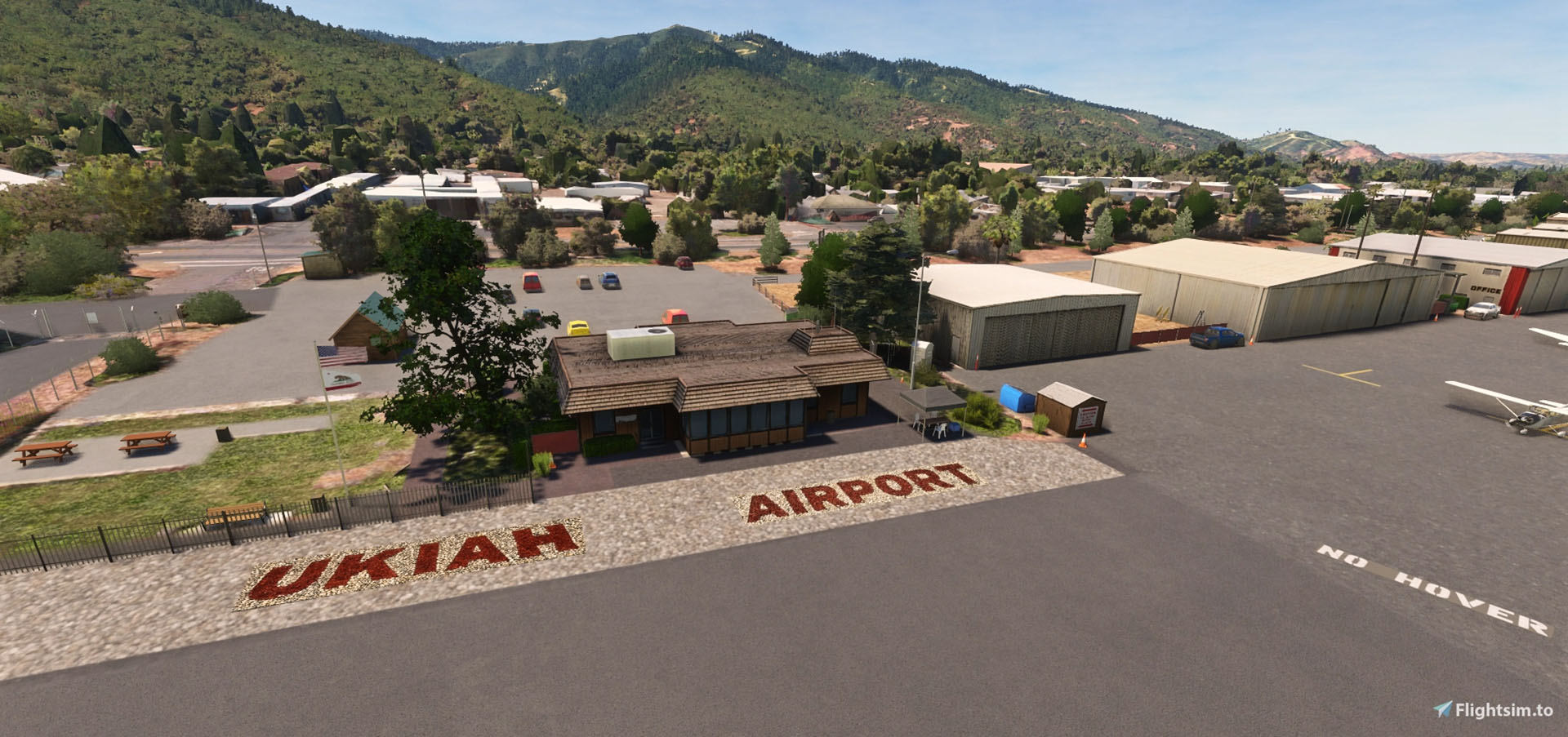
Nandengo12 released not one, not two, but three excellent airports in the Russian River region of Northern California, and they’re all free.
The first is Ukiah Municipal Airport (KUKI), available on Flightsim.to and coming with the following features.
- Custom airport objects including main FBO, Ukiah Aviation, north hangar complex, south hangar complex, Cal-Fire air attack base, Fed Ex warehouse, old Masonite sign, and various airfield signage
- Added Costco and Holiday Inn Express just east of the field missing from the older MSFS ortho and scenery data
- Added Ukiah municipal yard facilities adjacent to runway 15
- Cal-Fire static aircraft generously donated by Flyin’ J Simulations (Please check out their excellent KHMT scenery!)
- Added utilities, fencing, landscaping, weather station, windsocks, lighting, ramp clutter, and various Cal-Fire equipment at the base
- Many fixes and removals of photogrammetry tree blobs along S State Street and the SE corner of the airport
- Removed TIN photogrammetry in mobile home park at SW corner to cut melted structures visible from taxiway Alpha
- Removed TIN from melted storage facility in SW corner and replaced with rough custom facsimile
- Remade the runways and taxiways, as the default MSFS lights and markings were not accurate (no TDZ marks on rwy 33 end IRL, for example)
- Replaced all taxiway signs due to incorrect taxiway names
- Added 13 GA parking positions and a helicopter start point. There is also a start point AI aircraft should not use at the Cal-Fire base
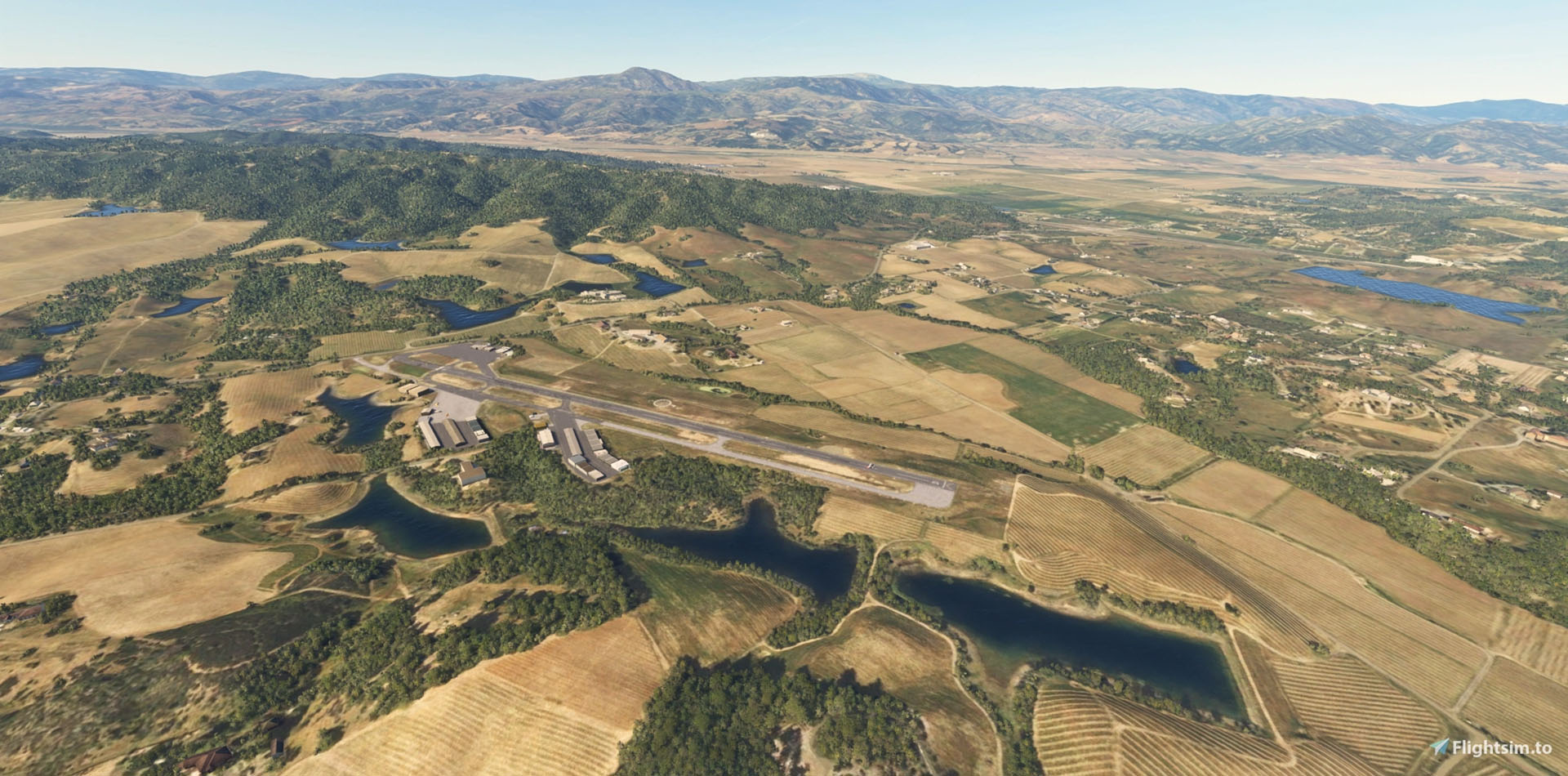
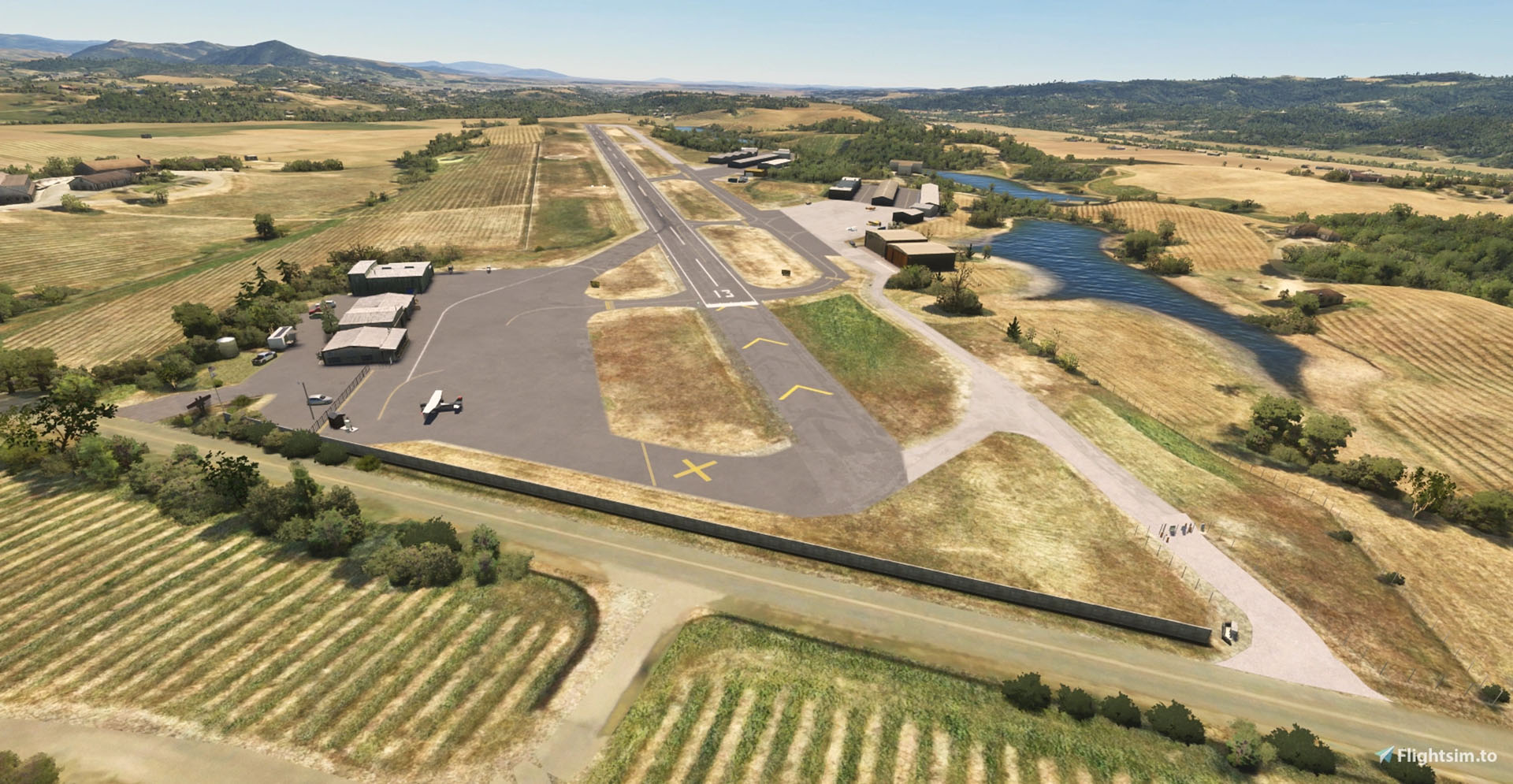

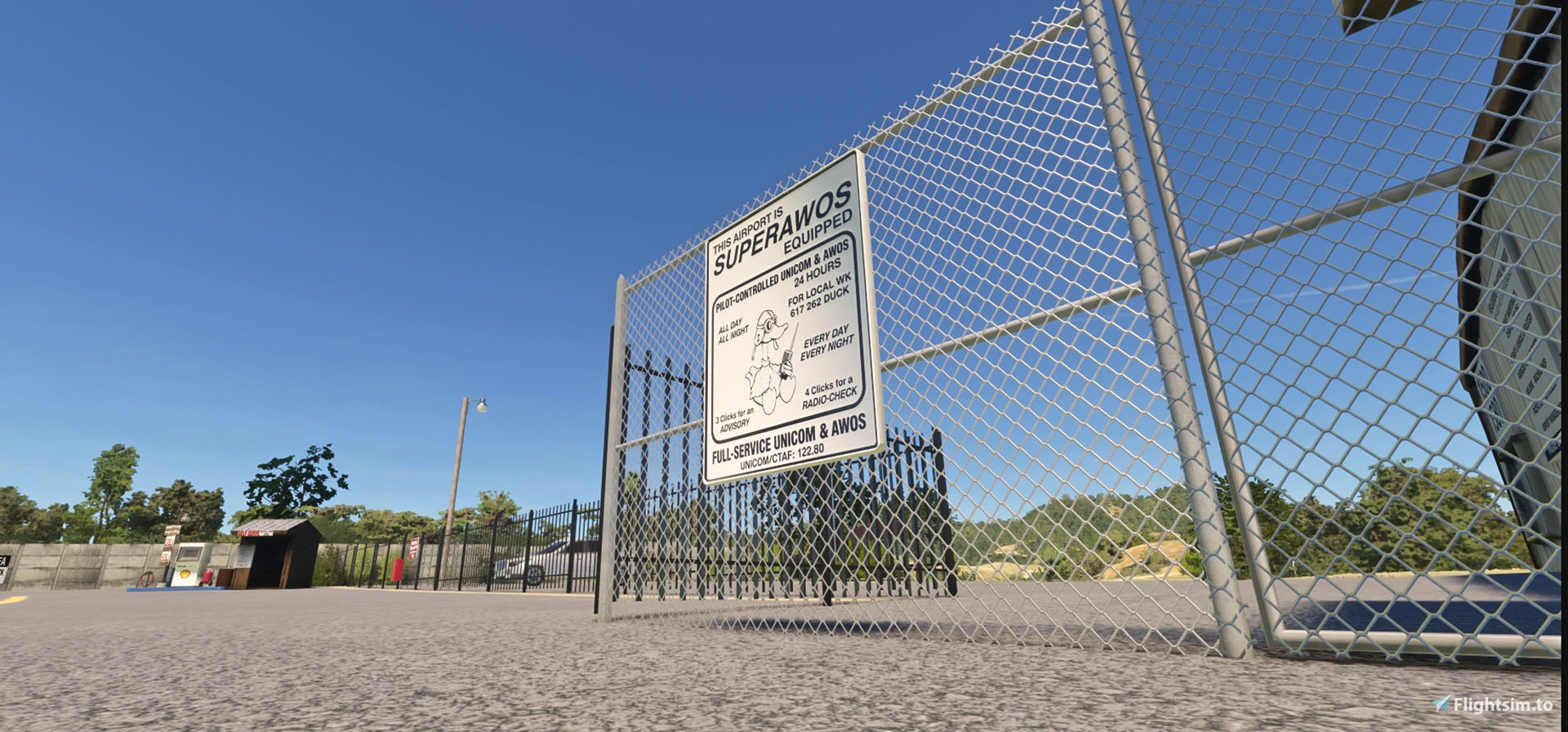
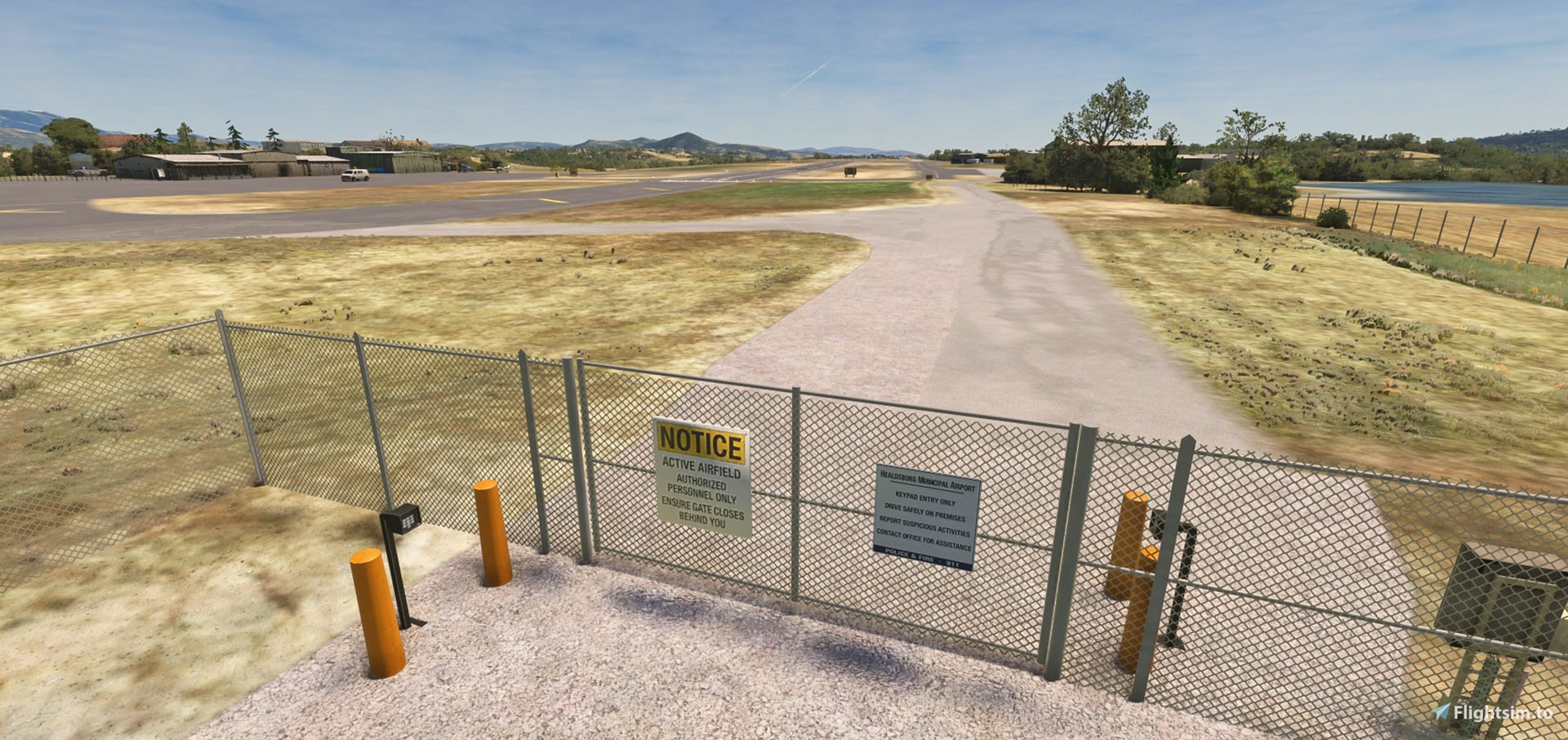


The second is Healdsburg Municipal Airport (KHES), available on Flightsim.to with the following features.
- Custom airport objects including FBO area and related facilities, the nostalgic fuel station corner, greeting sign, west hangar complexes, and some airfield signage
- Added fencing, landscaping, weather station, wind meters, lighting, a few static aircraft, and ramp clutter
- Made some fixes to missing groups of trees according to photos and the MSFS ortho
- One of the runway turnoffs was removed to reflect ongoing safety improvements underway at HES
- Made terraforming adjustments to the west field to repair a major sunken area in the default airport
- Replaced the runway, as PAPI locations were not correct
- Replaced all taxiway signs due to incorrect taxiway names
- Added 7 GA parking positions. MSFS24 seems to populate more AI aircraft here than MSFS20 does
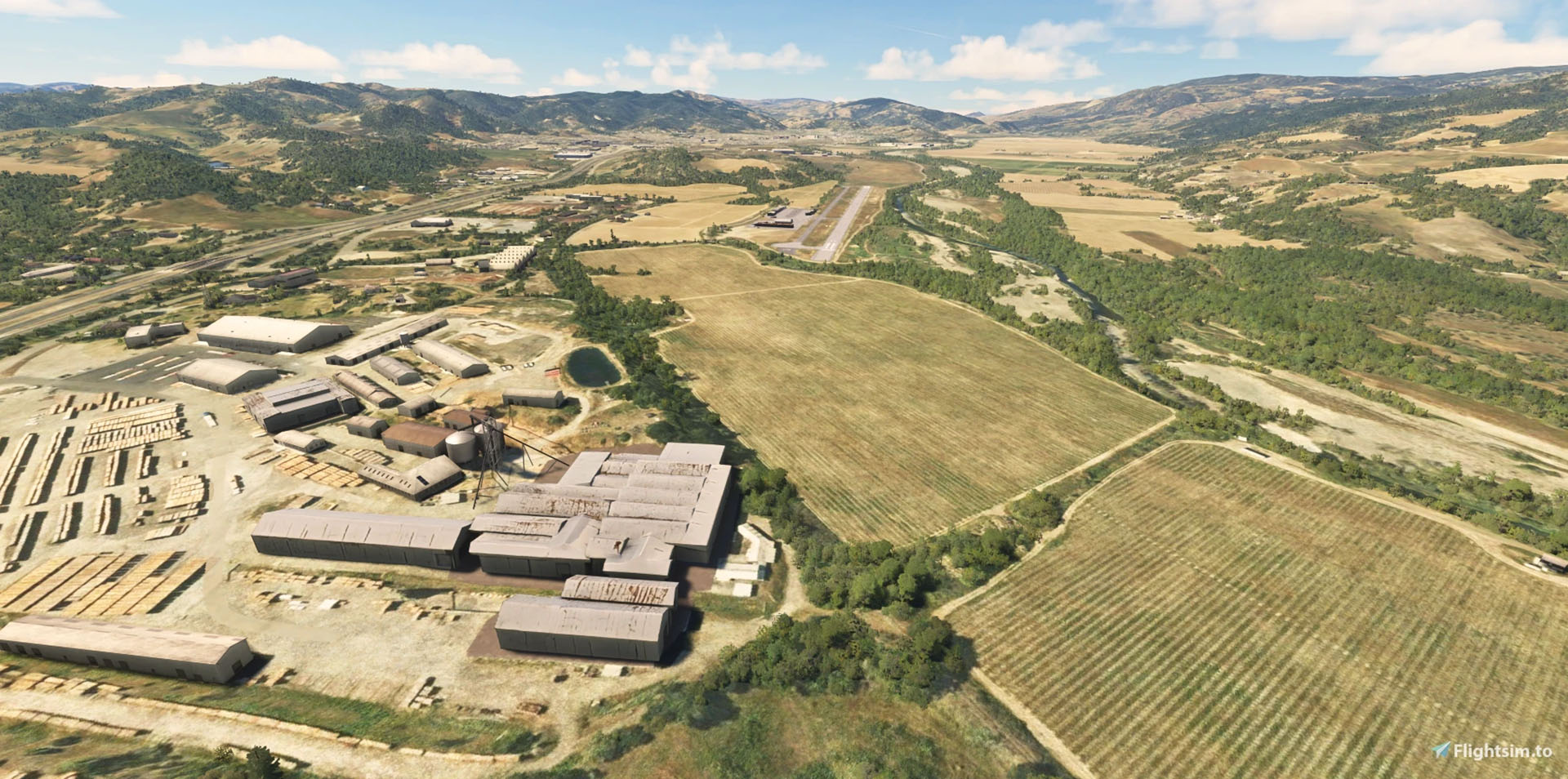
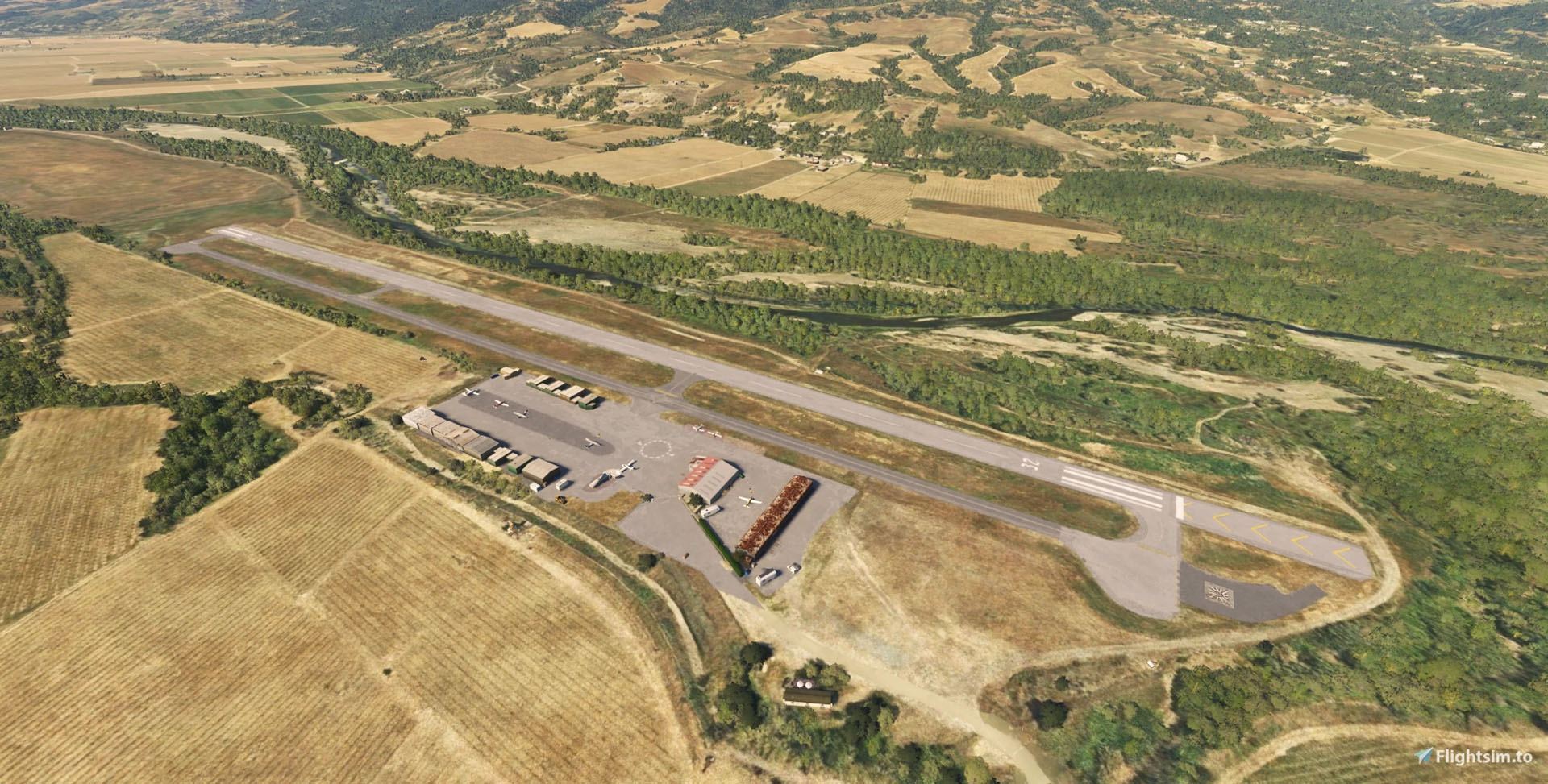
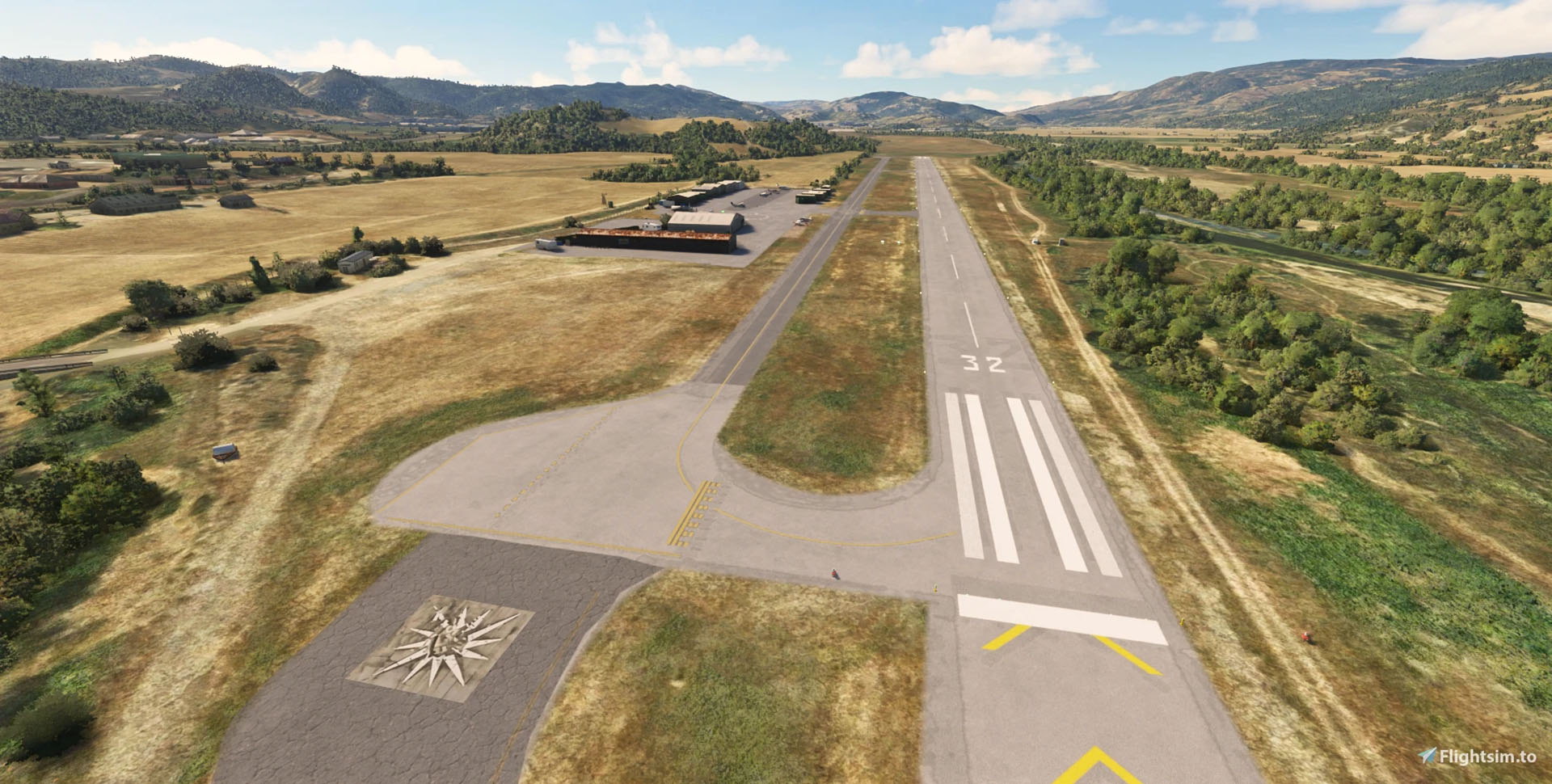


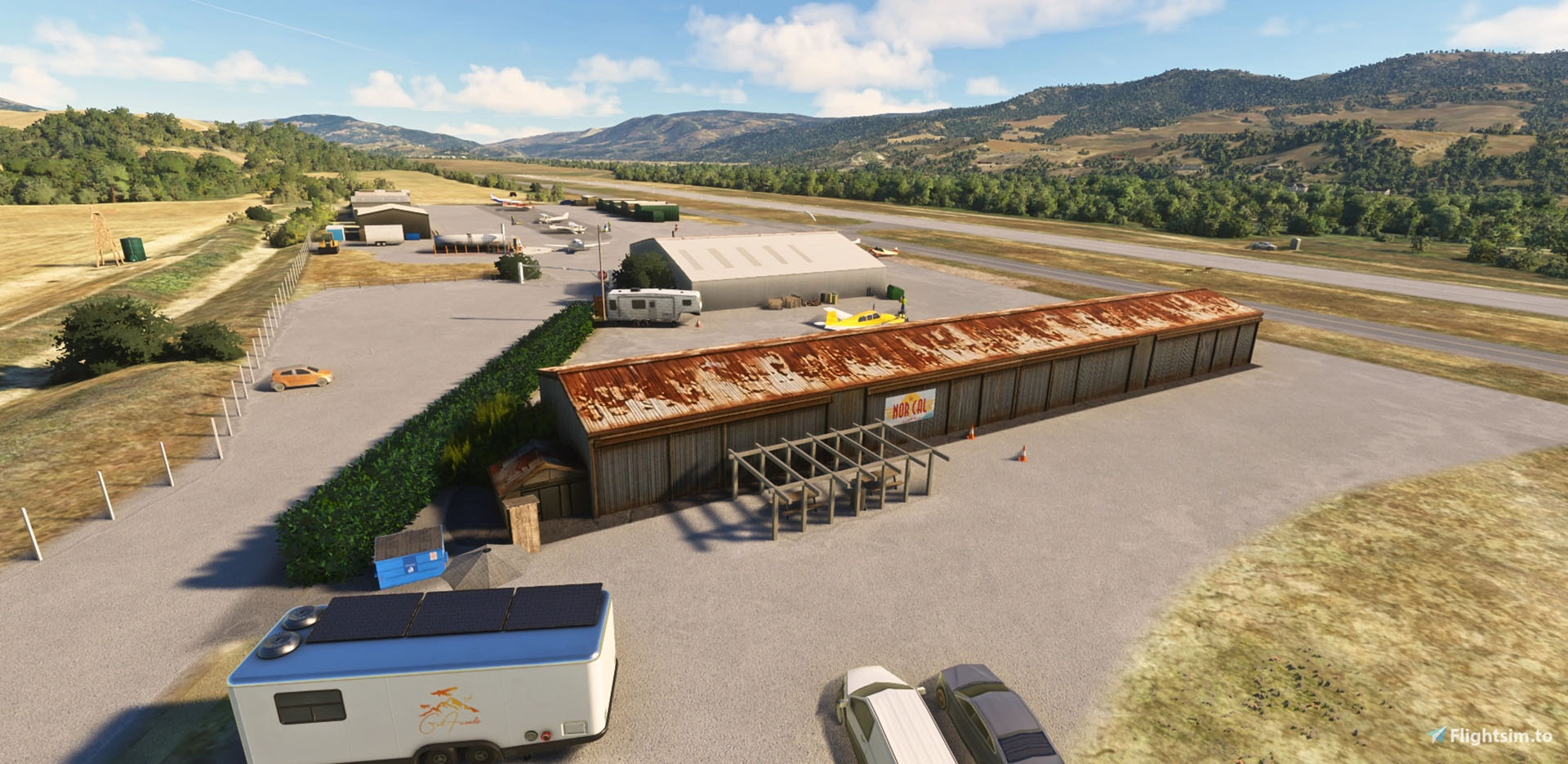


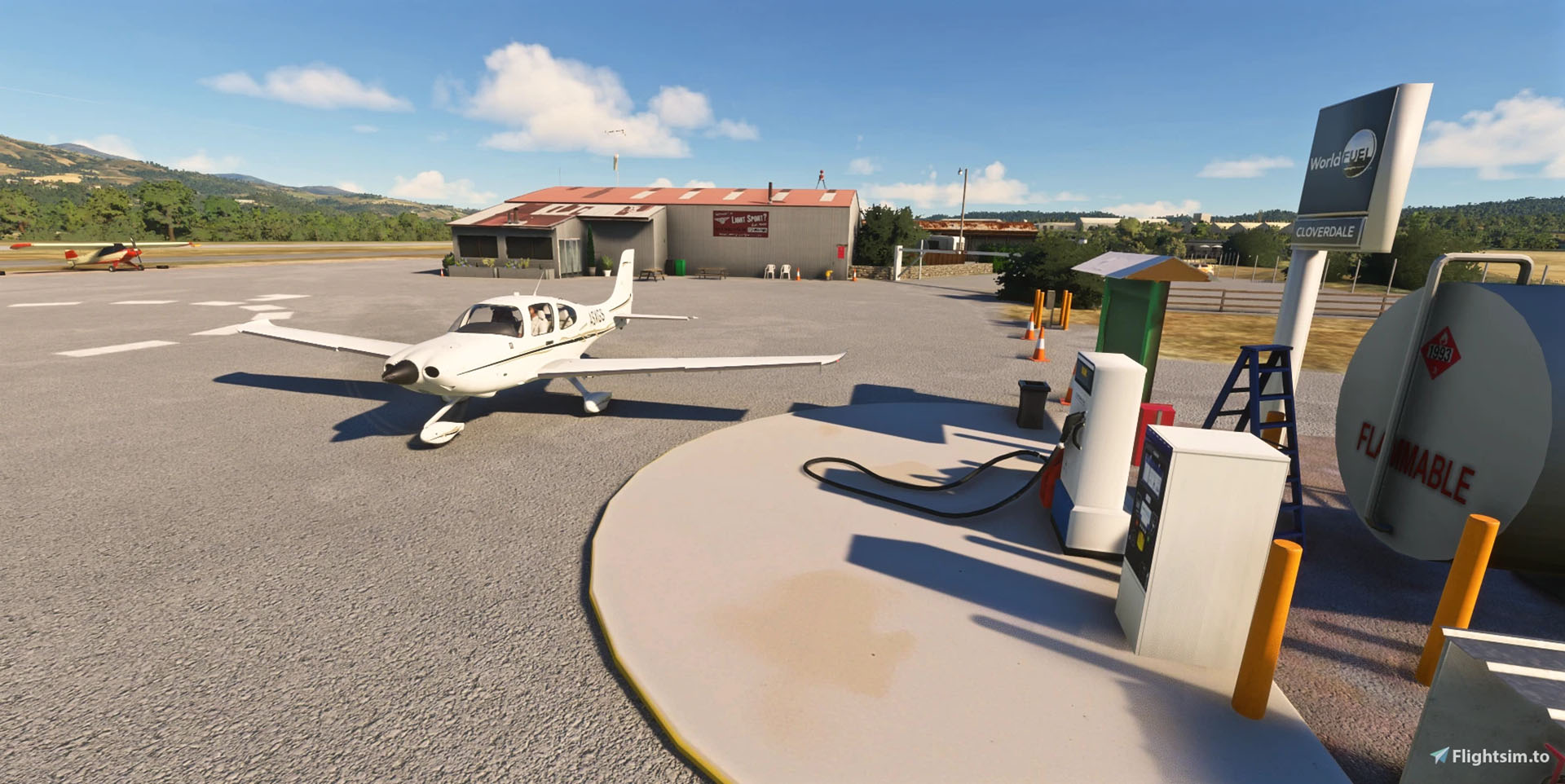
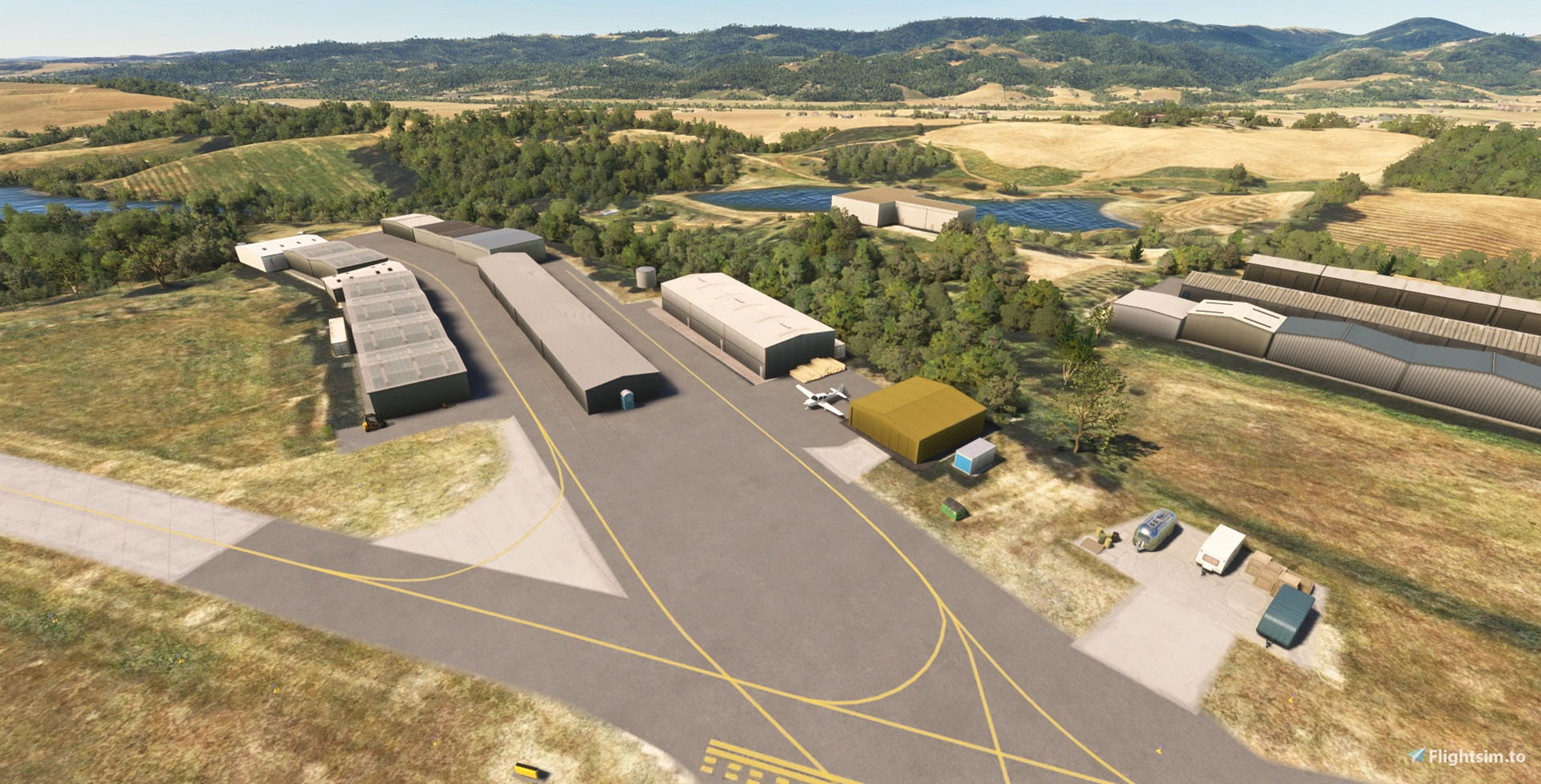
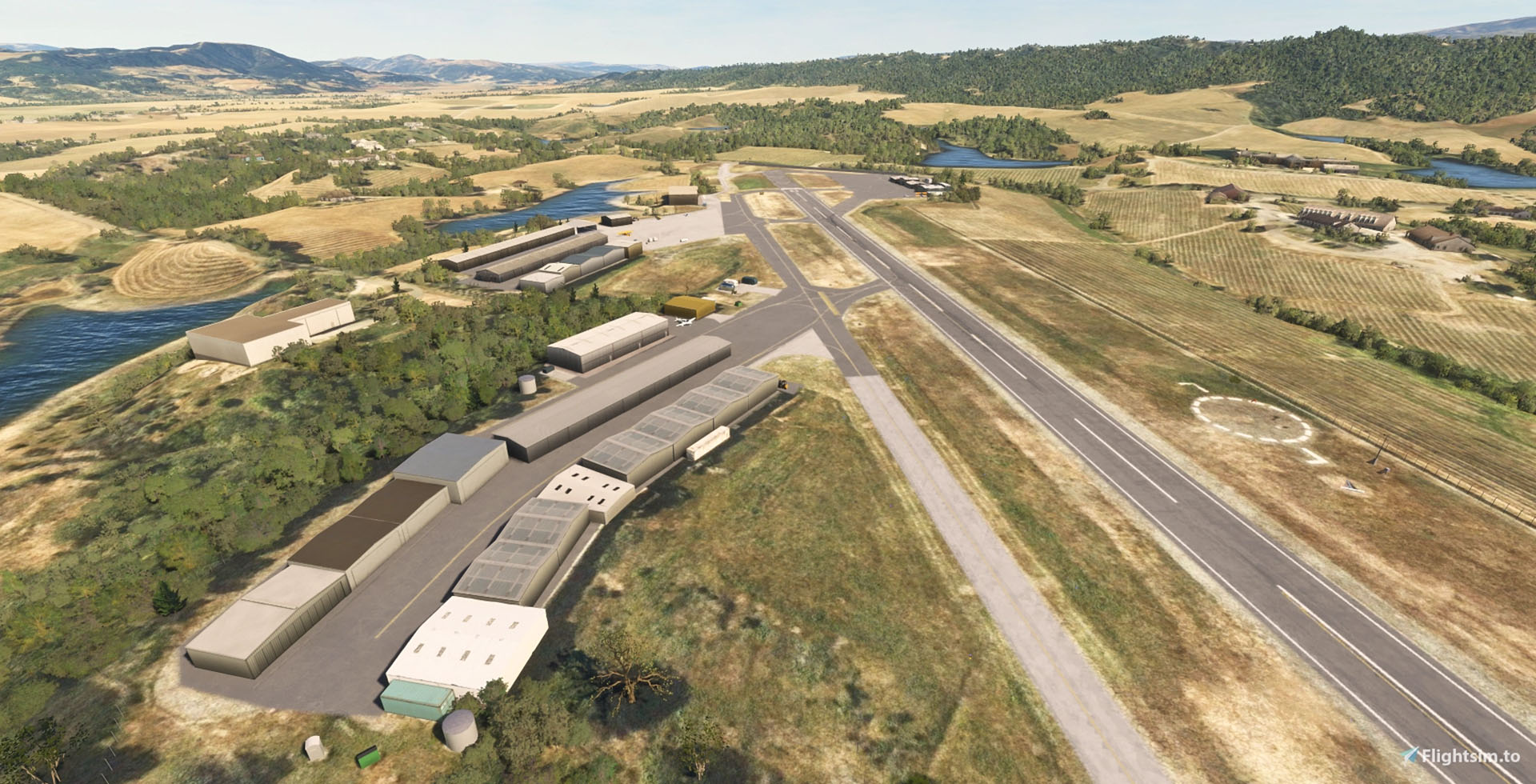
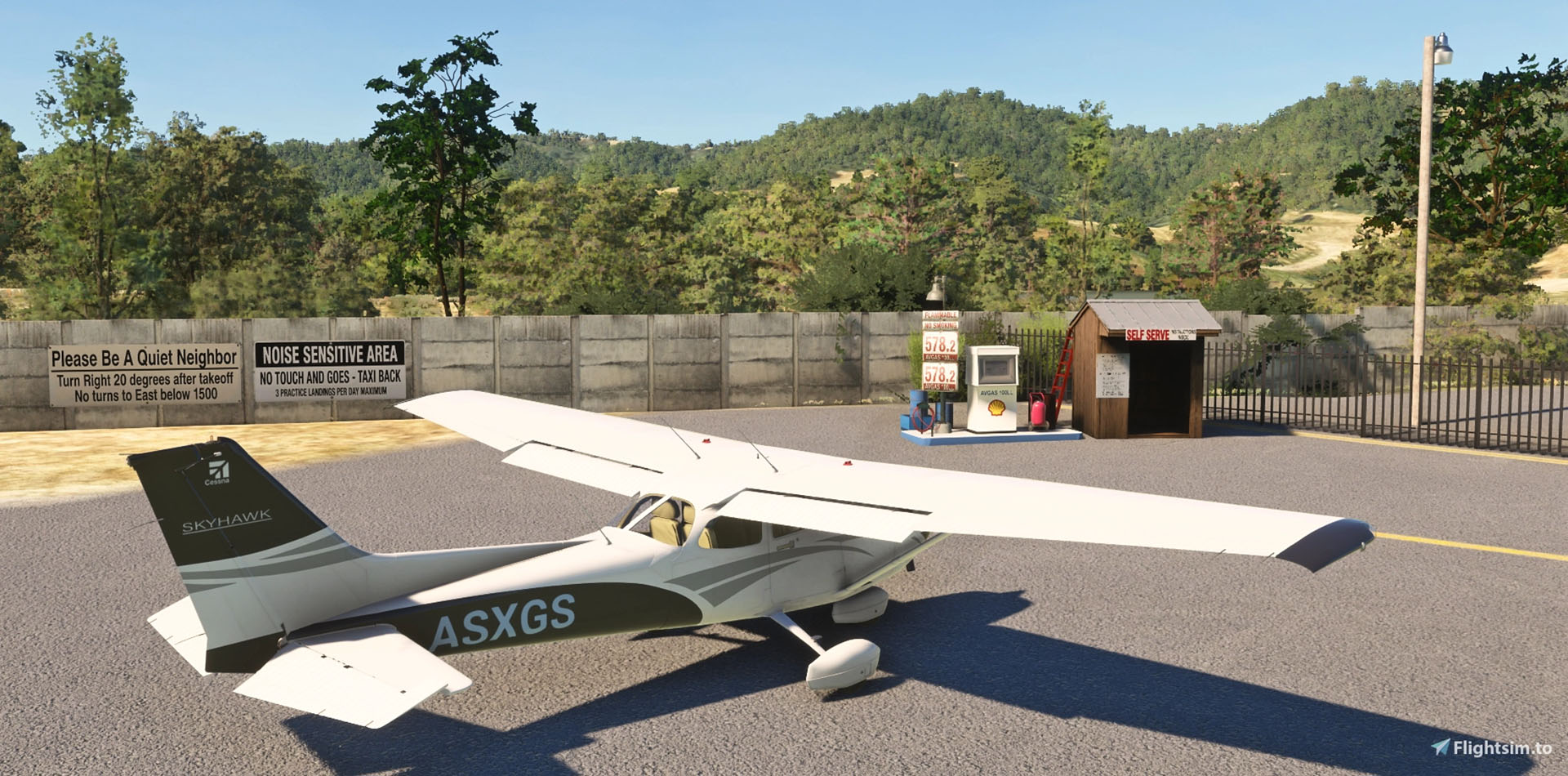
The third is Cloverdale Municipal Airport (O60), available on flightsim.to with the following features.
- Custom airport objects including the fuel station, Norcal Skydiving’s base, stone wall, vehicle gate, faded compass, various signs, and the Quality Sport Planes facility
- Added local objects such as major buildings of the sawmill and a windmill visible from the main ramp
- Added fencing, landscaping, wind meters, a few static aircraft, and ramp clutter
- Made some fixes to missing groups of trees according to photos and the MSFS ortho
- Removed taxiway signs and lights, as this airport does not have them
- Replaced the runway, as PAPI locations were not correct
- Added 7 GA parking positions
If you’d like to read more flight simulation news, you can find plenty in our previous roundup article from yesterday.
If you want to go further back, we have a handy overview video of the major flight simulation news in the past week. You can watch it below. As usual, leaving a like and a comment and subscribing to our growing YouTube channel is extremely helpful.