

Flight Simulation developers shared news today, including airports and aircraft for Microsoft Flight Simulator 2024, MSFS 2020, and X-Plane 12.
Simulation Daily publishes a roundup every day for all the news across the flight simulation field, helping you keep up to date with the ins and outs of the industry.
Before we move on to the flight simulation news, make sure to check out today’s episode of our “Can You Guess this Airport?” video series and see if you can identify the airport portrayed.
Tokyo Haneda Airport for MSFS 2024 and MSFS 2024 Gets New Screenshots and Details Ahead of Release
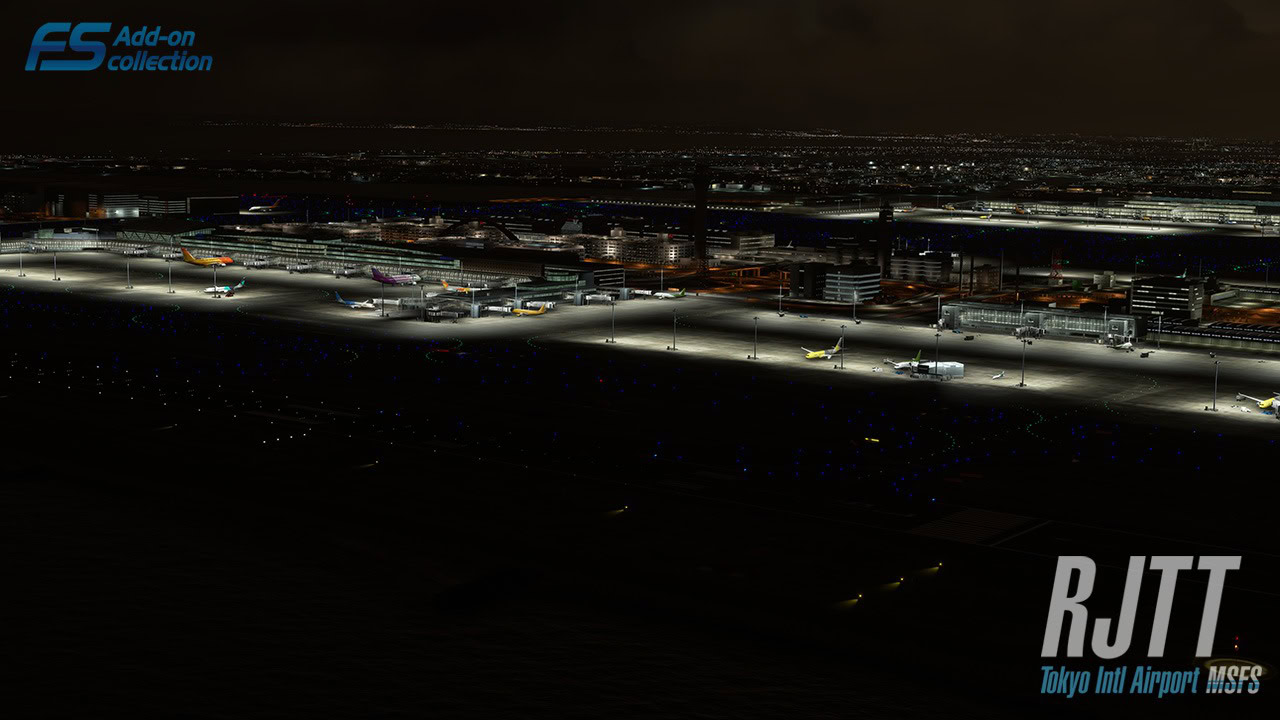
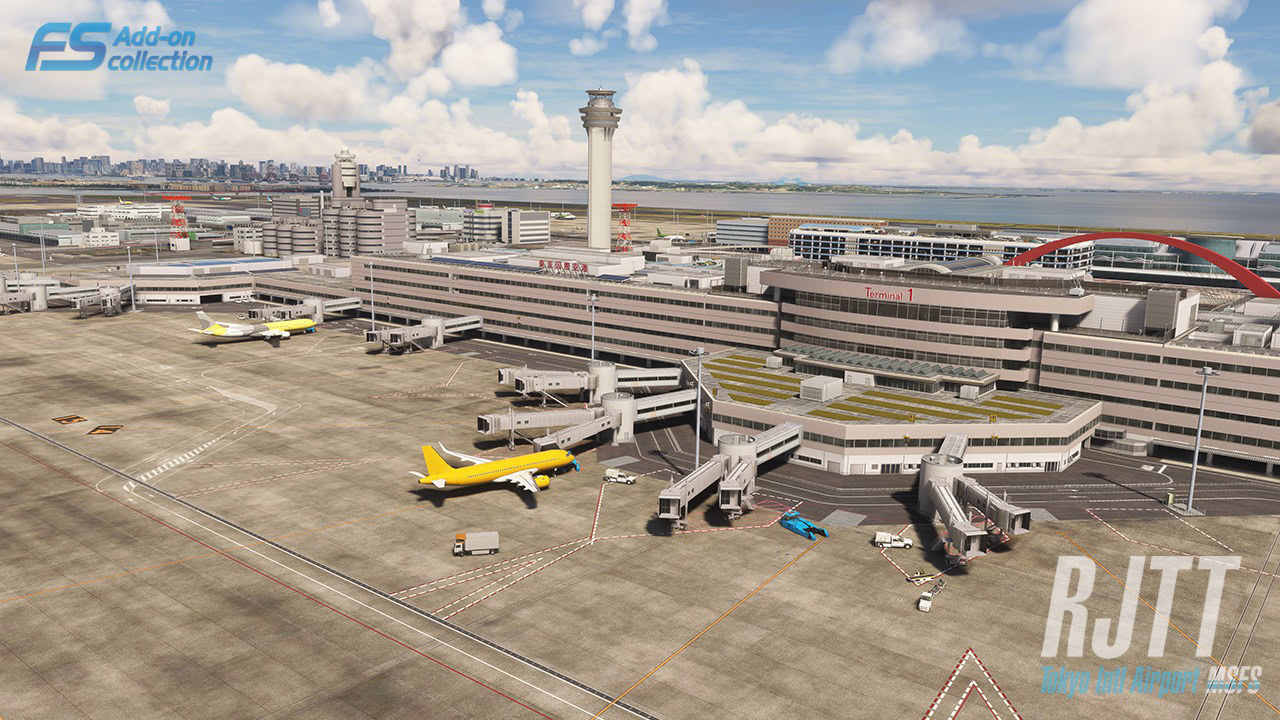
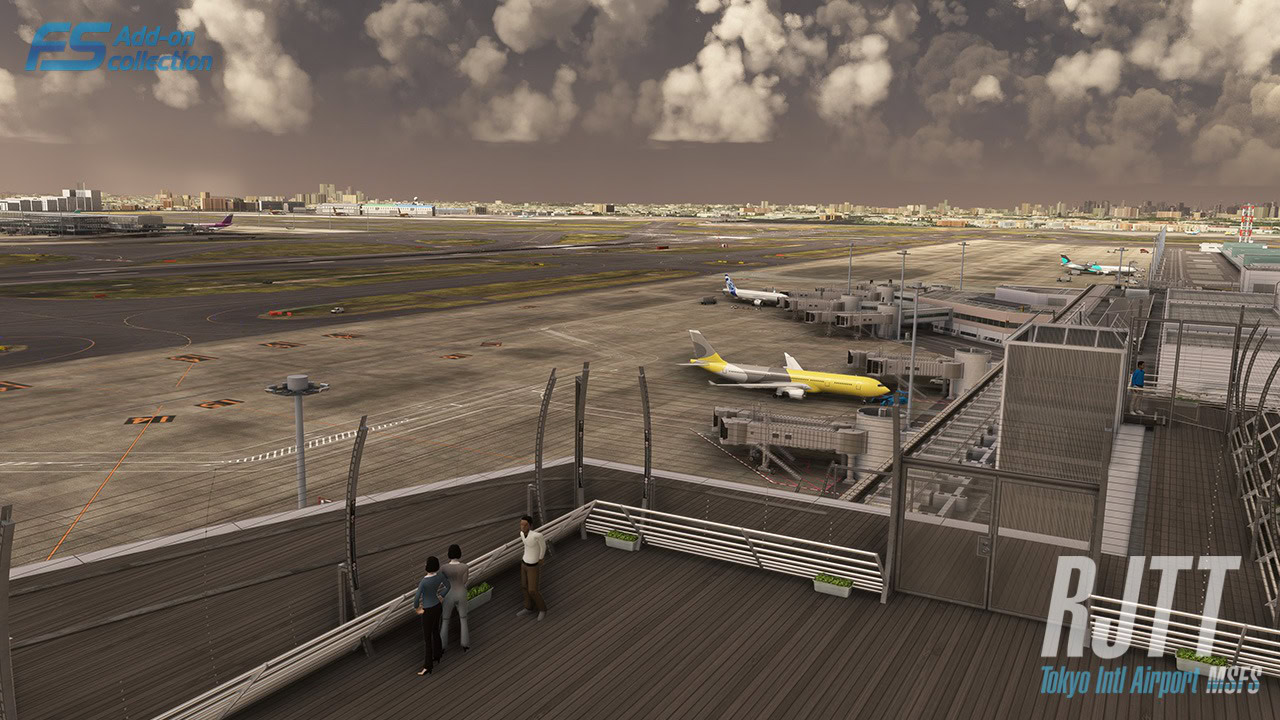
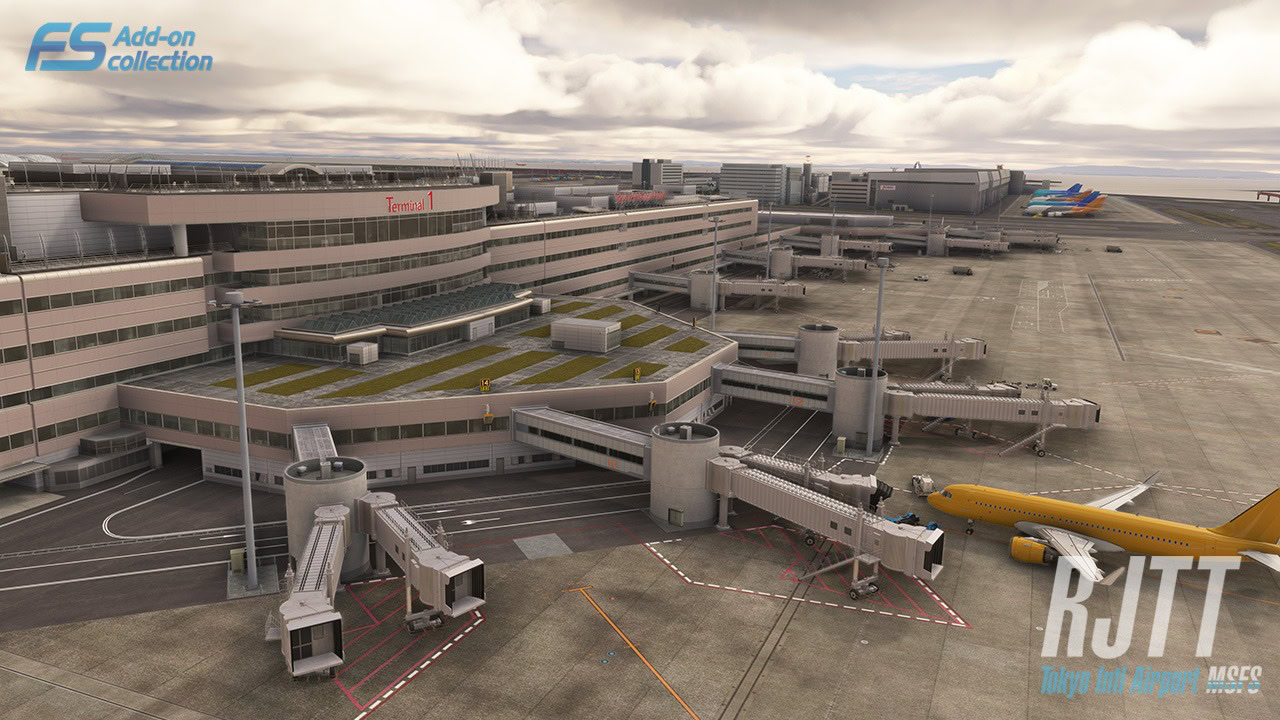
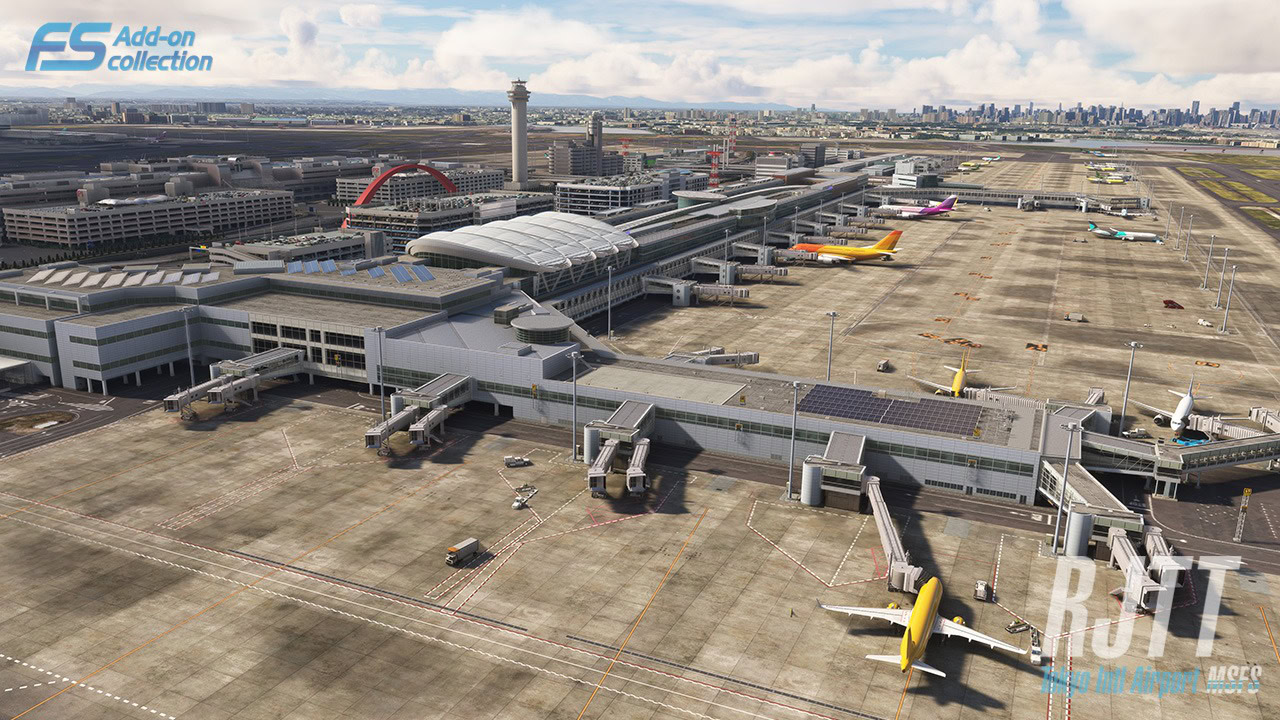
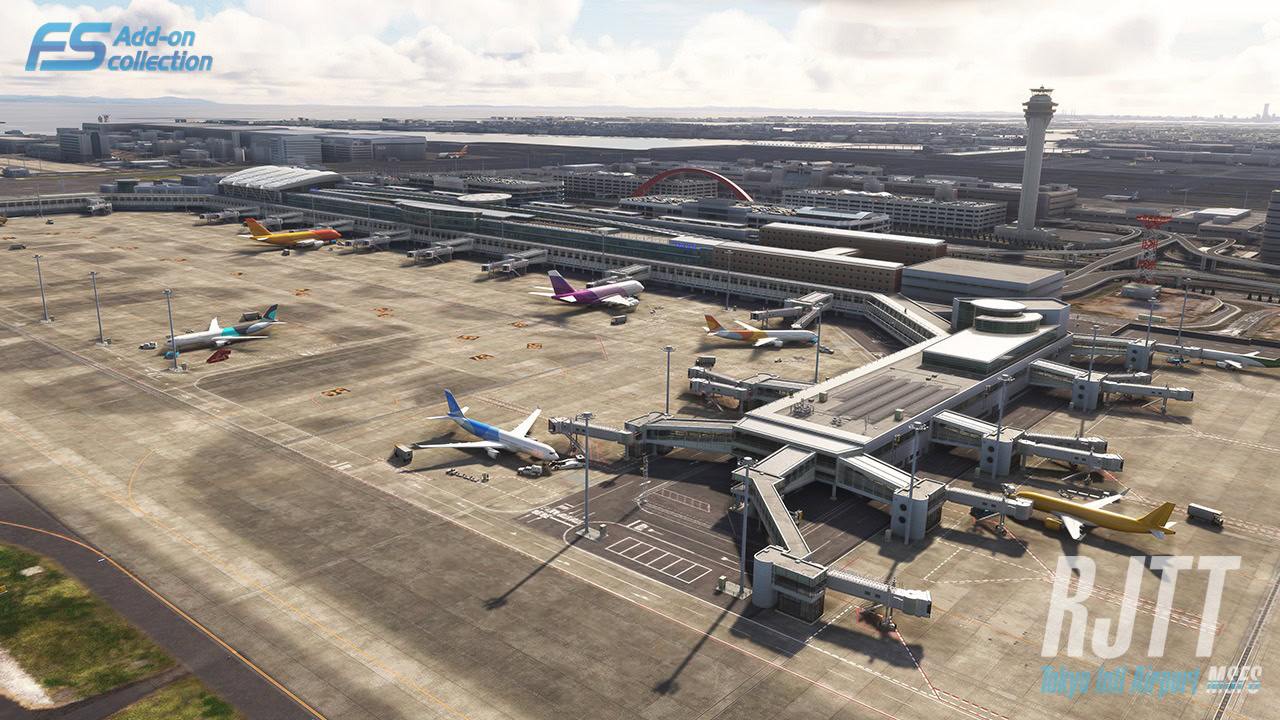
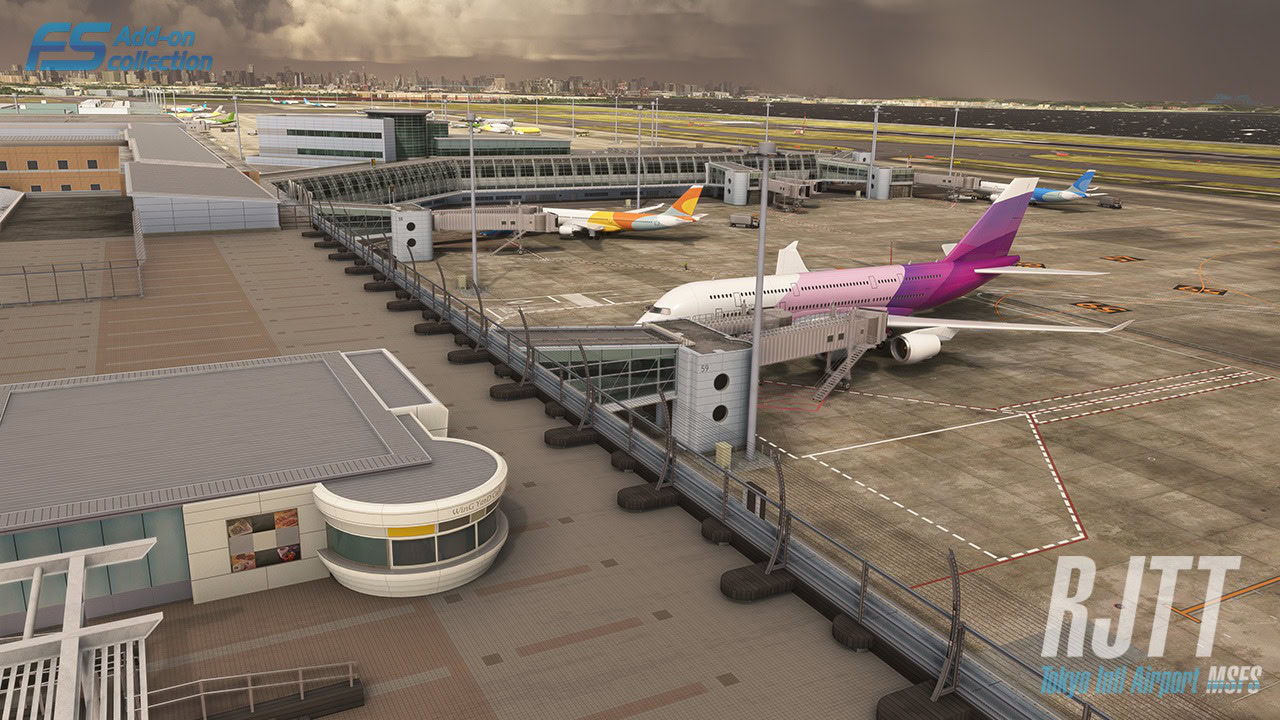
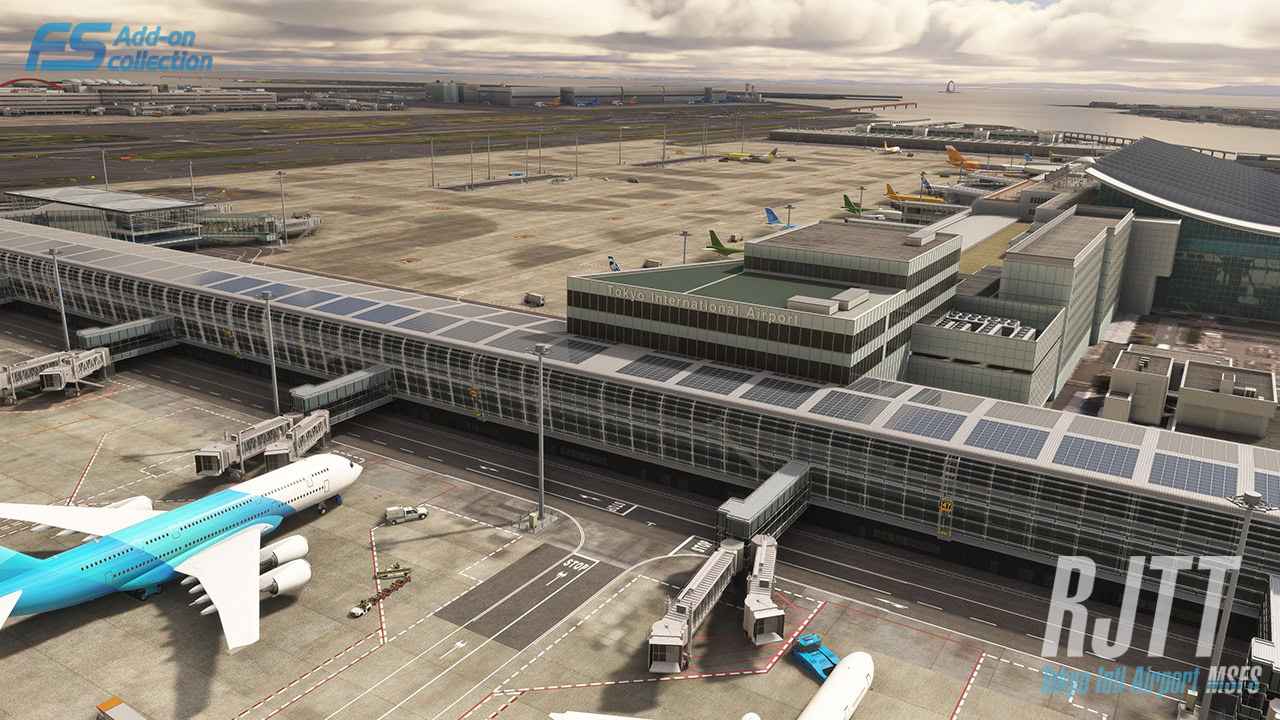
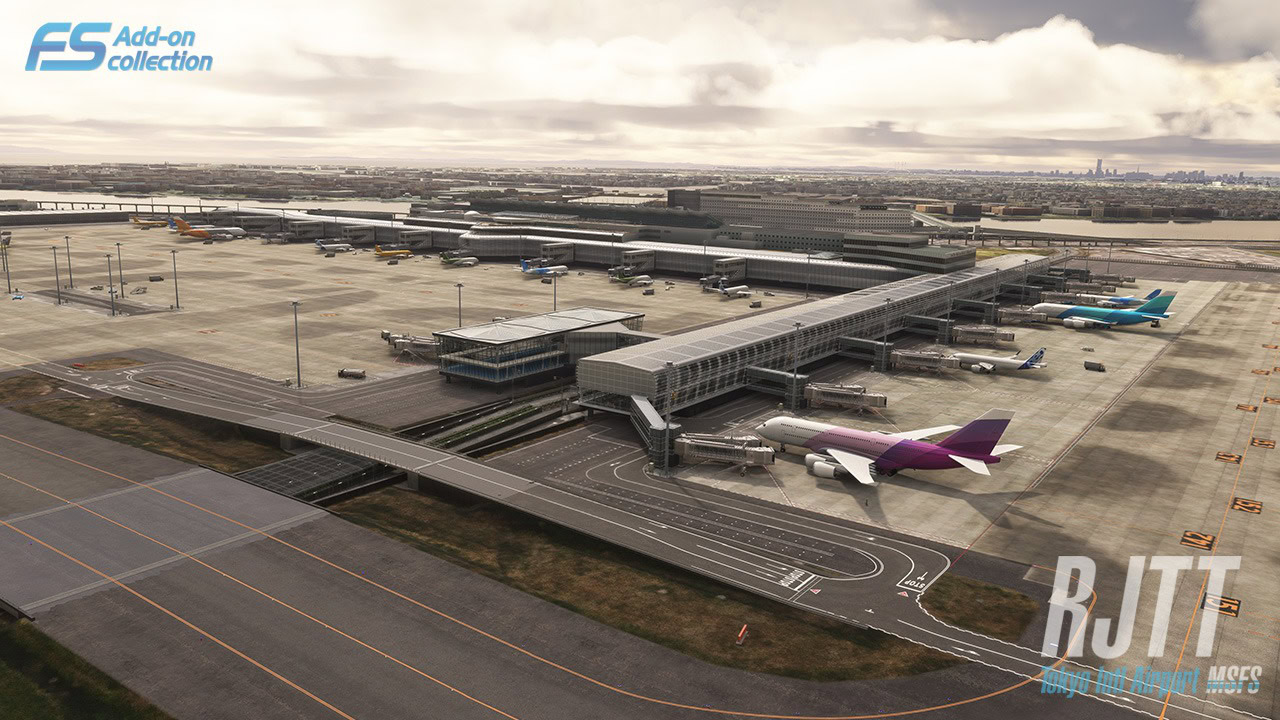
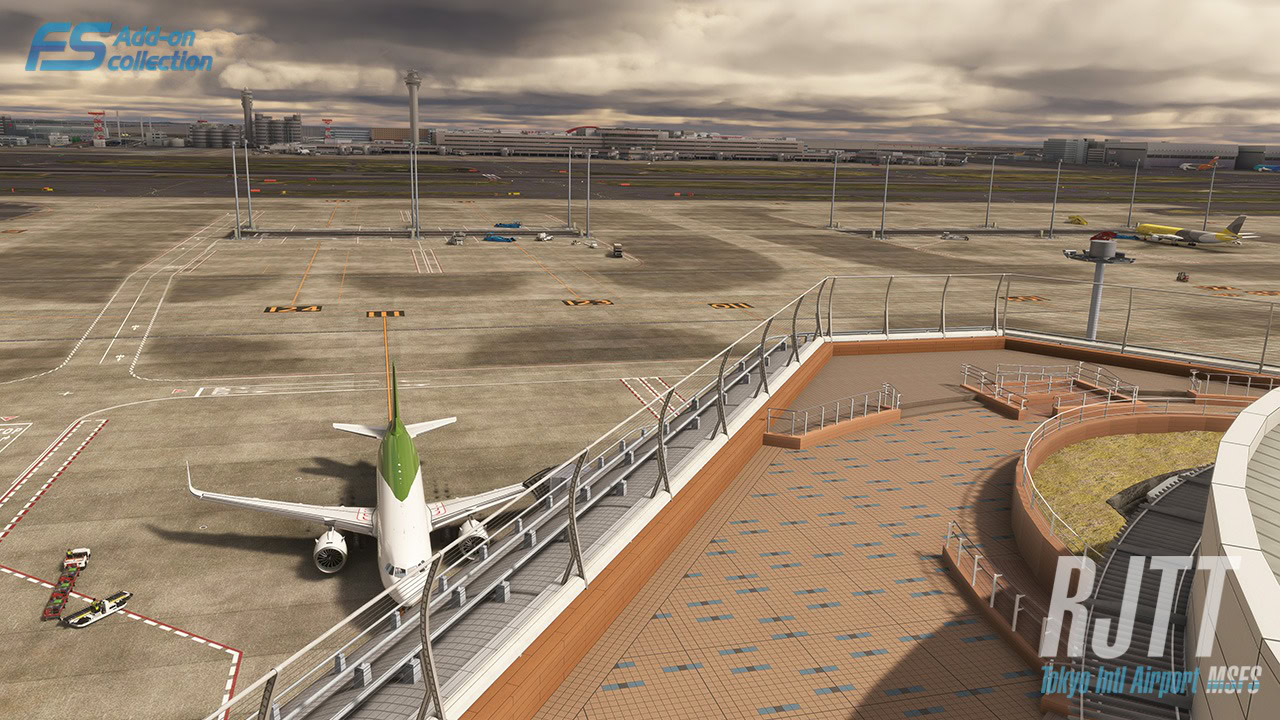
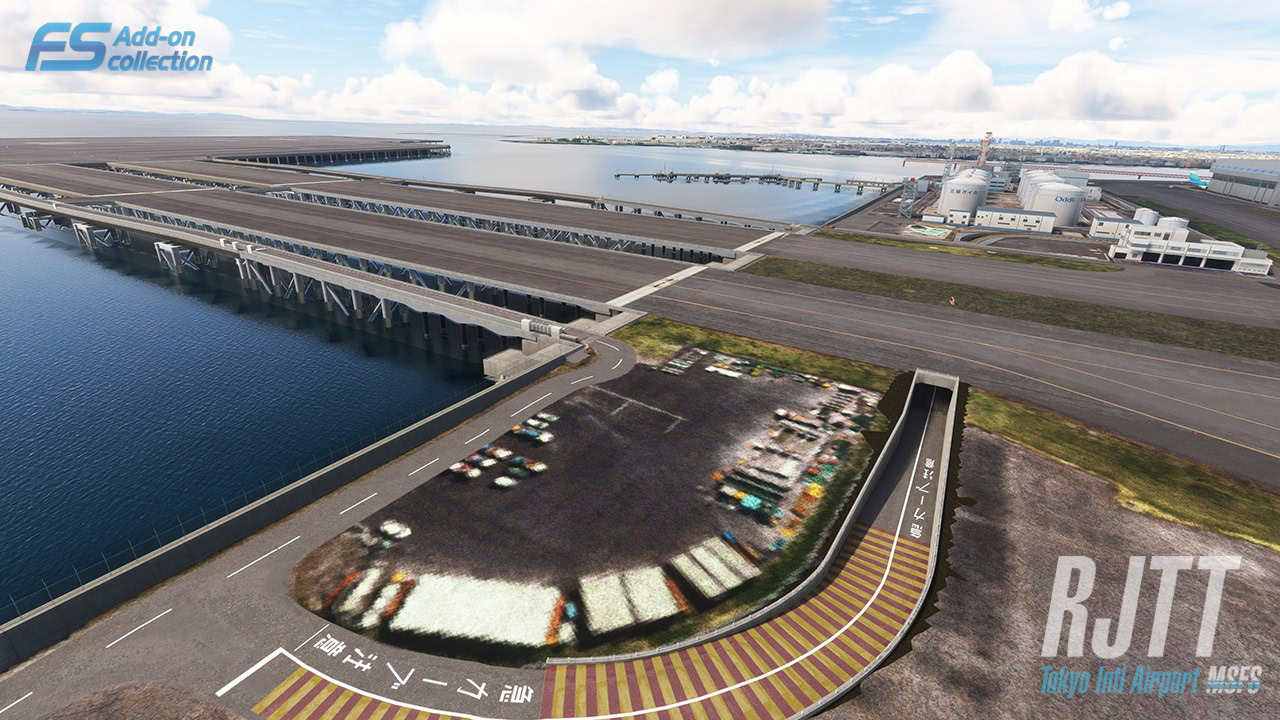
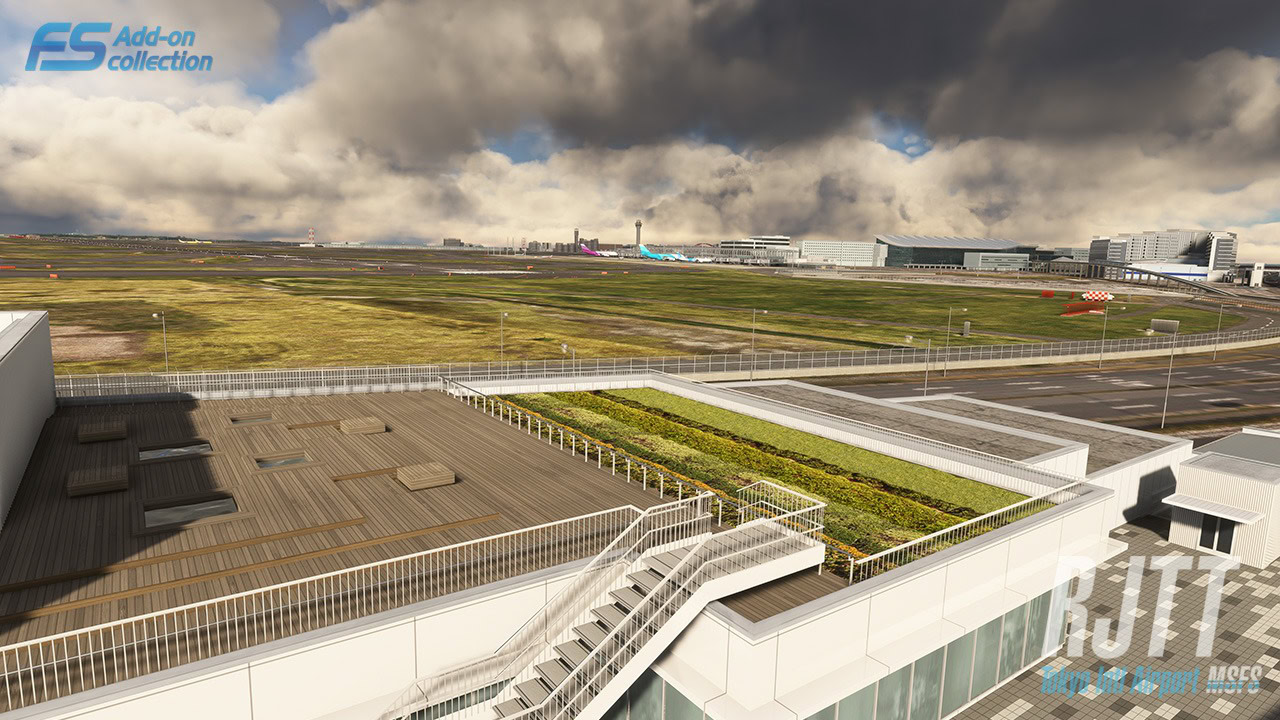
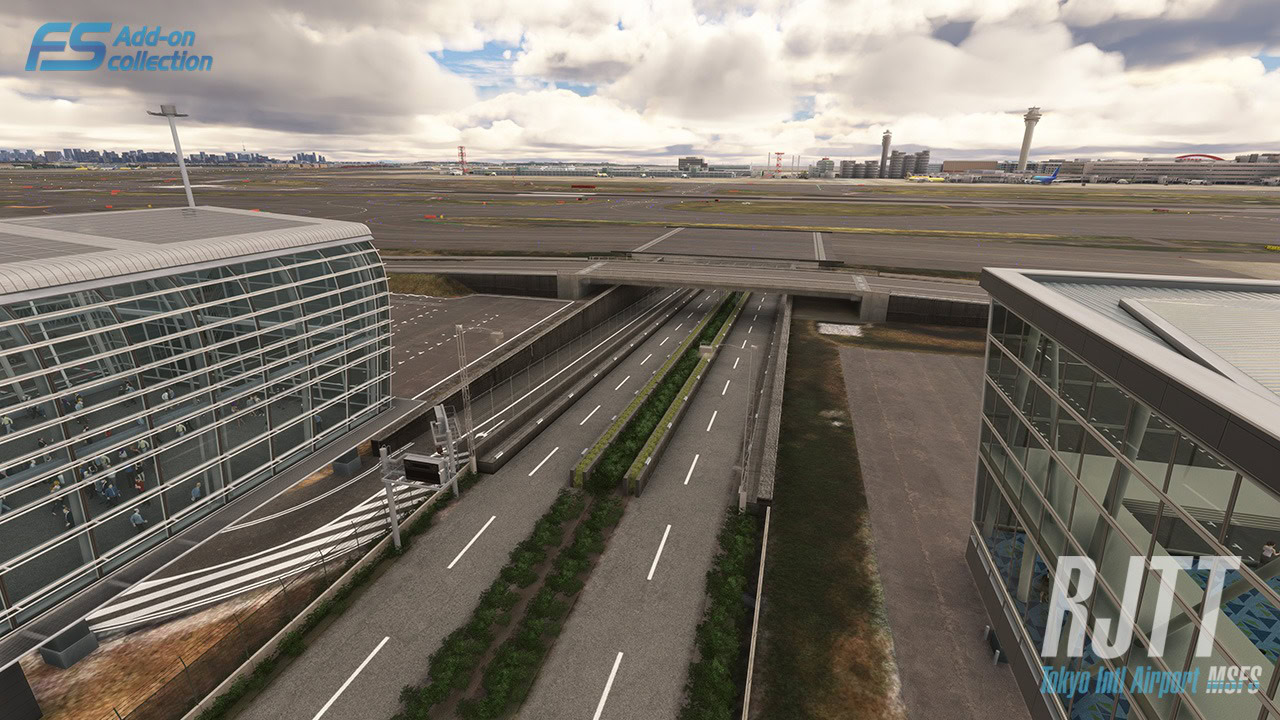
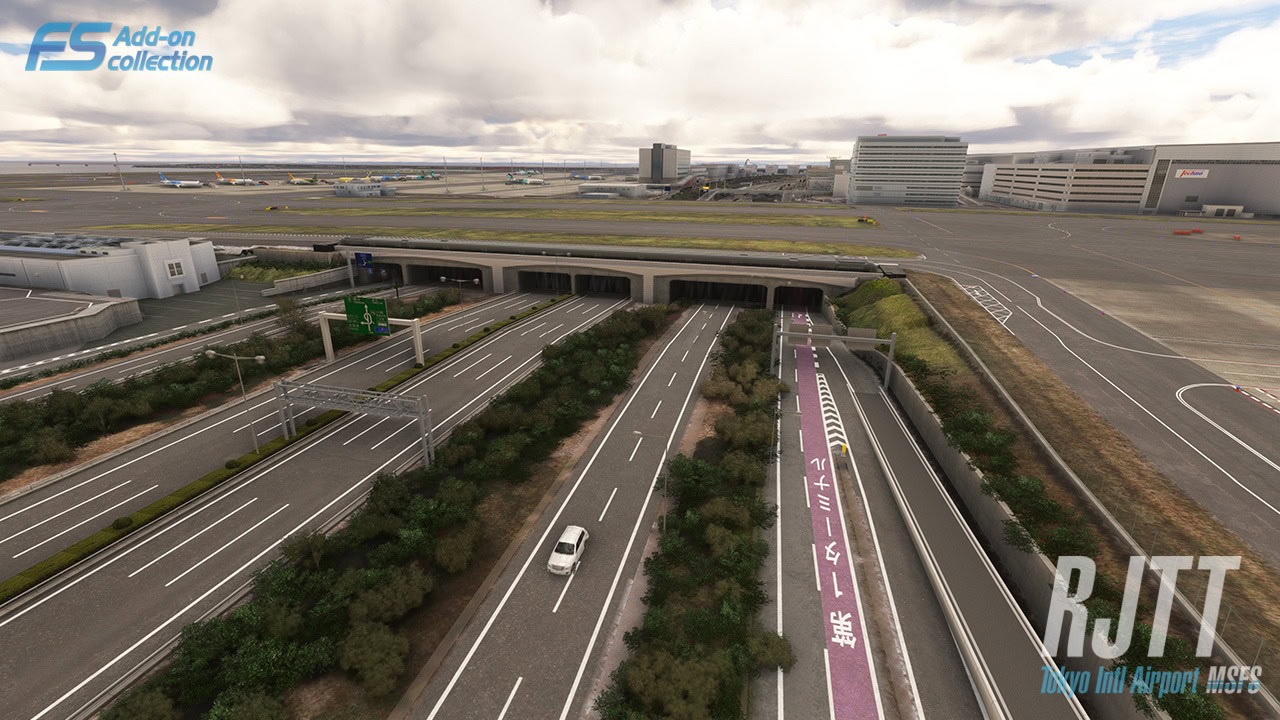
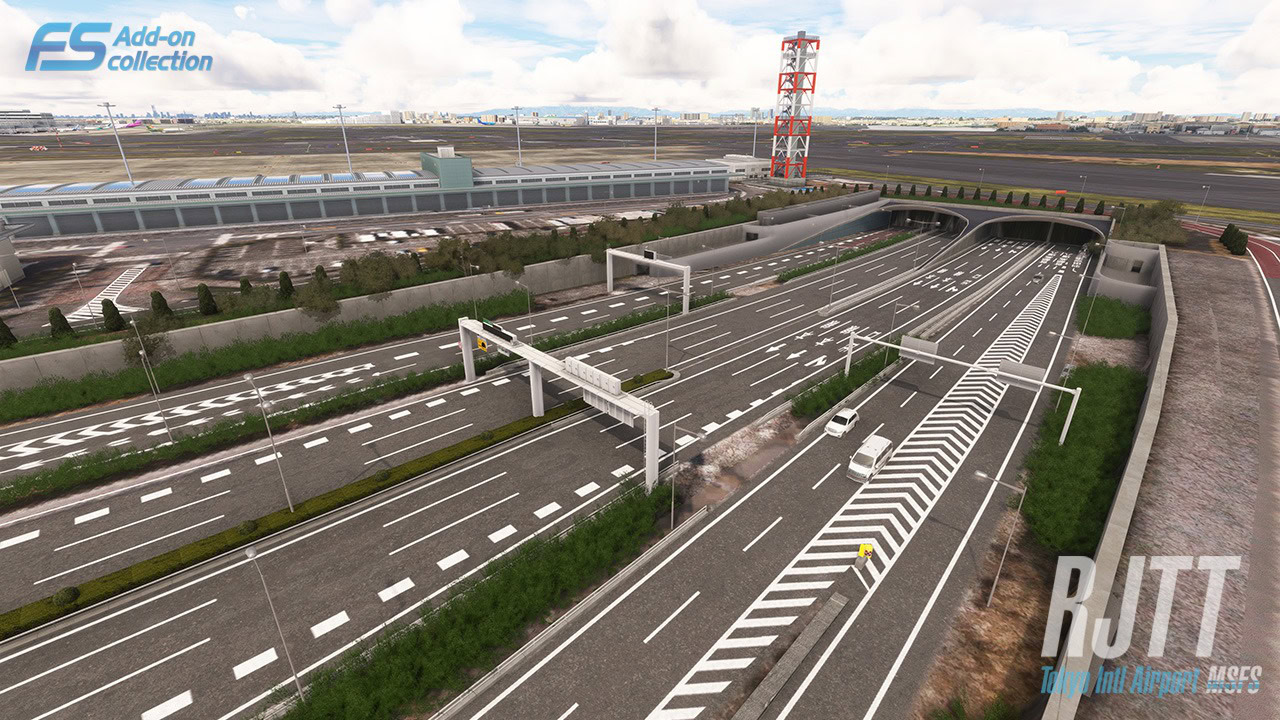
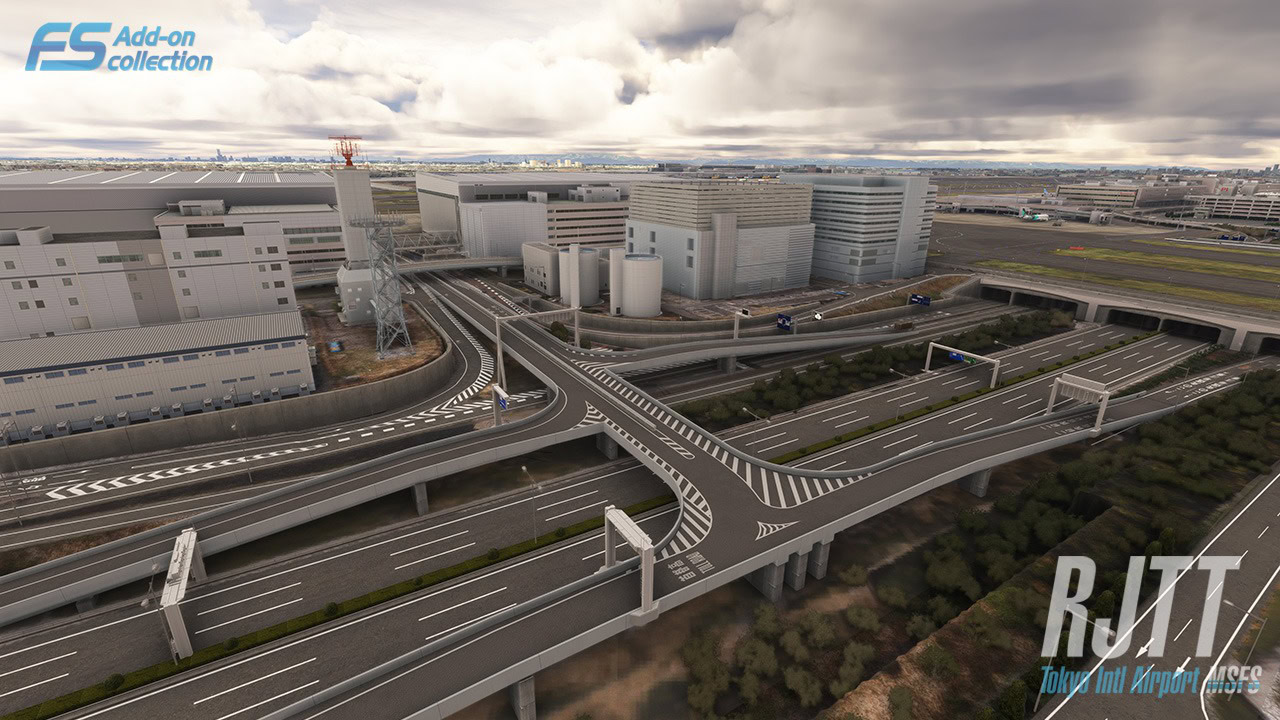
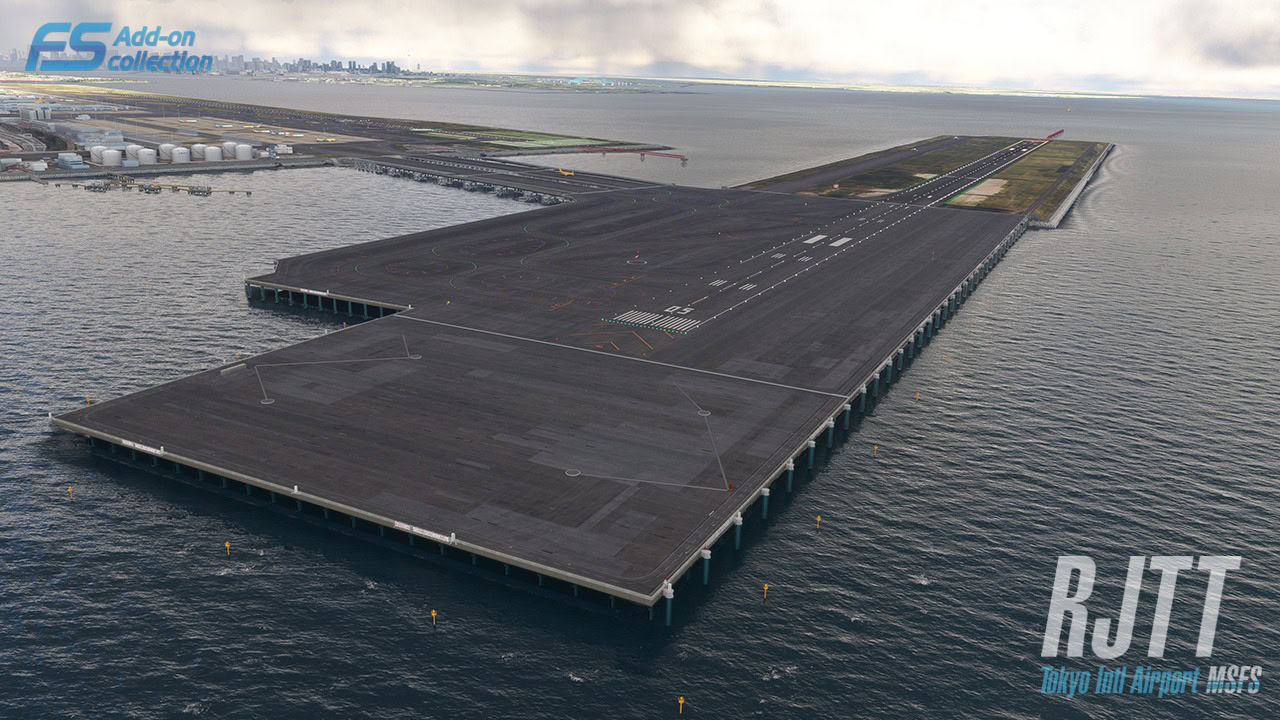
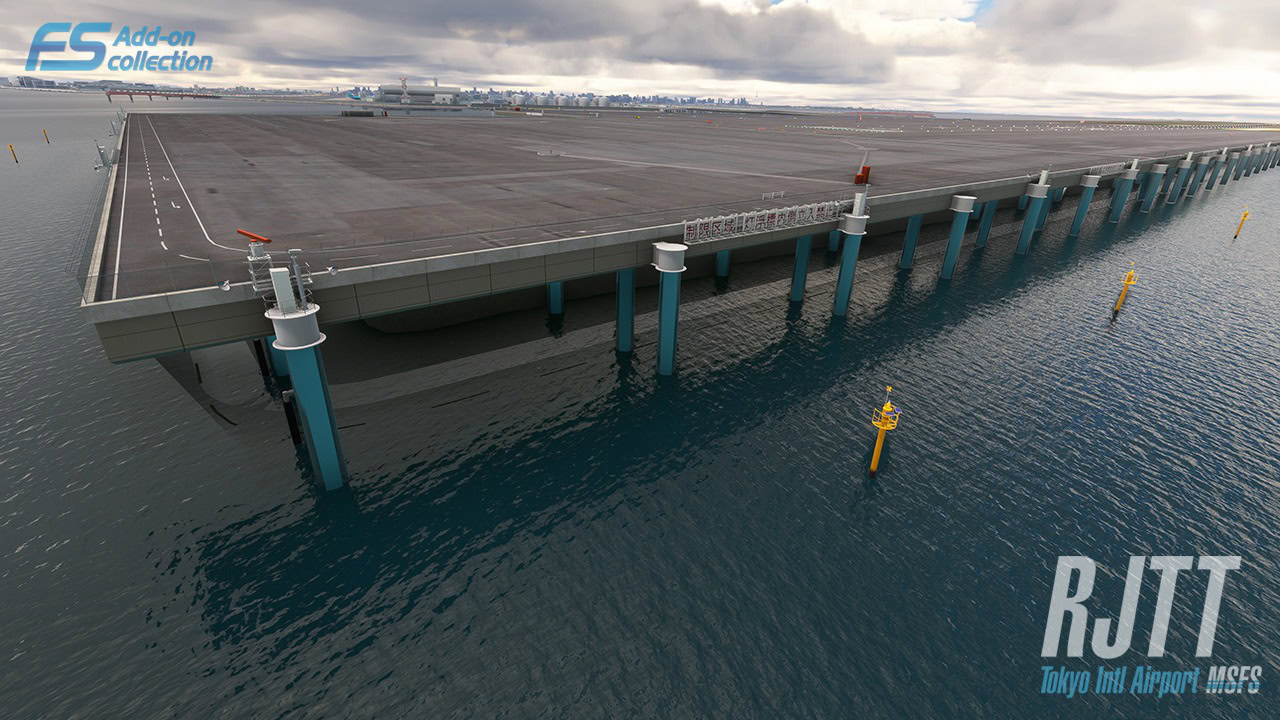
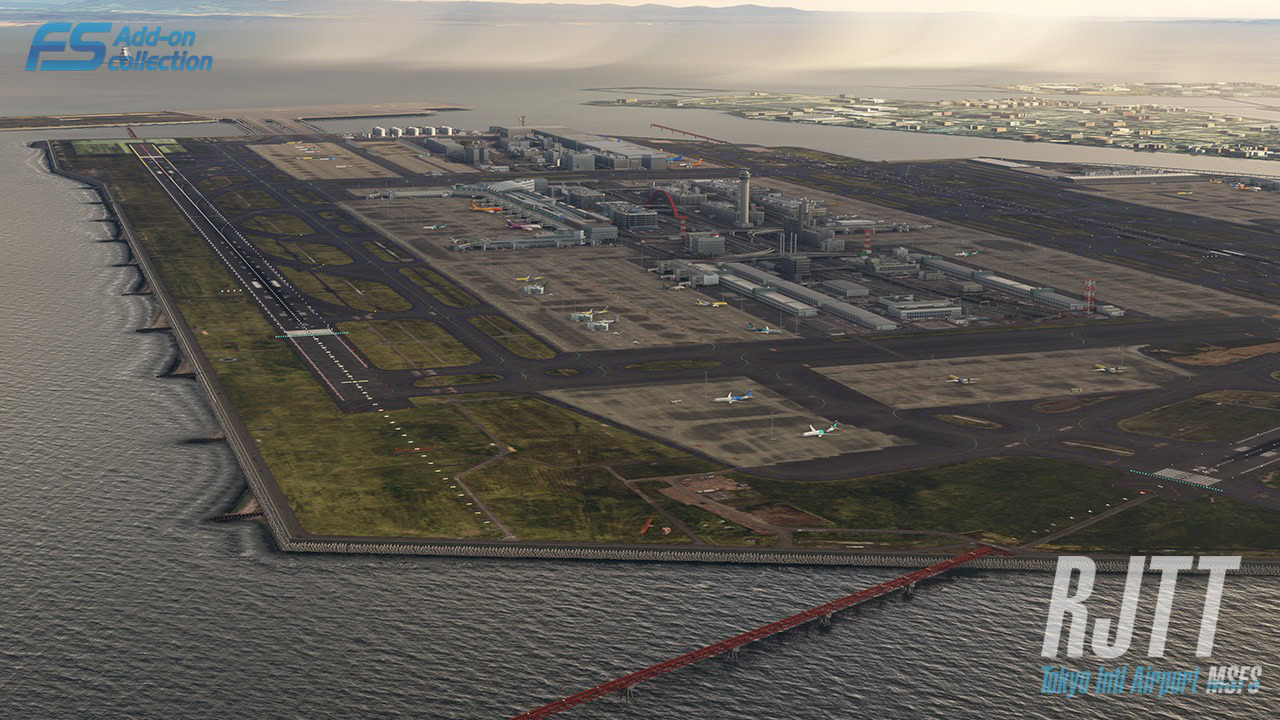
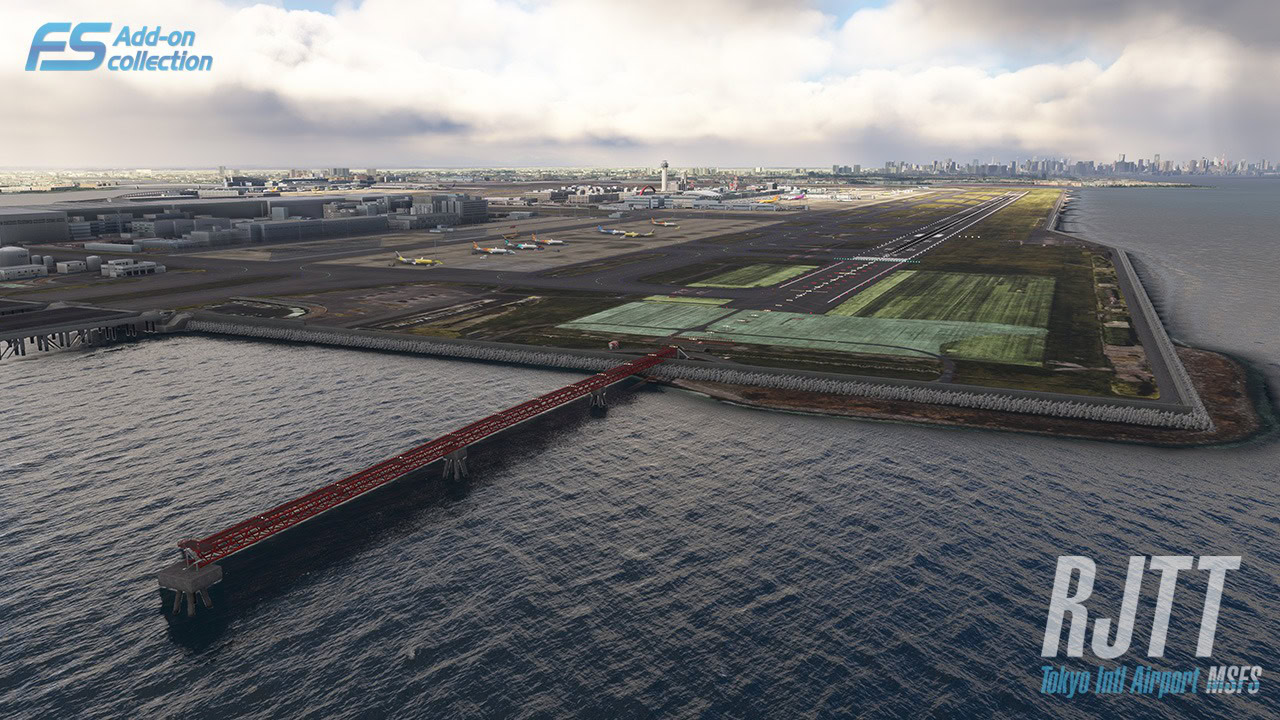
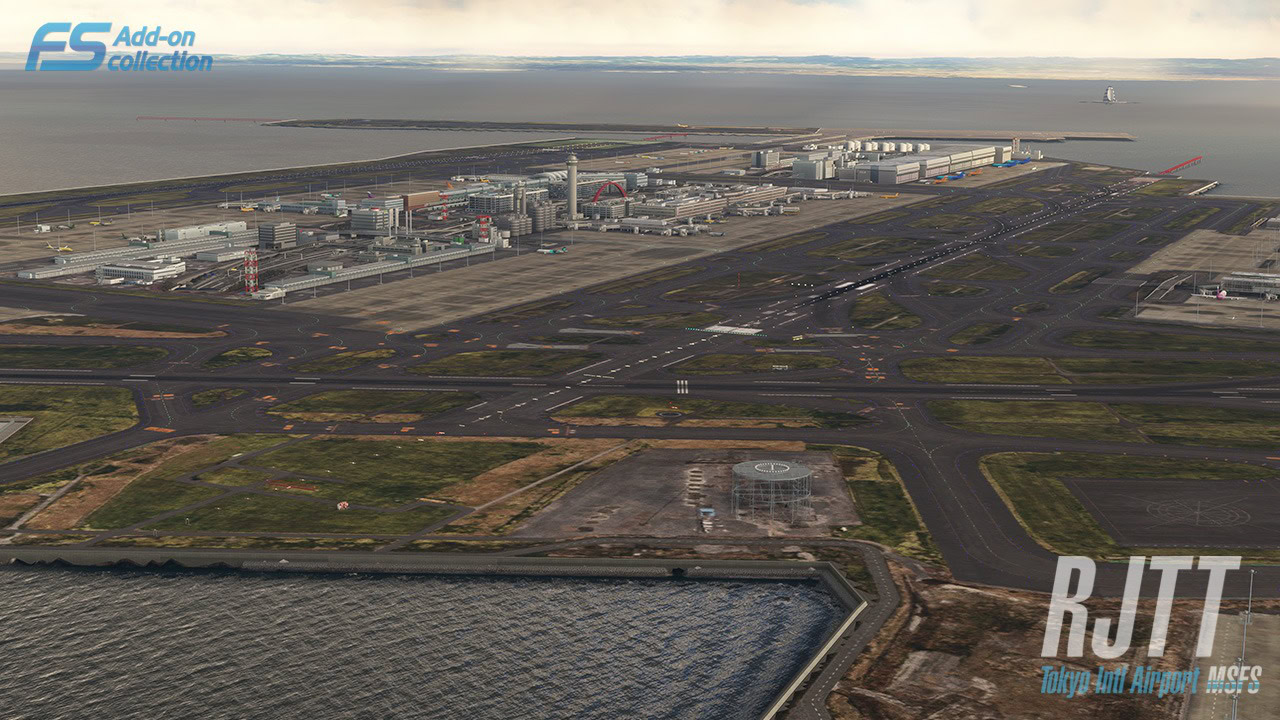
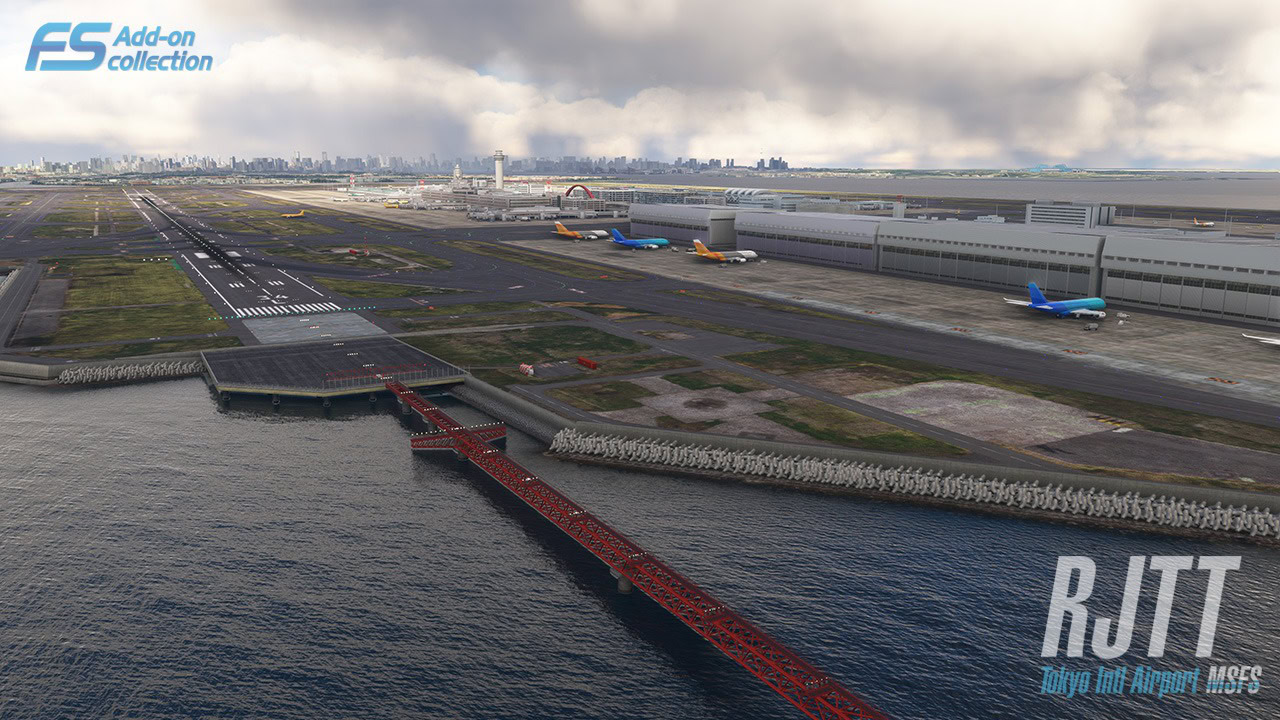
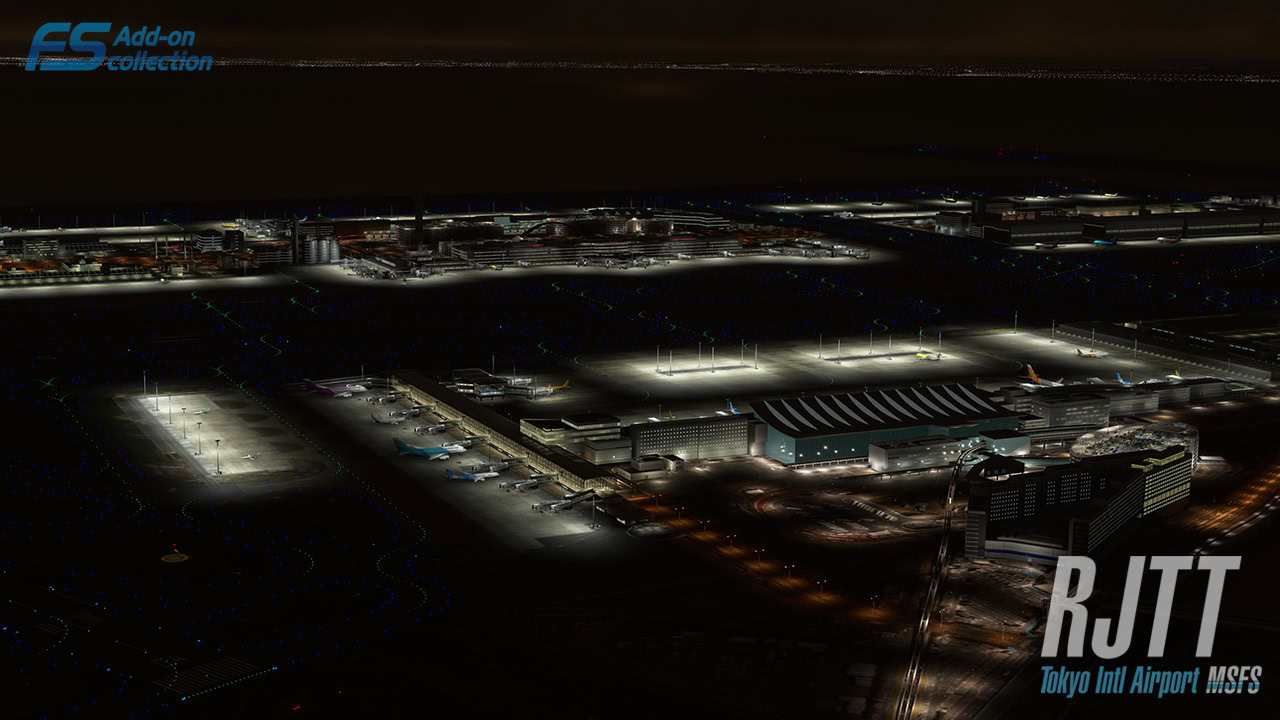
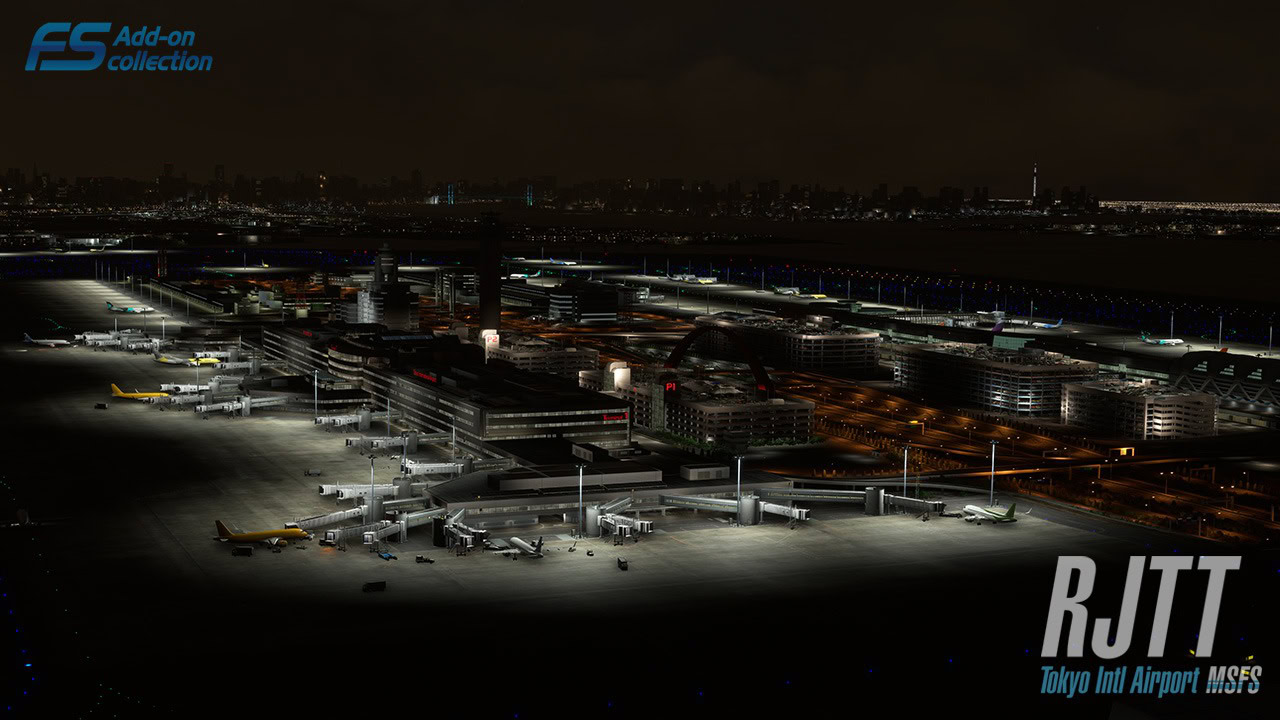
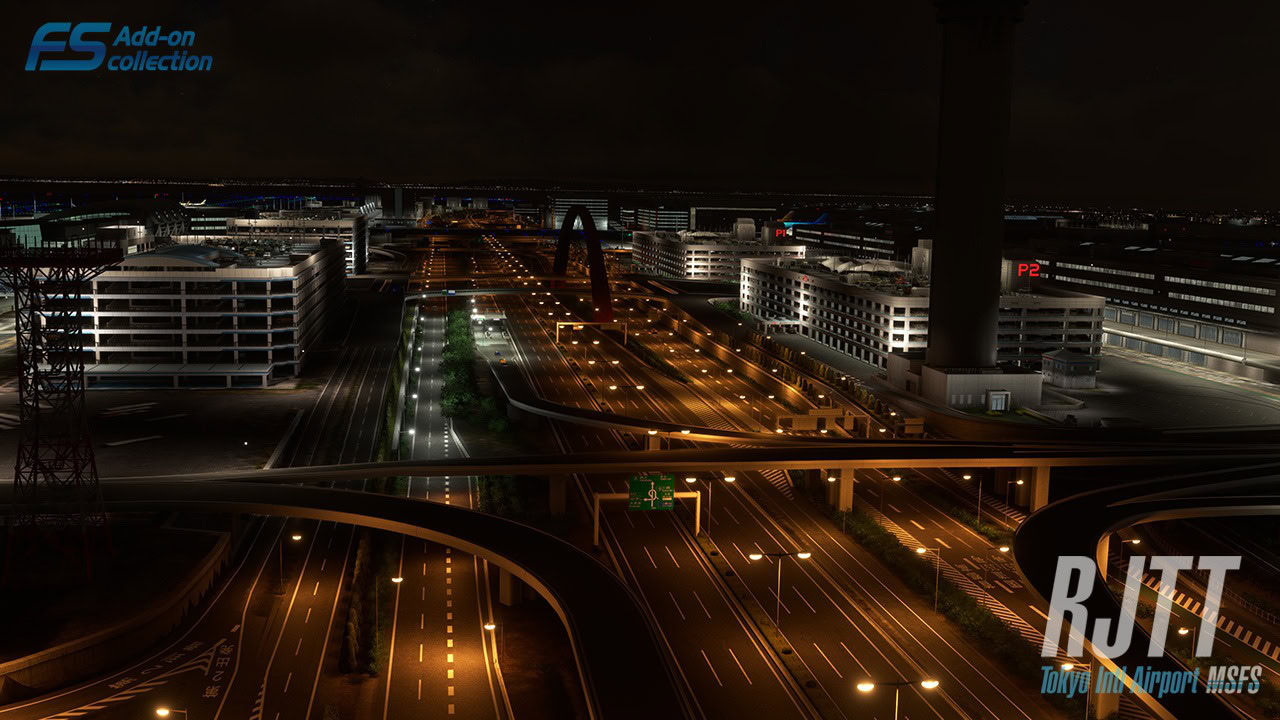
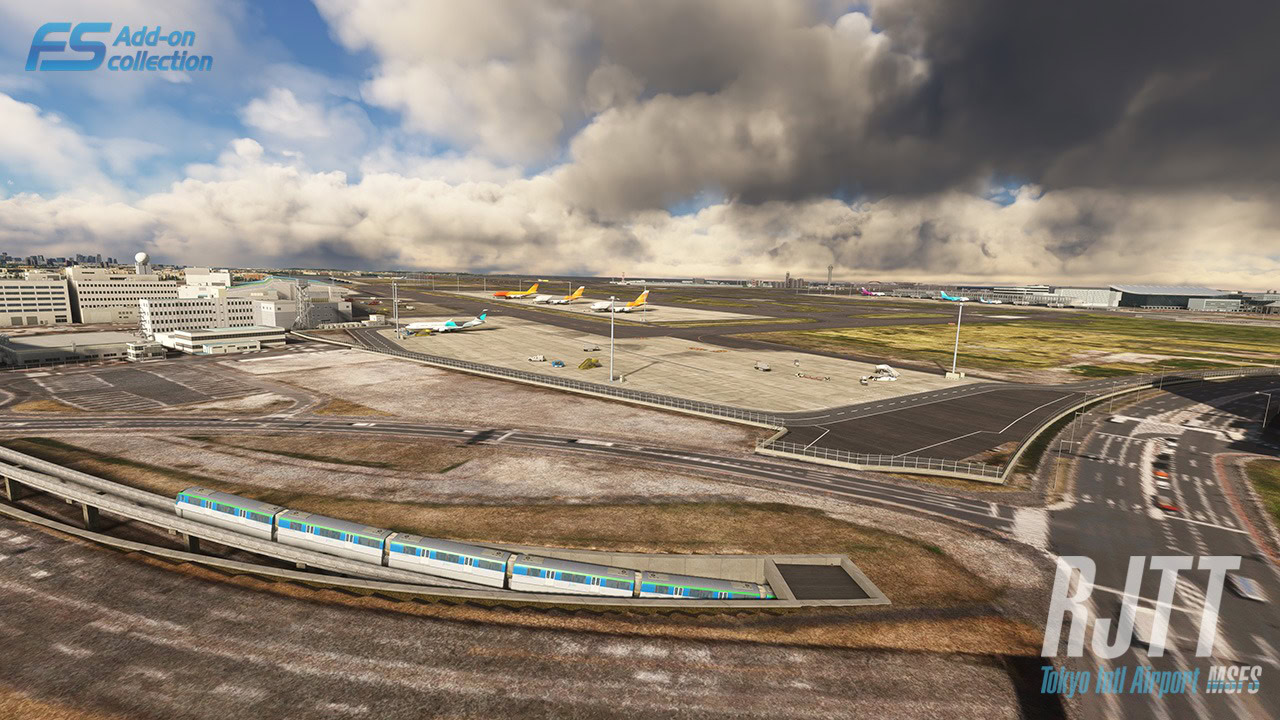
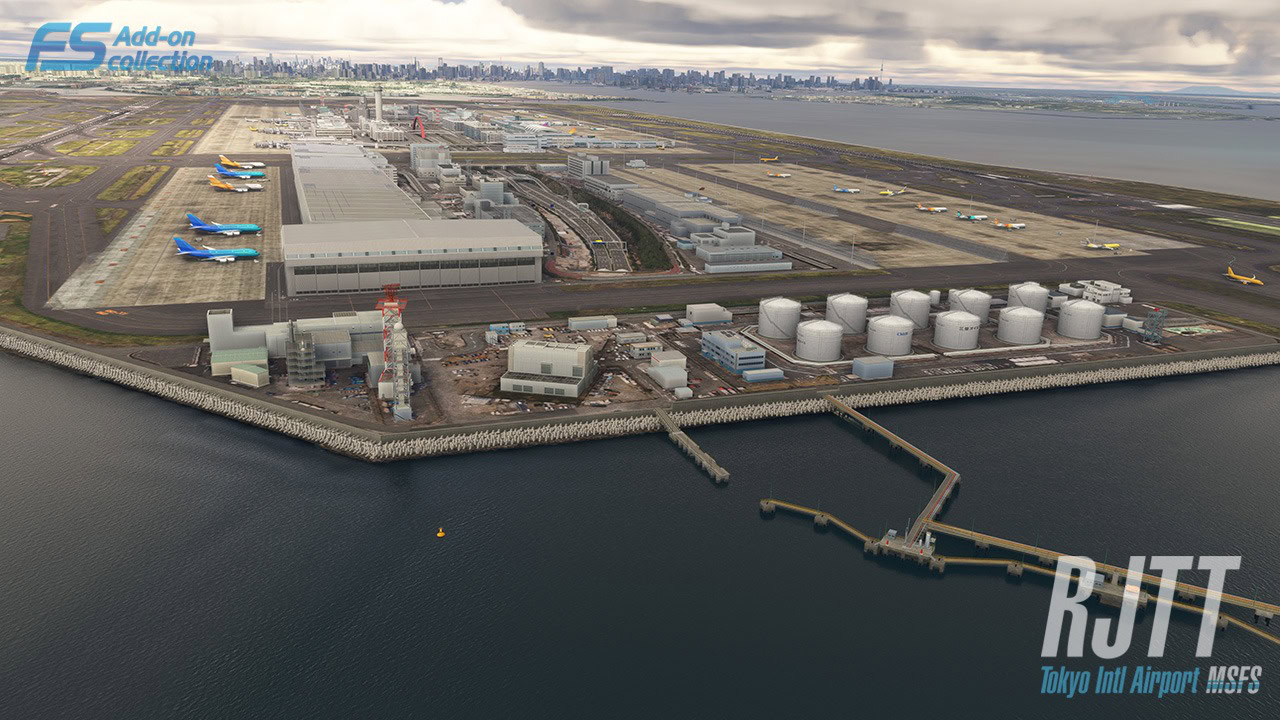
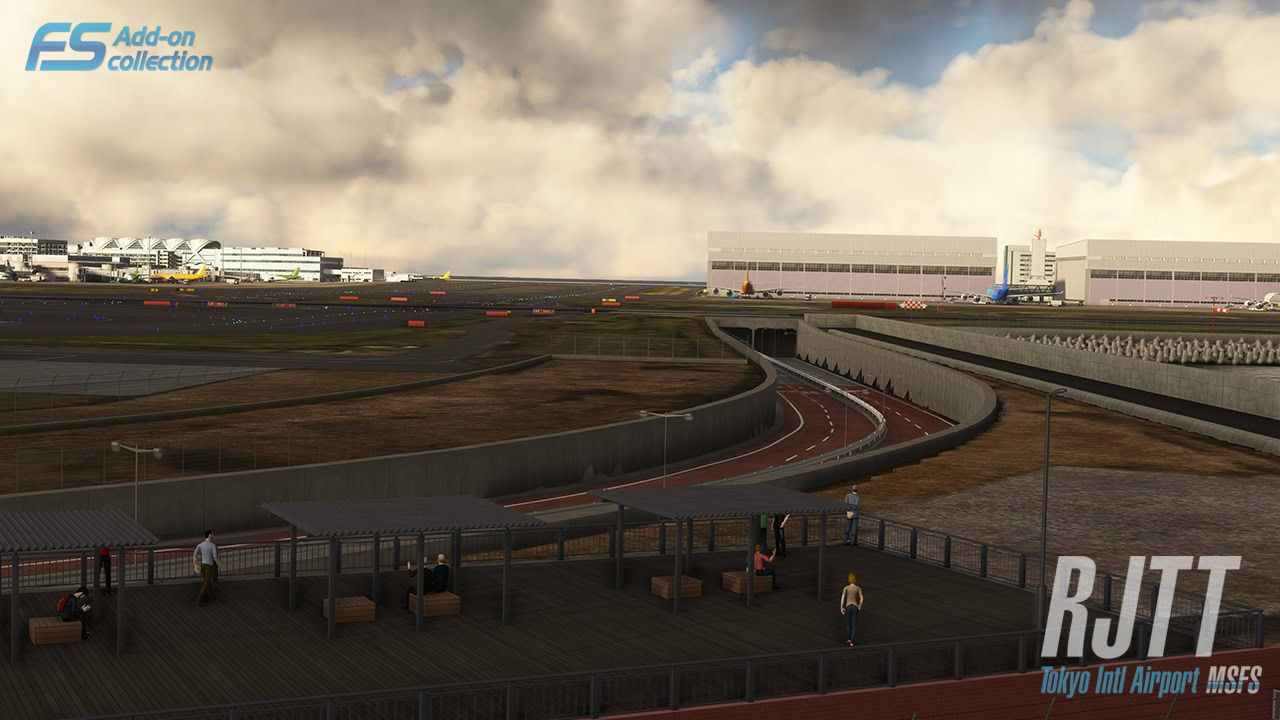
Technobrain opened the official product page of its Tokyo Haneda International Airport (RJTT) for Microsoft Flight Simulator 2024 and MSFS 2020.
We learn that the airport is coming “soon” on the official marketplaces. It’ll include the following features.
- Extremely realistic airport
- Custom taxiway signs and ground markings
- Custom jetway
- Custom approach light sysytem
- Custom CGL
- Excellent night techniques, realistic runway lighting according to official documents of the airport
- Pseudo shadows
- Dynamic lighting
- PBR Materials
- Frame rates friendly
- Version for Microsoft Flight Simulator (MSFS2020/2024)
- Much more…..
At the moment, we don’t yet know a release date, but the wait should be coming to an end.
Pietenpol Air Camper for MSFS 2024 Gets New Screenshots and Details


The upcoming Pietenpol Air Camper for MSFS 2024 by Emerald Scenery Design also got its product page on Orbx Direct. While it’s not purchasable yet, we get new screenshots and official details.
- A highly detailed 3D model built from real-world 3D scan data, featuring both classic and bush wheel variants.
- 14 hand-crafted liveries based on real Pietenpol paint schemes.
- Native MSFS 2024 CFD flight model, refined using feedback from multiple real-world pilots.
- Hand-crafted Wwise sound package featuring real Continental A65 engine recordings, including custom foley.
- Physics-based sounds including impulse coupler, slip drag rumble, and backfires.
- Custom hand-prop start physics, including interactive cockpit controls while in Avatar mode.
- Automatic preflight cover removal during auto-start, for quality of life.
- Physics-based fuel slosh and gravity-reactive doors, plus camera motion, vibration, and buffeting effects with adjustable intensity.
- Optional engine realism featuring priming, overpriming, throttle-assisted depriming, and carburetor heat thermodynamics.
- Realistic propeller drag, windmilling resistance, and a breakable, repairable propeller.
- Generator-driven panel lighting with realistic low-voltage dimming.
- Optional features include: Engine realism, headphone simulation, multiplayer airshow smoke, hubcaps (classic variant), prop-spinner (skullcap), tinted glass, and mounted EFB tablet support. Some options are persistent.
- Career support for First Flight, Ferry Flight, Flightseeing, and Light Cargo missions (Marketplace copy only).
- Native passenger and custom visual cargo (Airmail) loadout support.
- Quality of life autopilot support for keybinds & external tools like PMS50 (premium version).
- Hand-held Communications Radio TX/RX with transponder for use on virtual networks like Vatsim, Pilot Edge, and IVAO.
- Hydroplaning/water-skiing capability for bush tires.
- 2D/3D Paint kit available from the Emerald Scenery Design website.
Papua New Guinea Highland Bush Strips Pack 6 Released for MSFS 2024
Orbx released a new Papua New Guinea Highland Bush Strips Pack for MSFS 2024 by indie developer Ken Hall, specifically number 6.
It’s available on Orbx Direct for $13.34. It includes the following features.
- Over 15 models of damaged aircraft added
- 7 models of canoes hand-crafted from images collected in the area.
- 25 more huts added to the model LIB to accommodate the change in geographic location.
- Handcrafted bridges across the rivers adjacent to the runways.
- Several old relics of trucks that may have been used and abandoned.
- Over 200 Polygons were used to correct elevation and vegetation issues, many of them used to correct the rivers on approach to these airstrips.
- More than 200 hand-placed models, all with the latest PBR textures and Level of detail needed for optimum performance.
It includes the following airports:
- AYRM Maramuni Airport -5.13000, 143.48290, Runways: 04-22, Alt: 5,055 ft, Runway length: 1,655 ft
- AYPB Paiela Airport -5.3725, 142.9761, Runways: 19-01, Alt: 6,183 ft, Runway length: 1,680 ft
- AYQW Sumwari Airstrip -4.7508, 142.3686, Runways: 25-07, Alt: 452 ft, Runway length: 1,846 ft
- AYYD Yatoam Airstrip -5.0949, 142.3846, Runways: 10-28, Alt: 2,000 ft, Runway length: 1,965 ft
- AYXS Sisamin Airstrip -5.1363, 142.2840, Runways: 13-31, Alt: 1,622 ft, Runway length: 1,791 ft
- AYDM Duranmin Airstrip -4.9731, 141.9089, Runways: 06-24, Alt: 2,859 ft, Runway length: 1,707 ft
- AYFE Feramin Airport -5.2080, 141.6988, Runways: 30-12, Alt: 4,628 ft, Runway length: 2,008 ft
Ilyushin Il-18D Released for MSFS 2024


Nemeth Designs released the Ilyushin Il-18D for MSFS 2024. It’s available on the official marketplace for $39.49.
It includes the following features.
- Fully modeled KS6 heading and attitude gyro system
- UK1 course selector with true relative‑mode navigation logic
- Realistic autopilot behavior, including pitch, roll, and altitude hold modes
- Authentic electrical, hydraulic, pneumatic, and fuel systems
- High‑detail cockpit with period‑correct instrumentation
- Multiple liveries and operational configurations
- Comprehensive documentation for realistic procedures
Spitfire Mk.XVI Released for MSFS 2020 and MSFS 2024
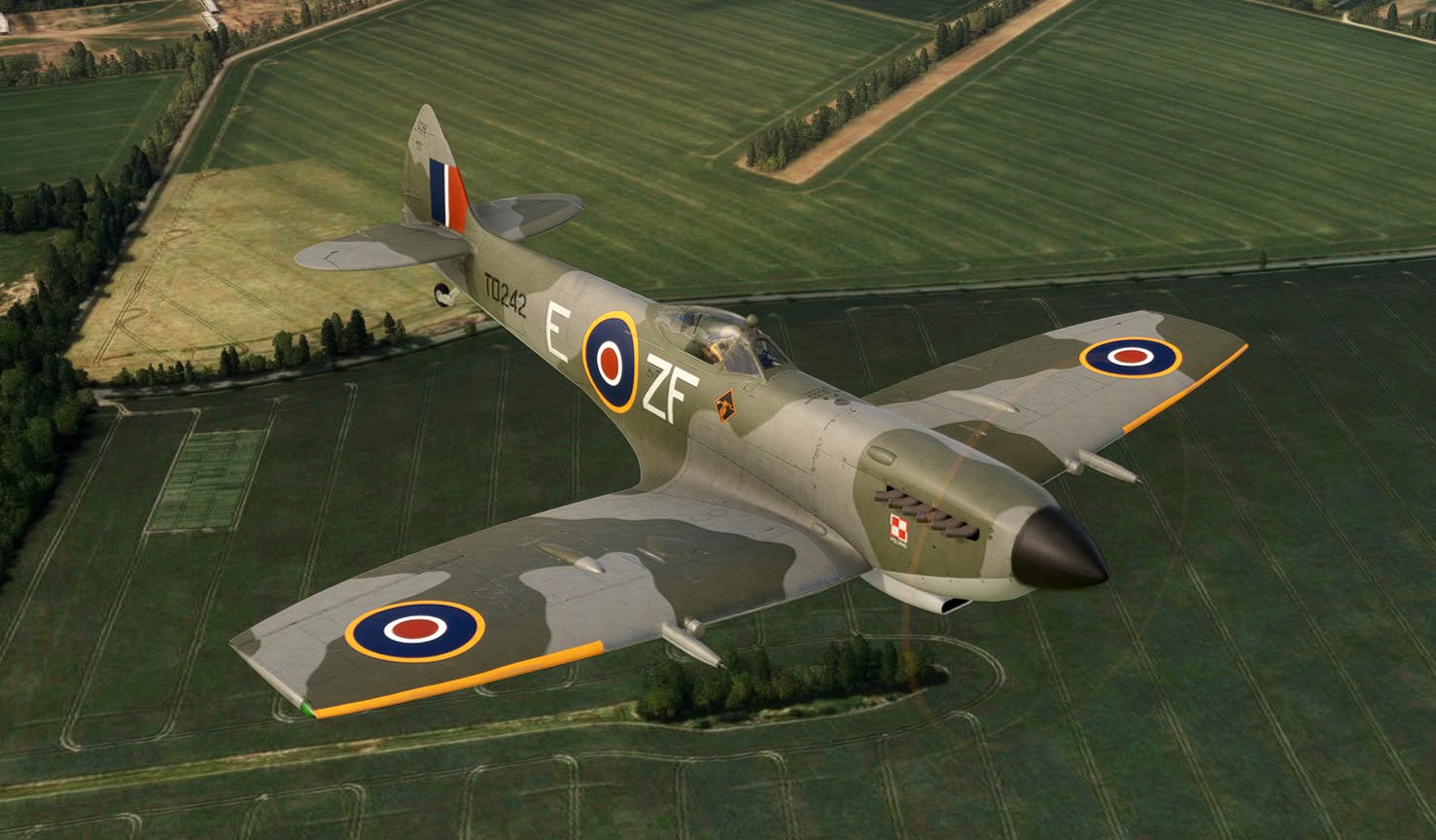
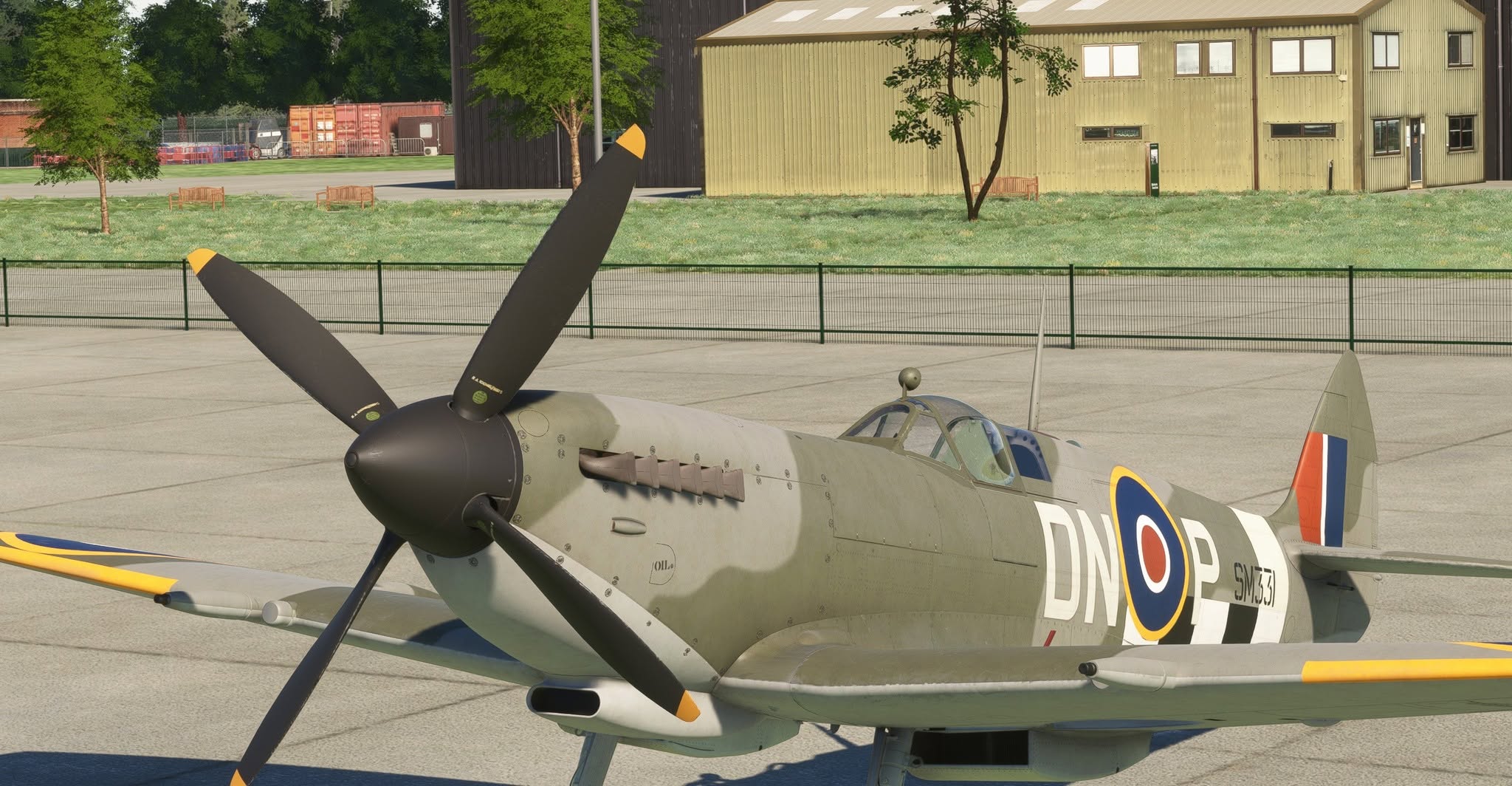
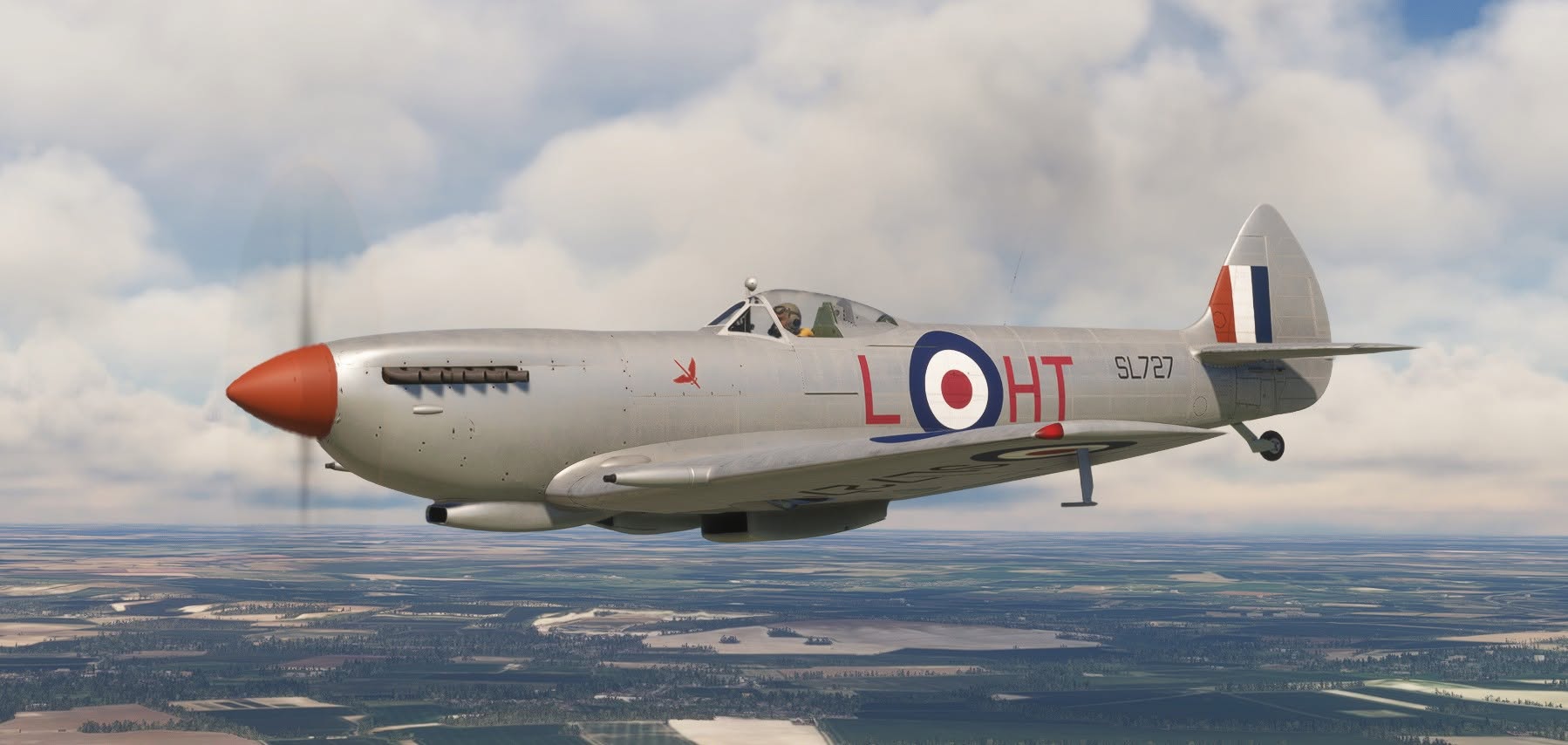
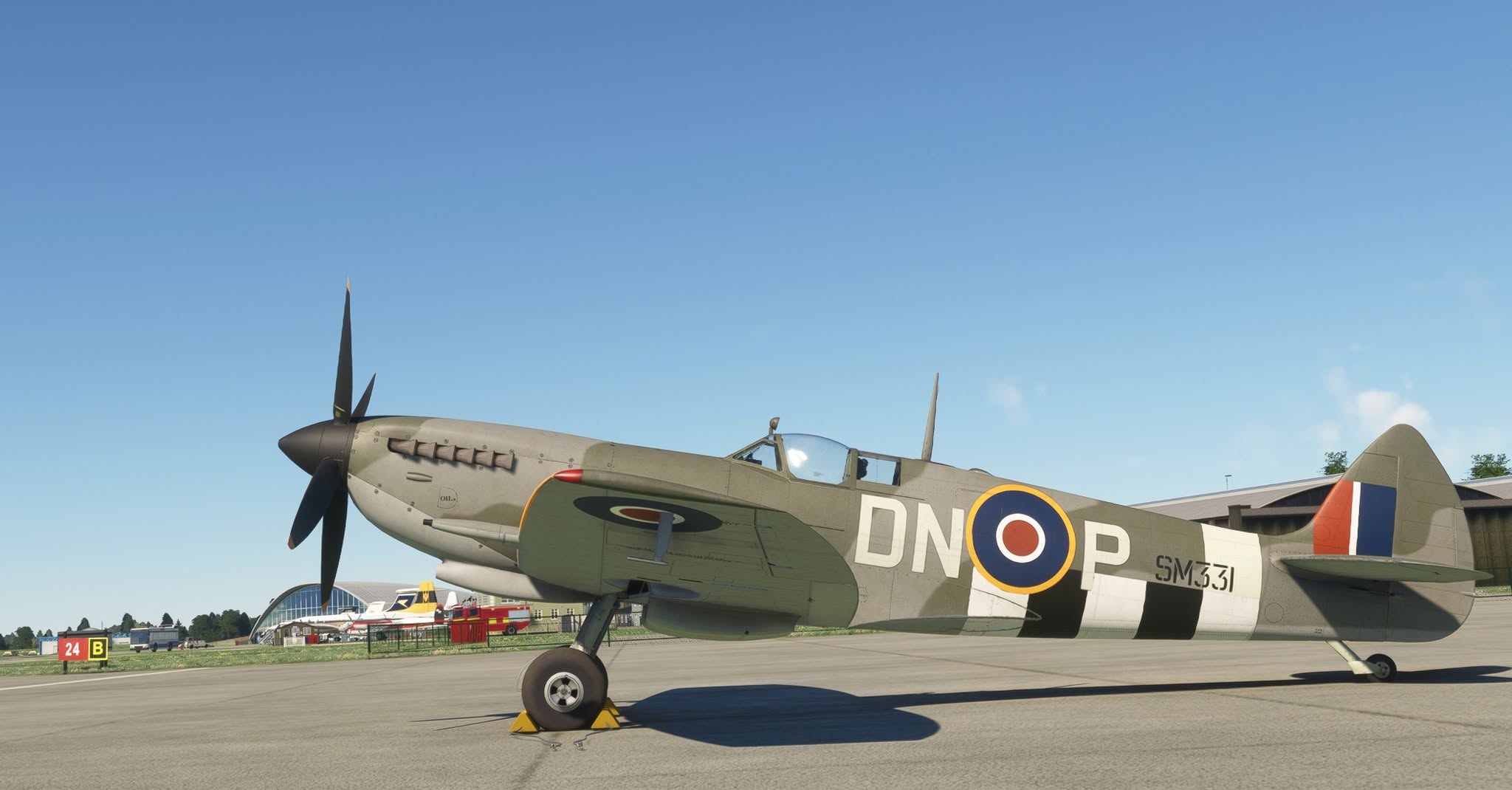
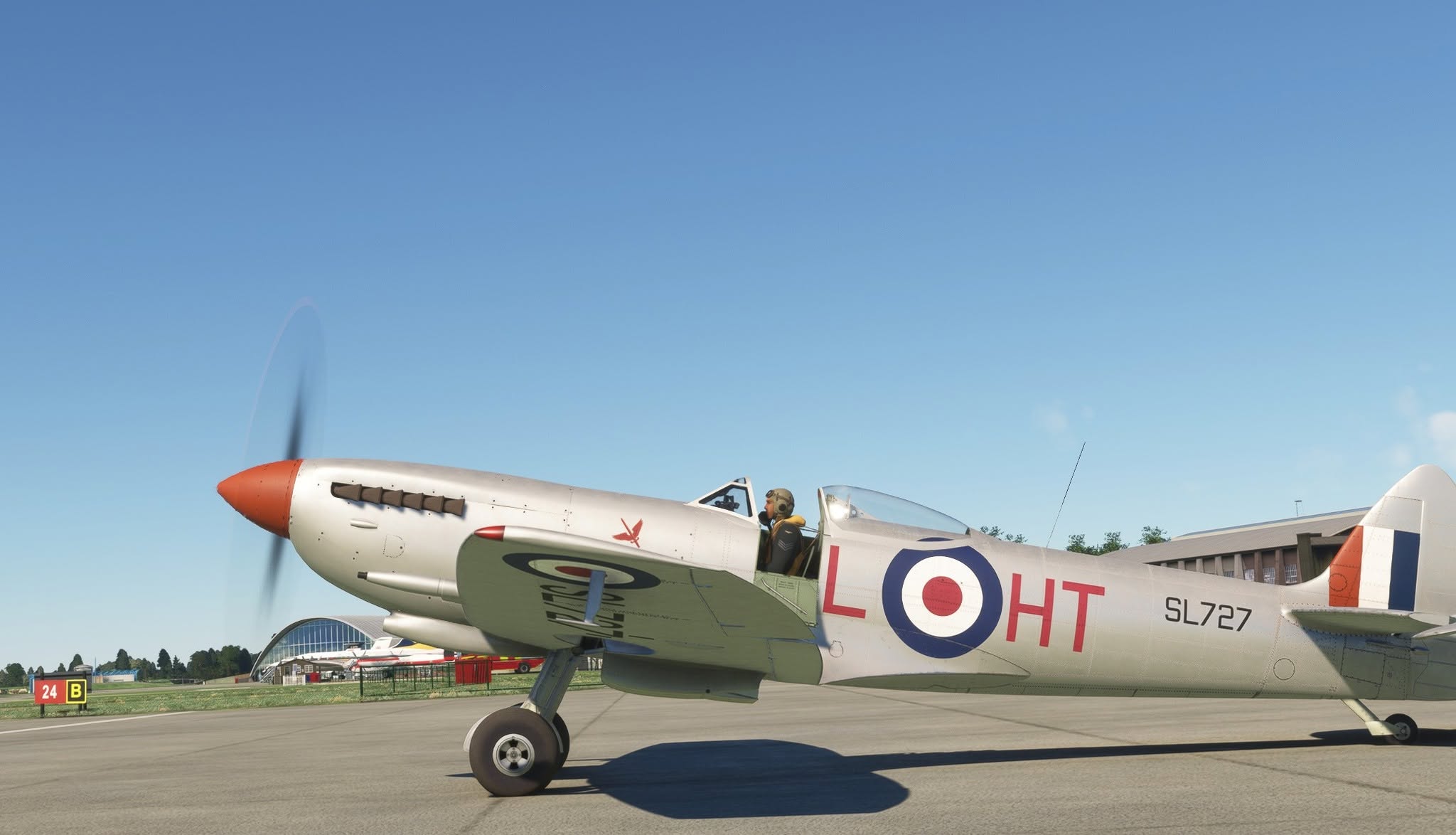
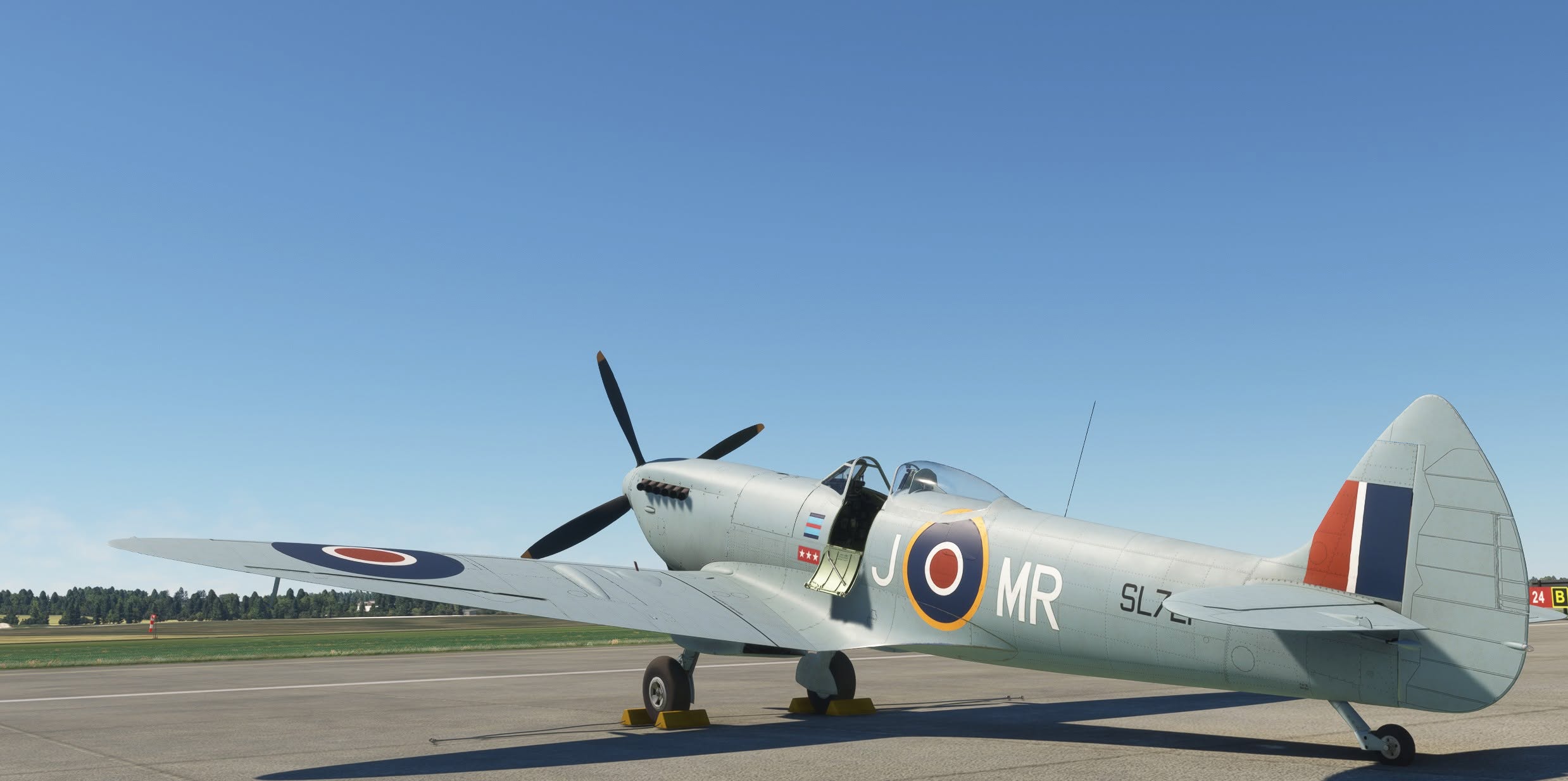
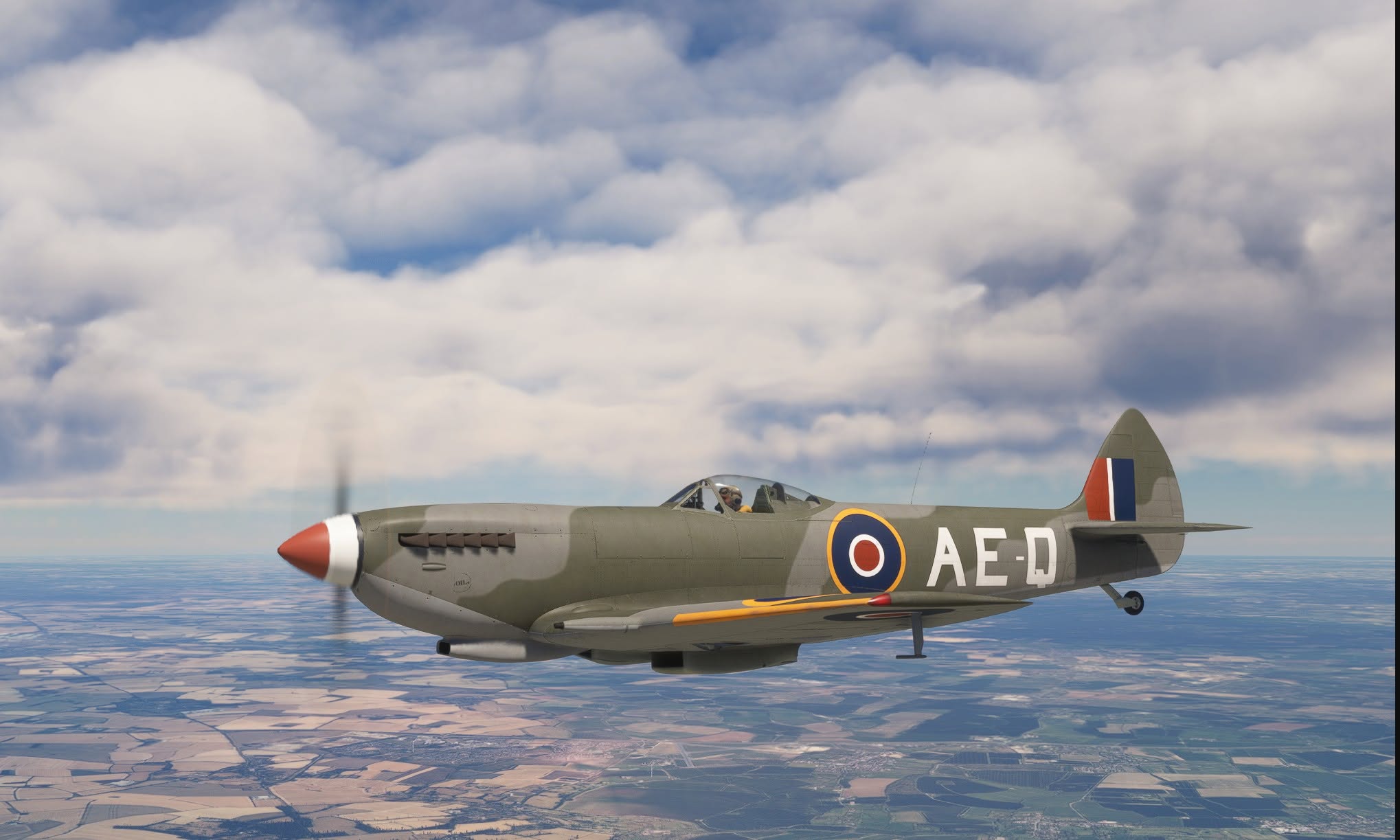
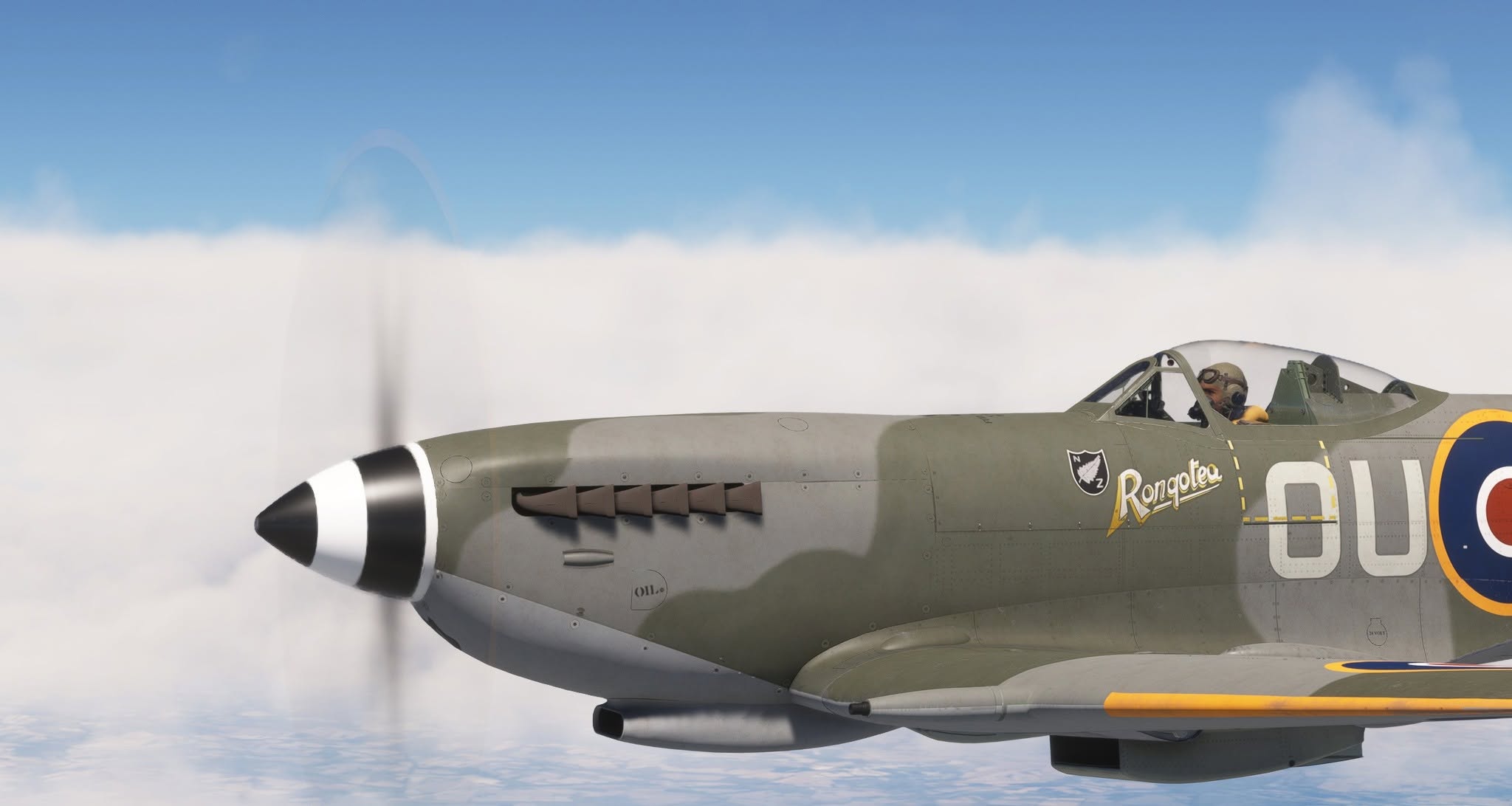
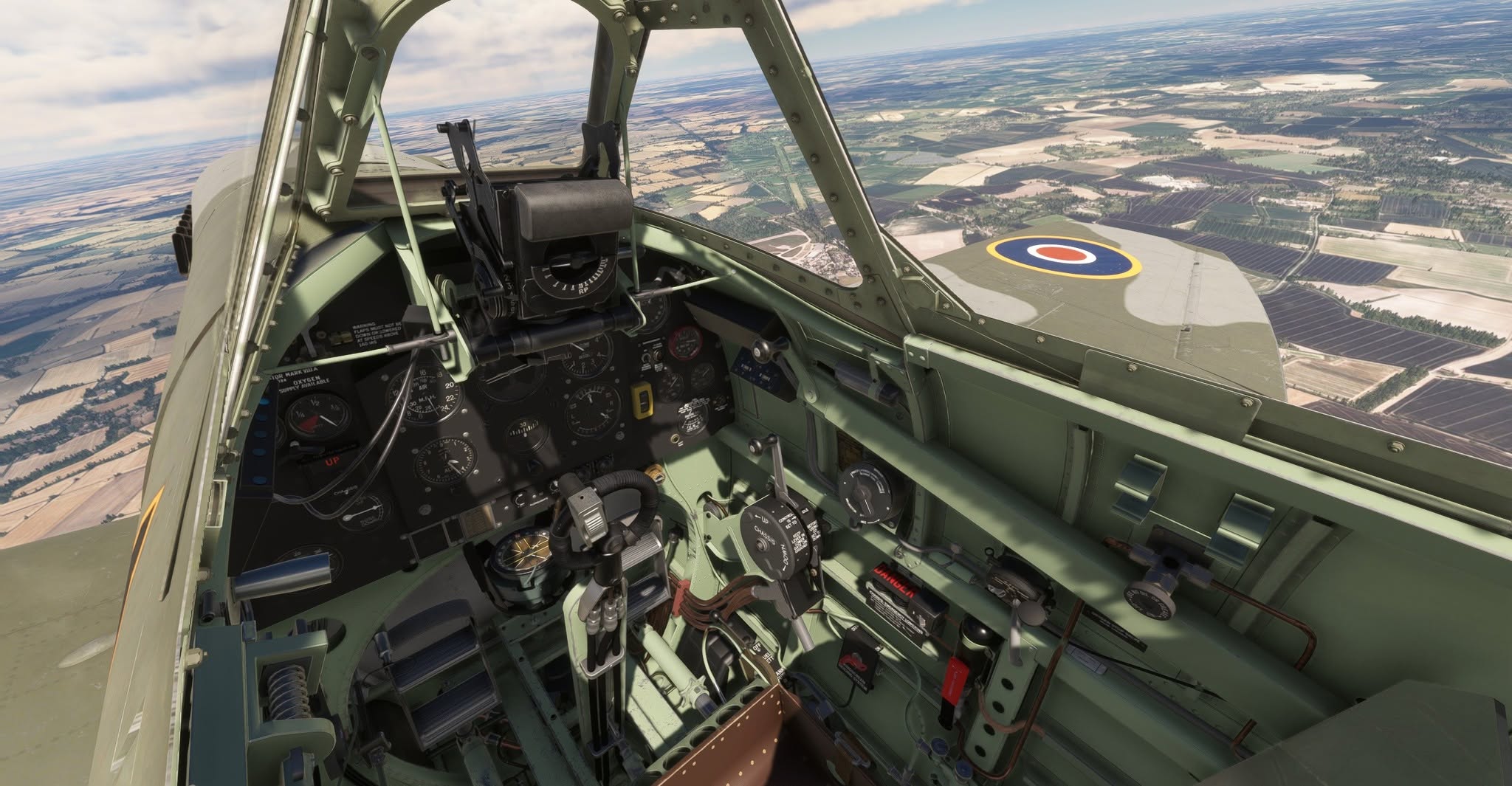
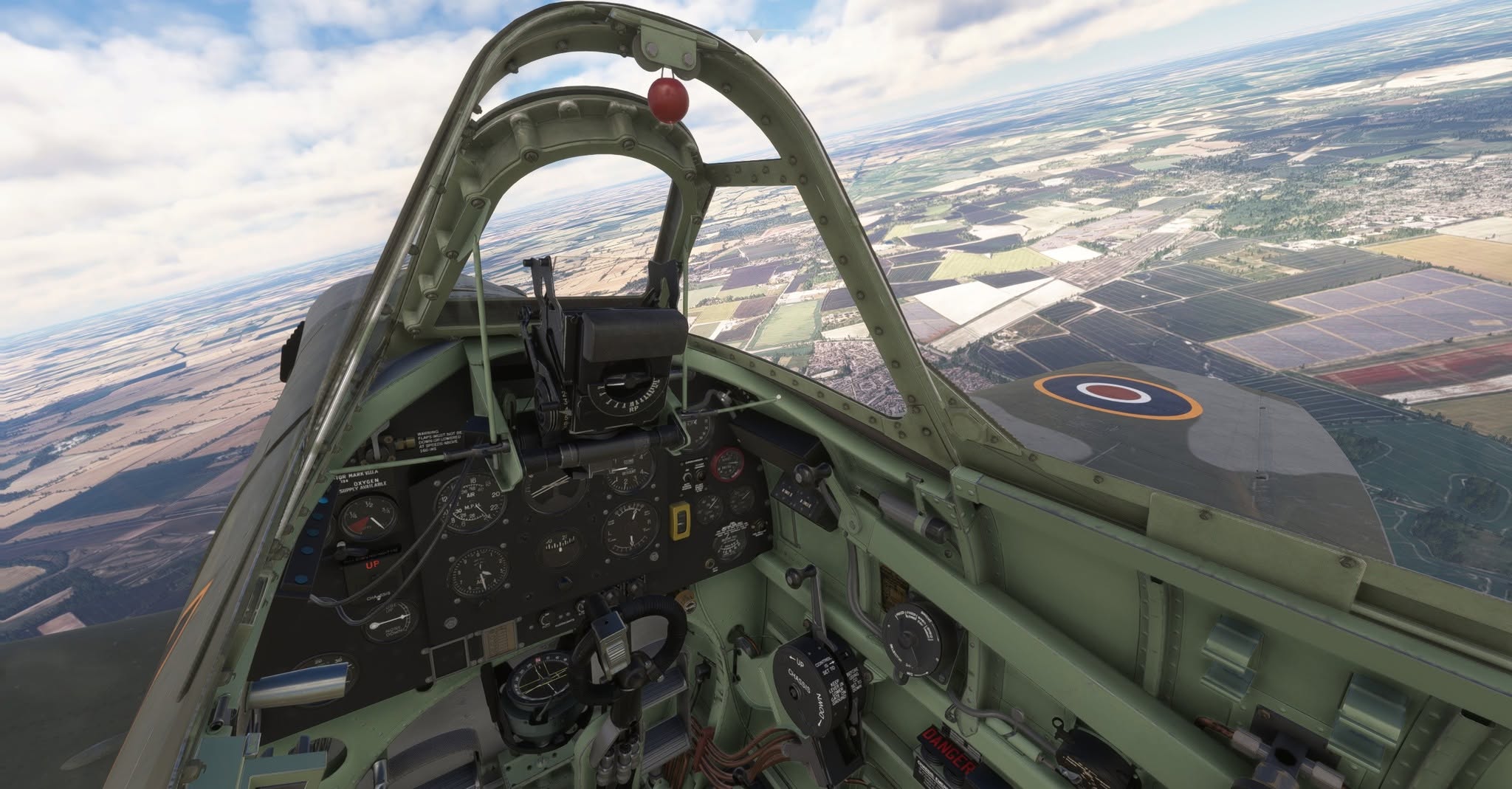
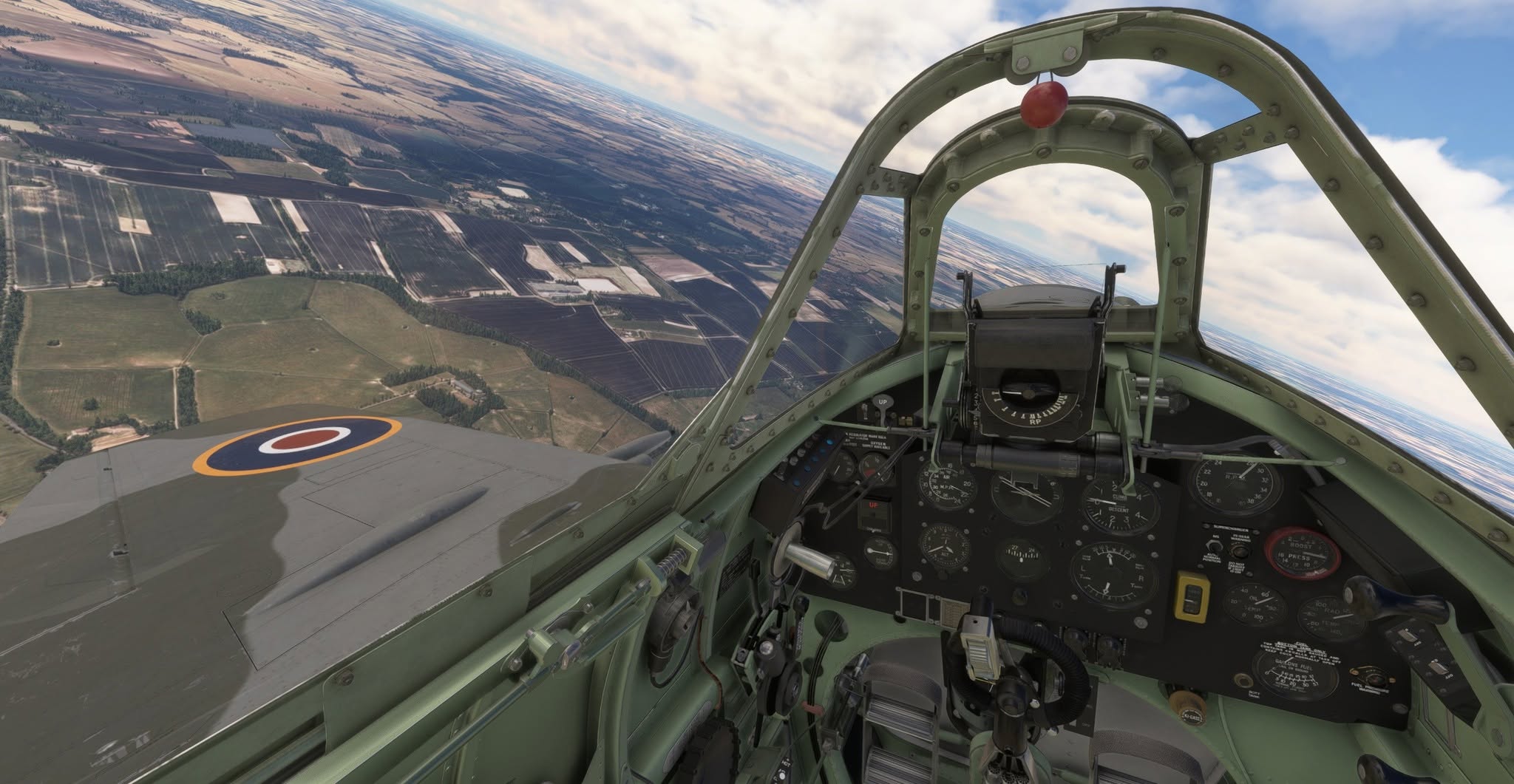
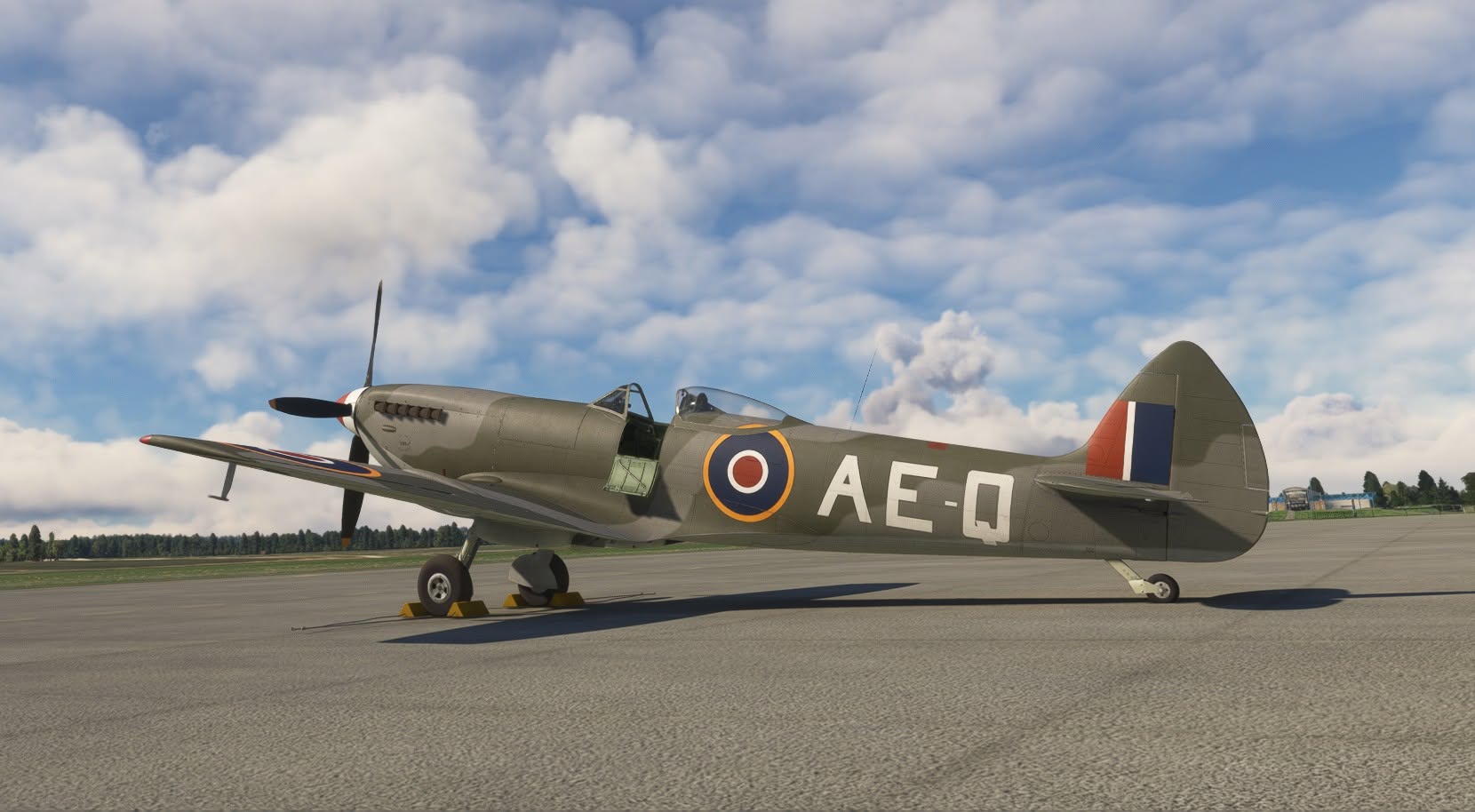
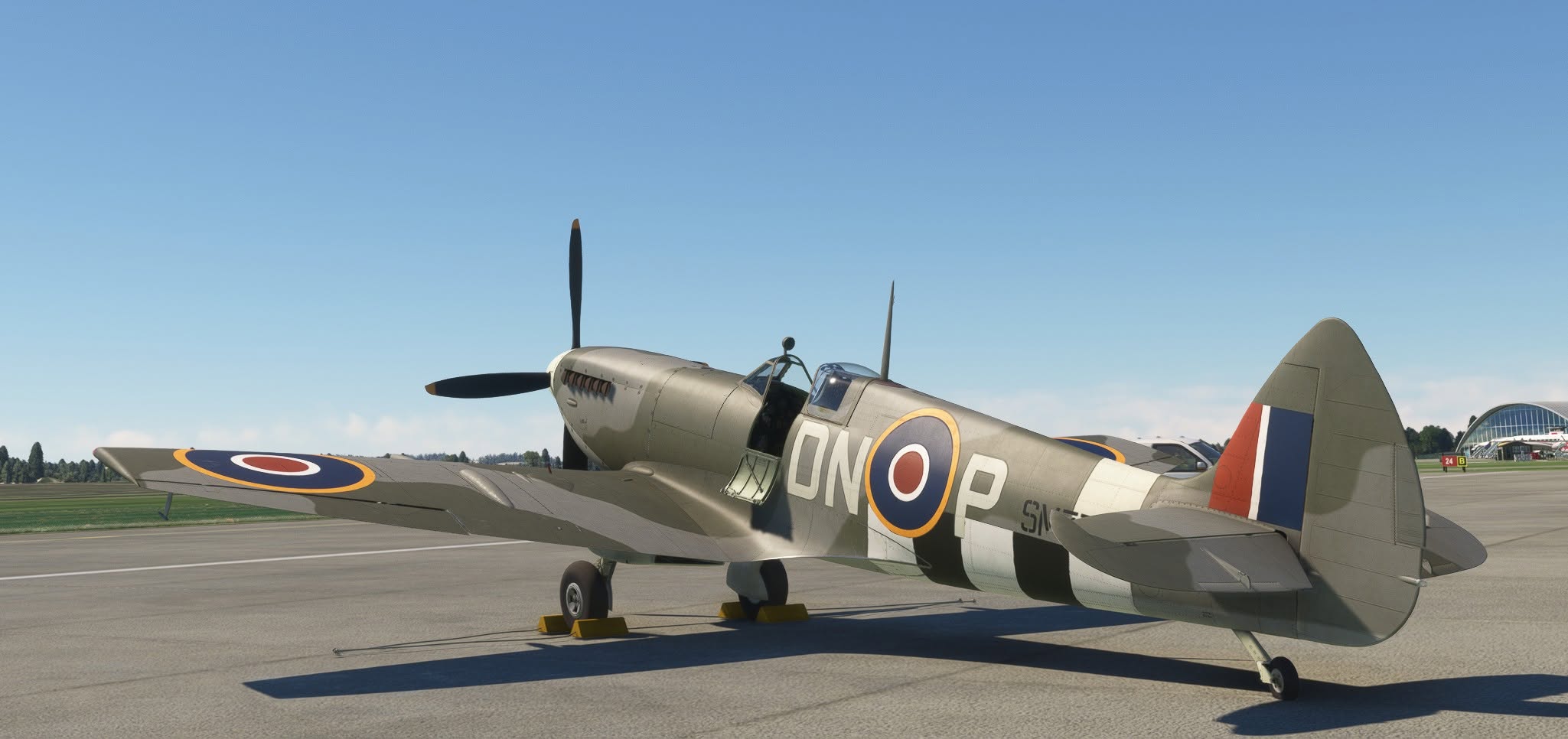
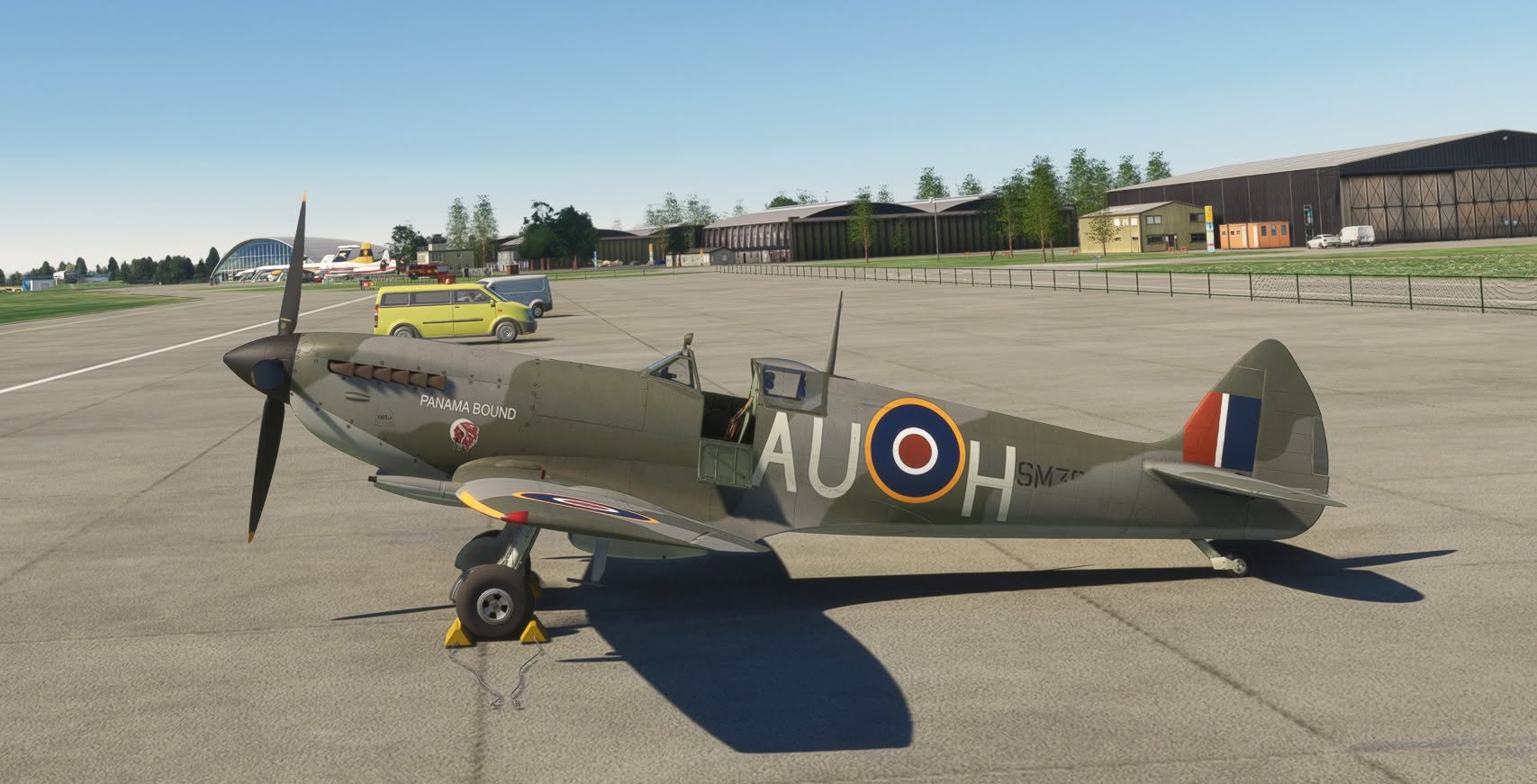
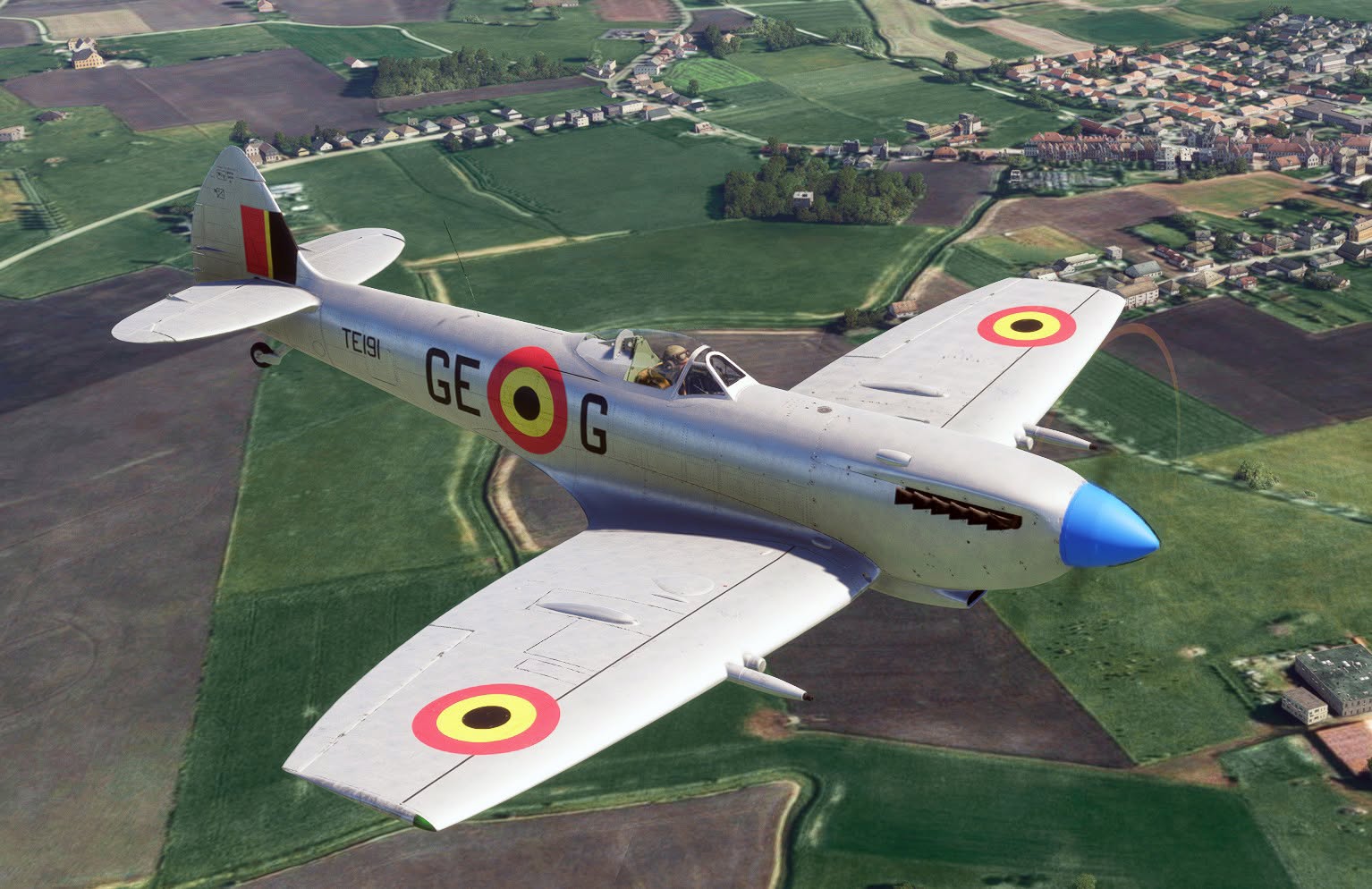
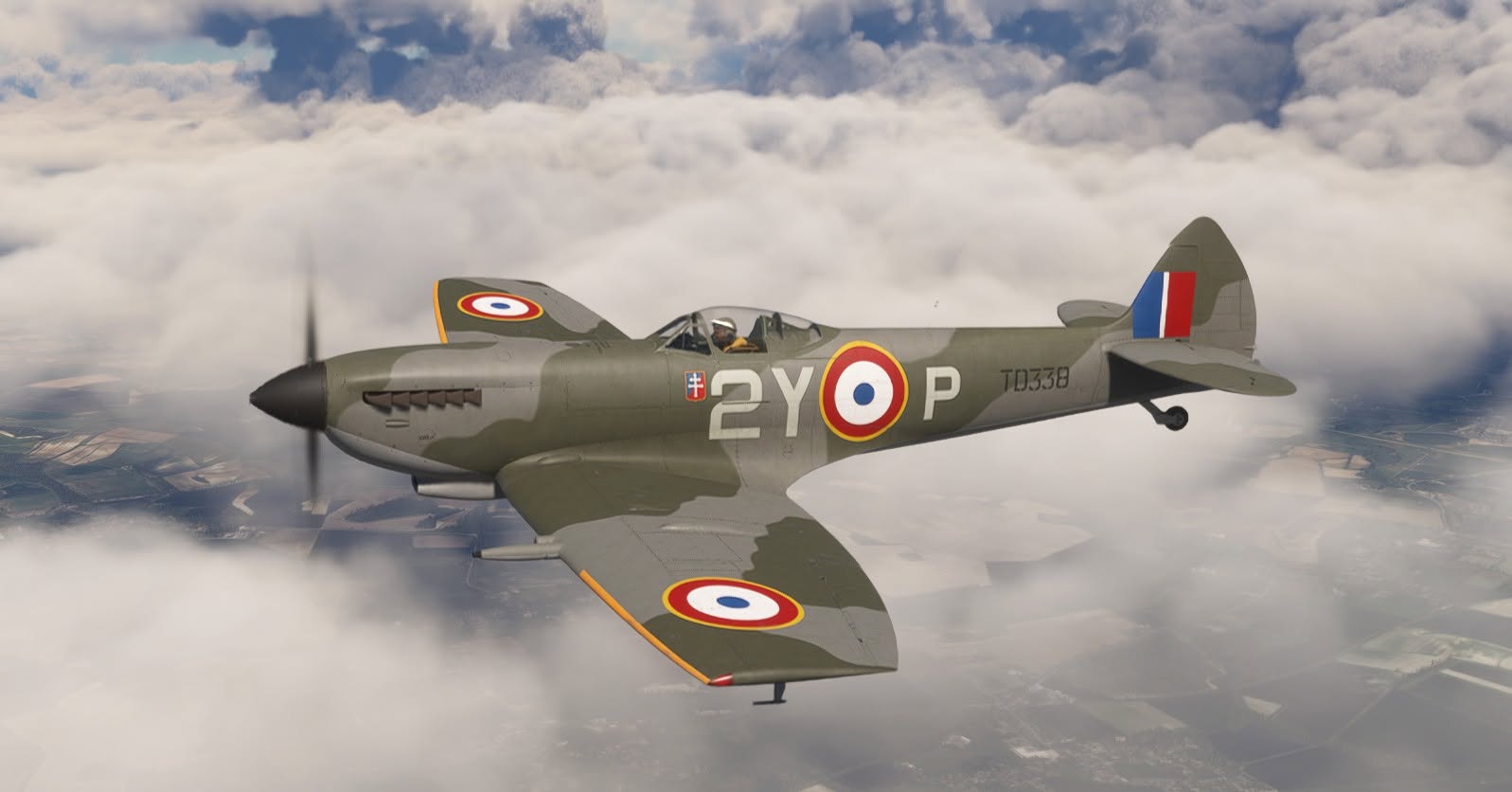
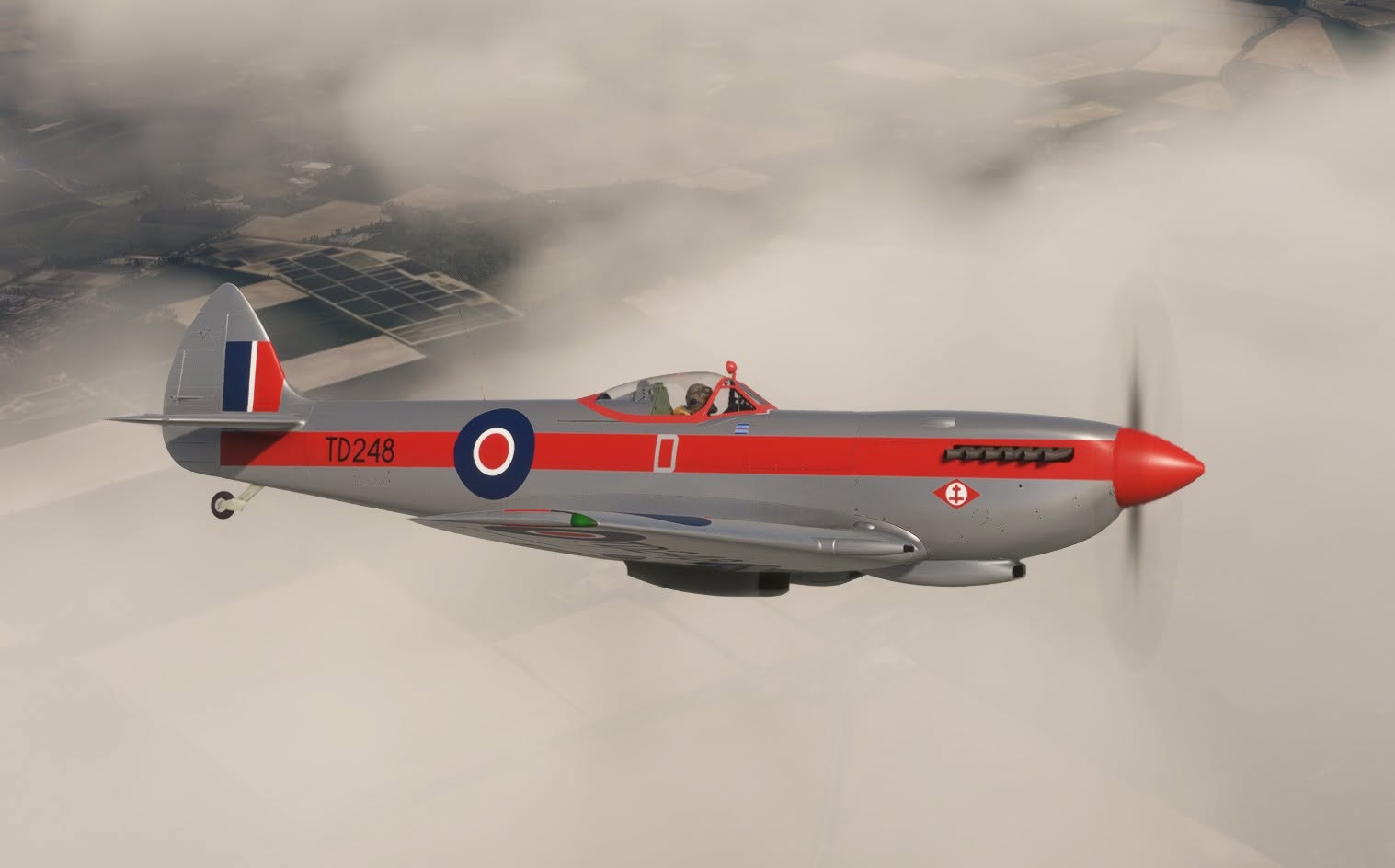
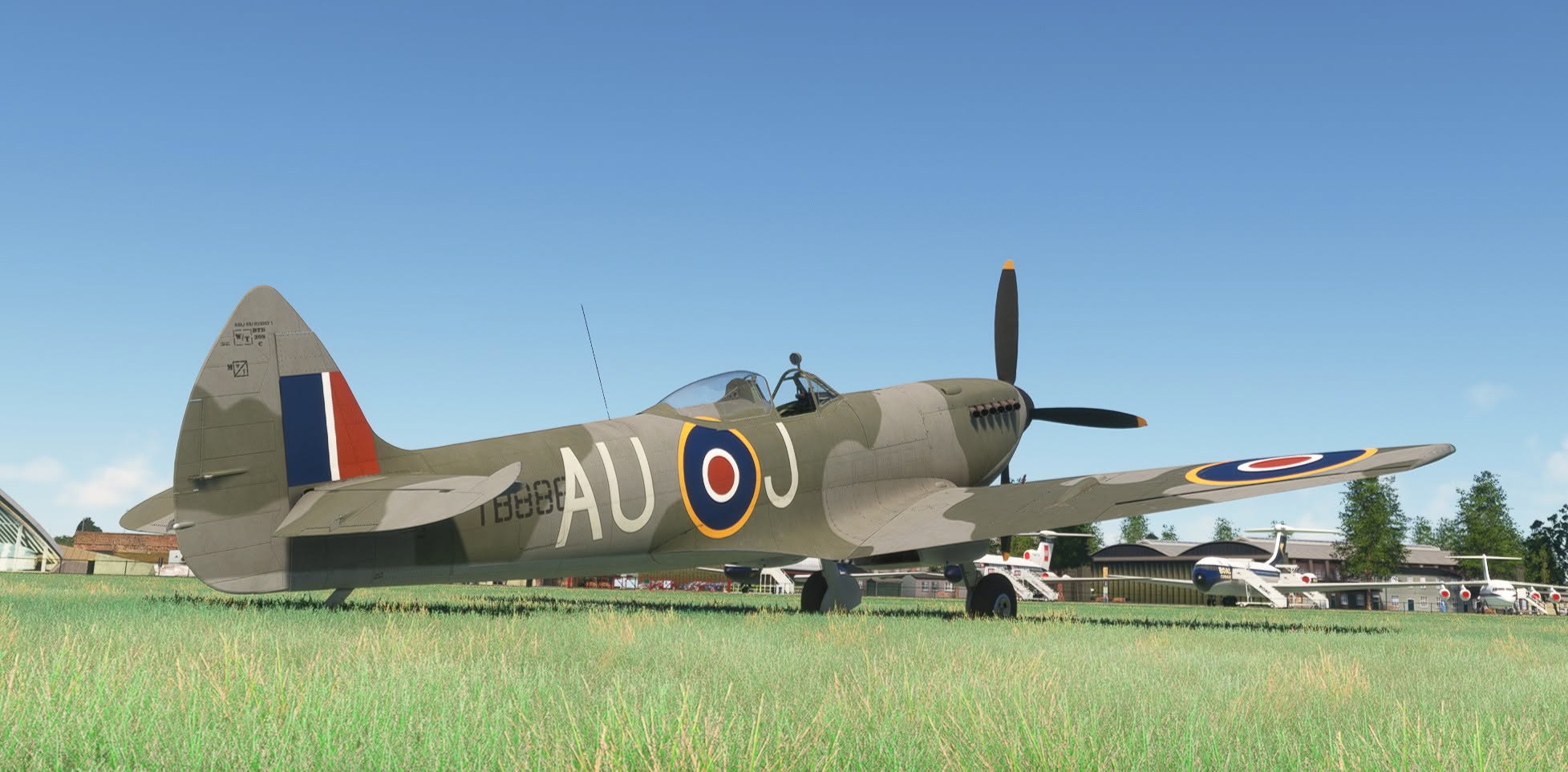
Flight Replicas released its Spitfire Mk.XVI for MSFS 2020 and MSFS 2024. Specifically, the aircraft is a native MSFS 2020 project but is compatible with MSFS 2024 as well.
It’s available on both official marketplaces for $12.49.
The add-on includes both variants with full and clipped wings, the full teardrop canopy, and the one with the early “high-backed” fuselage, and two types of gunsight, standard and gyro.
Robin DR400 Released for X-Plane 12


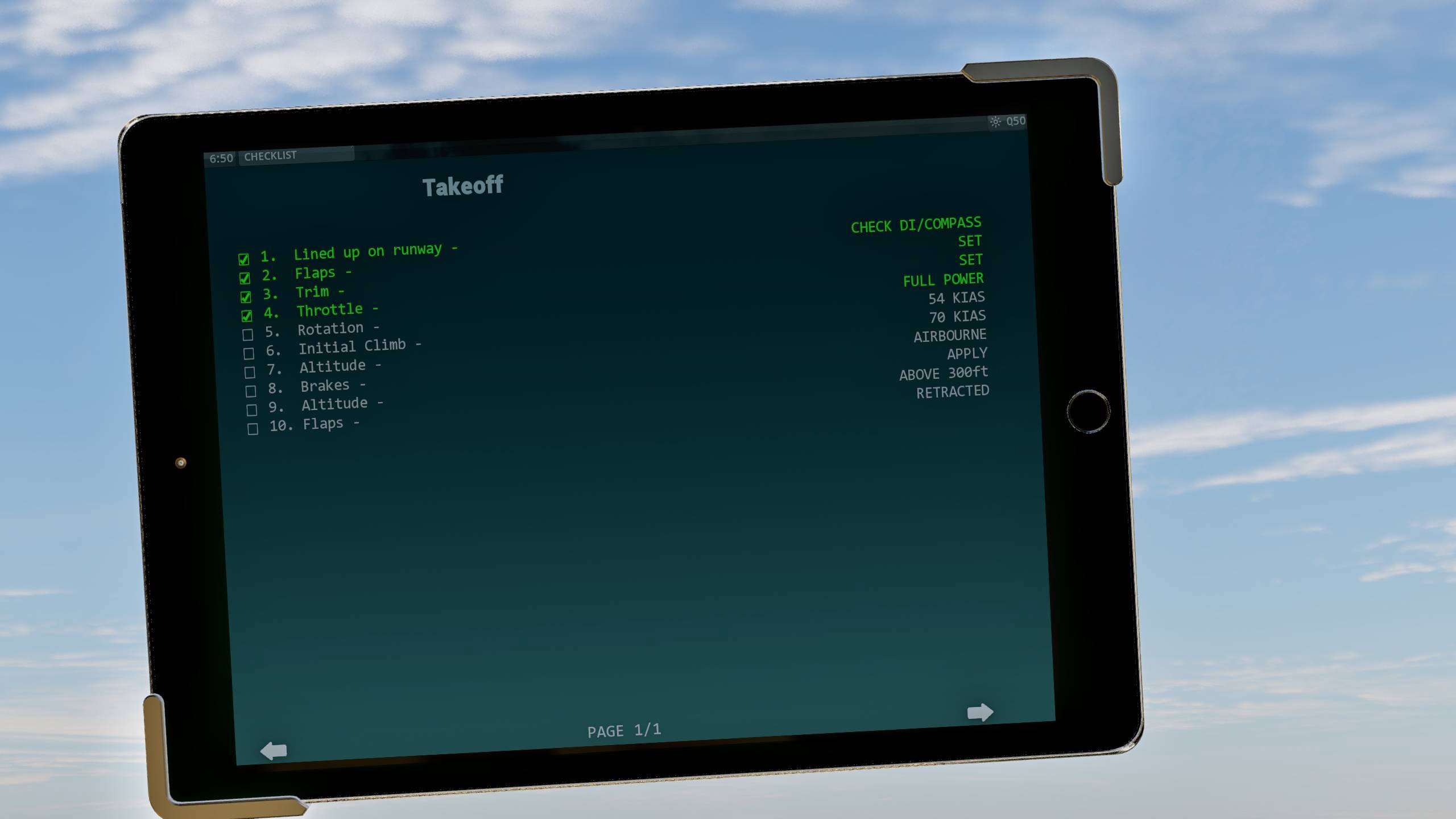


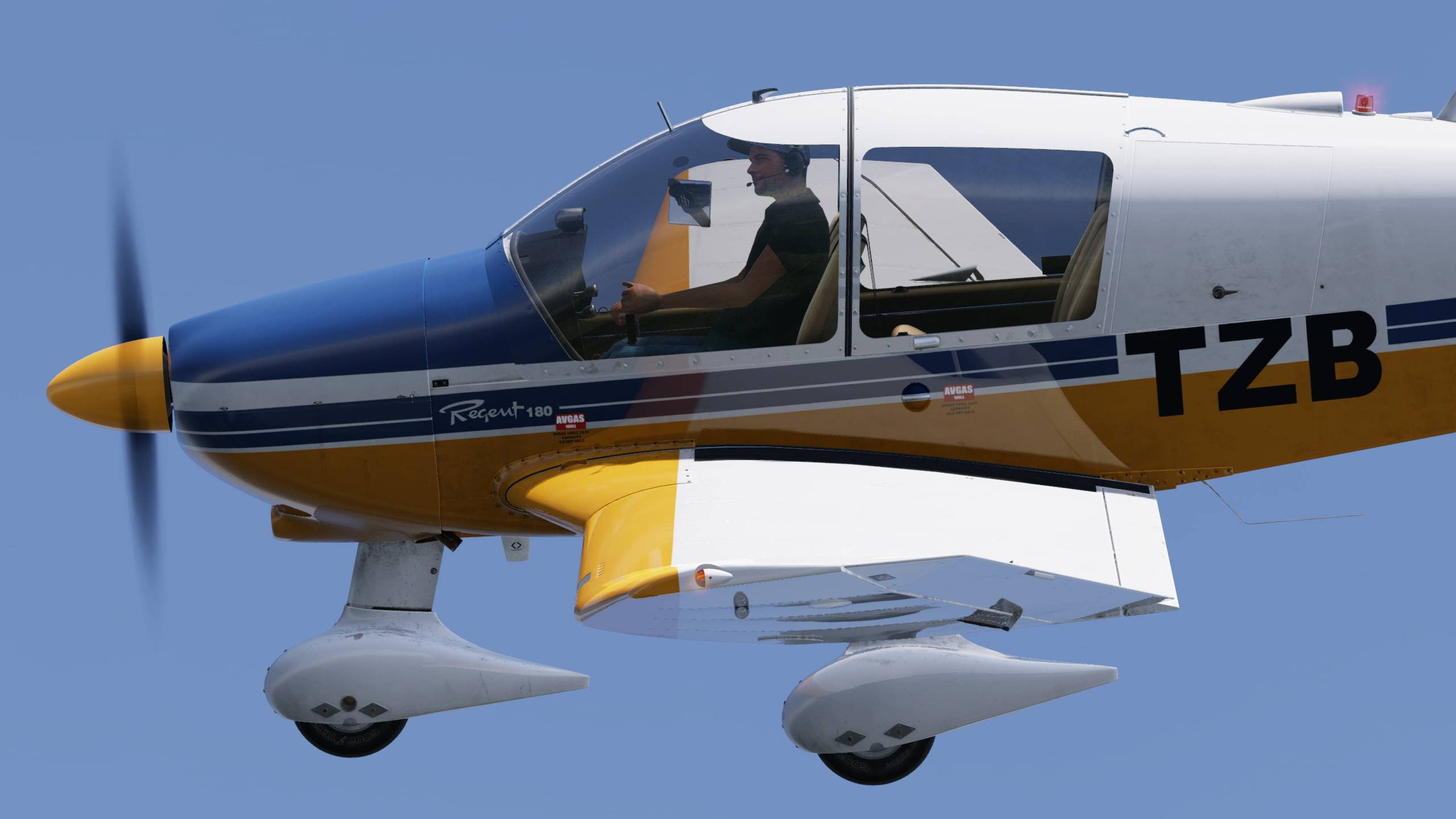
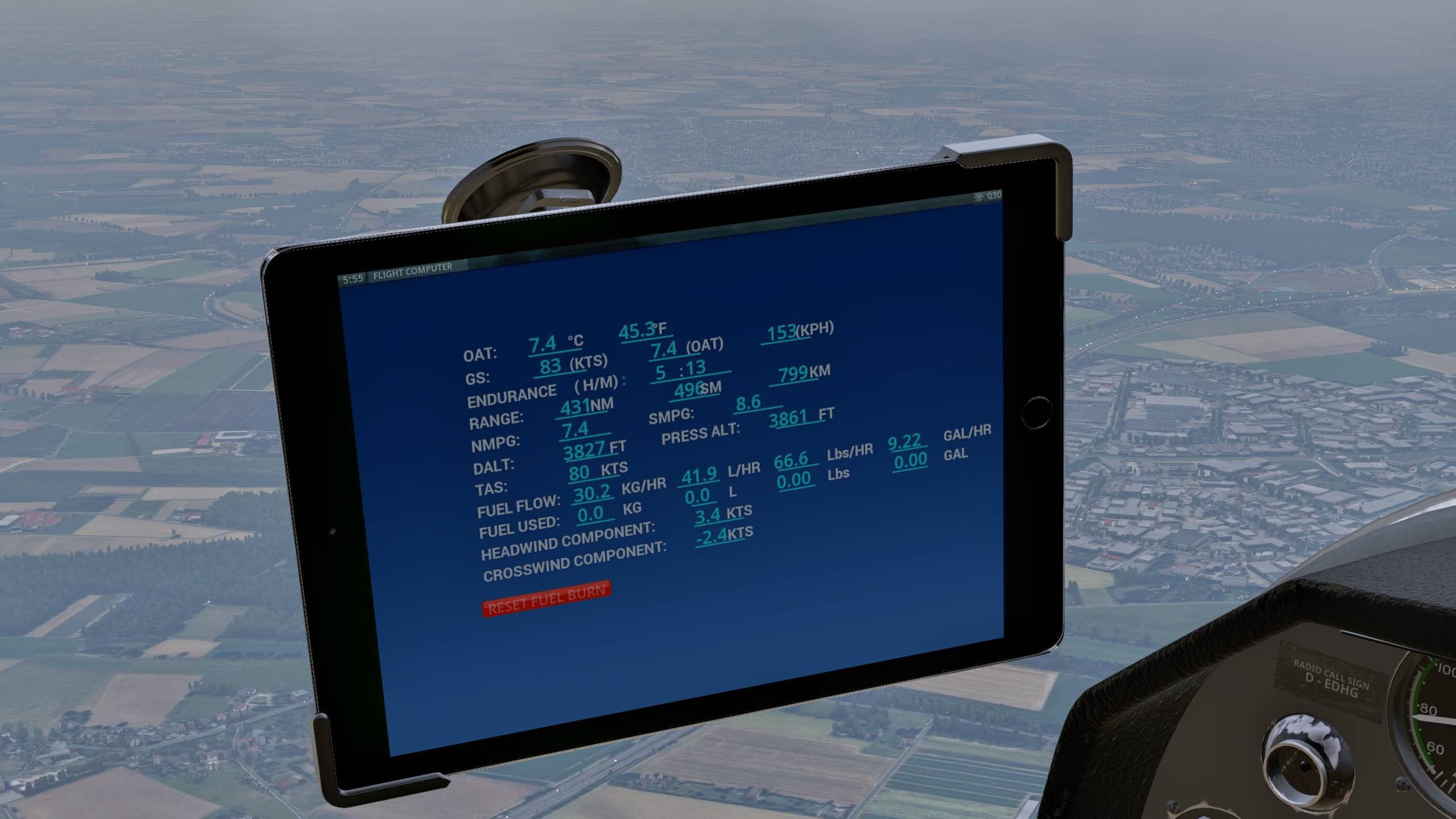
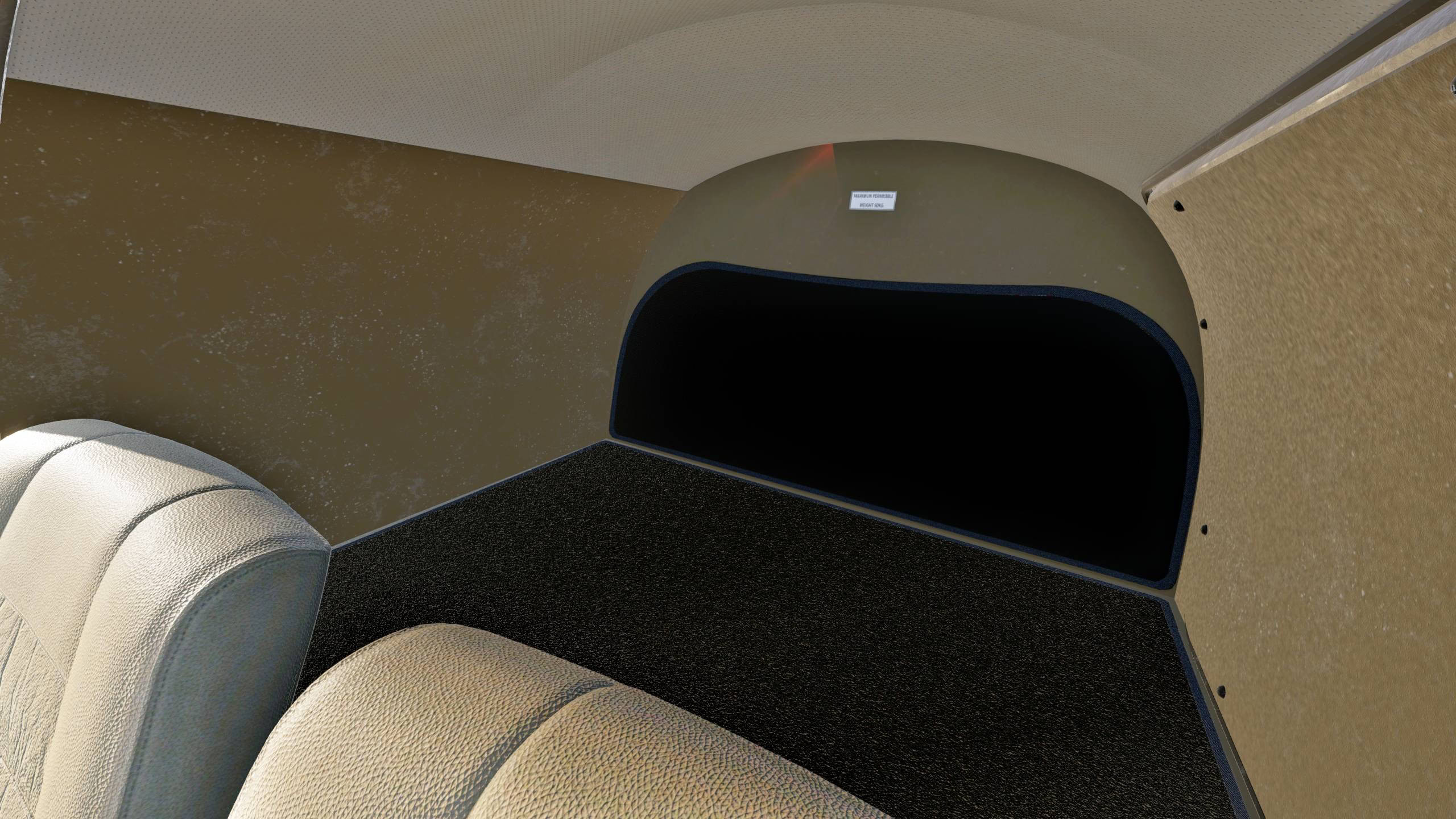

Just Flight and Thranda Design announced the Robin DR400 for X-Plane 12.
It’s available on Just Flight and X-Plane.org for $29.99.
It includes the following features.
MODEL
- Accurately modelled Robin DR400-180 Regent, built using real-world aircraft plans and comprehensive photography of the real aircraft
- Numerous animations including sliding canopy, luggage door and engine exhausts
- Realistic modelling and texturing of the distinctive cranked wings
- Ground equipment including chocks and tie-downs
- Brand new 8K textures are used to produce the highest possible texture clarity
- Authentic labelling and placards based on those found in the real aircraft
- PBR (Physically Based Rendering) materials with real-time environment reflections for superb quality and realism, reworked for X-Plane 12’s improved lighting engine
- Detailed normal mapping for down-to-the-rivet precision of aircraft features
- X-Plane 12 native rain effects included
COCKPIT
- A truly 3D virtual cockpit right down to accurately modelled seat belts and screw heads – every instrument is constructed fully in 3D with smooth animations
- Cockpit textures feature wear and tear based on reference photos taken in the real aircraft to produce an authentic environment
- Full VR support (VR manipulators, camera snap points, tweaked for comfortable usage)
- Dimmable cockpit lighting
- Interactive engine start checklist that responds to user inputs and sim variables
- Interactive checklists for every stage of flight
- Panel state system which will automatically save the panel state whenever a flight is saved and reload the panel state whenever that flight is loaded
- Aircraft configuration system that will allow you to choose between ‘cold & dark’ or ‘ready for take-off’
- Fully functional and comprehensive IFR-capable avionics fit:
– GMA 340 audio selector
– GNS 430 GPS unit
– KY 97 COM 2 radio
– KN 64 DME
– GTX 330 transponder
– KR 85 ADF
– S-TEC 55 autopilot
– Swappable GTN750 unit compatible with RealityXP GTN750 and TDS GTNXi (sold separately, Windows only) - Interactive logbook panel for logging your flight details (X-Plane native)
- Ability to change barometric units from InHg to MB in altimeter adjustment
- Option to remove window and instrument reflection effects
- Radio knob animations routed through plugin logic, for optimum movement fidelity and sound synchronisation
THRANDAPAD EFB
The ThrandaPad EFB provides a selection of apps full of useful tools and customisation options:
- Aircraft Options – open/close the aircraft’s doors, enable/disable glass reflection, enable/disable ground equipment, and more!
- Weight & Balance – adjust the aircraft’s weight and balance using the built-in configuration app and centre of gravity table.
- Instrument Options – choose to have the cockpit avionics visible in the 3D cockpit, or have them pop out on 2D panels.
- Static Liveries – change aircraft liveries without exiting to the main menu.
- Dynamic Liveries – customise the aircraft’s paint scheme without leaving the aircraft. Features different templates whose colours can be fully customised in the aircraft, without the need for any complicated paint kits.
- Engine Configuration – view the condition of the engines and enable enhanced simulation options such as spark plug fouling and vapour lock.
- DynaFeel – adjust the force required to move each of the control surfaces.
- Checklists – interactable checklists for every stage of flight.
- AviTab support.
- And much more!
AIRCRAFT SYSTEMS
- Custom-coded fuel system, including the option of automatic fuel tank switching for use on those long-distance cross-country flights (this option is remembered for future flights)
- Custom-coded electrical system with functional circuit breakers. Circuit breaker logic is linked to X-Plane’s internal failure logic, so if the plane is set to fail a certain electrical component after a certain number of hours, the circuit breaker for that element will pop out.
- Functioning carburettor and auxiliary fuel tank transfer controls
- Dedicated EFB apps for displaying values such as fuel tank weights and imbalance, fuel pressure, oil pressure, oil temperature, battery charge (with quick charge option) and information about spark plug fouling and vapour lock condition
- Simulated vapour lock condition, with EFB warning pop-up and suggested actions
- Simulated spark plug fouling condition, with EFB indication of percentage of fouling
- Custom external light logic with custom strobe light pattern and custom light halos for added realism
LIVERIES
The DR400 is supplied in the following six paint schemes:
- D-EDHG (Germany)
- EC-KFG (Spain)
- F-GUXR (France)
- G-BTRU (UK)
- HB-KHV (Switzerland)
- ZK-TZB (New Zealand)
Plus the dynamic Livery app which allows you to create your own paint schemes based on three different authentic styles: Factory, Flow Lines and Classic.
OTHER FEATURES
- Realistic and accurate flight dynamics based on real-world performance and handling data, and input from pilots upgraded to take full advantage of X-Plane 12 enhancements
- Authentic sound set, generated using X-Plane’s state-of-the-art FMOD sound system
- Custom sounds for switches, canopy, warnings and more, featuring accurate location placement of sounds in the stereo spectrum, 3D audio effects, atmospheric effects, adaptive Doppler, exterior sounds spill in when canopy is open, different sound characteristics depending on viewing angle etc.
- Comprehensive manual with panel guide and performance data
- Custom Weight and Balance Manager EFB app
If you’d like to read more flight simulation news, you can find plenty in our previous roundup article from yesterday.
If you want to go further back, we have a handy overview video of the major flight simulation news in the past week. You can watch it below. As usual, leaving a like and a comment and subscribing to our growing YouTube channel is extremely helpful.