SCS Software has opened up the American Truck Simulator 1.60 Open Beta, letting players try out the new update and features, including the Game Radio, paint jobs, and more.
To start with, the 1.60 Open Beta for American Truck Simulator has a brand-new Game Radio to make driving around feel more immersive. There are five stations that each have their own sound and feel, so users can find the right station for their mood and the atmosphere they want to create:
- Rust FM
- Escape
- PUMP IT!
- Pop Gear
- Roadio
At launch, Escape is the only station that will be safe to stream.
There’s also a new widget to display the station, track title, and artist name while driving. The widget can be customized a bit through the Widget Options menu, which also has improvements to the music player systems. There are plans for the music system to be expanded over time, which players can read more about here.


The improved Material System is also part of American Truck Simulator 1.60 Open Beta, bringing improvements to the lighting and look of cabin interiors. Now, it’s much easier to tell the difference between materials, like leather, fabric, plastic, and metal.
The system is being implemented slowly to make sure there are no problems, with certain trucks receiving the feature before others. More information on all of that can be found here.
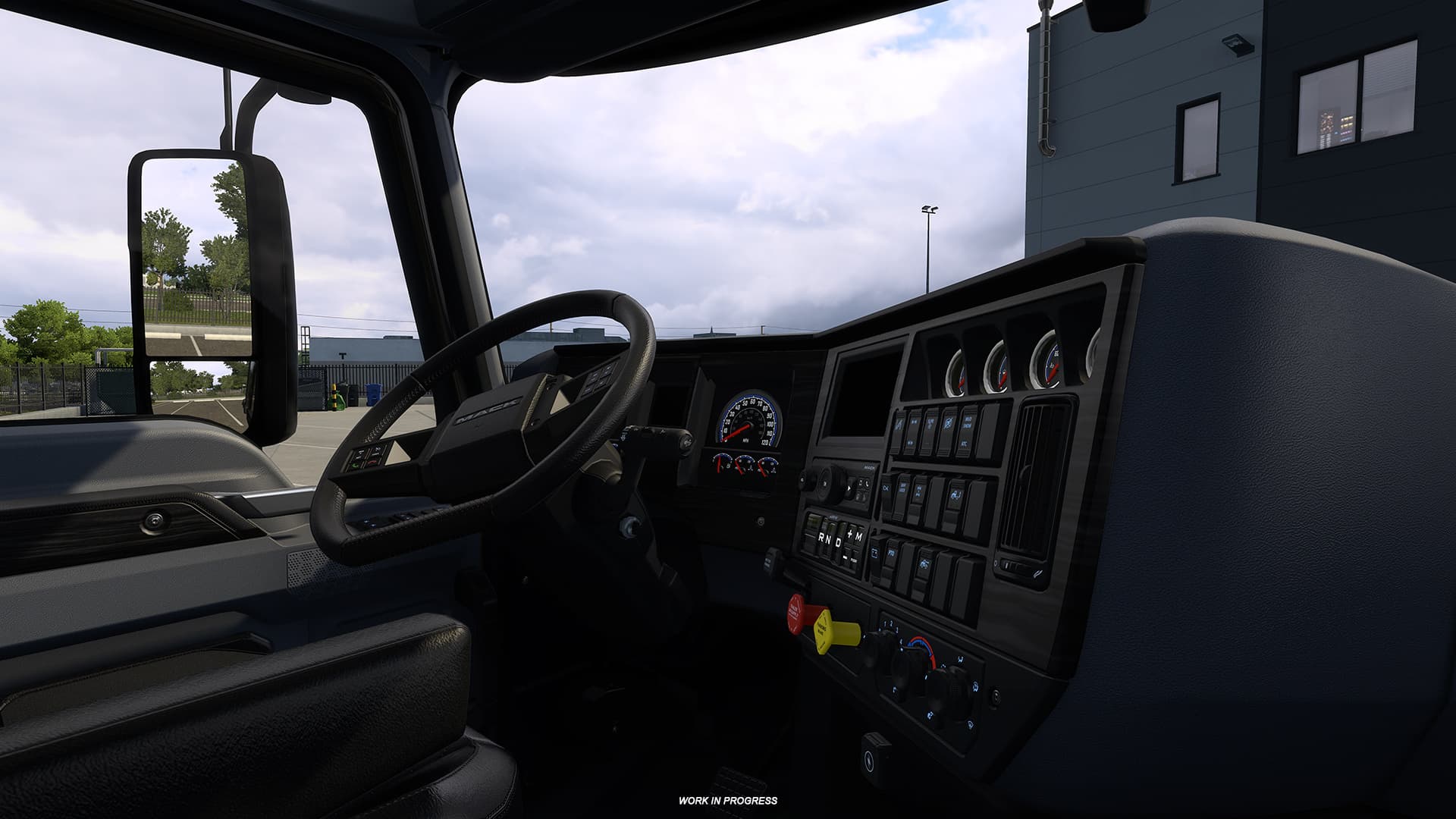
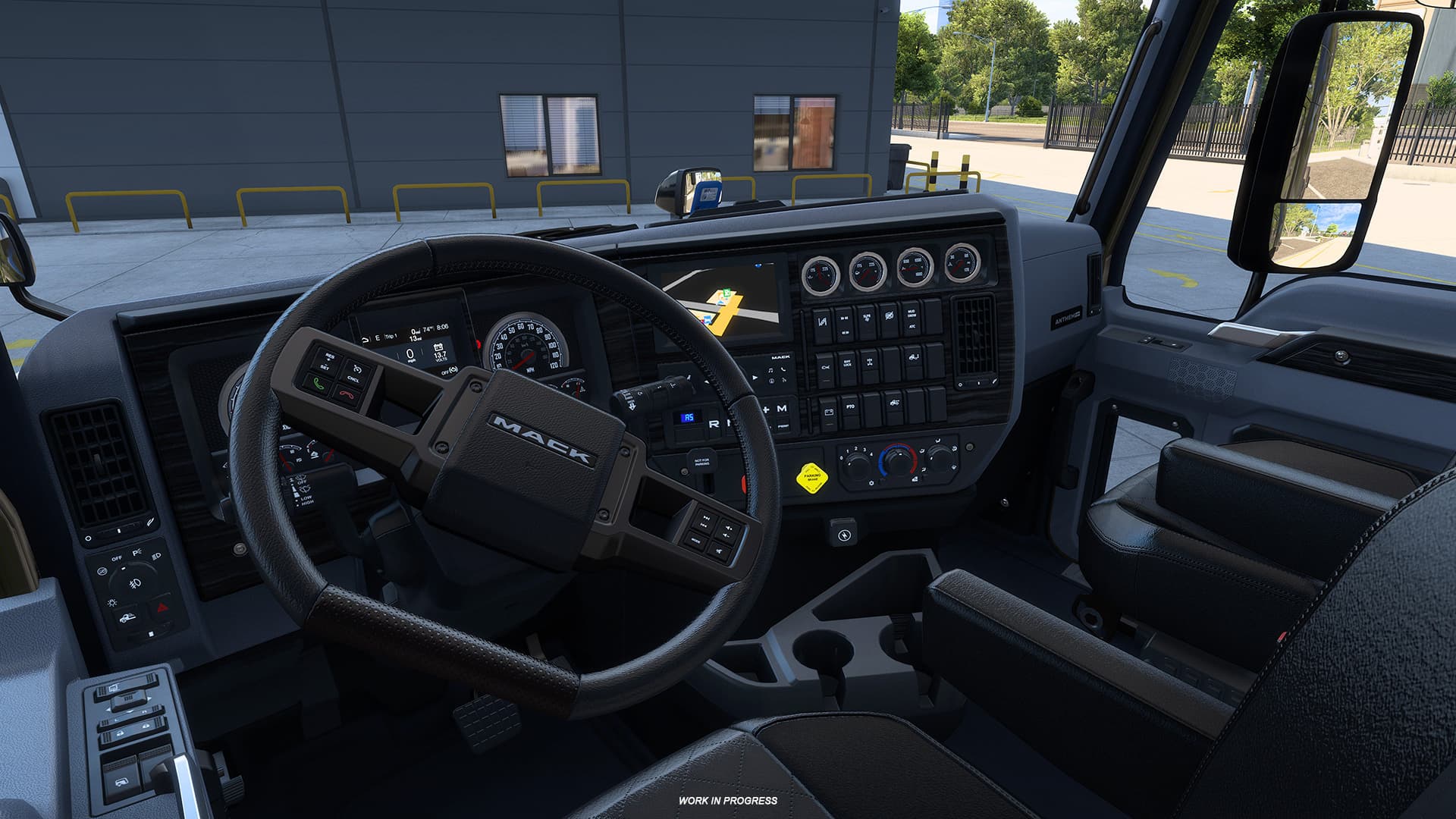


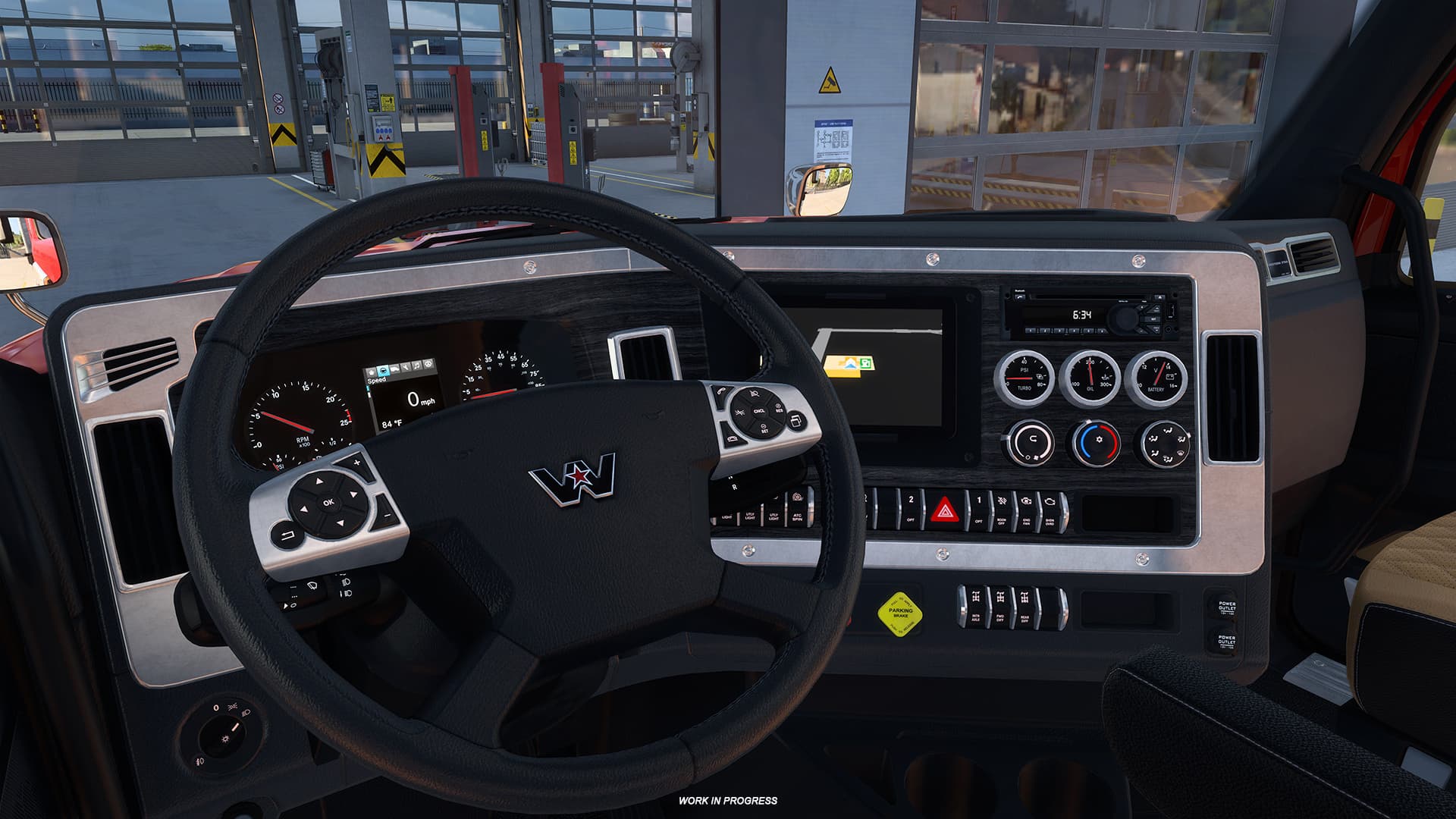
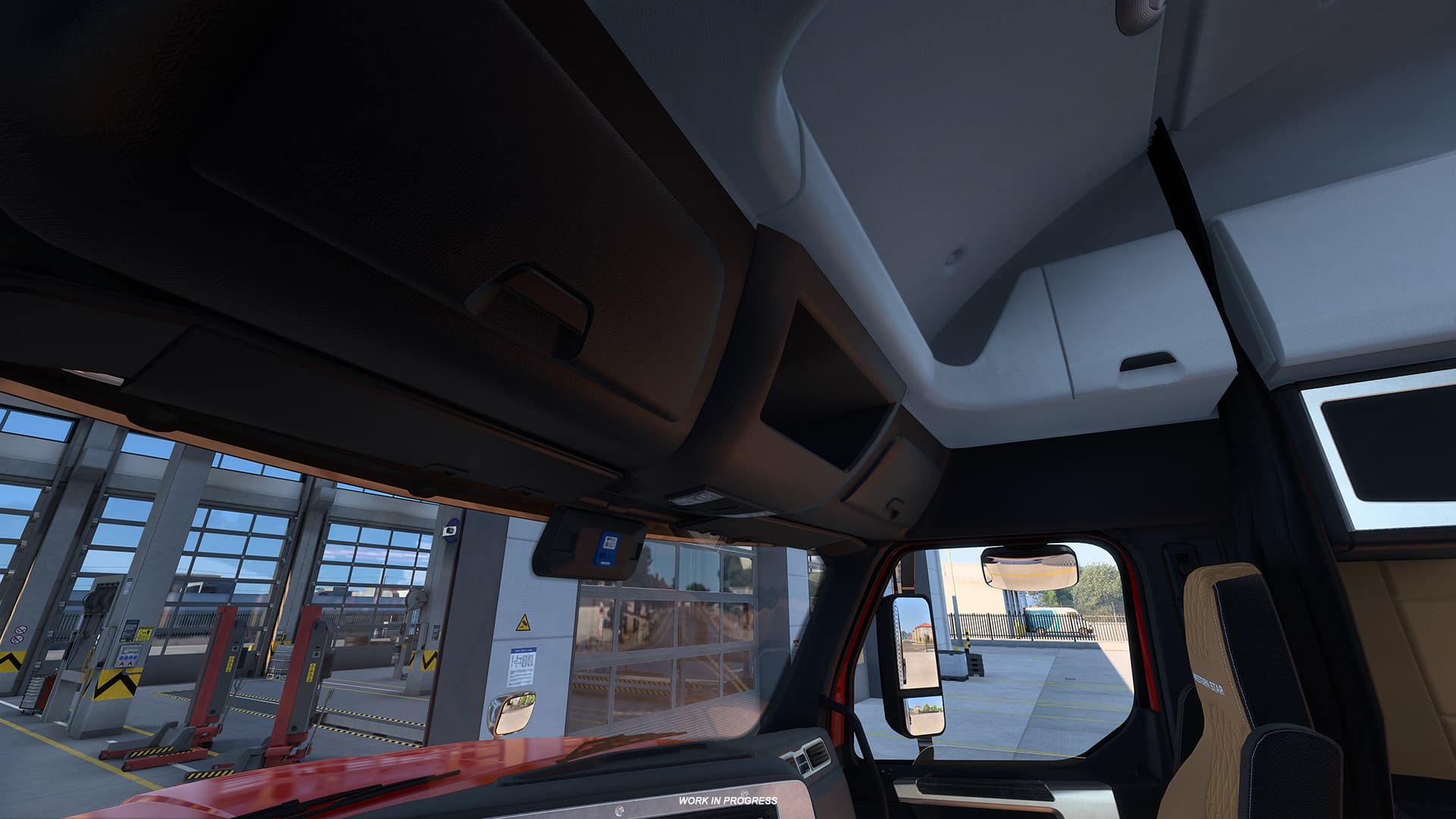

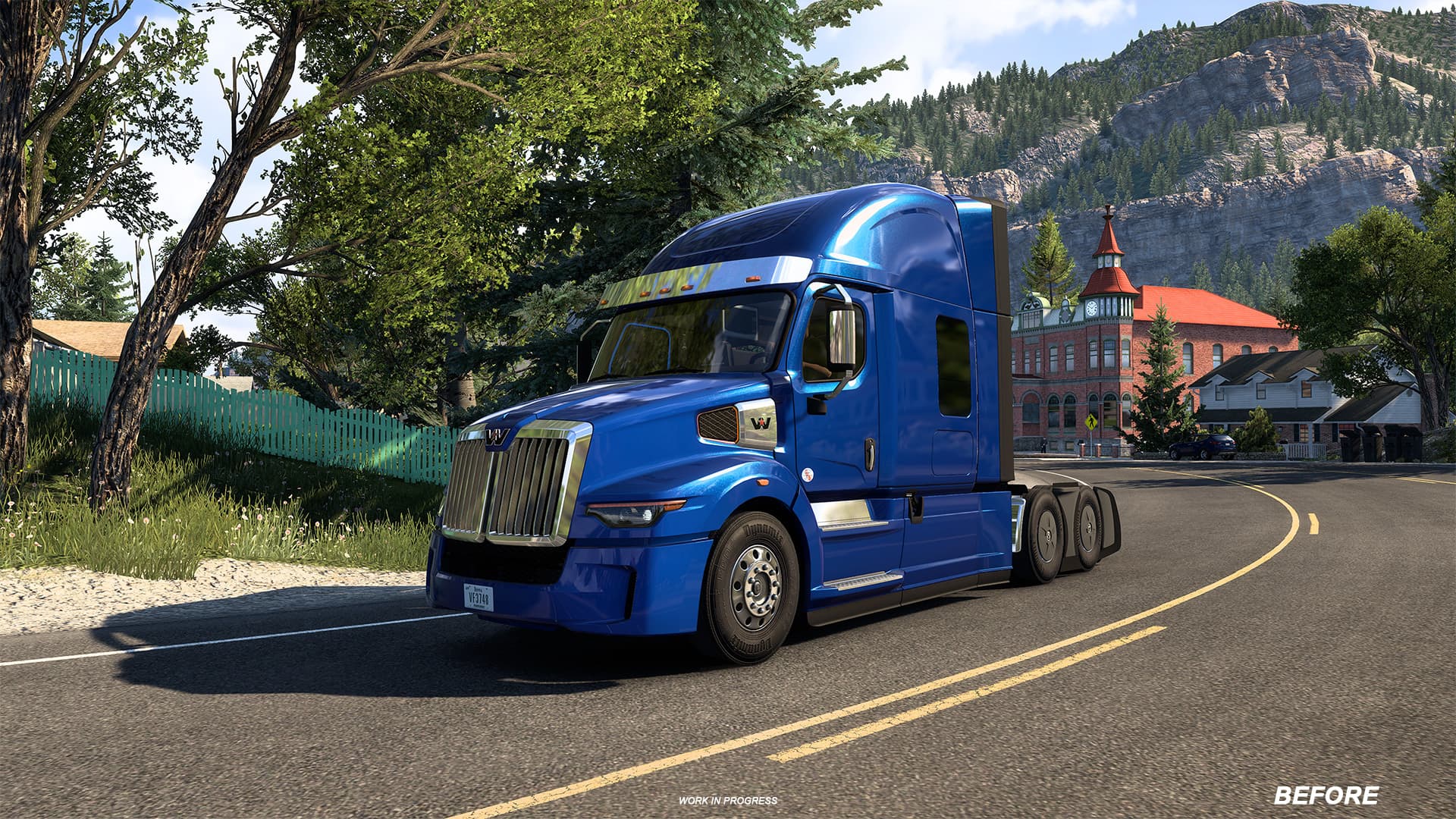
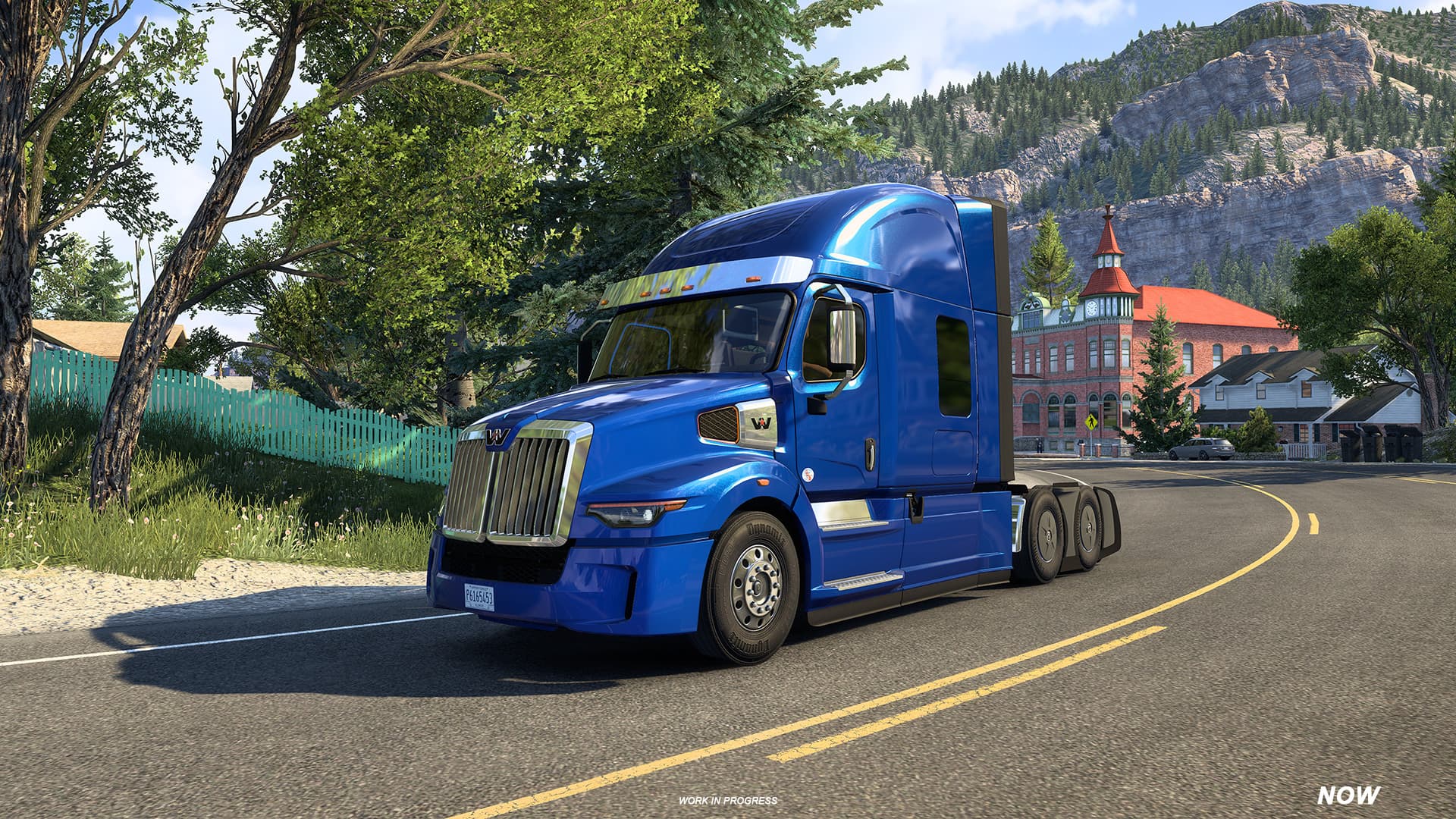
There are also some changes to the lighting of American Truck Simulator in general, working to smooth things out. Some examples of things changed include small updates to the lighting in bad weather.
Players can check out a before and after picture of these lighting changes below:
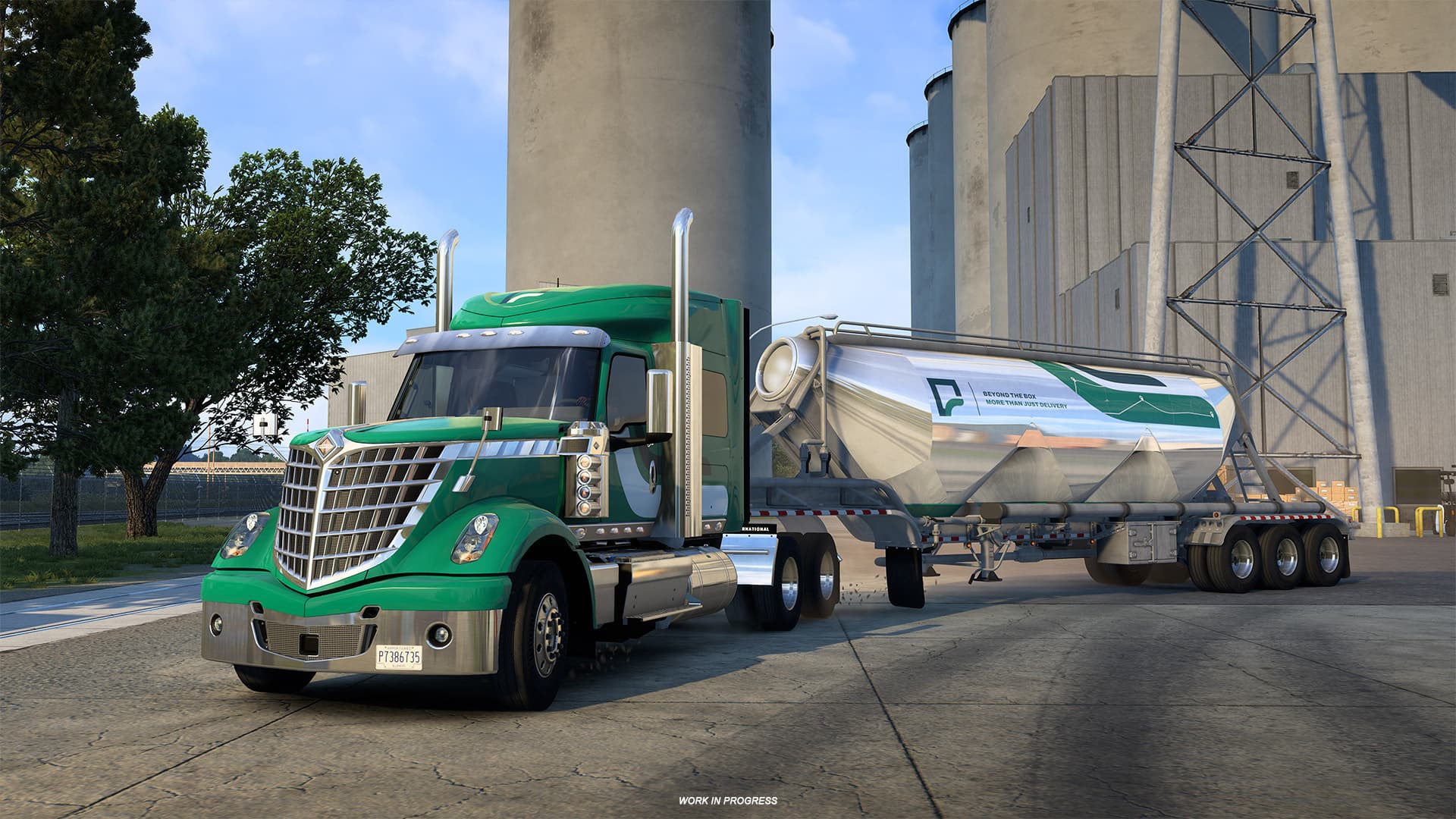
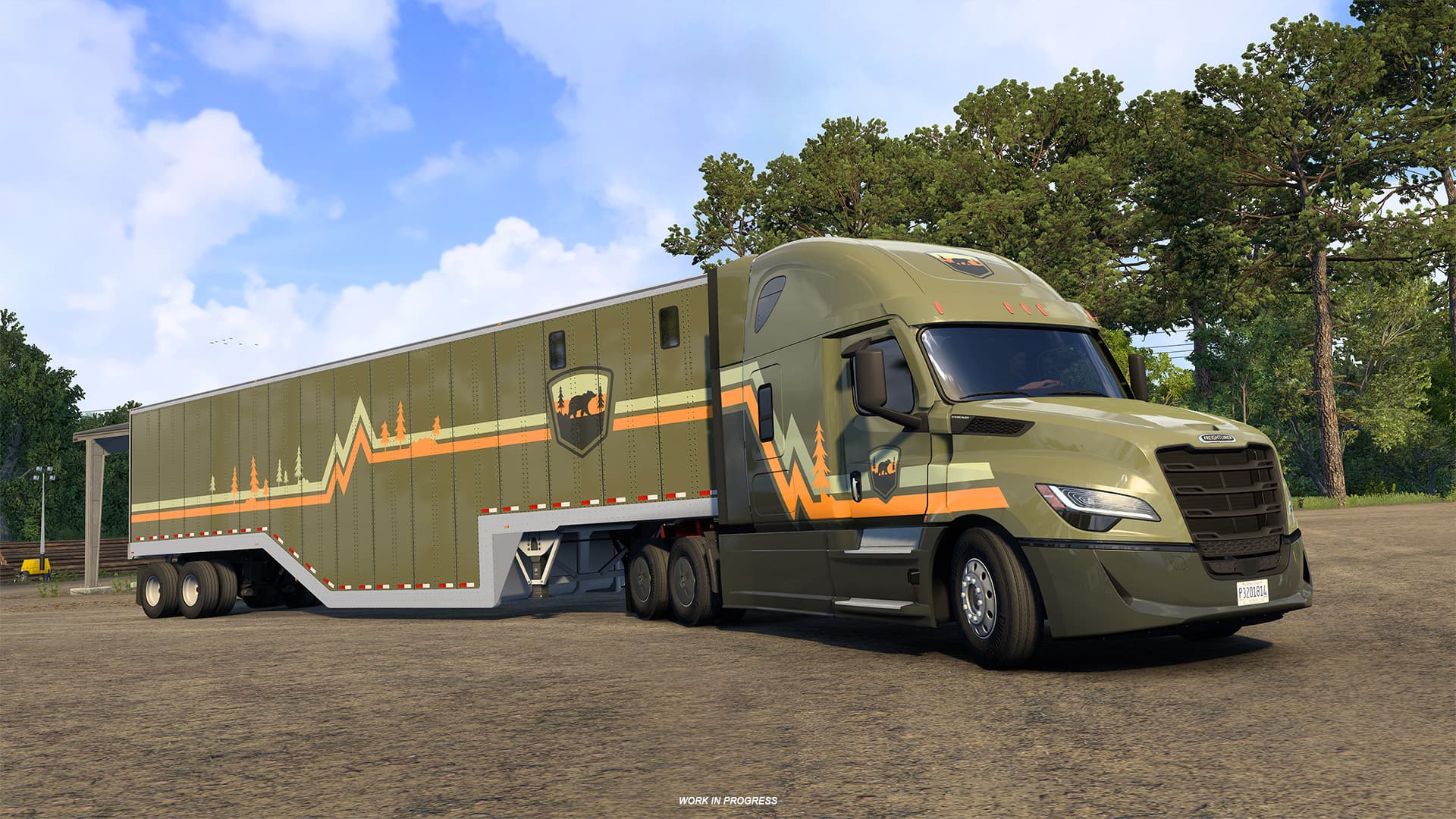
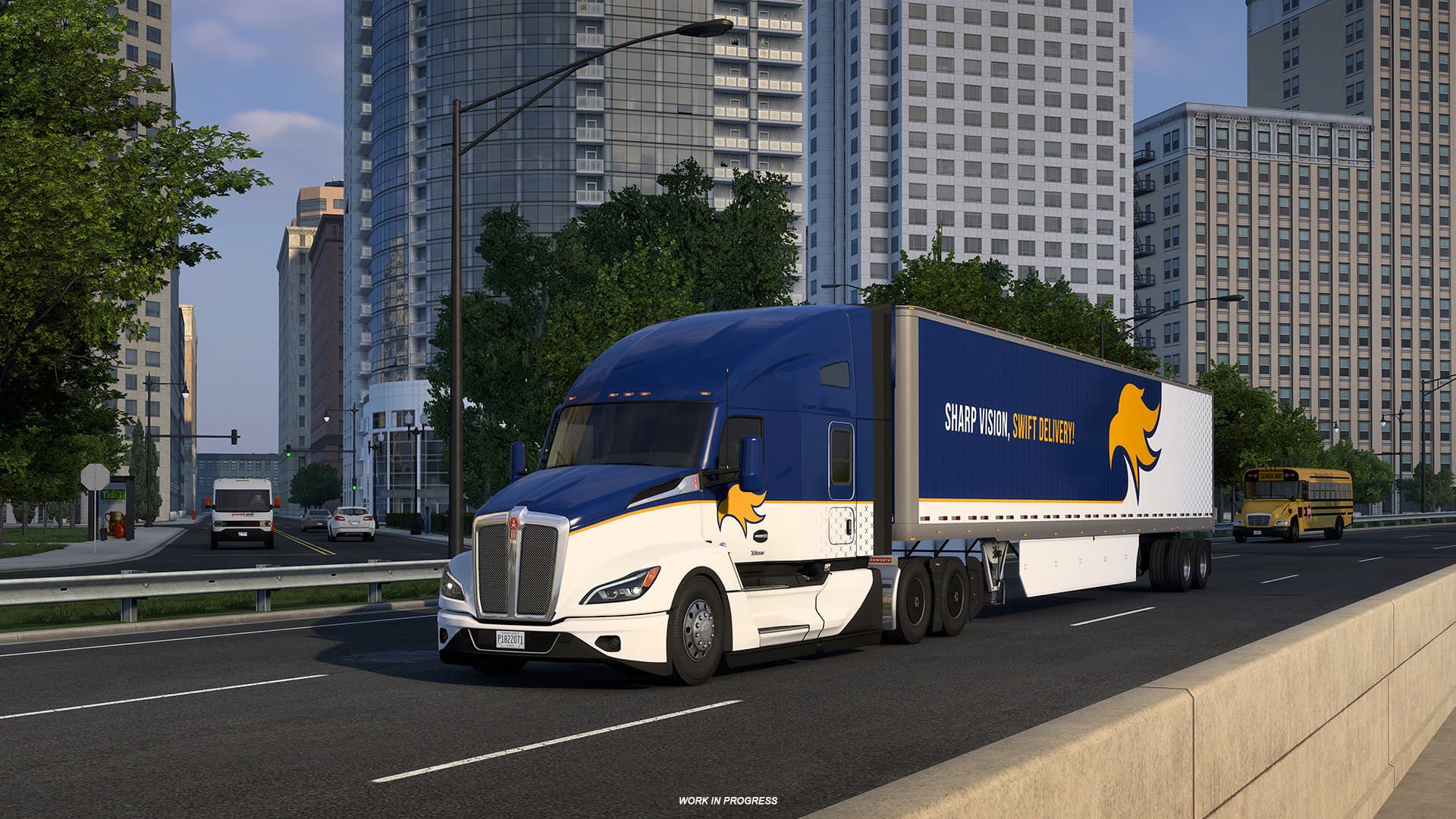
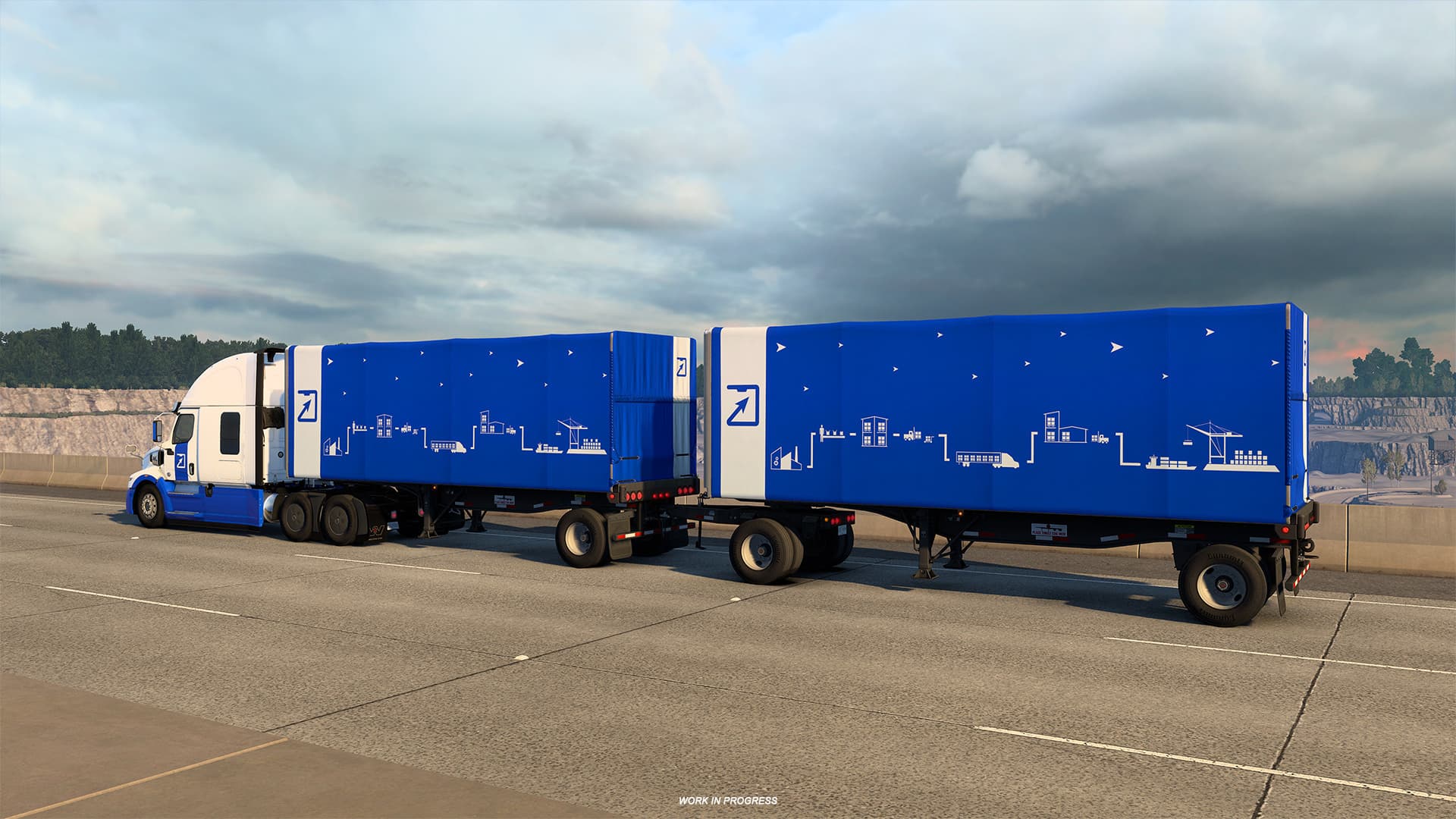
American Truck Simulator’s 1.60 Open Beta also introduces company paint jobs. Players will be able to customize both their trucks and trailers with company-themed paint jobs. These are based on the selectable identities that players choose from when creating a driver profile at the start.
Each of the designs has been tailored to fit each trailer type. Players can learn more about company paint jobs here.
These new looks give players a way to make their fleet feel like their own, as well as making them look professional and still belong in the world of American Truck Simulator.

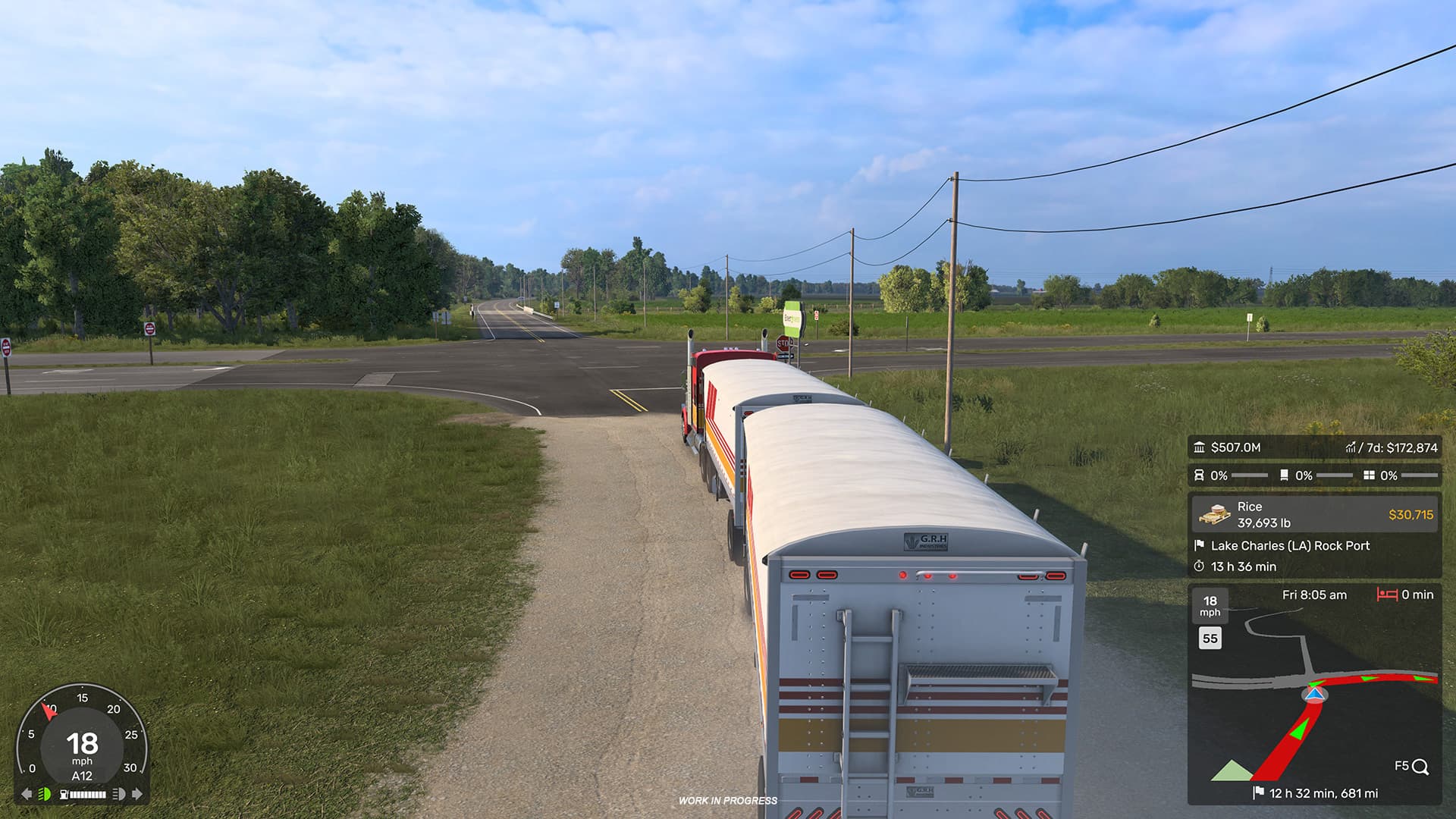
A new Job Details widget is also part of the American Truck Simulator 1.60 Open Beta. This widget shows players job information quickly and easily. Additionally, the GPS will show the estimated arrival day and time for the job, as well as the time and distance left.
Like other widgets, the Job Details widget can be customized in the Widget Options menu.

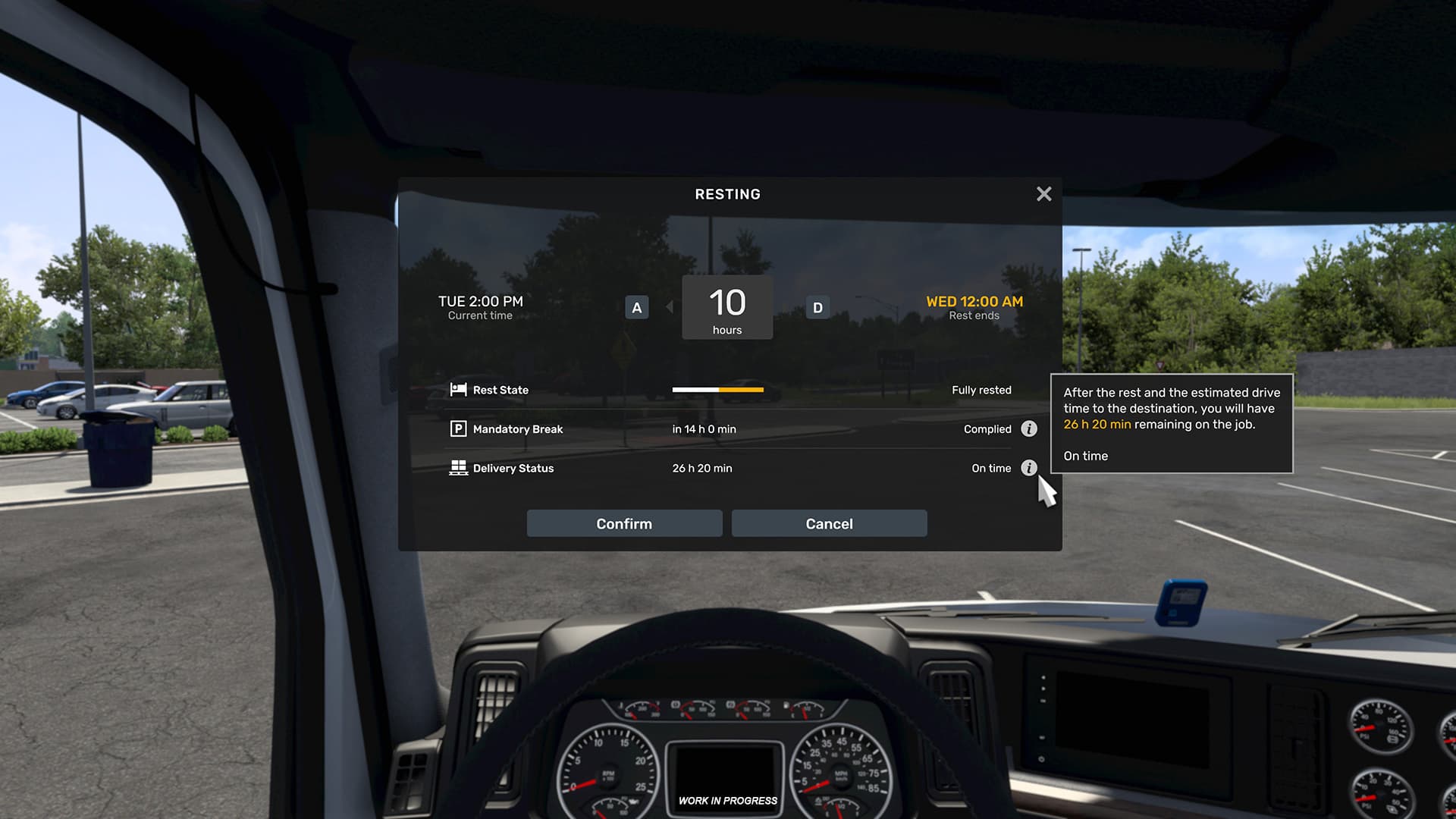
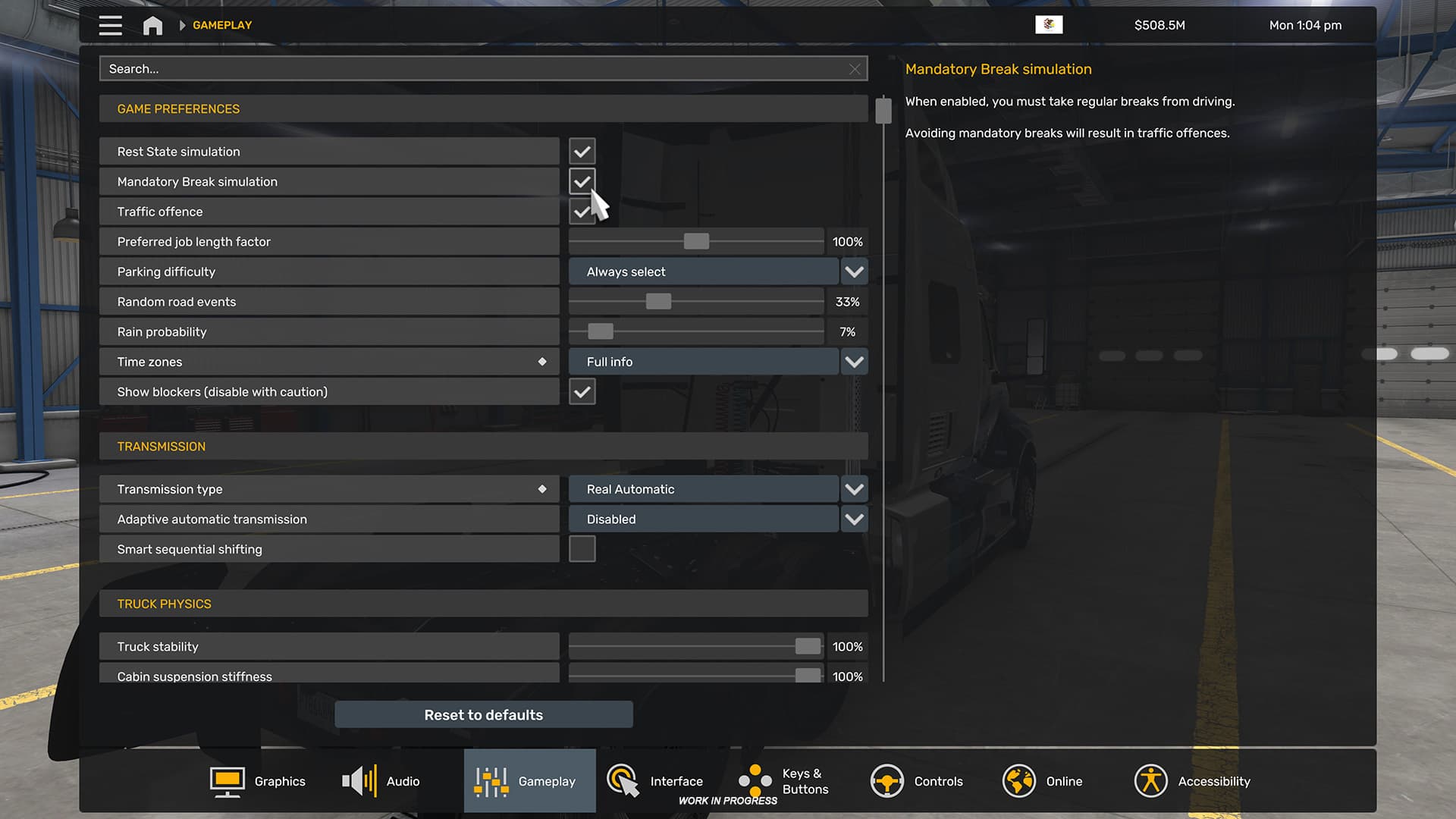
Last but certainly not least is the new expanded rest mechanic. Players will have complete control over how long they want to sleep or choose what time they want to wake up.
Previously, players could only choose from preset rest times.
Additionally, the Fatigue system in American Truck Simulator will be split into two: Rest State and Mandatory Rest. Rest State will slowly decrease over extended periods of driving time (though resting will restore it more quickly).
Mandatory Rest shows how long there is left until players will be forced to stop. Players will only be allowed to drive for 14 hours straight, which will then require 10 consecutive hours of sleep afterward.

The American Truck Simulator 1.60 Open Beta is available for PC now, though players should note that it’s a beta, which means there’s the chance that they’ll run into bugs or crashes.