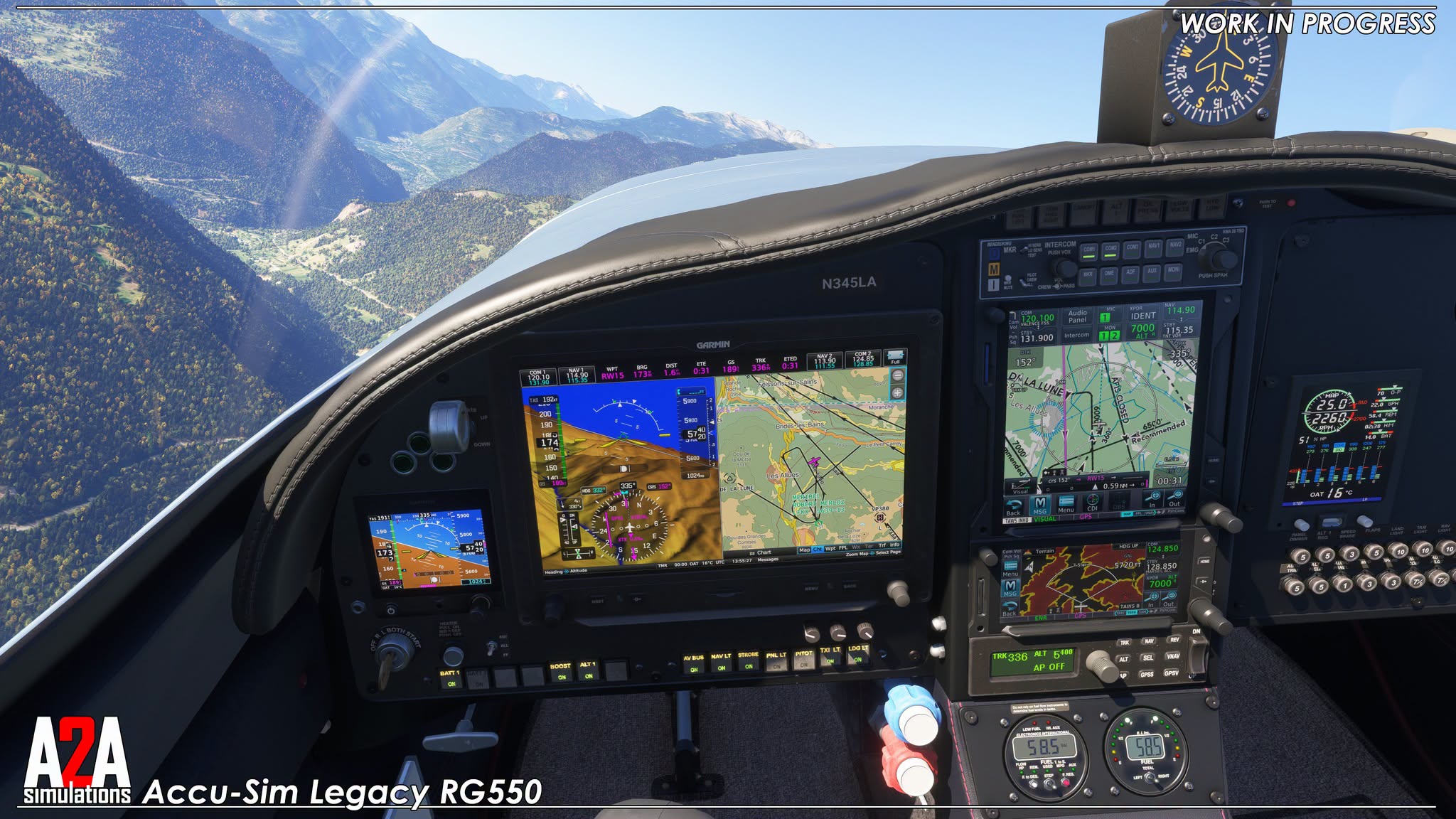
Flight Simulation developers shared news today, including aircraft and airports for Microsoft Flight Simulator 2024 and MSFS 2020.
Simulation Daily publishes a roundup every day for all the news across the flight simulation field, helping you keep up to date with the ins and outs of the industry.
Below, you can find a flight simulation story that received its own individual coverage.
We also published a new video showing how to fix a sneaky issue with the default Aurbus MCDU and Simbrief in Microsoft Flight Simulator 2024.
Without further ado, I leave you with the flight simulation news.
PMDG Boeing 777 for MSFS 2024 Receives Significant Update.

PMDG released a major update for its fleet of Boeing 777, only for MSFS 2024.
The update includes a number of fixes developed in the past couple of months, on top of a refactor of the aircraft’s fly-by-wire flight model.
More changes include datalink capability, the displays, certain cabin features, the FMS, Ground Operations, Hydraulic system, memory management, ground handling physics, pneumatics, radios, cockpit features, fixes to navdata updating, and improvements to EFB stability.
Below you can read the full patch notes for build 2.04.138:
All 777s:
- Cabin
- Fix: Cabin Lights Stuck Off
- DataComm
- Update: Improved LOGON ACCEPTED Uplink Validation
- Fix: PDC was Routed to ATC Instead of FIS
- Fix: Unable to Deactivate AUTO ATIS Reporting When Using HOPPIE Network
- Fix: Typo on MANAGER Page
- Displays
- Fix: Auto Brake Max Displayed Twice on EICAS
- Fix: Missing LOAD SHED Indication
- Fix: TCAS 3NM Range Ring Bug
- Fix: Terrain Display Artifacts
- Fix: WXR Brightness
- External Model:
- Update: APU Exhaust Visual Effect During Cool Down
- Update: Brighter Nav and Strobe Lights in Daytime
- Fix: Missing Static Wicks
- Fix: Taxi Light Brightness
- FBW
- Update: Flap, Turn, Takeoff Tweaks
- Update: Takeoff Rotation Bias
- Update: Flare Bias Tweak
- Update: Reduced Spoiler Effect on Roll
- Update: Comprehensive refactor of C*U roll and pitch control.
- FMC
- Update: Leg Type Handling Improvements
- Update: RTE 2 Fixes from 737 implementation lessons learned
- Fix: CON/CLB Does Not Cancel Derate
- Fix: Numerous Waypoint Up/Down-selection Issues
- Fix: Prevent Selecting Failures for Items Not Installed
- Fix: Procedure Turn Handling
- Fix: TO to CON/CLB Throttle Transition Accelerated
- Ground Ops
- Update: GSX door control integration removed
- Update: Stairs Animate When Called
- Fix: Ground Vehicle Positioning
- Fix: Ops/Refueling Stopping Before the Requested Amount
- Hydraulic
- Fix: C HYD Pressure Fluctuation on Alternate Braking System
- Memory
- Update: WASM Stability and Memory Allocation Tweaks
- Nav Data
- Update: Magnetic Declination Data
- Update: Nav Data Cycle/File Detection
- Physics
- Update: Crosswind Handling now sim native
- Update: Ground Steering Improvements
- Update: Minor Pitch/Yaw Stability Tweaks
- Pneumatics
- Fix: Right Pneumatic System Incorrectly Holding Pressure When Ground Pneumatics Attached and L ISLN Valve Closed
- Radios
- Fix: ILS Not Tuning
- Fix: Multi-ILS Runway Approach Support
- Tablet
- Update: Tablet Version 1.7.4
- Fix: Handle Packs Effect on OPT Calculations
- VC
- Added: Scrollwheel Support for Floor light Switch
- Update: Night Lighting Bitmap
- Fix: Baro Mins Pointer Flickering
- Fix: CB Panel Lighting
- Fix: Daytime Backlighting
- Fix: EVAC Push to Test Animation
- Fix: Flight Recorder Switch Should Be Electronically Latched
- Fix: Incorrect FO Position (found FO hiding in the wheel well)
- Fix: Light Dimming INOP
- Fix: Reverser Handles Animation Does Not Go Beyond Idle Reverse
- Fix: Rudder Pedal Animation
- Fix: Leading Zero on MCP Altitude Display Below 1000 ft Incorrect
Aircraft Specific:
- 200ER
- Add: Mouse-draggable PVD Dimmer Controls
- Update: FDE Tweaks
- Update: Add EPR to OPT Takeoff Calc
- Fix: RR Compact Engine Display Oil Quantity Issue and VIB Display
- Fix: Fixed Left Gear Hydraulic Lines Not Showing
- Fix: IFE Display Not Working
- 200LR
- Update: FDE Tweaks
- Fix: IFE Display Not Working
- Fix: Melted Probes
- 300ER
- Update: Added ADF Antenna Option
- Fix: IFE Display Not Working
- Fix: Melted Probes on External Model
- Fix: Found Missing Wipers (gotta stop parking the 777s in rough neighborhoods)
- 777F
- Update: Added Satcom Option
- Update: FDE Tweaks
- Fix: EPR Gauge Incorrectly on PW and RR
- Fix: Floor Geometry Model
- Fix: Main Deck Cargo Fire Light
- Fix: Main Cargo Door Behavior
- Fix: Main Cargo Door Tablet Messaging
- Fix: Missing ADF Antenna Option
- Fix: Nose Gear Placement
- Fix: Supernumerary Cabin Temp Knob Illumination
We also hear that the 777-200LR should be released on the official marketplace soon.
Porto Airport V2 for MSFS 2024 Gets Release Date and Screenshots
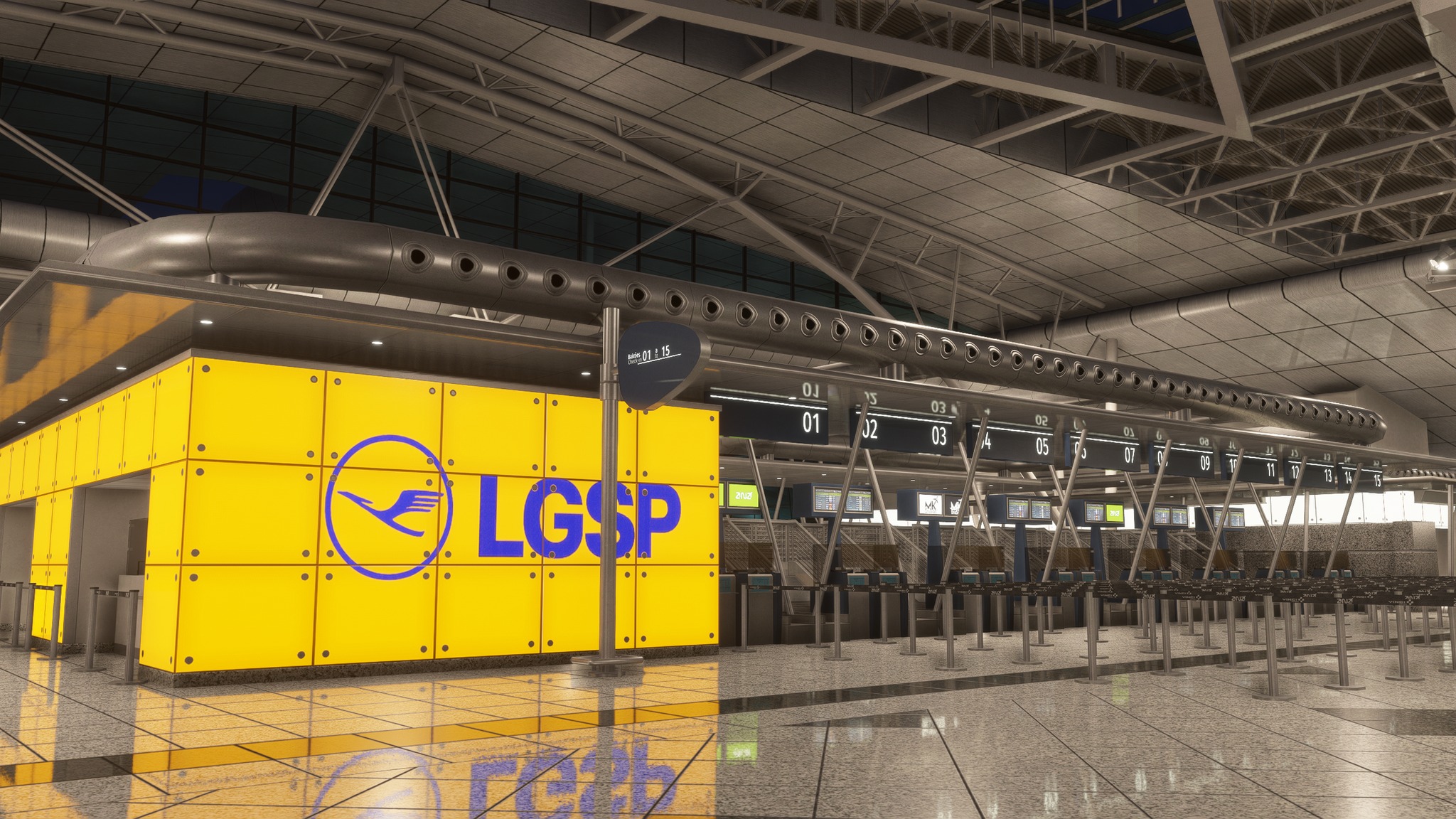
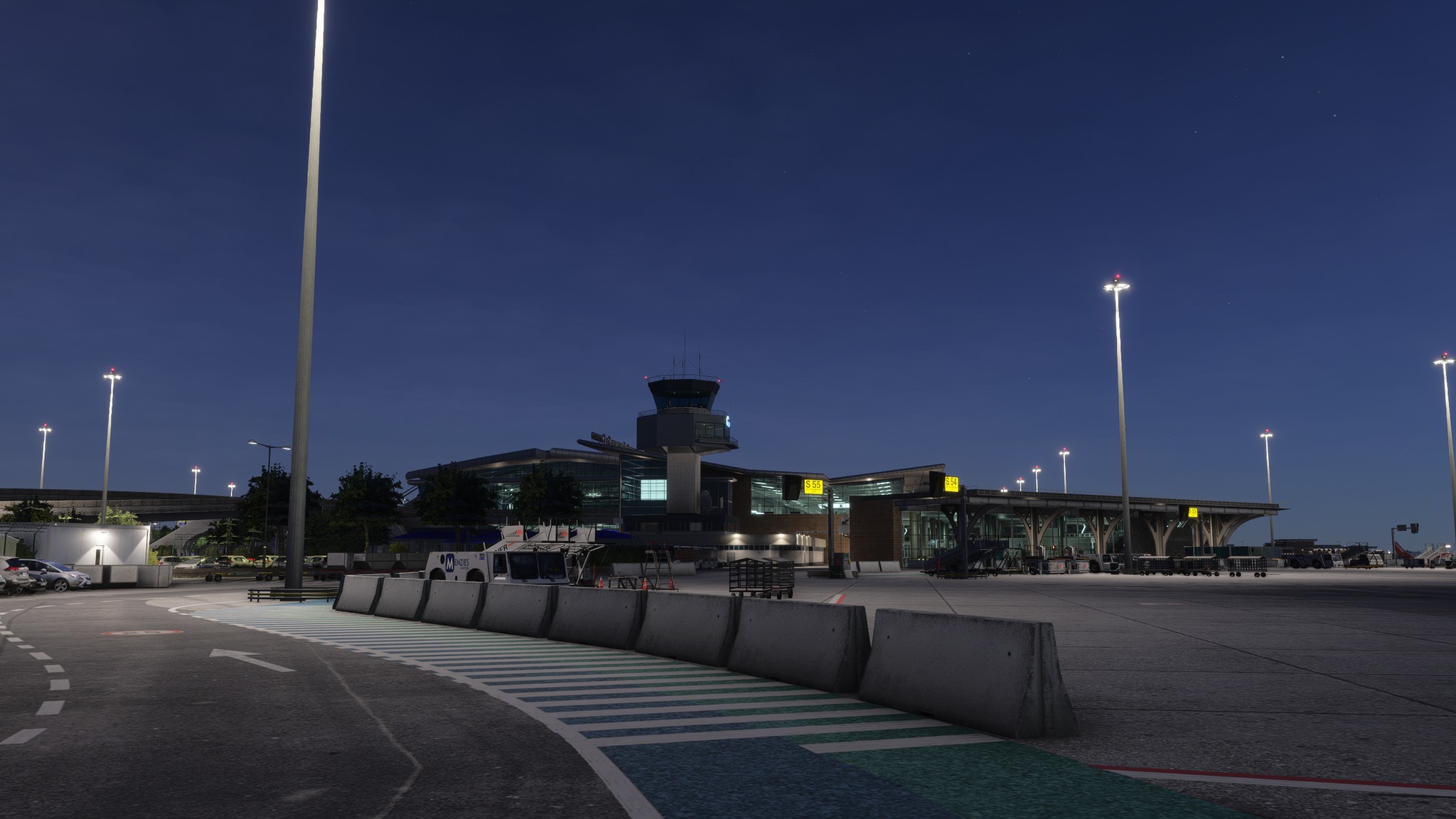
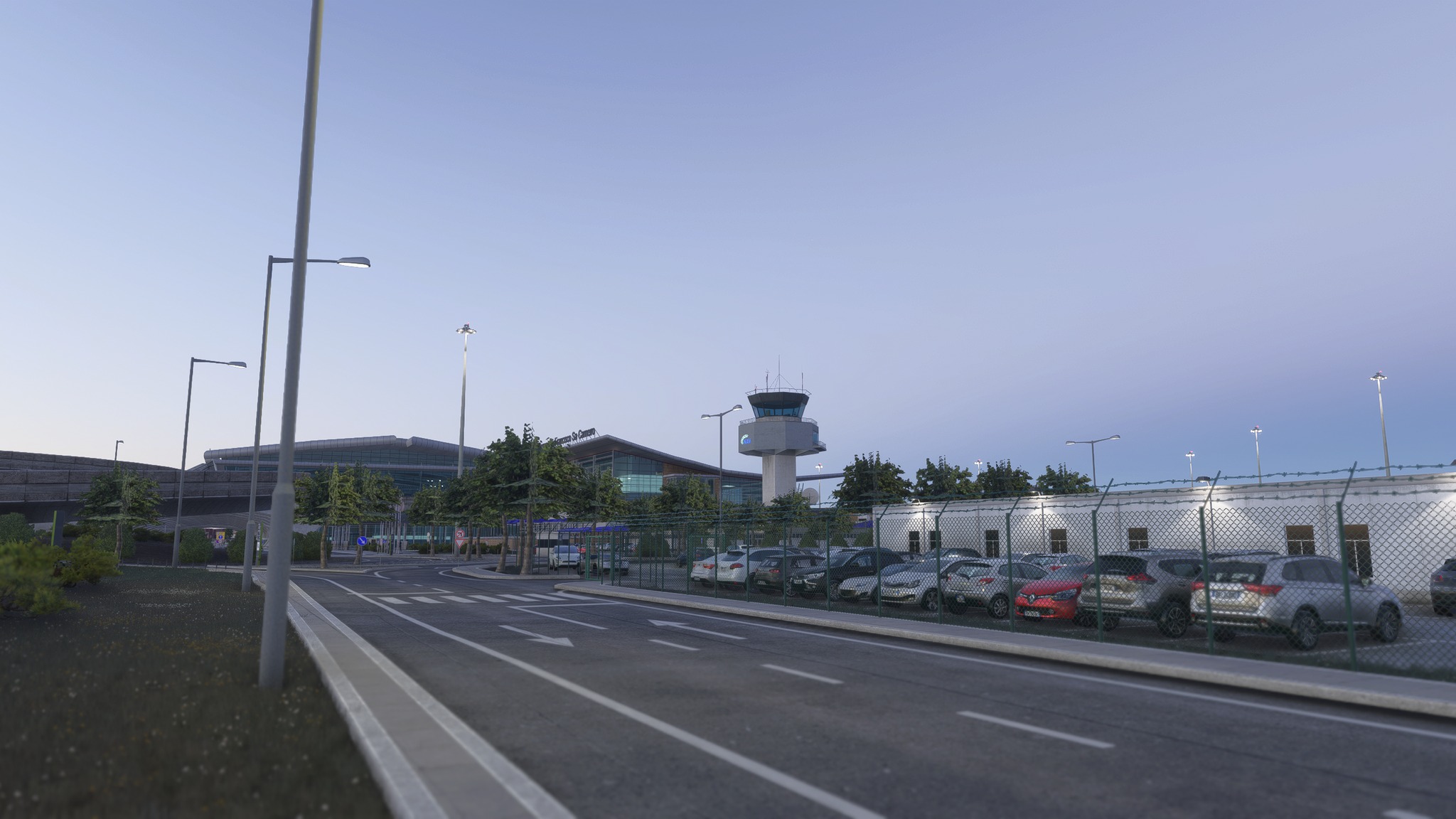
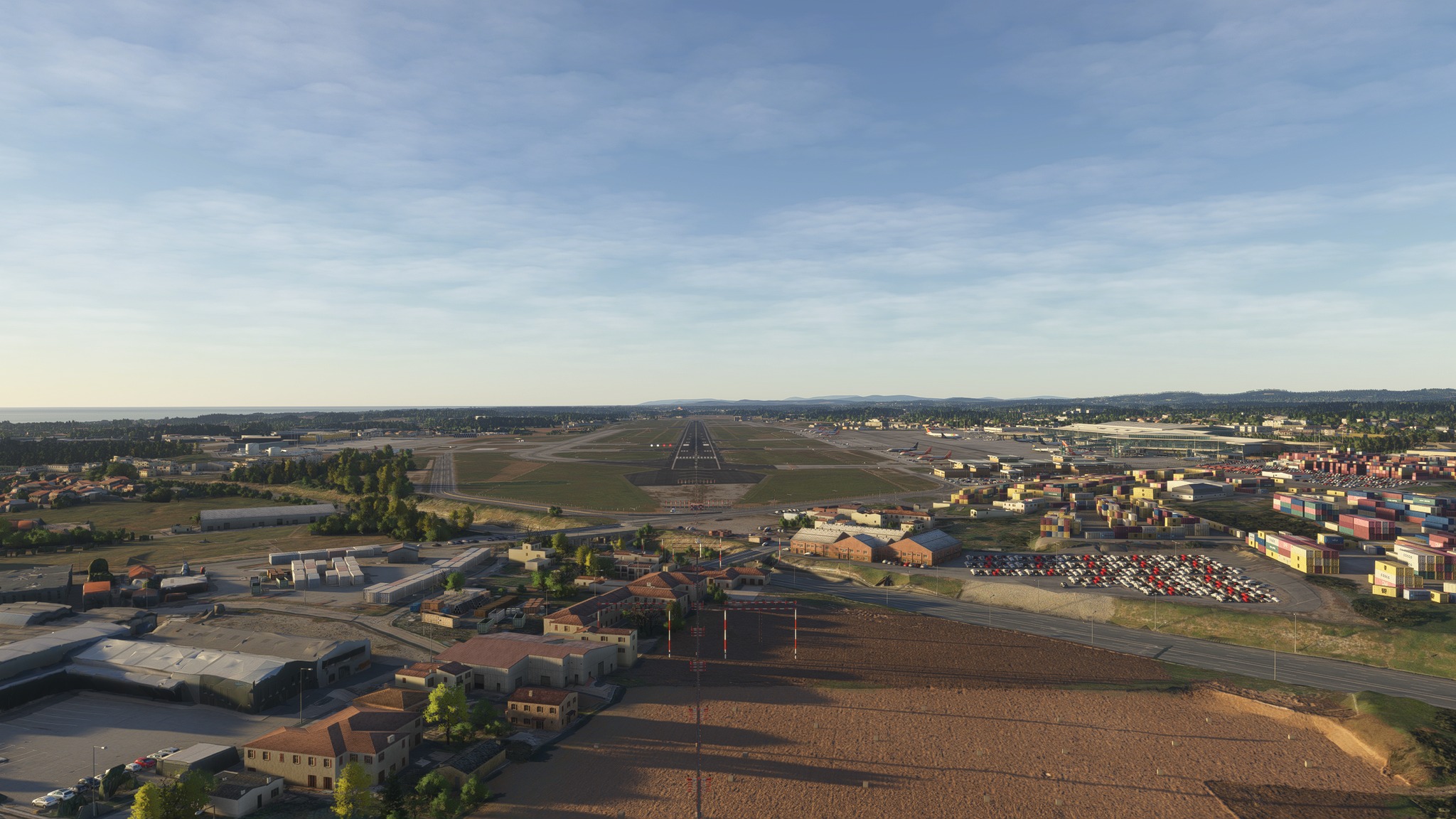
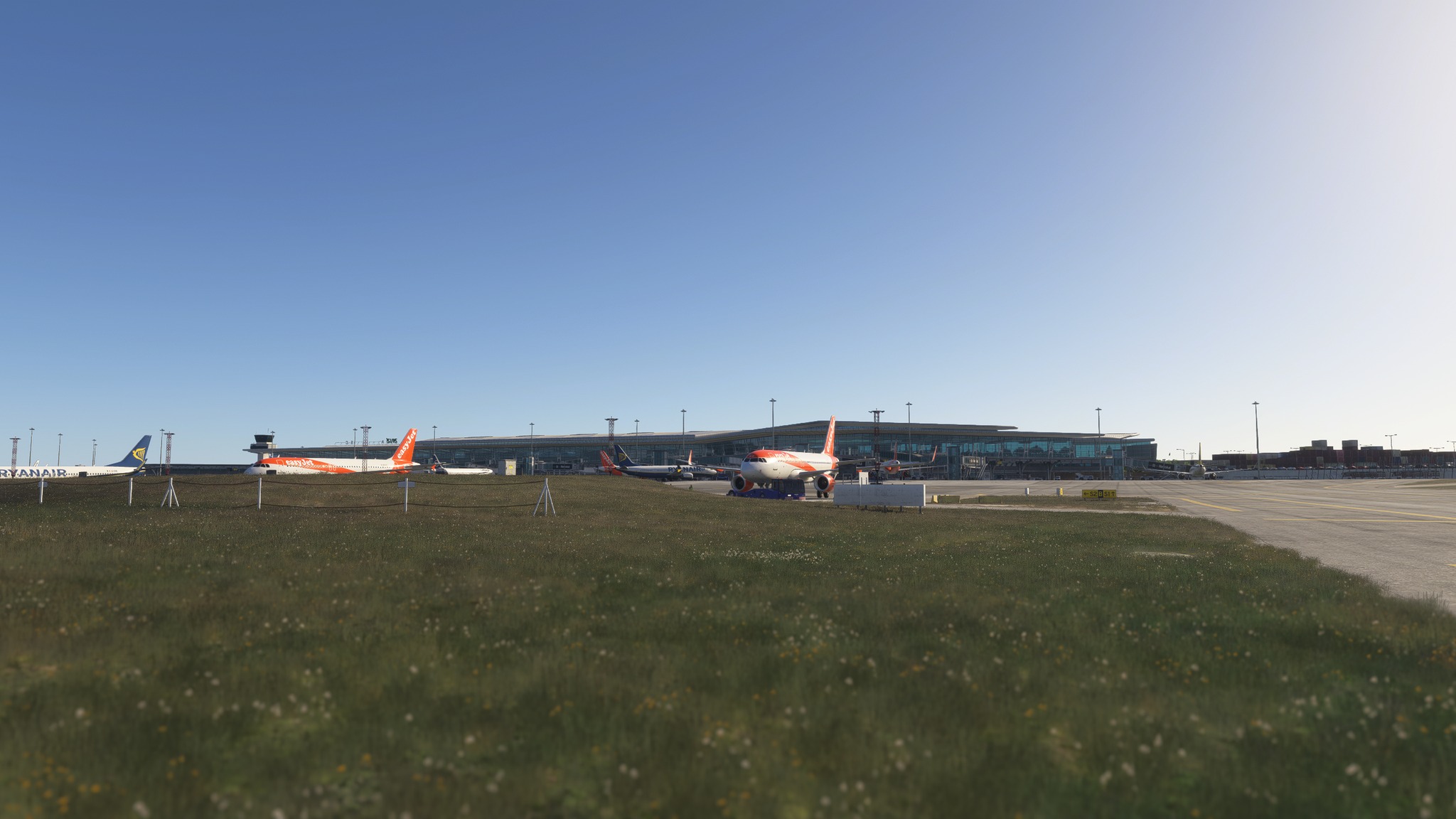
MK Studios announced the release date of its upcoming Porto Airport V2, which will be available only for MSFS 2024.
It’ll come on April 9, 2026.
Saint-Pierre Pierrefonds Airport Released for MSFS 2024 and MSFS 2020
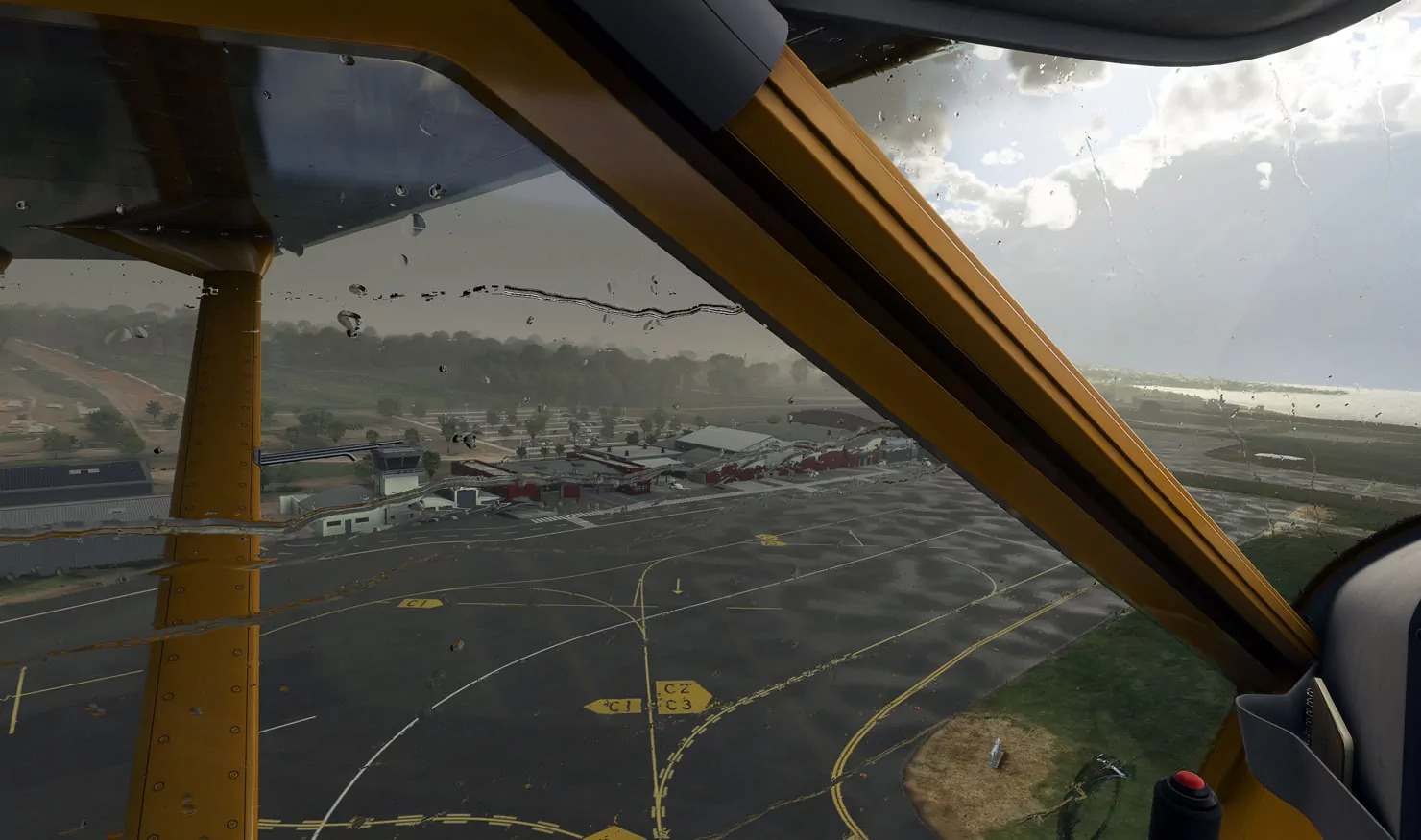


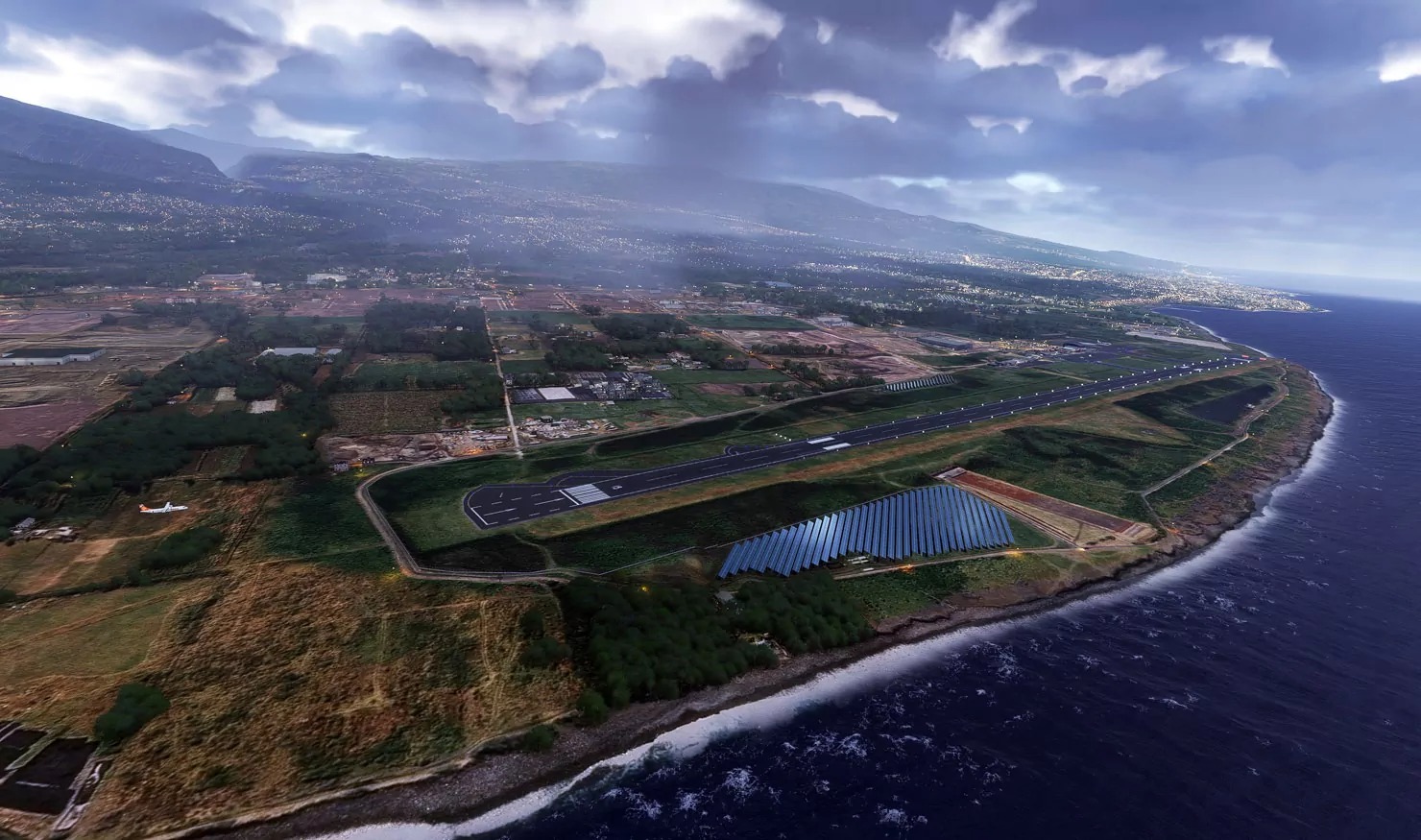


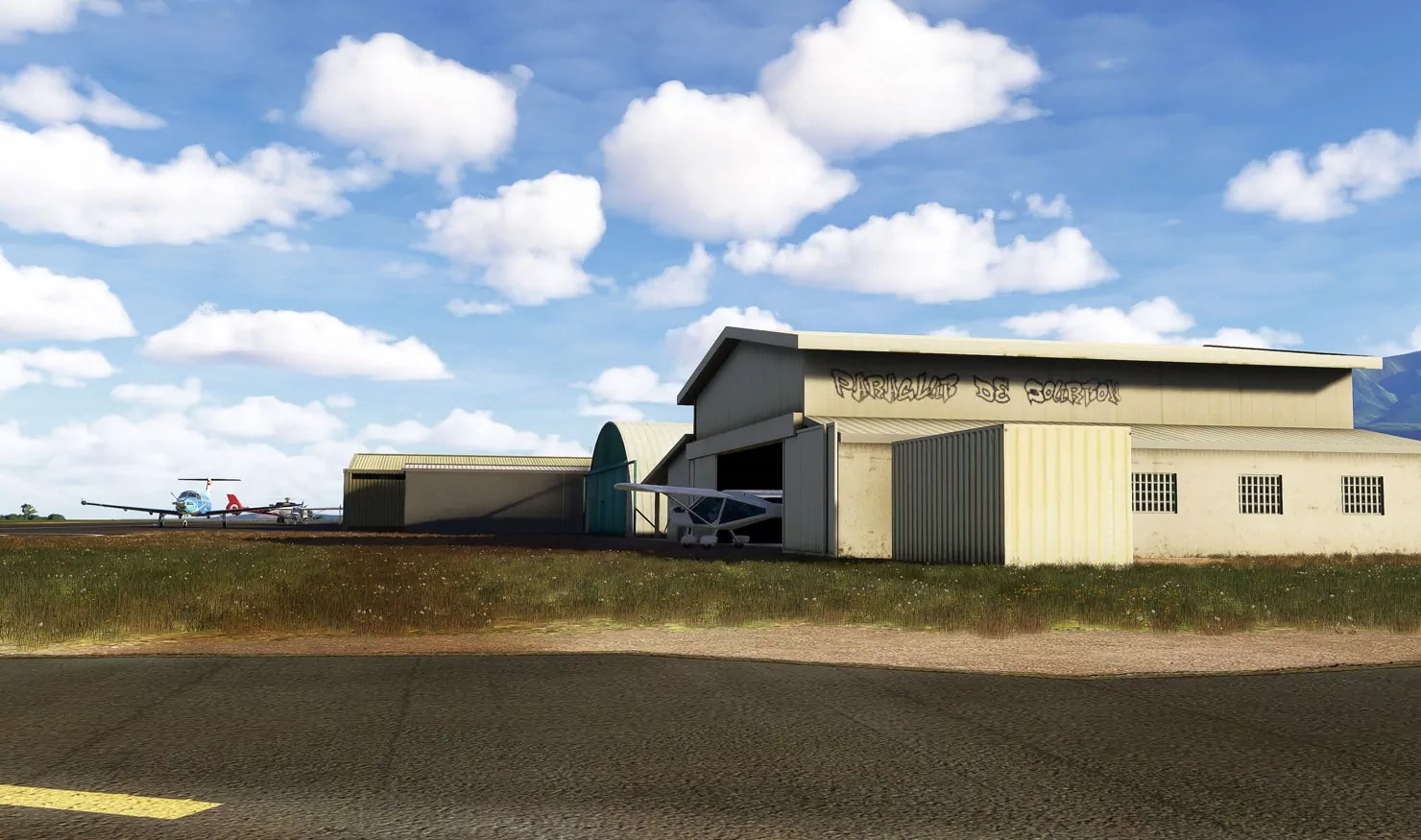
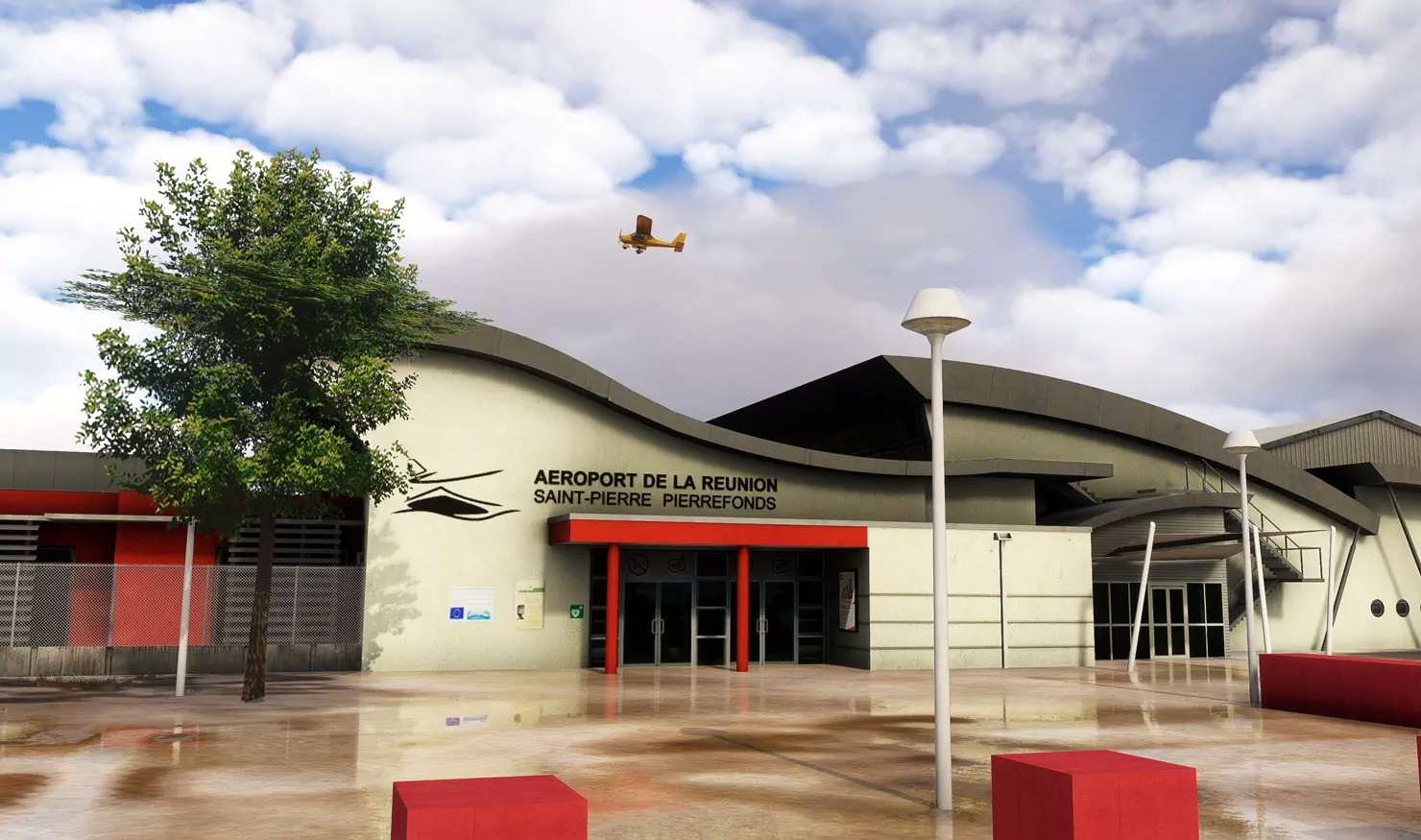
FSDG released Pierrefonds Airport (FMEP) serving Saint-Pierre in Réunion. It’s available on the developer’s own store and Simmarket starting at €9,99.
It includes the following features:
- Accurate rendition of Saint-Pierre Pierrefonds Airport, Reunion (FMEP)
- Updated ground layout and new hangars
- Realistic light environment and detailed modeling
- MSFS technologies (dynamic lighting, reflective textures and more)
- Optimized for great performance and visual quality
- Compatible with all known add-ons including GSX
Sunshine Coast Airport V2 Released With MSFS 2024 Compatibility
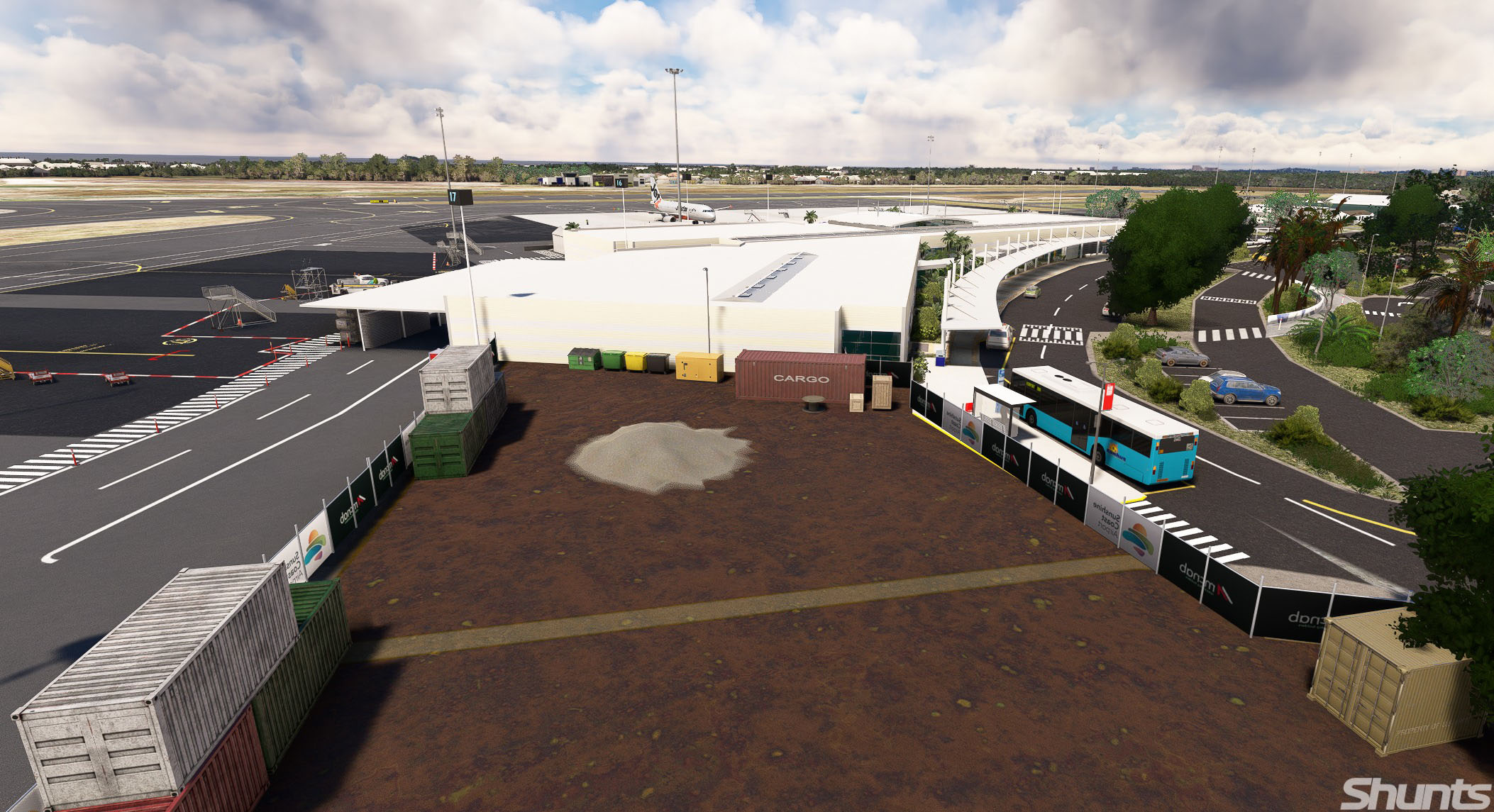
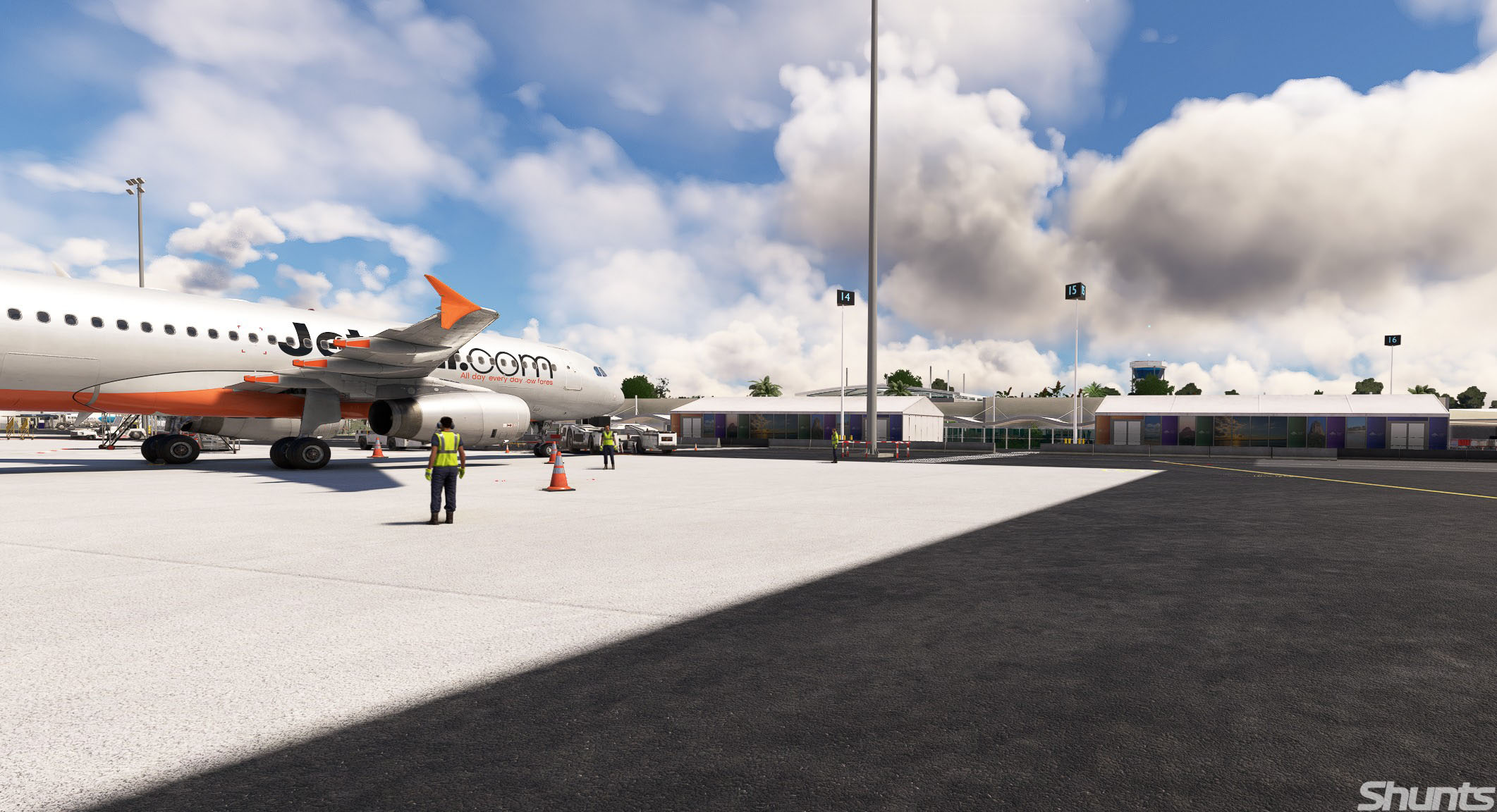
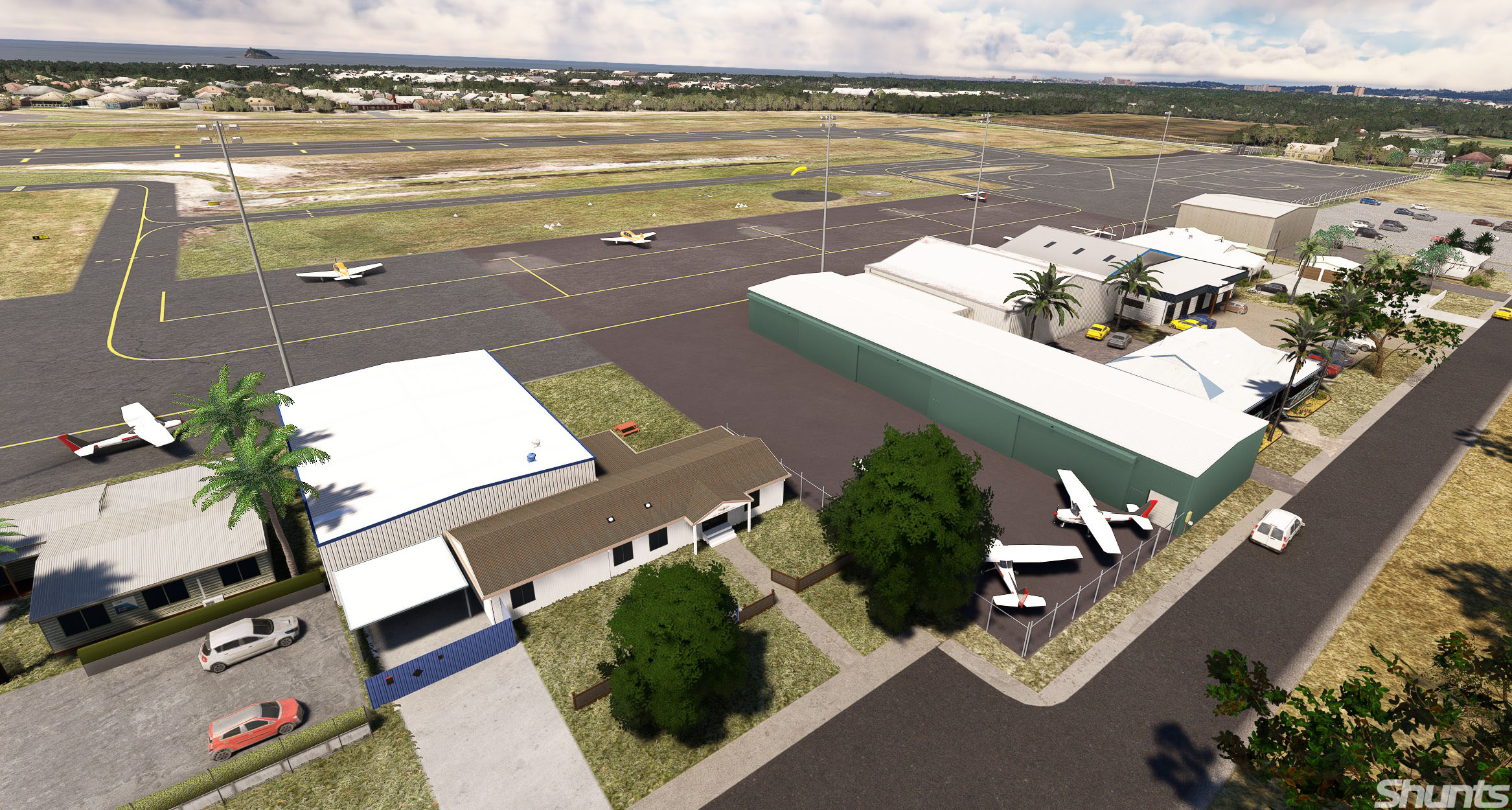
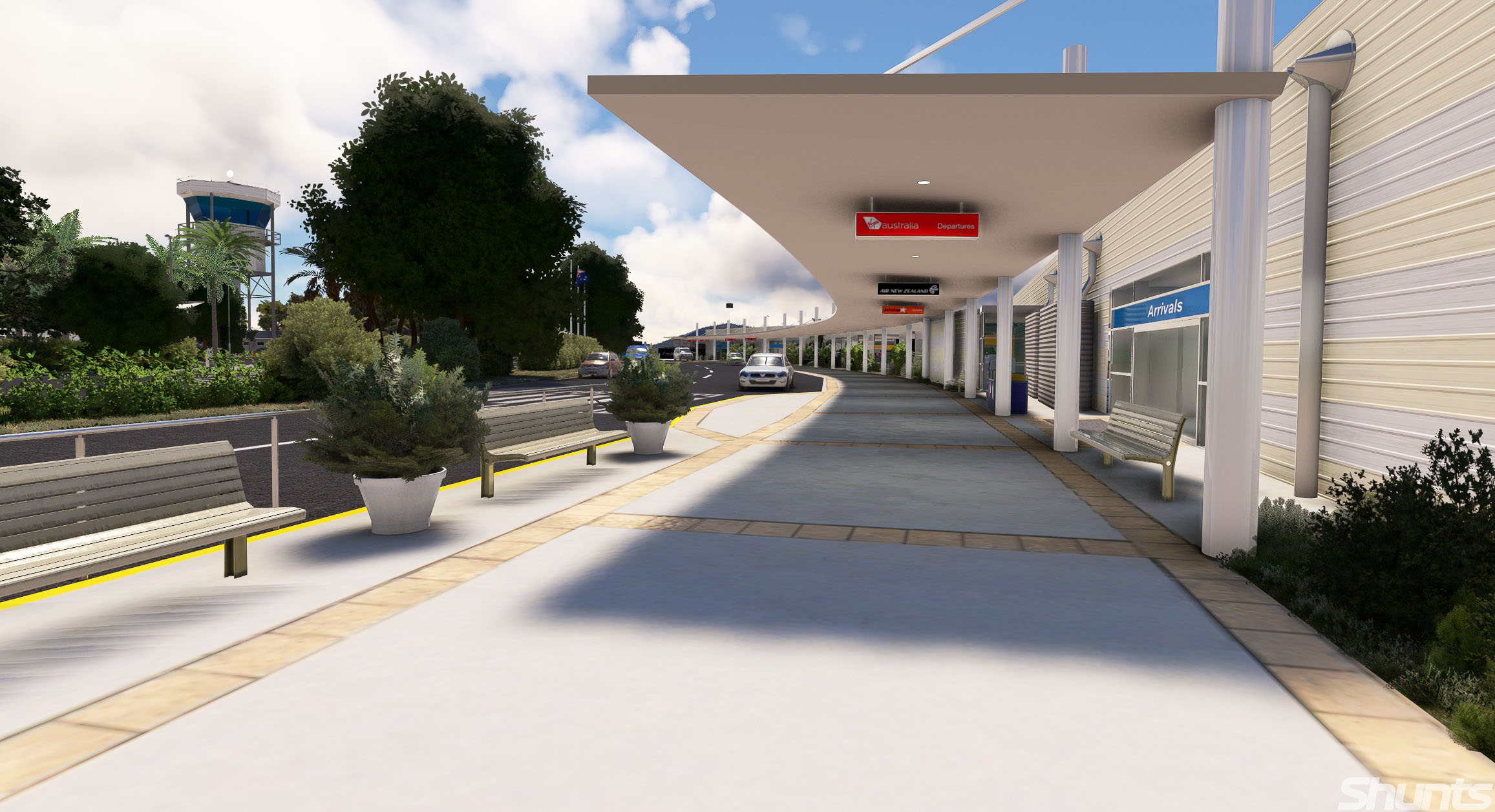
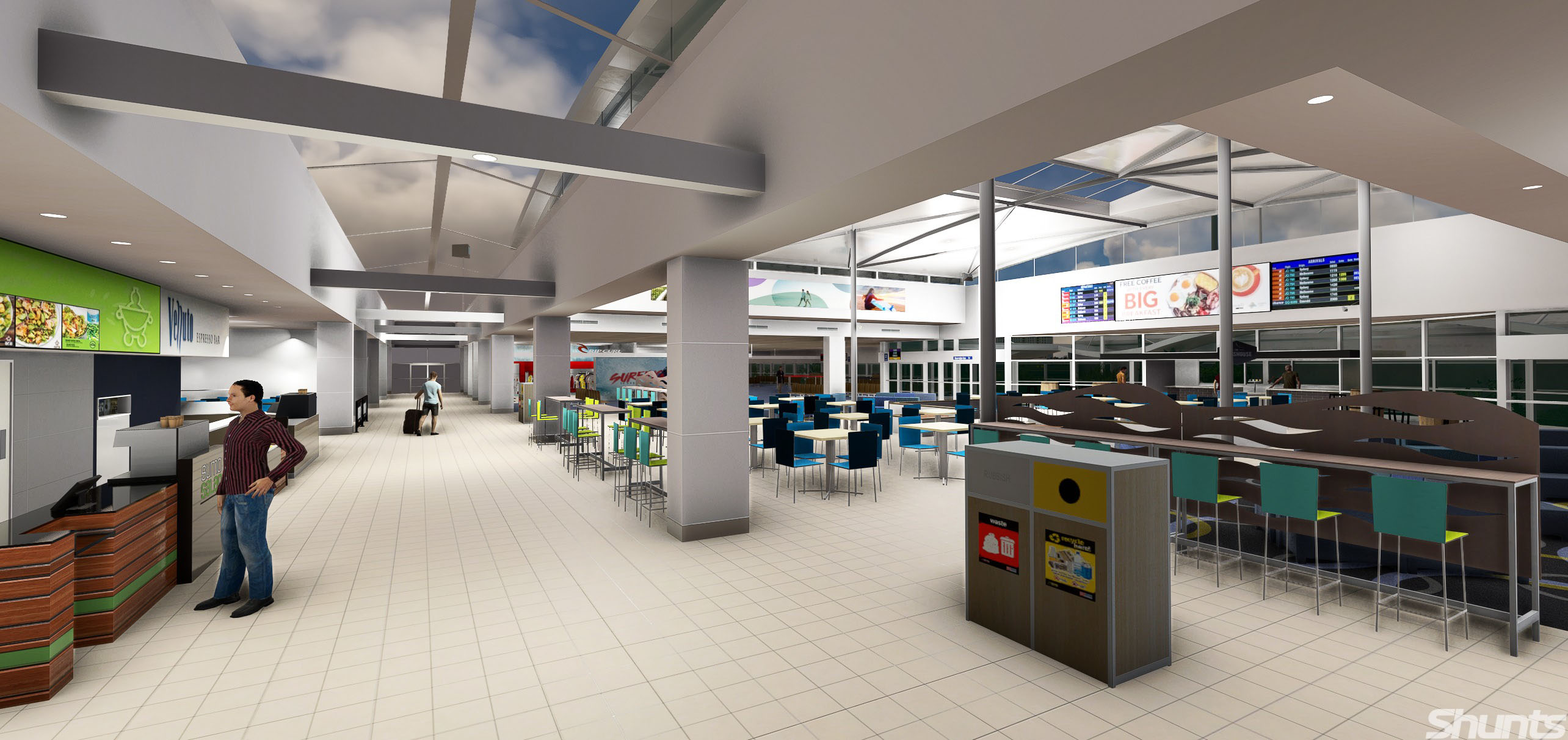
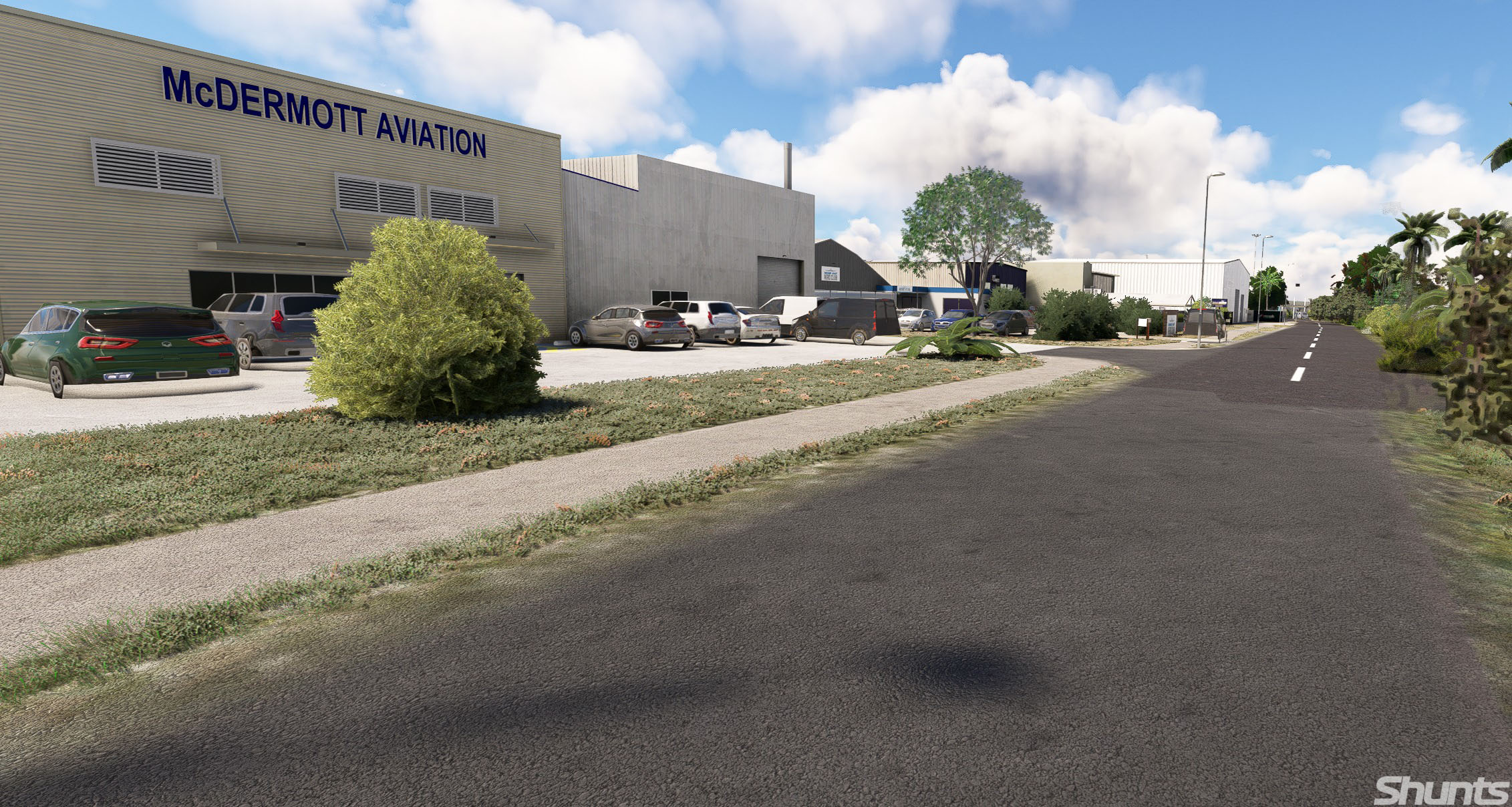
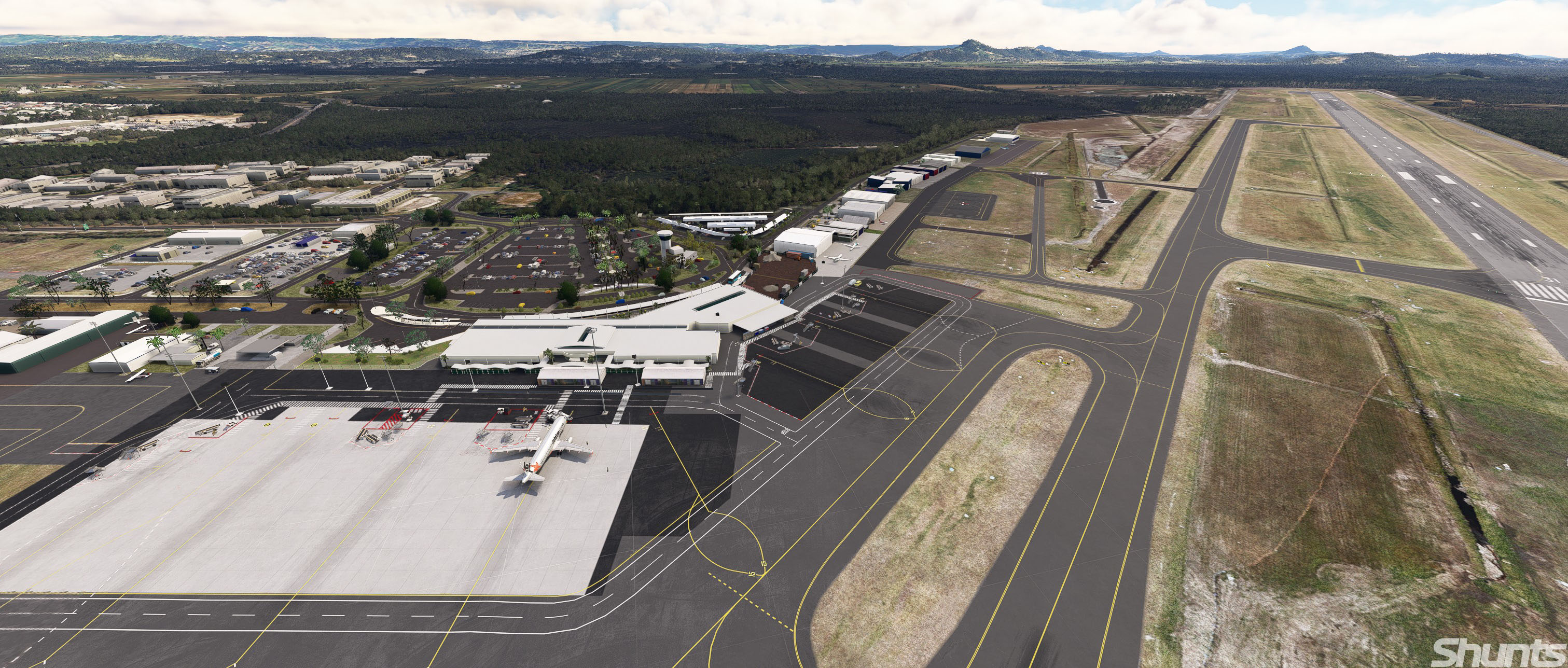

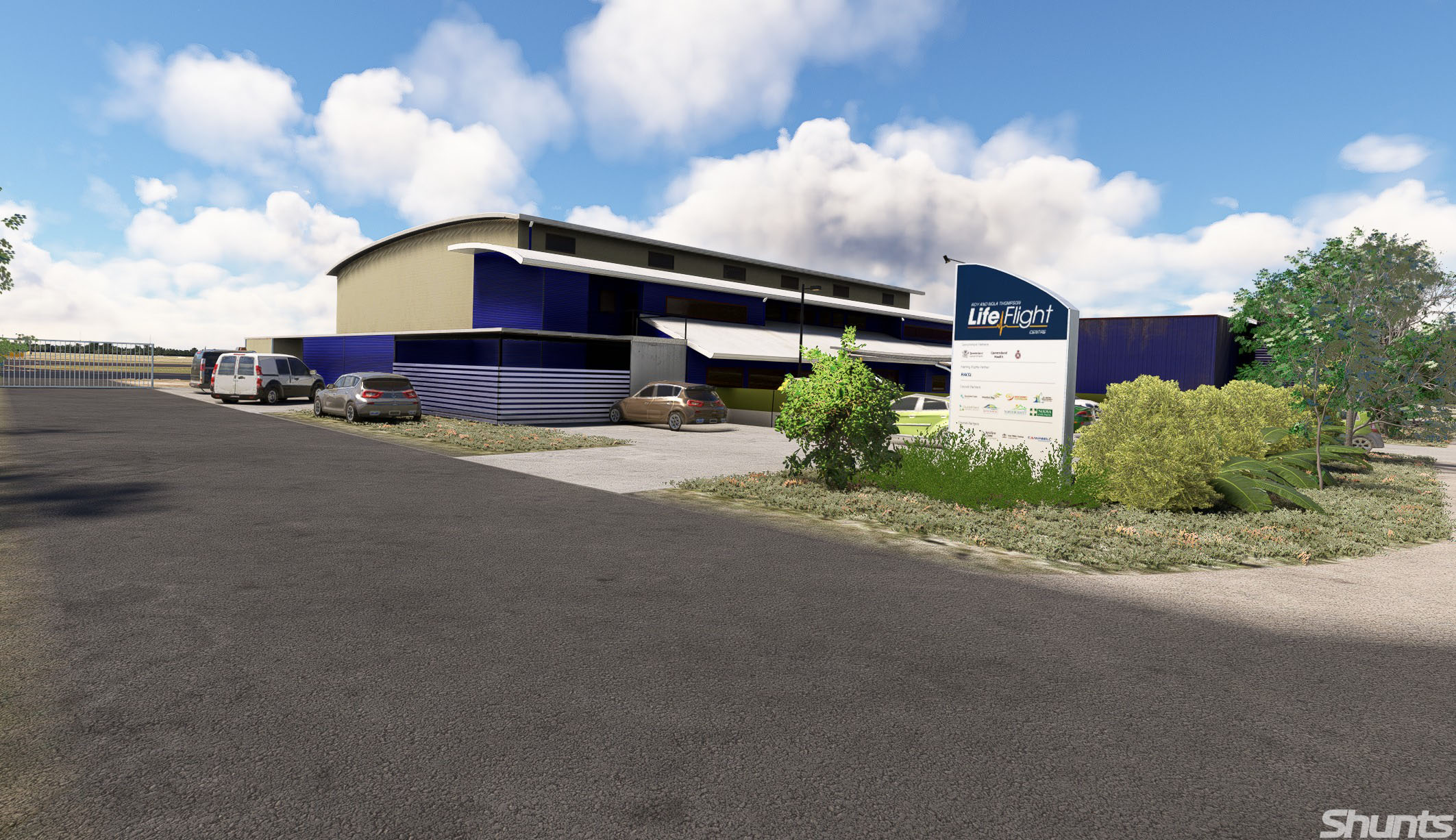
Shunts Scenery released version 2 of its Sunshine Coast Airport (YBSU), including compatibility for MSFS 2024.
It’s available on Orbx Direct for $17.35 with the following features.
- Highly accurate representation of the main apron and taxiways
- New runway 13/31 with accurate approach and runway lighting
- Custom animations
- Completely re-modelled main terminal with internal modelling of airside areas such as food and gate lounges
- Every building that is airside is modelled in great detail
- Accurate Tower and short/long term carparks with custom objects
- Landside objects such as footpaths, taxis, bus stops
- Many custom models included airstairs and other vehicles
- Coolum High rise and other VFR landmarks have been enhanced to simulate VFR traffic transitioning through the Class-D airspace
- Custom night lighting such as Light poles and Guard Lights
- Modelled helicopters and various hangars and buildings
- Modelled fire station and fire trucks
- Accurate windsocks
- Refined airport services
- GSX profile included
Lockheed L-1011 TriStar for MSFS 2024 Released
iniBuilds released its Lockheed L-1011 TriStar for MSFS 2024. It’s available exclusively on the official marketplace for $49.99.
It’s worth mentioning that this is a temporary exclusive, as the aircraft will be released on iniBuilds’ own store at some point, although we don’t know when.
It includes the following features:
Systems:
- Detailed RB211 engine simulation with authentic EPR logic, spool behaviour, and realistic thrust response.
- Detailed AFCS simulation with CAT IIIB autoland capability.
- Fully simulated triple INS system, supporting authentic waypoint entry, alignment, and inertial navigation workflows.
- Realistic INS behaviour and drift modelling, with aircraft position based on alignment accuracy and in-flight updates.
- Integrated Performance Management System (PMS) providing VNAV capability when using INS-based navigation modes.
- Seamless INS + PMS integration, enabling a hybrid workflow that blends classic inertial navigation with modern vertical guidance.
- Accurate Direct Lift Control (DLC) system for precise glidepath control without excessive pitch input.
- Complete hydraulic, pneumatic, and electrical systems with realistic redundancy and load management.
- Fully interactive Flight Engineer station with real-world procedures and system monitoring.
- Optional Virtual Flight Engineer with flow-based automation, callouts, and dynamic interaction.
- Flexible navigation philosophy (RADNAV, INS, GPS, INS+GPS) selectable via PFB.
- Realistic fuel system and transfer logic implemented using the modern fuel system with fully modelled valves and pump behaviour.
- Advanced environmental and pressurisation systems with zoned temperature control and reversion modes.
- Integrated moving map & INS waypoint management, including SimBrief route import capability.
Visuals:
- Realistic lighting environment with cockpit, cabin, and exterior systems tuned for all conditions.
- Highly detailed TriStar cockpit recreation, including Captain, FO, and full Engineer station.
- Realistic wear-and-tear texturing with aged materials, scratches, and operational grime.
- Fully modelled passenger cabin with period-correct layout, materials, and lighting tone.
- Optional lower lounge configuration with spiral staircase and detailed lower deck environment.
- Detailed cargo bay and structural modelling.
- Accurate PBR material system with dynamic lighting response across all surfaces.
- Fully animated control surfaces and landing gear with real-world sequencing and behaviour.
- Dynamic wing flex, engine vibration, and environmental effects for added realism.
- Included POD variant with visual modifications and unique operational characteristics.
Sounds:
- Professionally recorded real-world L-1011 audio captured at the TriStar Experience by Echo 19 Audio Production
- Authentic RB211 engine sound profile, from spool-up to cruise and reverse thrust.
- Detailed cockpit ambience, including switches, avionics hum, and airflow.
- Immersive cabin environment audio, reflecting phase of flight and aircraft state.
- Dynamic environmental sound transitions between interior and exterior perspectives.
- High-quality system and mechanical audio feedback across all interactions.
- Integrated Virtual Flight Engineer, First Office and Flight Attendant voice callouts for realistic crew coordination.
- Reactive audio layering based on power, speed, and environment for a living soundsuite.
Art & Effects:
- Physically accurate lighting system using real-world intensity and colour references.
- Fully dynamic cockpit lighting suite, including panel, flood, pedestal, and Flight Engineer station lighting.
- Realistic exterior lighting behaviour across weather, fog, and night conditions.
- Dynamic heat blur and engine exhaust effects tied to power output.
- Subtle airframe vibration and motion effects enhancing aircraft weight and presence.
- Authentic incandescent-style cabin lighting for period-correct atmosphere.
- Advanced ambient occlusion and shadowing for depth and realism in all lighting conditions.
- Smooth light transitions between day, dusk, and night operations.
- Enhanced reflection and material response across cockpit and exterior surfaces.
- Cohesive visual atmosphere capturing the “golden era” of widebody aviation.
PFB:
- Unique period-inspired “Paper Flight Bag” replacing modern EFBs with an analogue feel.
- Built-in Flight Engineer Autocomplete system for full or partial aircraft setup.
- Integrated SimBrief import for route, fuel, and payload synchronisation.
- Interactive loadsheet and CG management with real-time visual feedback.
- Customisable fuel and payload loading with dynamic aircraft response.
- Intuitive performance calculator with simple step-by-step takeoff & landing setup.
- Styled OFP (Operational Flight Plan) with realistic dispatch-style layout.
- Integrated chart system supporting LIDO & Navigraph with pinning and search.
- Aircraft ground services and state control panel (doors, GPU, air start, pushback).
- Central hub for navigation mode selection and aircraft configuration preferences.
If you’d like to read more flight simulation news, you can find plenty in our previous roundup article from yesterday.
If you want to go further back, we have a handy overview video of the major flight simulation news in the past week. You can watch it below. As usual, leaving a like and a comment and subscribing to our growing YouTube channel is extremely helpful.
While Simulation Daily is owned and financed by Orbx Simulation Systems, its staff is afforded full editorial independence and will strive to cover products from all companies and developers impartially. Check out our editorial policy.