Flight Simulation developers shared news today, including an aircraft and three airports for Microsoft Flight Simulator 2024 and MSFS 2020.
Simulation Daily publishes a roundup every day for all the news across the flight simulation field, helping you keep up to date with the ins and outs of the industry.
Without further ado, I leave you with today’s flight simulation news.
Boeing 737-700 by PMDG for MSFS 2024 Gets New Trailer Ahead of Release and Livery List
PMDG released a new trailer of the upcoming Boeing 737-300, which will release tomorrow.
It’s another chance to take a look at the new high detail update.
We also get a list of the liveries that will be included, while keeping in mind that some are fictional.

Grand Caravan Audio Pack Announced for Microsoft Flight Simulator 2024
Echo 19 Audio announced another sound pack dedicated to the Cessna 208B Grand Caravan for SFS 2024.
Here’s what you can expect when it releases, and you can watch a trailer above.
- PT6 Engine Audio: New engine sounds capturing the full character of the PT6. From cold and dark to full power on the runway.
- 360° Propeller Audio: True ambisonic 3D surround inside. Full 360-degree recreation outside. New flyby and distant ambience sounds.
- Cockpit Interactions: Switches, buttons, levers, dials, doors, and compartments. If you can touch it, we captured it from our own recordings.
- System Sounds: AC ventilation fans, bleed-air heating, fuel pump cycling, and flap motors. Features the default doesn’t attempt.
- Headphone Simulation: Built-in toggle to mimic wearing a headset, reducing ambient noise for a more focused cockpit feel.
- EchoFX Standard: Spatial Sound support with prop wash effects, movement rattles, and dozens of subtle cues for total immersion.
Budapest Ferenc Liszt International Airport for Microsoft Flight Simulator 2024 Gets New Screenshots

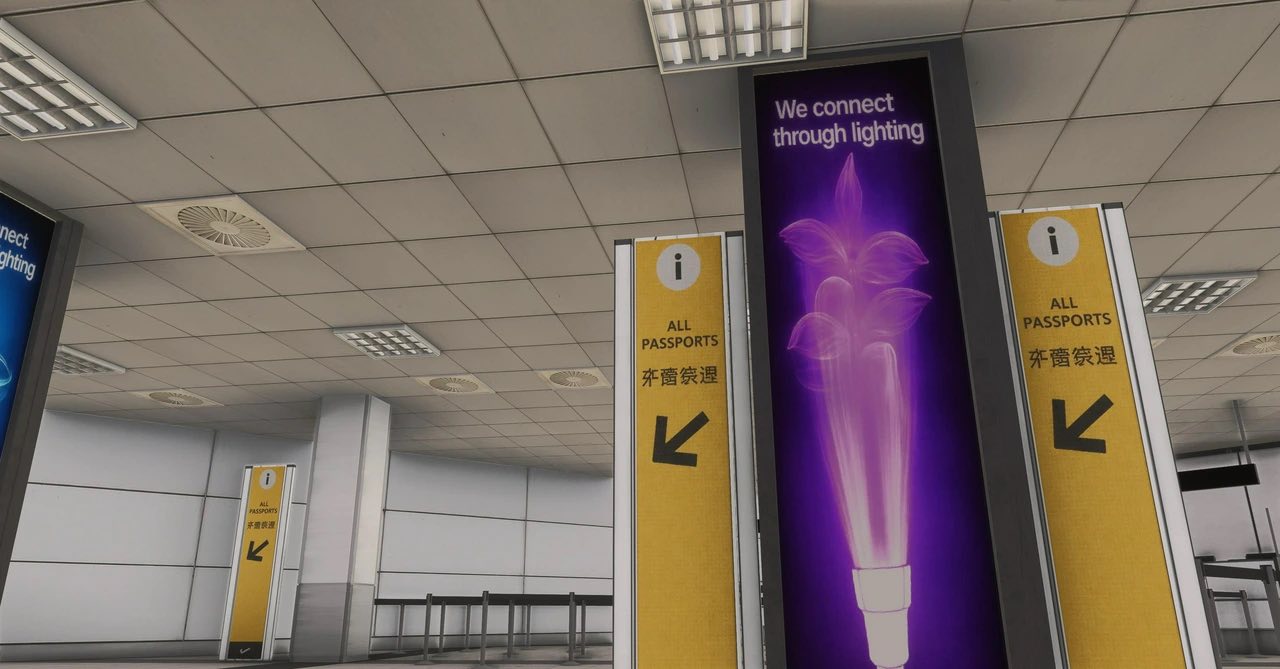
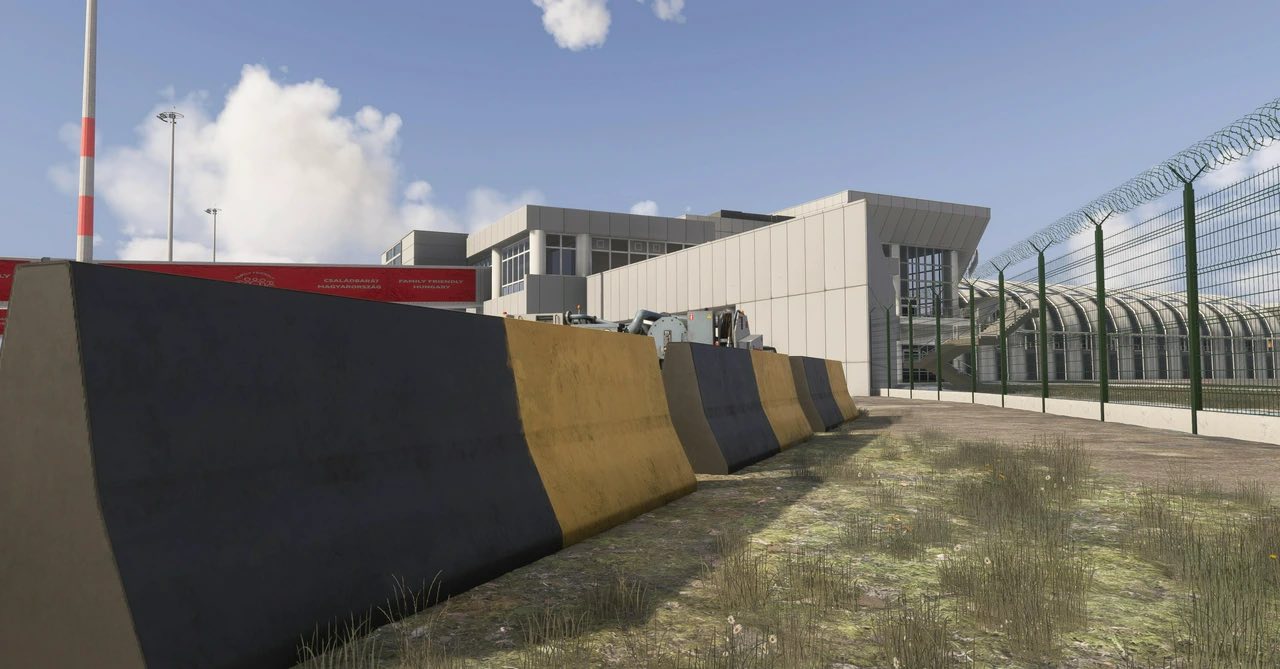
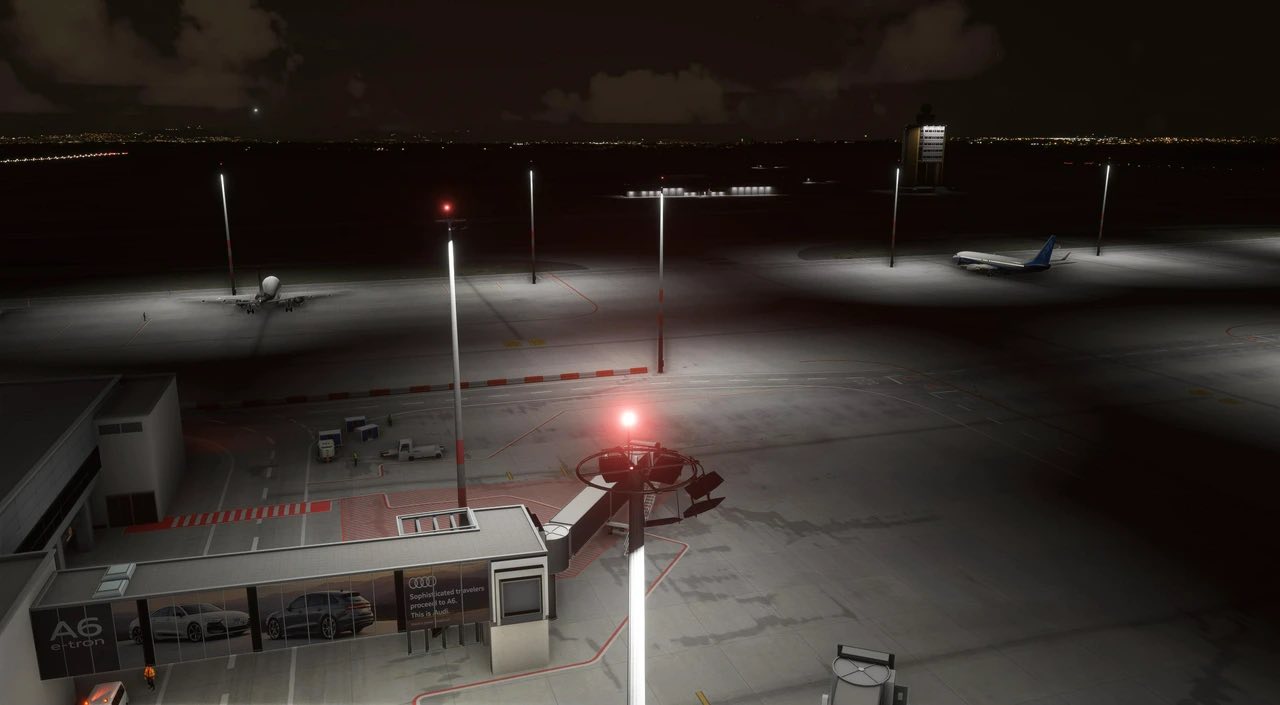
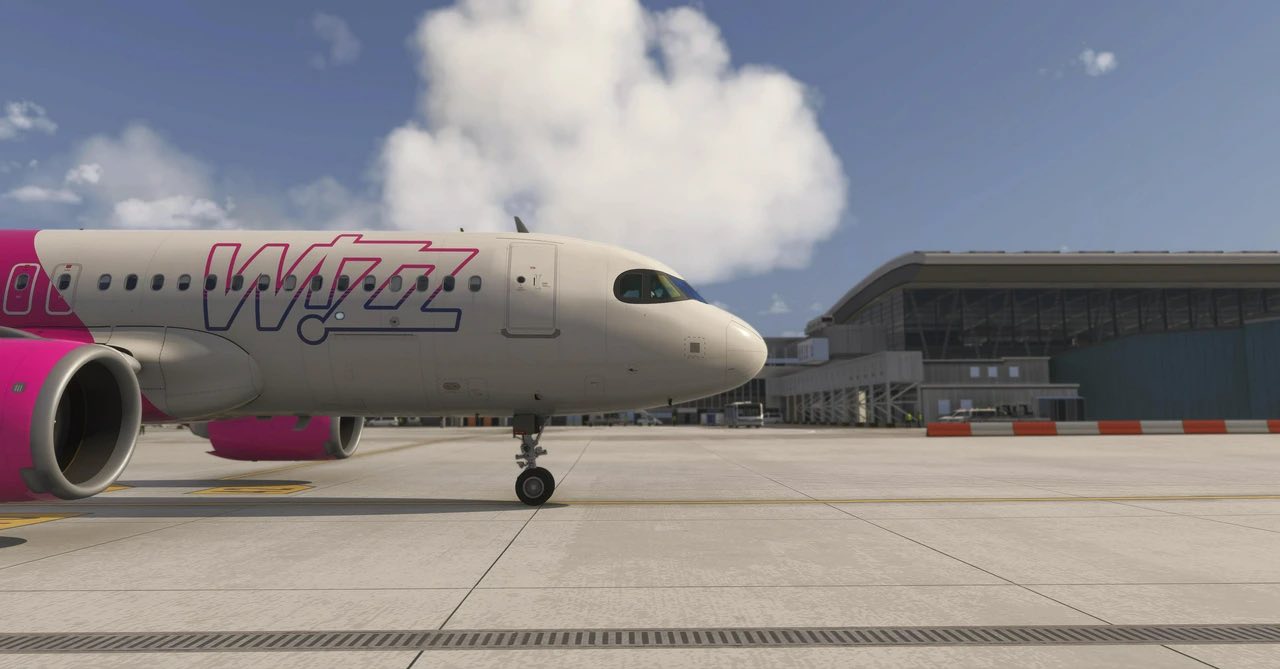
SkyHigh Studios released new screenshots of Budapest Ferenc Liszt International Airport (LHBP) in Hungary.
You can check them out above.
San Antonio City Released for MSFS 2024 and MSFS 2020.








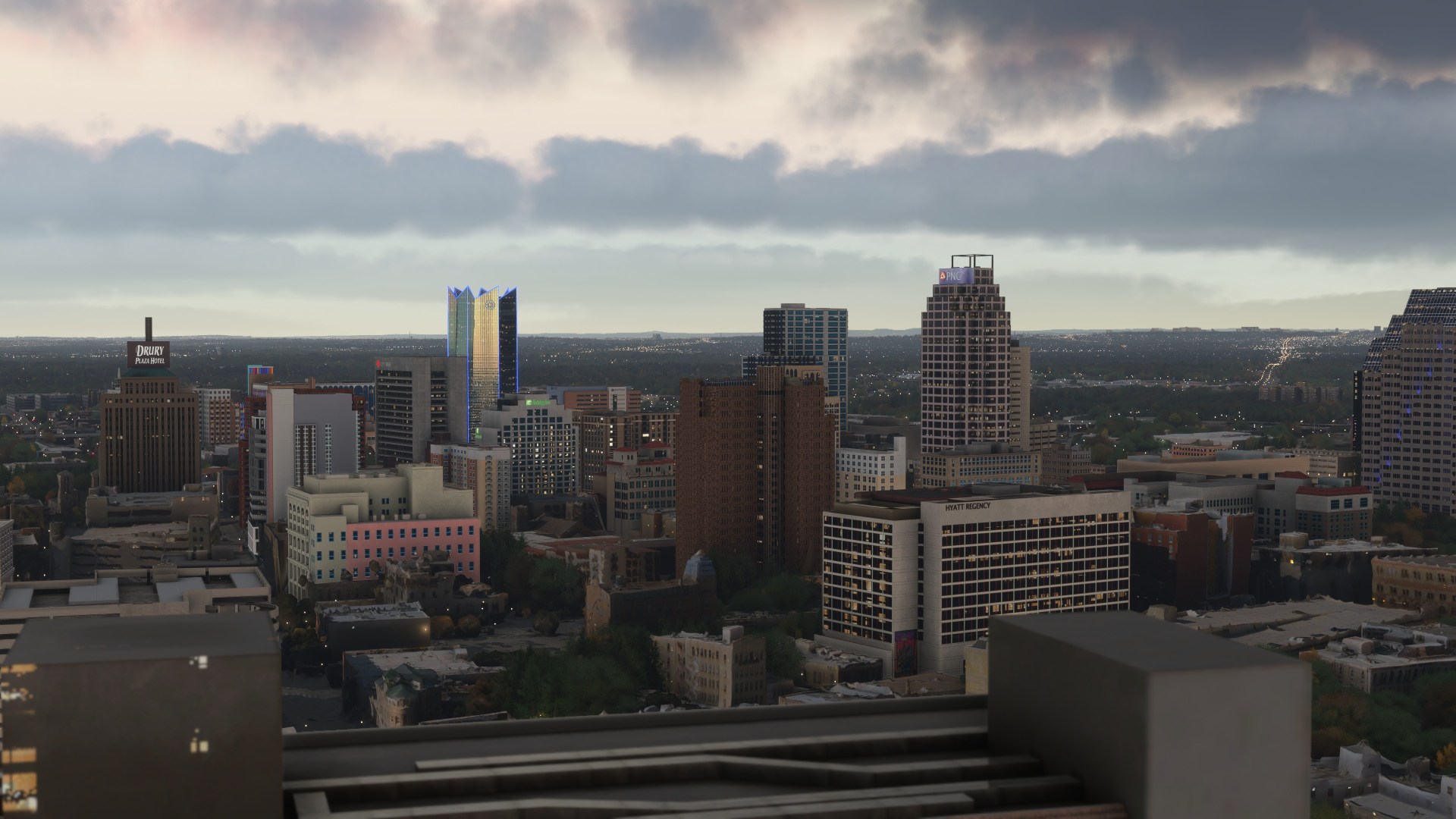
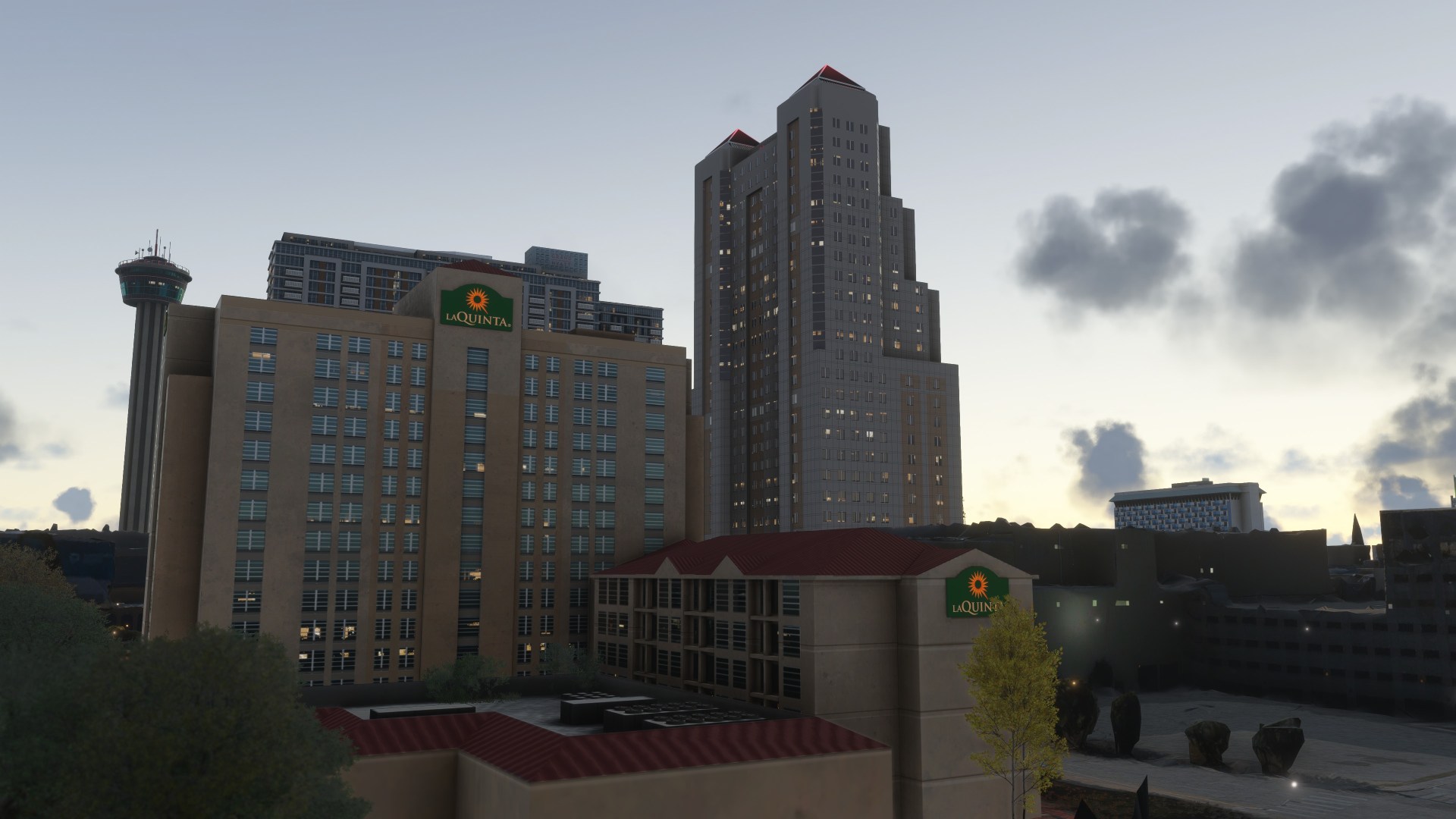


Dfflyer Direct released a new city add-on, and it’s San Antonio City for MSFS 2024 and MSFS 2020.
You can find it on Orbx Direct for $9.14.
- 75+ handcrafted city buildings
- Immersive, true-to-life night lighting and signage
- High-quality PBR textures
- Performance-optimized models for smooth frame rates
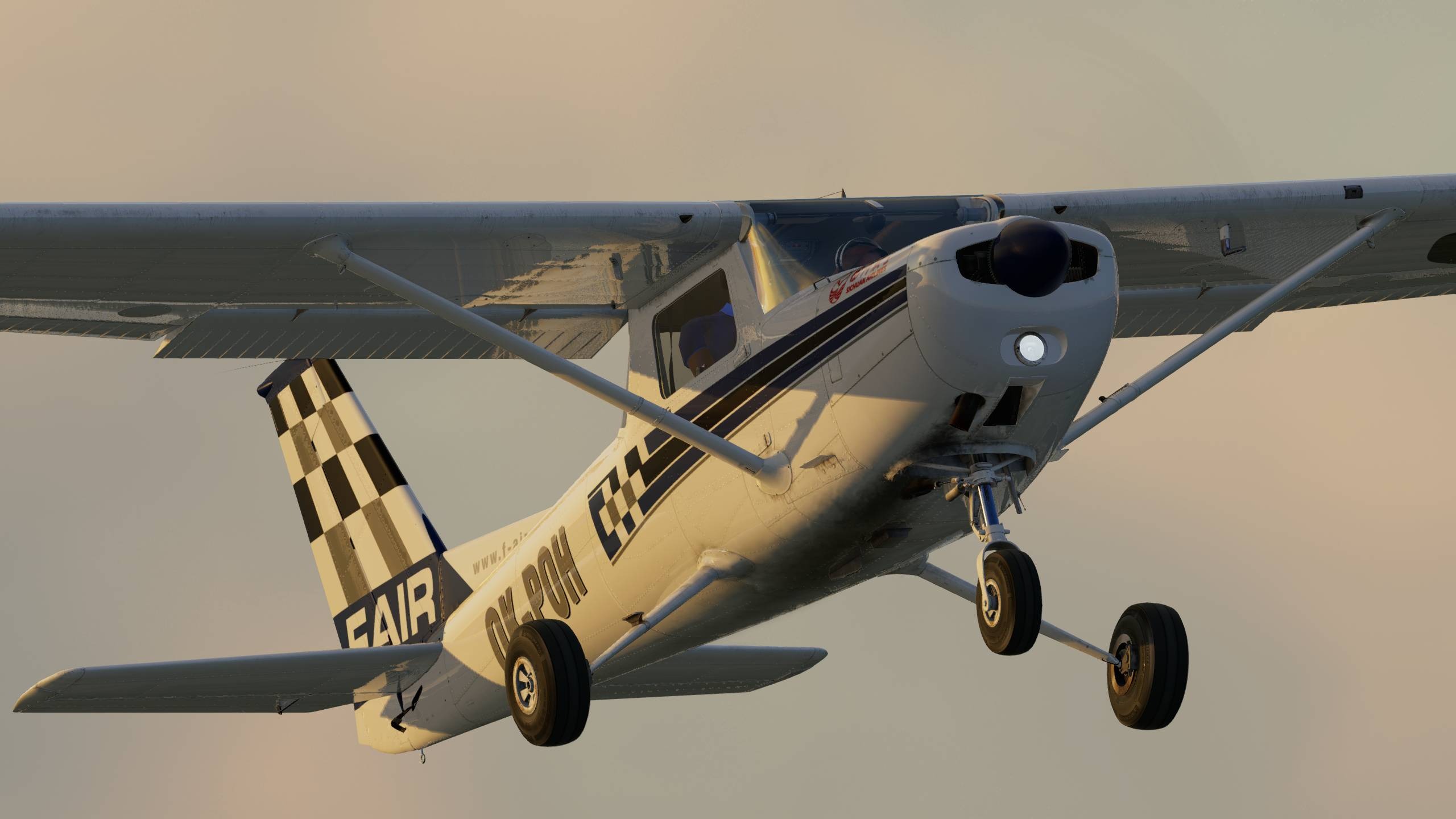

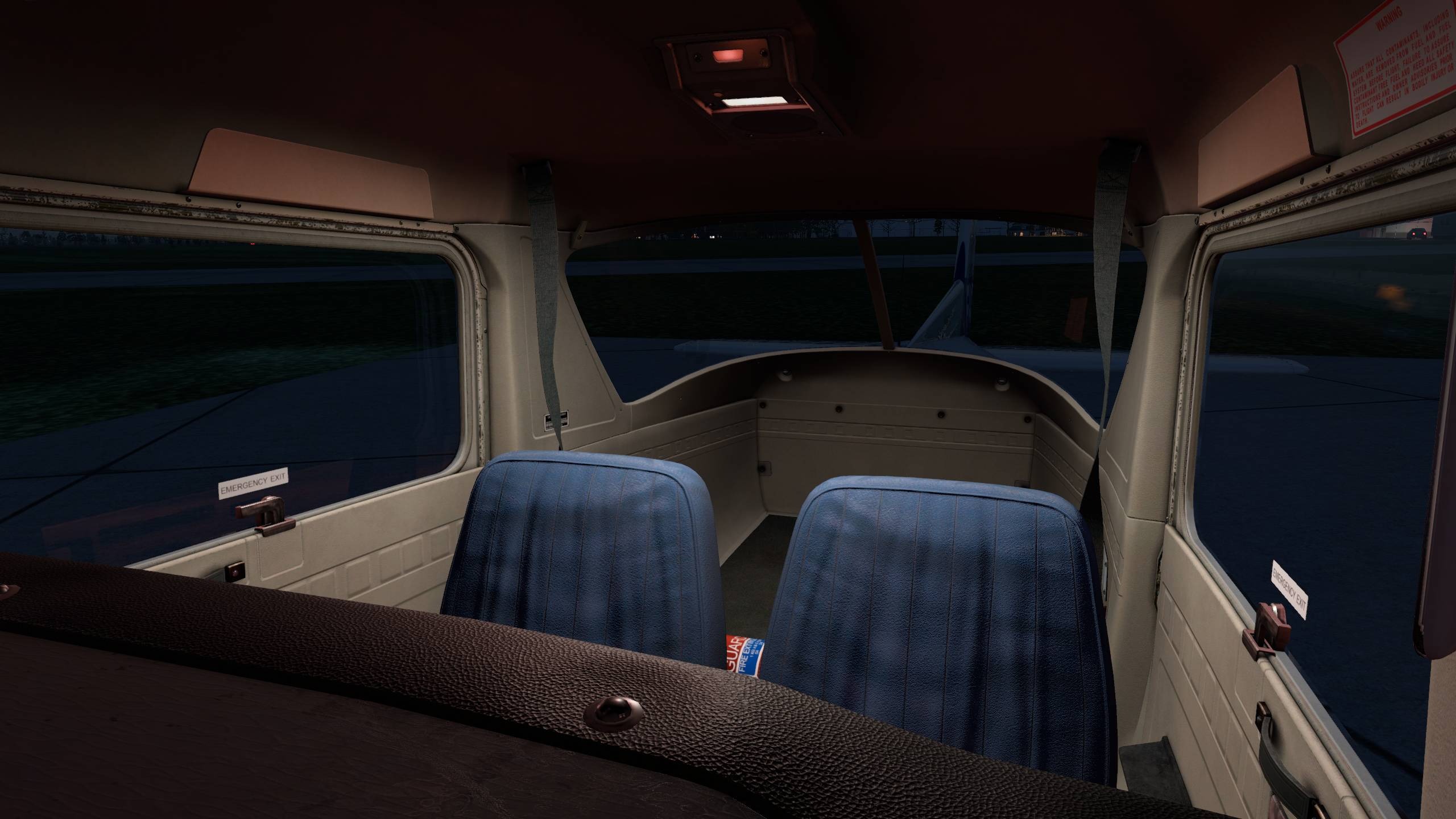

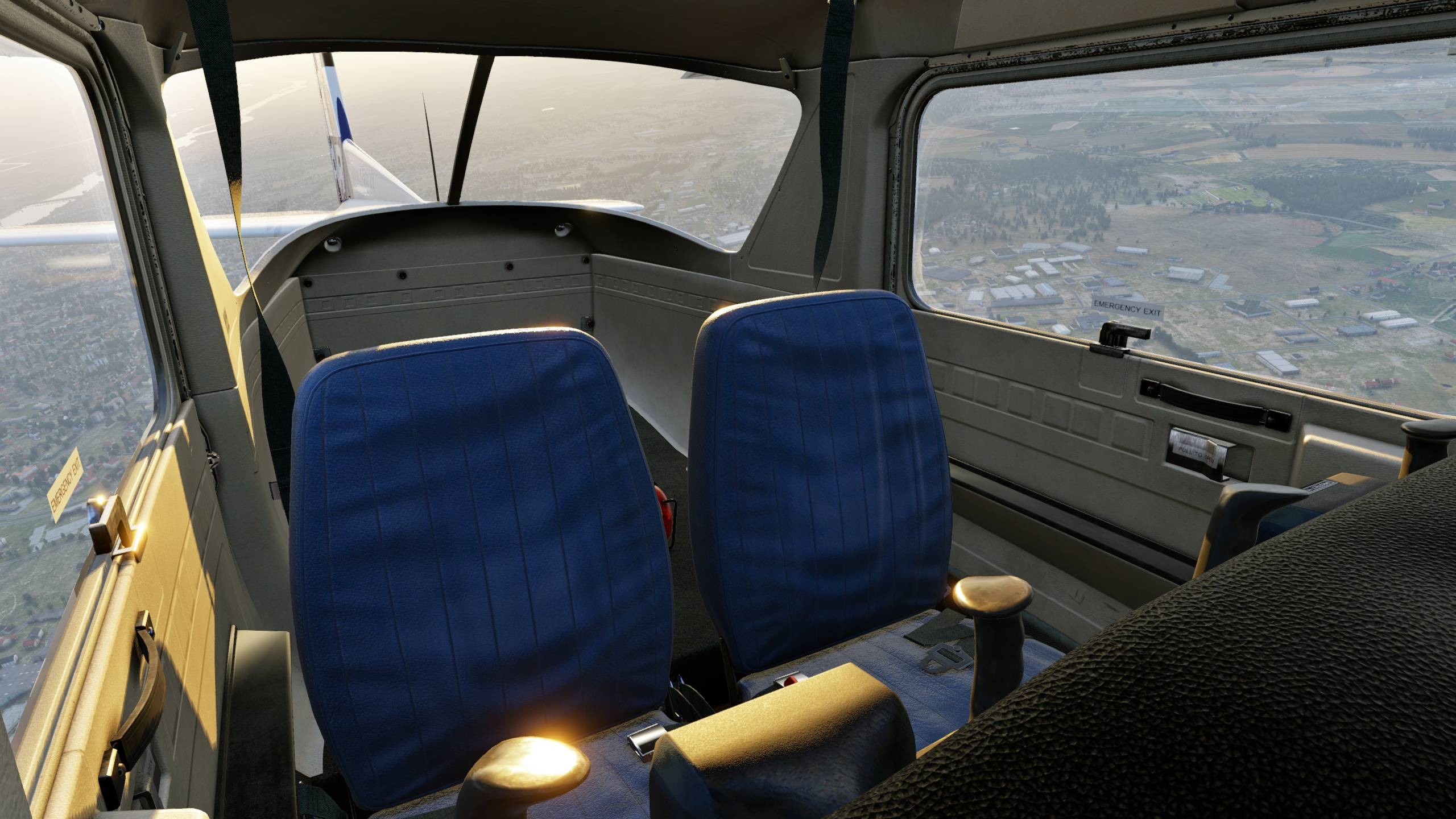
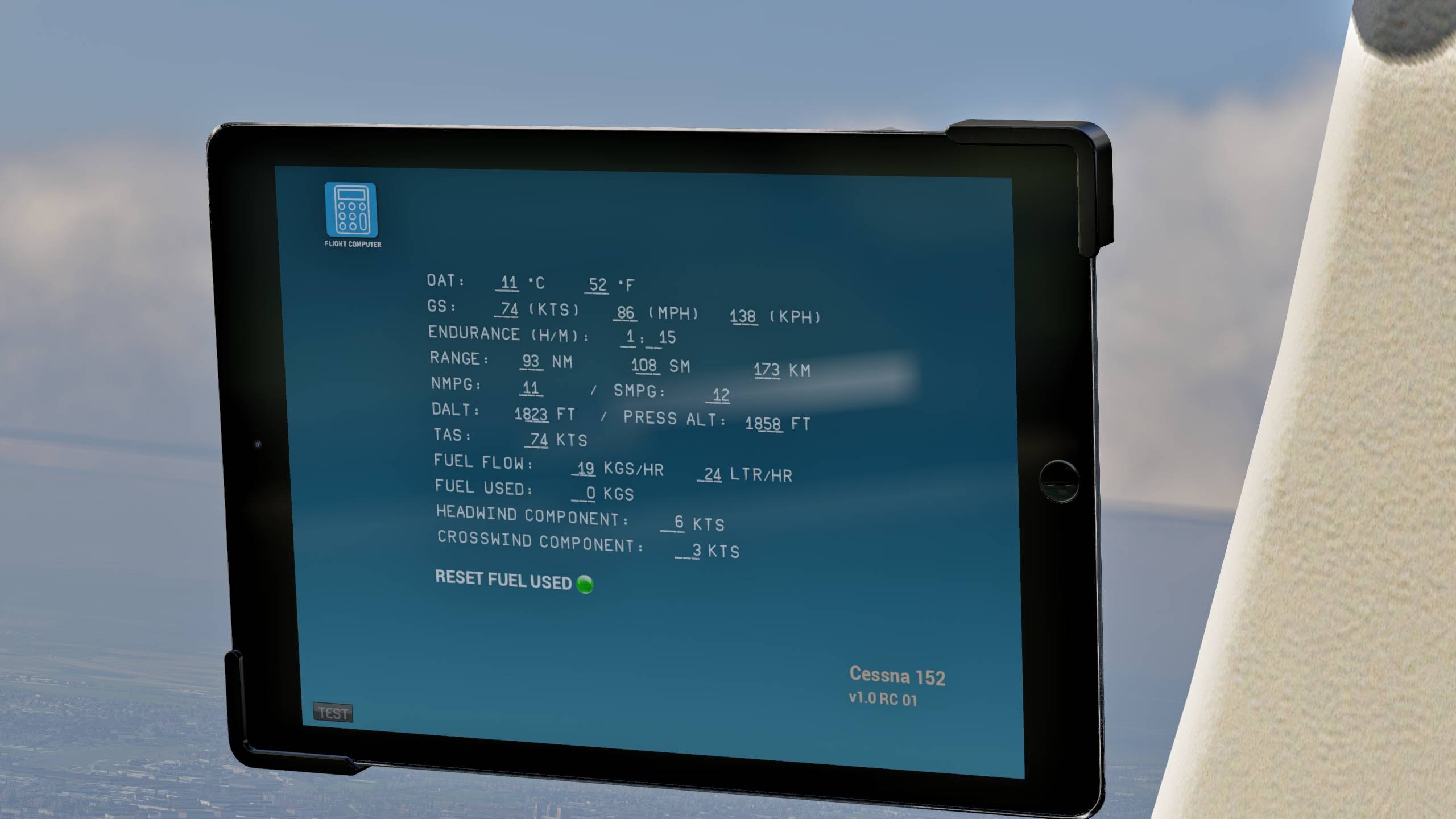
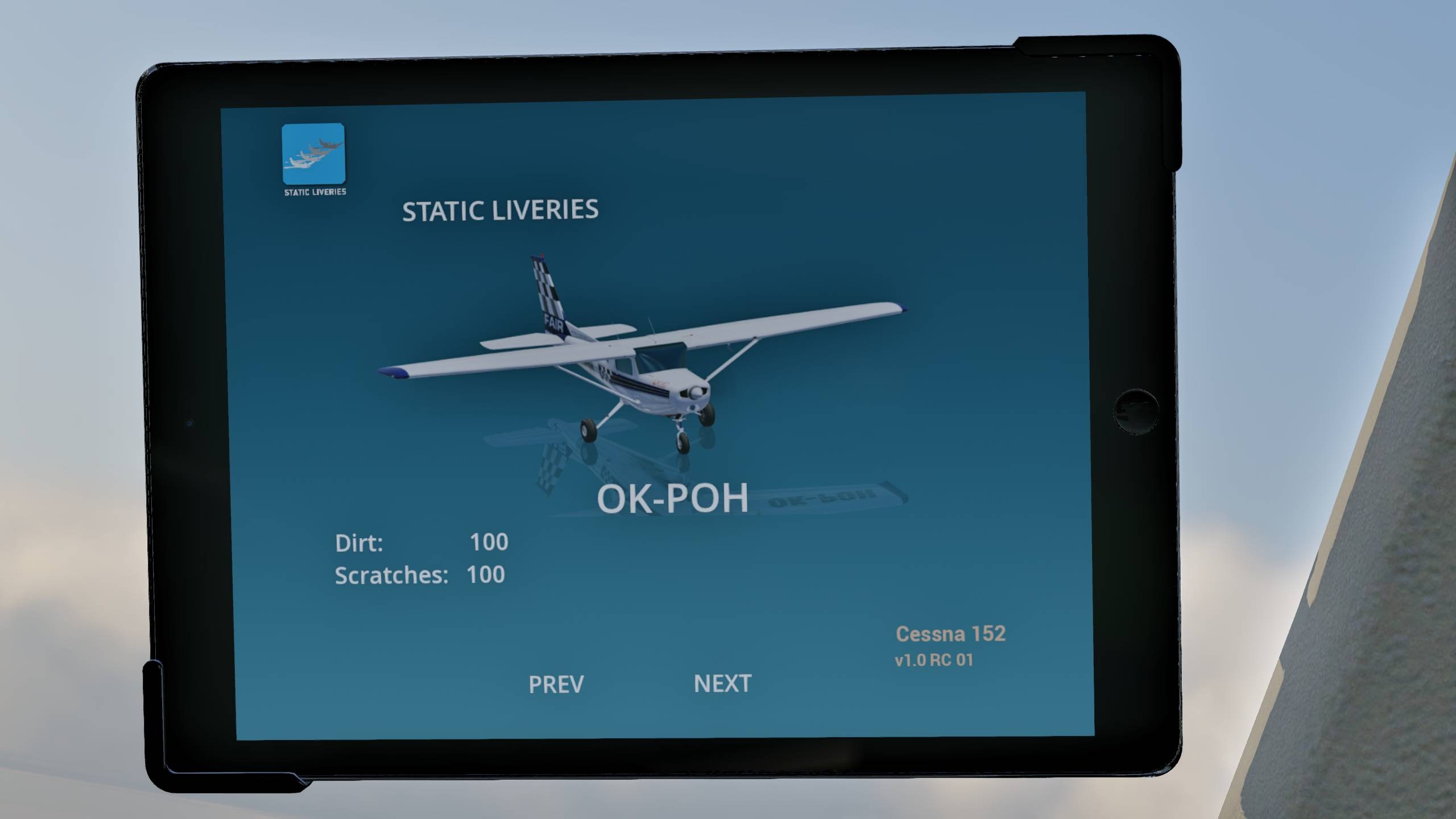
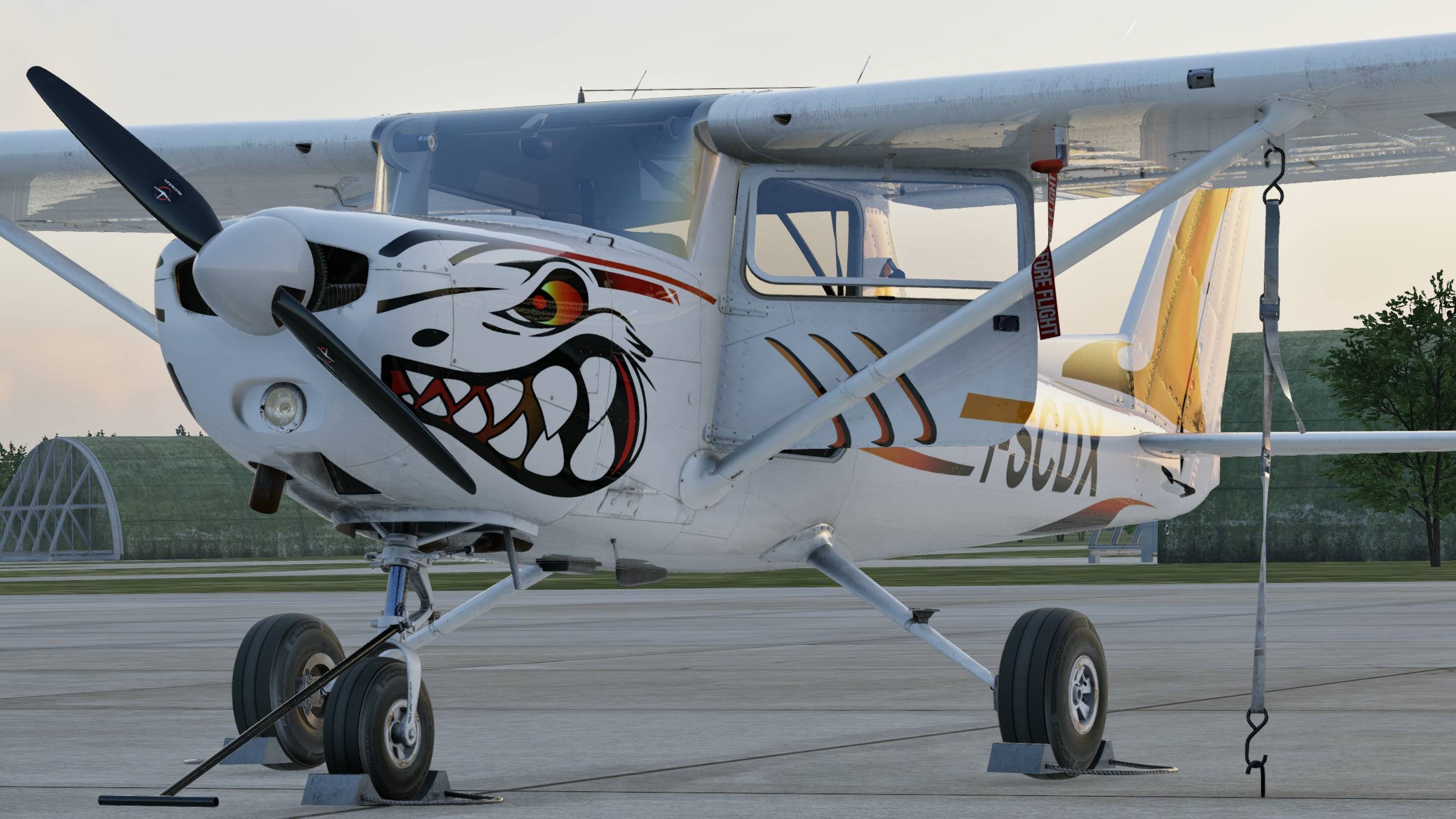

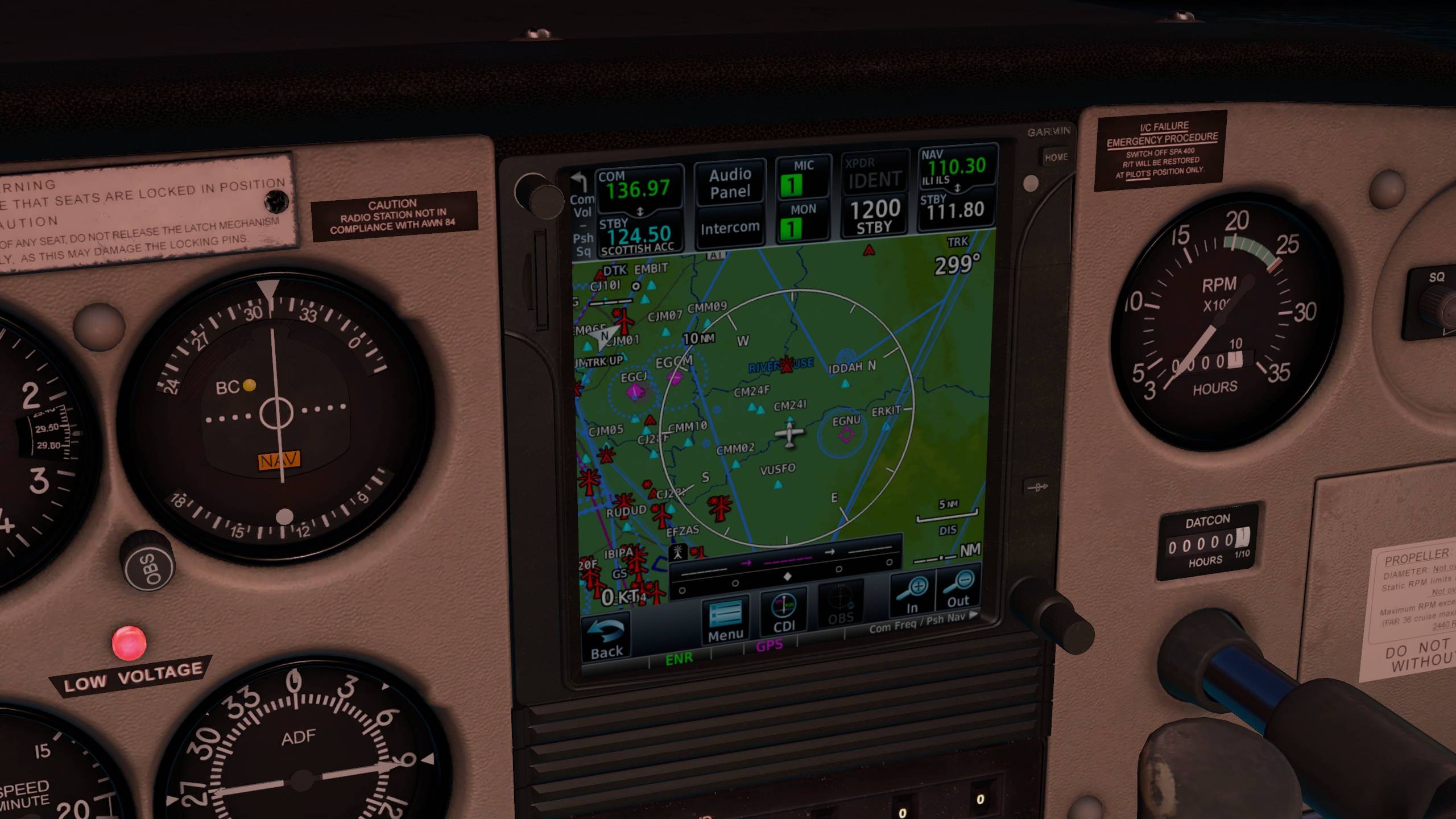


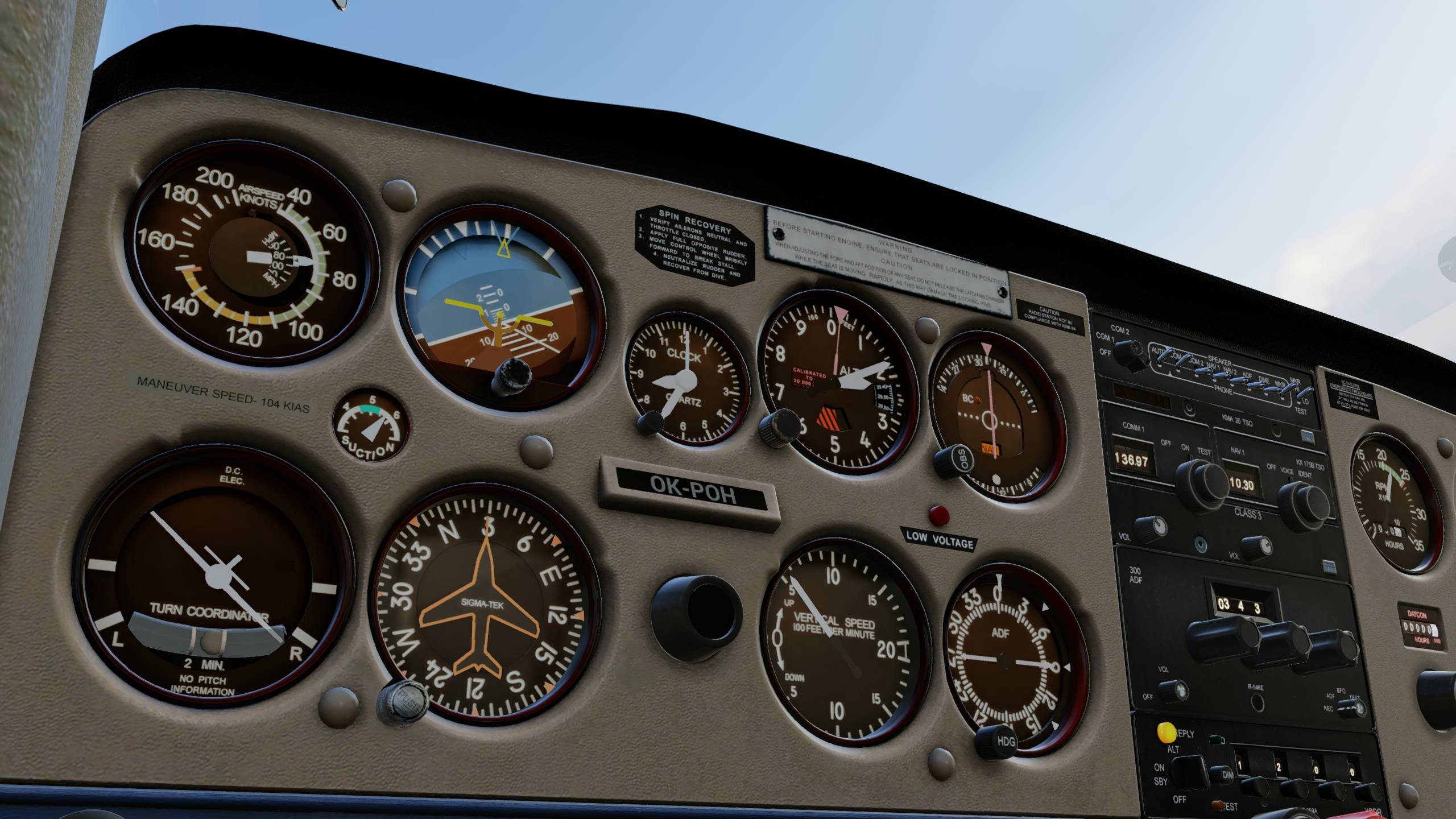

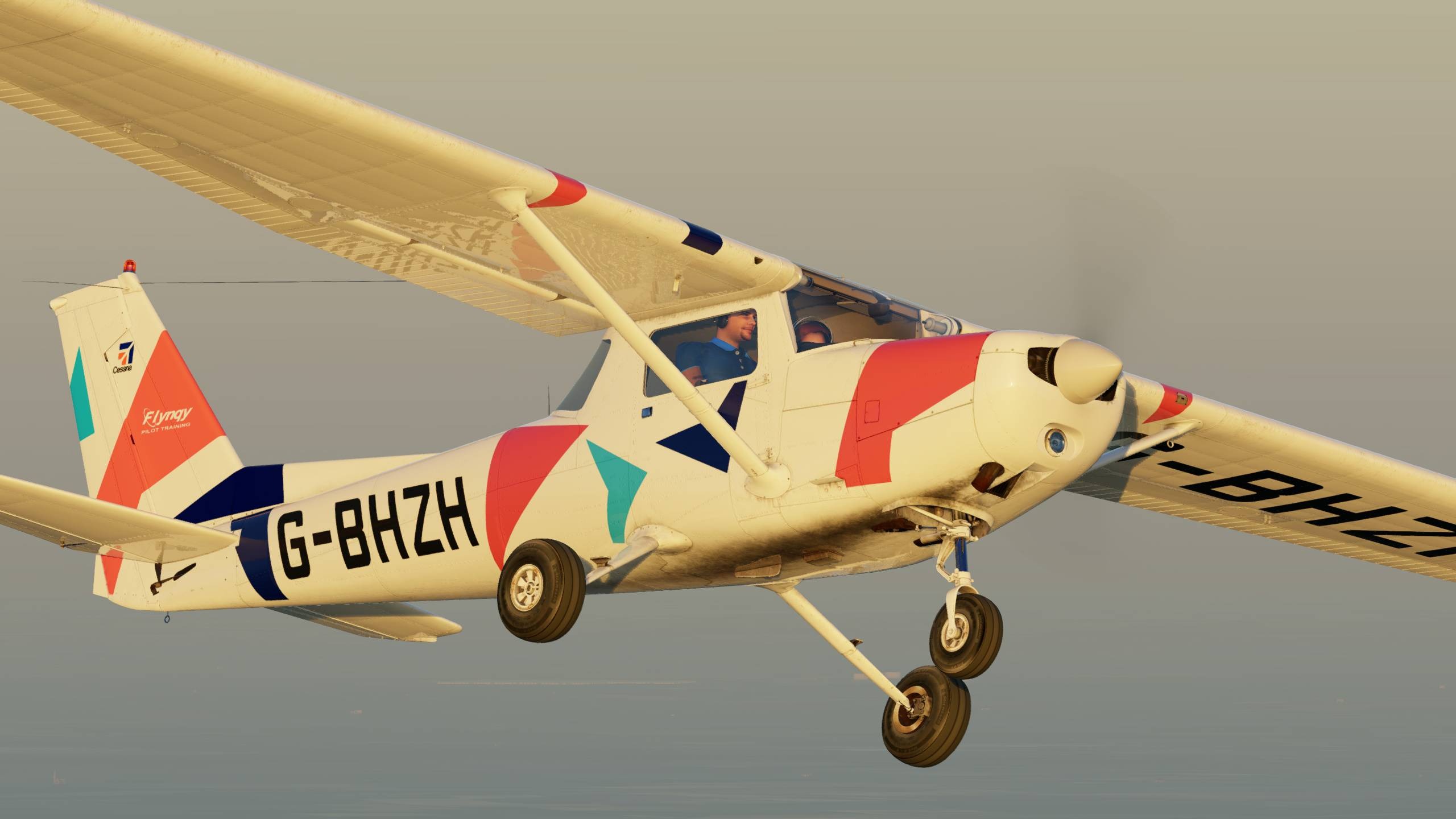
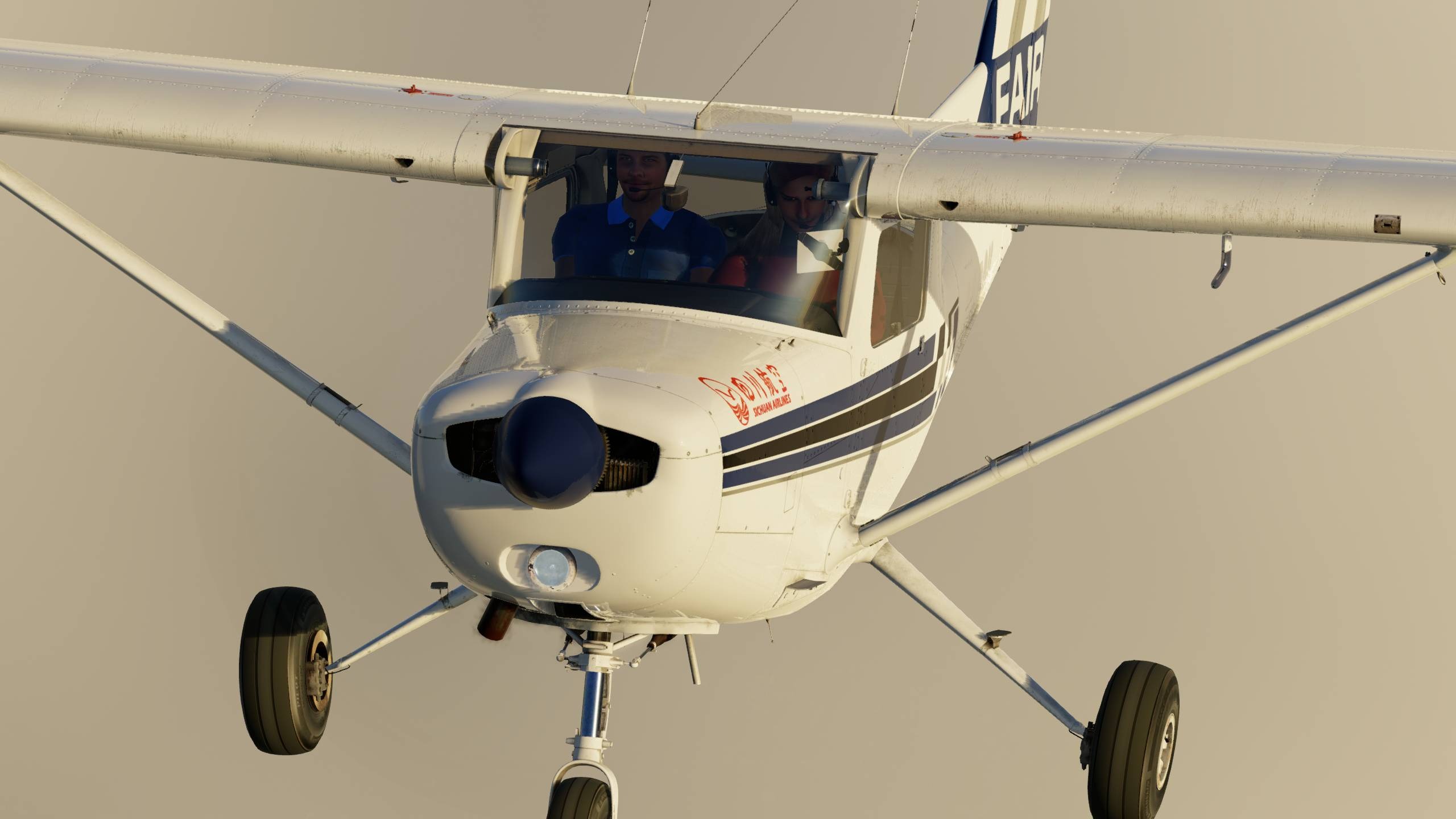
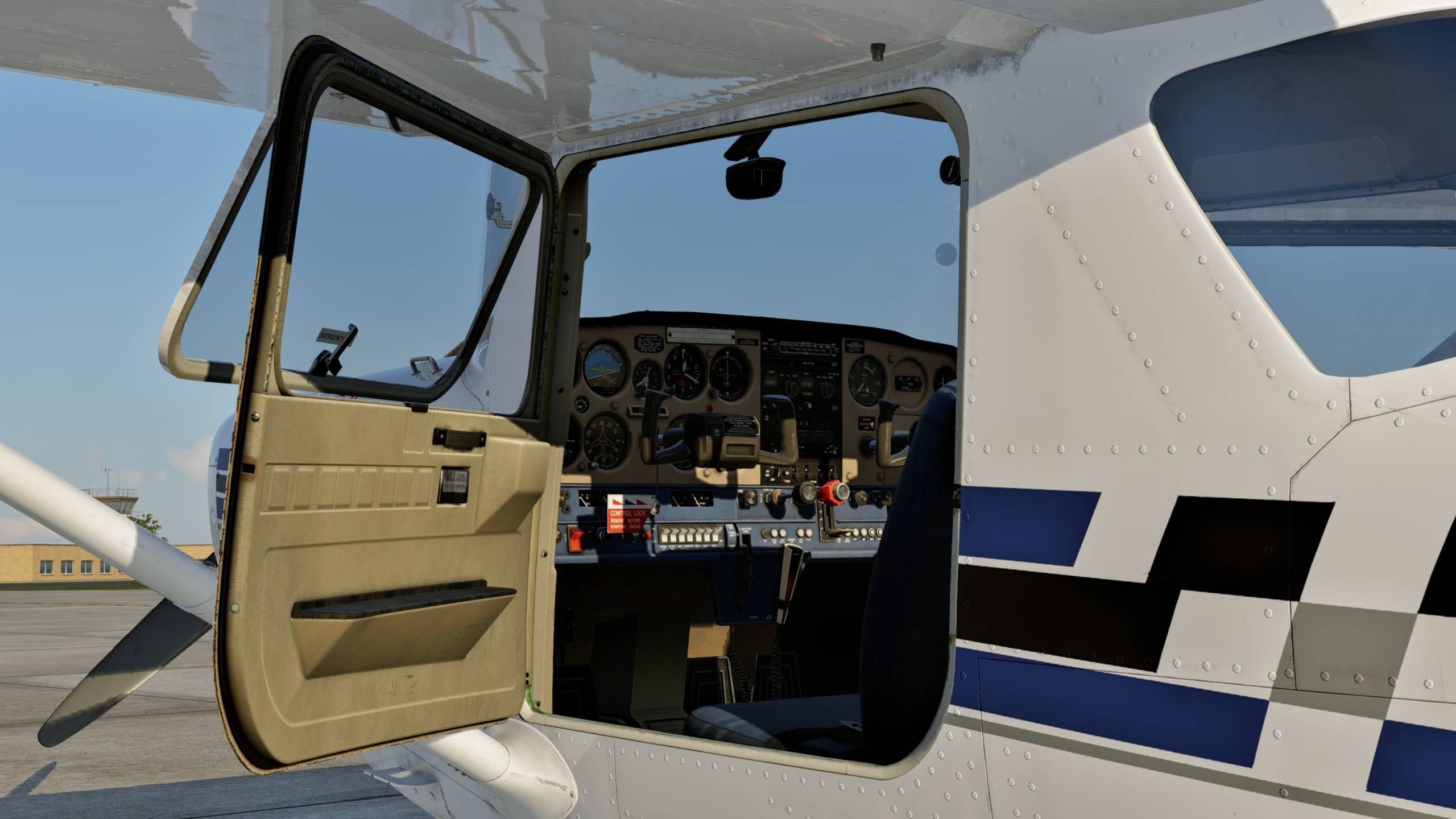
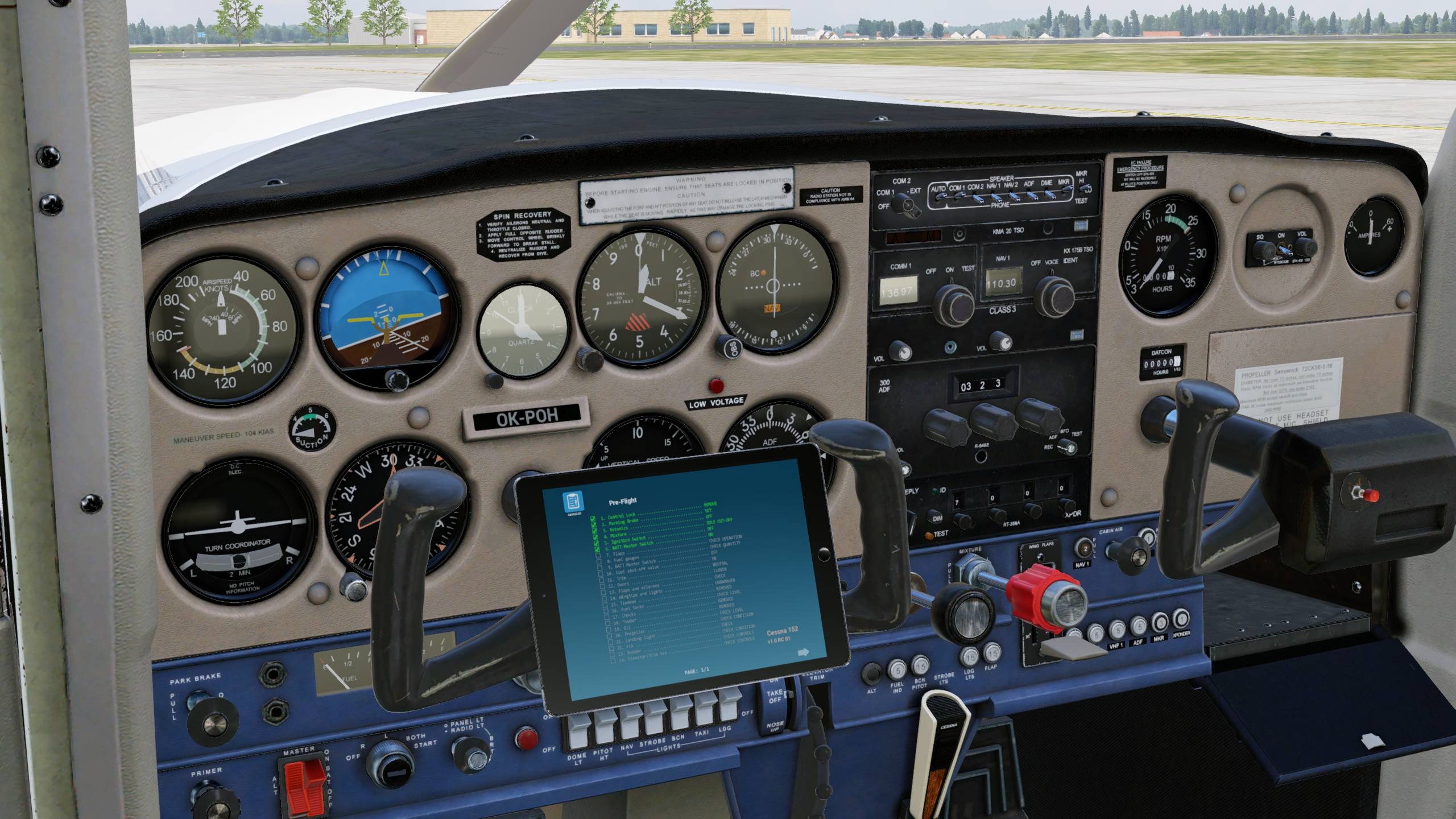

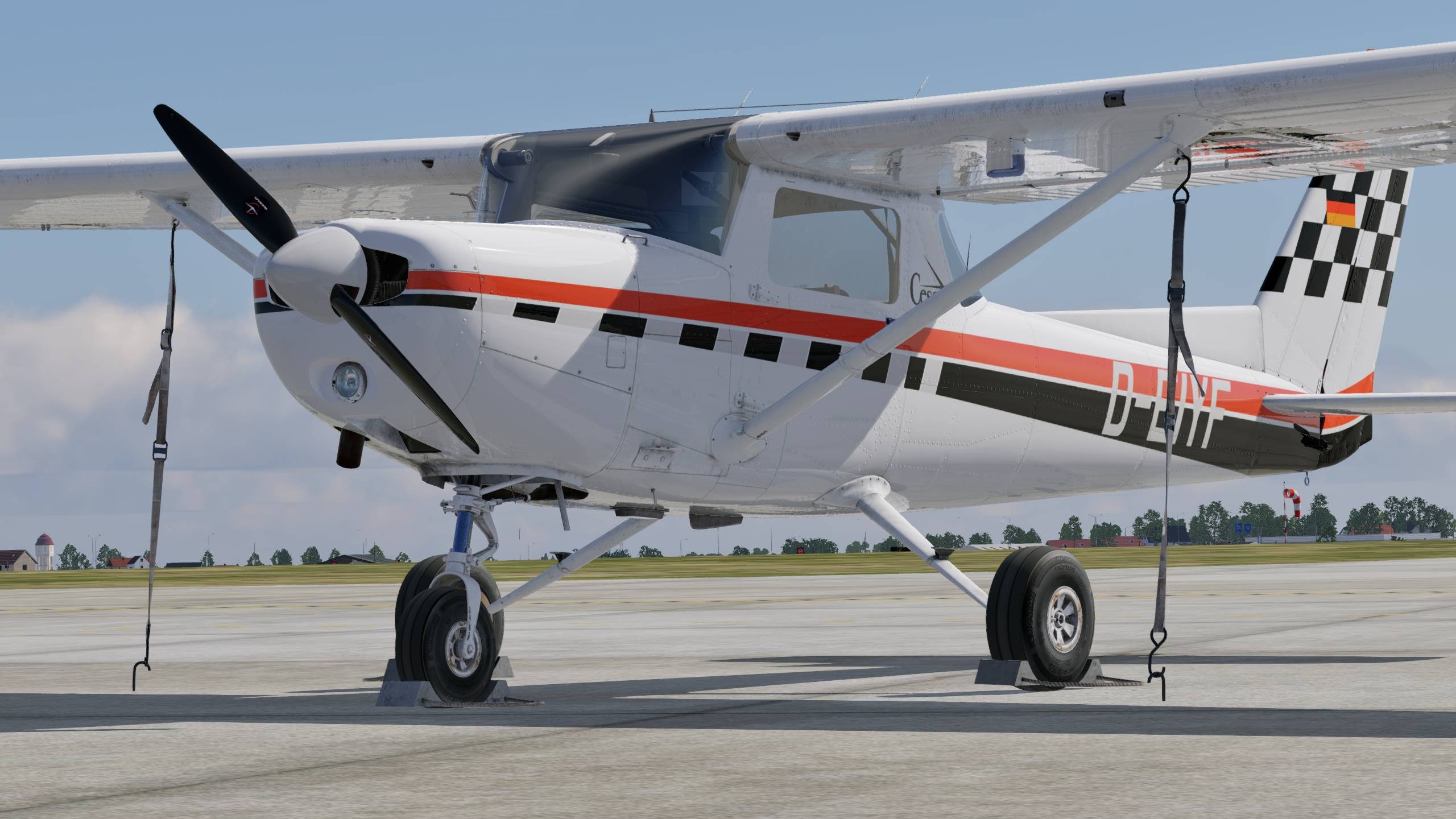

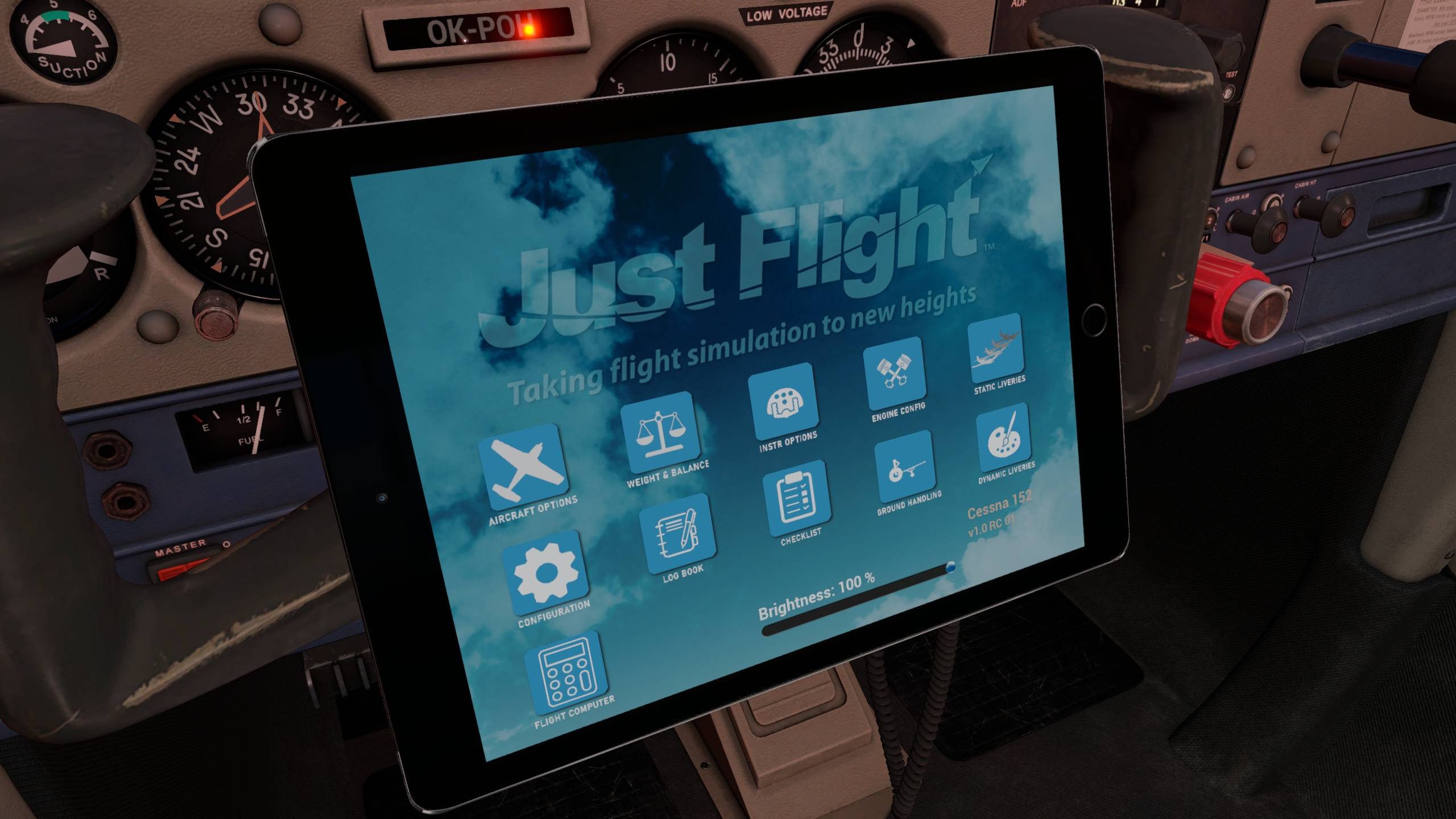


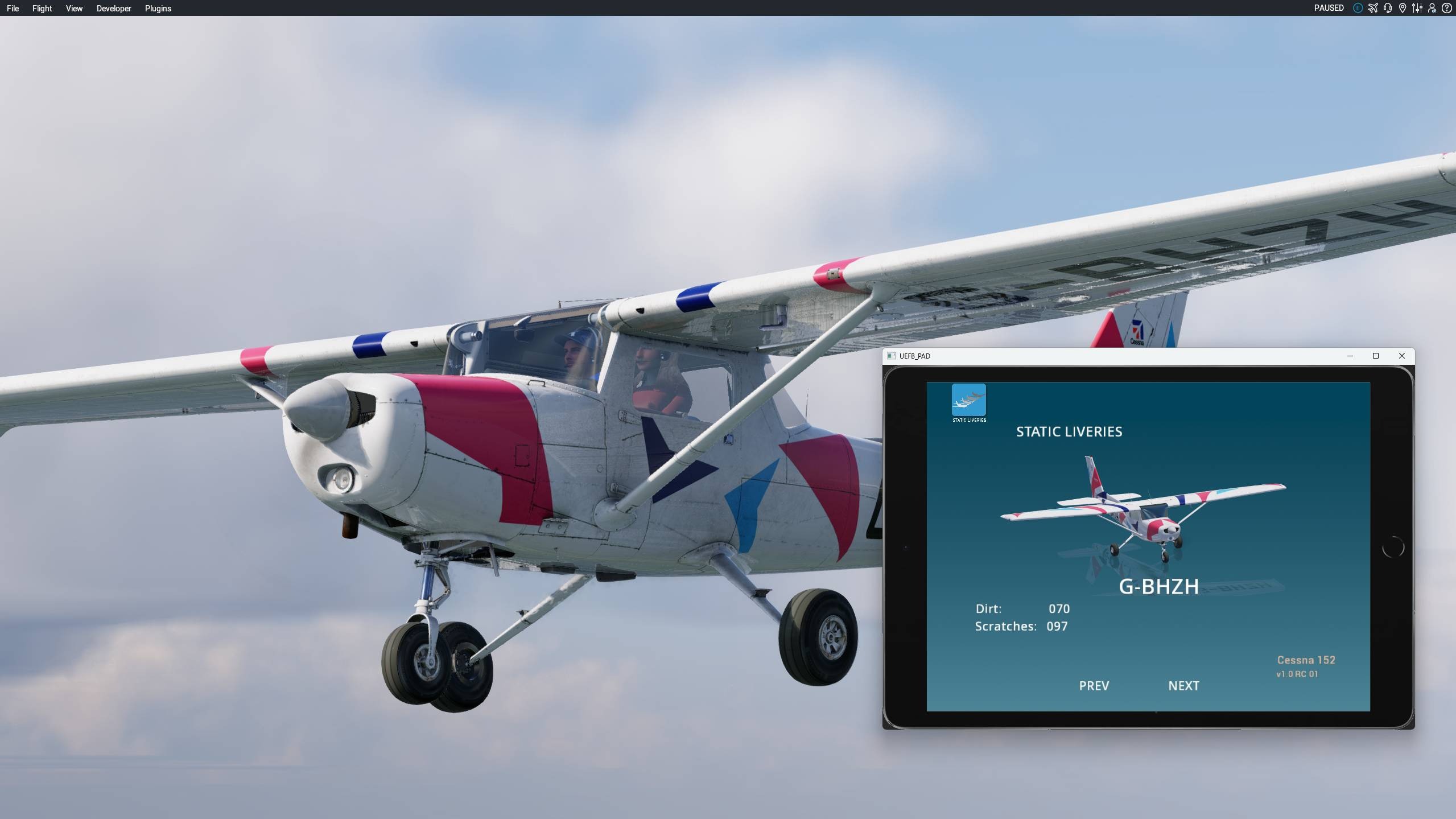
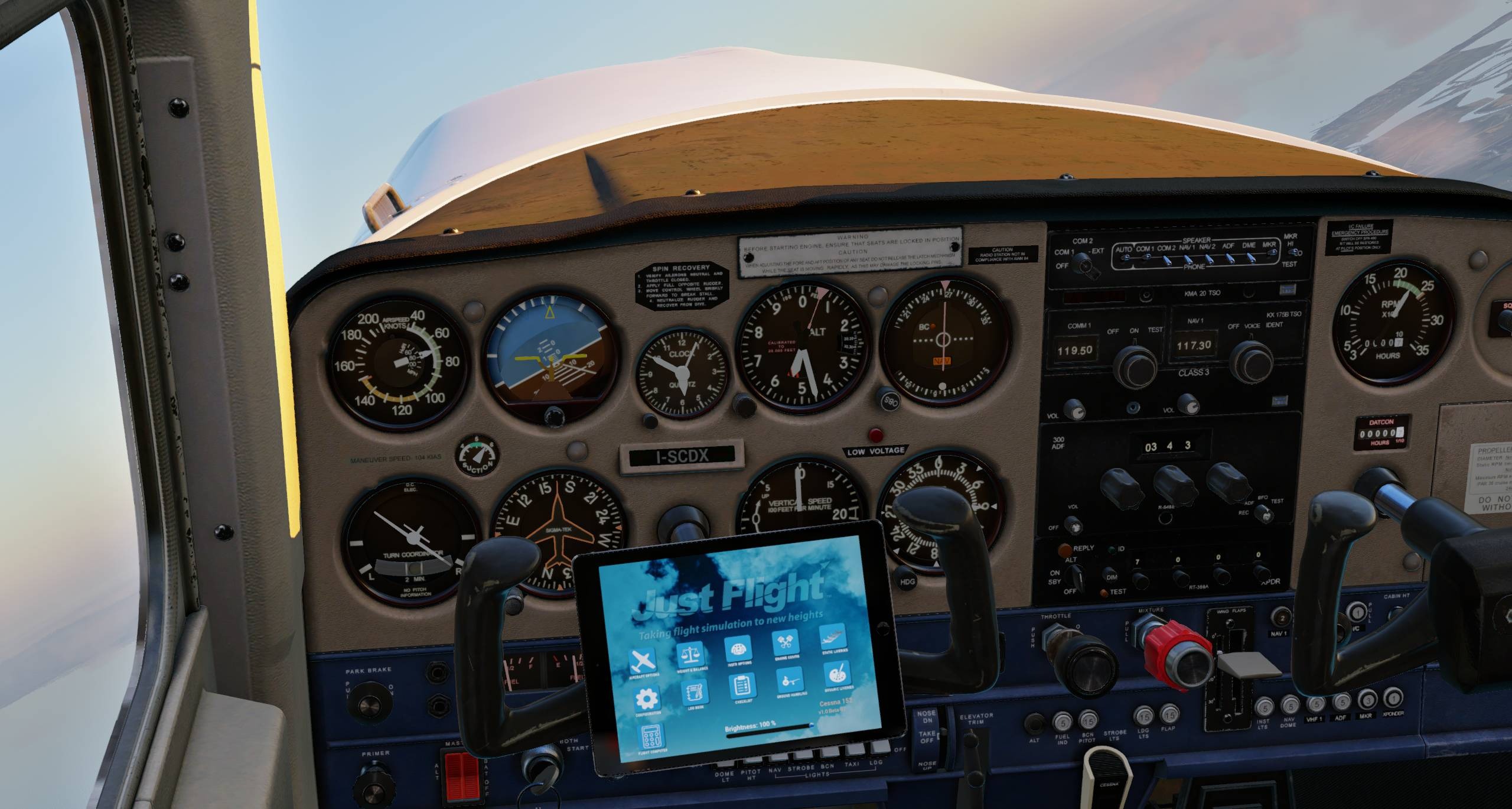
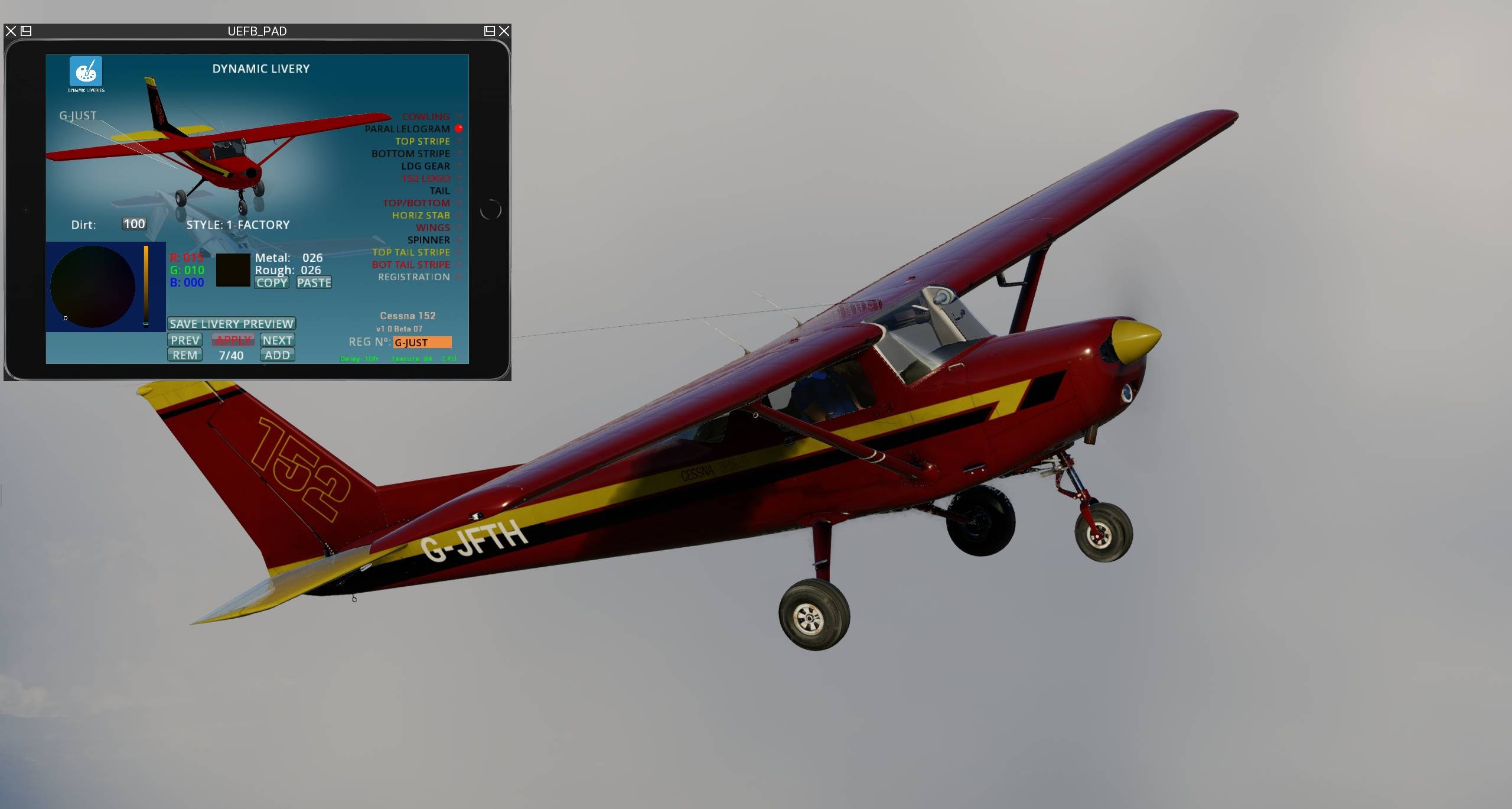

Just Flight and Thranda Design released their Cessna 152 for X-Plane 12.
It’s available on Just Flight’s store for $42.99.
It includes the following features.
MODEL
- Accurately modelled C152, built using real-world aircraft plans and comprehensive photography of the real aircraft
- Numerous animations, including windows, doors, air vents, sun visors, map compartment and realistically animated ignition keychain that responds to G-forces
- Ground equipment including chocks and tie-downs
- Brand new 8K textures to produce the highest possible texture clarity
- Authentic labelling and placards based on those found in the real aircraft
- HD textures are used to produce the highest possible texture clarity and immersion
- PBR (Physically Based Rendering) materials with real-time environment reflections for superb quality and realism
- HDR lighting (real-time illumination of interior and exterior surfaces)
- Detailed normal mapping for down-to-the-rivet precision of aircraft features
- X-Plane 12 native rain effects included
COCKPIT
- A truly 3D virtual cockpit right down to accurately modelled seat belts and screw heads – every instrument is constructed fully in 3D with smooth animations
- Cockpit textures feature wear and tear based on reference photos taken in the real aircraft to produce an authentic environment
- Full VR support (VR manipulators, camera snap points, tweaked for comfortable usage)
- Interactive checklists for every stage of flight
- Aircraft configuration system that will allow you to choose between ‘cold & dark’ or ‘ready for take-off’ (if aircraft is stationary on the ground)
- Fully functional and comprehensive IFR-capable avionics fit including:
– KMA 20 audio selector unit
– KX 175B COM 1 / NAV 1 radio
– RT-359A transponder unit
– ADF 300 unit with ADF/REC/BFO modes - Swappable GTN750 unit compatible with RealityXP GTN750 and TDS GTNXi (sold separately, Windows only)
- Ability to change barometric units from InHg to MB in altimeter adjustment
- Option to remove window and instrument reflection effects
- Animated toe brakes
- Radio knob animations routed through plugin logic, for optimum movement fidelity and sound synchronisation
- Tablet EFB with a selection of apps full of useful tools and customisation options:
– Aircraft Options: Open/close the aircraft’s doors, enable/disable glass reflection, enable/disable ground equipment, and more!
– Weight & Balance: Adjust the aircraft’s weight and balance using the built in configuration app and centre of gravity table.
– Instrument Options: Choose to have the cockpit avionics visible in the 3D cockpit, or have them pop out on 2D panels.
– Static Liveries: Change aircraft liveries without exiting to the main menu.
– Dynamic Liveries: Customise the aircraft’s paint scheme without leaving the aircraft. Features different templates whose colours can be fully customised in the aircraft, without the need for any complicated paint kits.
Engine Configuration: View the condition of the engines and enable enhanced simulation options such as spark plug fouling and vapour lock.
– DynaFeel: Adjust the force required to move each of the control surfaces.
– Checklists: Interactable checklists for every stage of flight.
– AviTab support
– And much more!
AIRCRAFT SYSTEMS
- Custom-coded electrical system with functional circuit breakers. Circuit breaker logic is linked to X-Plane’s internal failure logic, so if the plane is set to fail a certain electrical component after a certain number of hours, the circuit breaker for that element will pop out.
- Realistic landing gear with slow/fast tyre rotation animation (blurry when rotating fast), and wheel chocks and tie-downs
- Functioning carburettor heat and primer controls
- Dedicated EFB app displaying values such as fuel tank weights and imbalance, fuel pressure, oil pressure, oil temperature, battery charge (with quick charge option), and information about spark plug fouling and vapour lock condition
- Simulated vapour lock condition, with EFB warning pop-up and suggested actions
- Simulated spark plug fouling condition, with EFB indication of percentage of fouling
- Lighting system includes separate lighting control for gauges (via rheostat) and realistic implementation of radio light rheostat
- Custom external light logic with custom strobe light pattern and custom light halos for added realism
LIVERIES
The C152 is supplied in the following six paint schemes:
- D-EIYF (Germany)
- G-BHZH (UK)
- HB-CHA (Switzerland)
- I-SCDX (Italy)
- N530CA (United States)
- OK-POH (Czechia)
Plus the Dynamic Livery app which allows you to create your own paint schemes based on three different authentic styles: Factory, Flow Lines and Classic.
OTHER FEATURES
- Realistic and accurate flight dynamics based on real-world performance and handling data, and input from C152 pilots, upgraded to take full advantage of X-Plane 12 enhancements.
- Stunning audio effects – atmospheric distance, multi-layered engine, individual click spots, aerodynamic effects and electrical system sounds, made possible by X-Plane’s state-of-the-art FMOD sound system
- Custom sounds for switches, doors, warnings and more, featuring accurate location placement of sounds in the stereo spectrum, 3D audio effects, atmospheric effects, adaptive Doppler, exterior sounds spill in when window or door(s) are opened, different sound characteristics depending on viewing angle etc.
- Comprehensive manual with panel guide and performance data
- Custom Weight & Balance Manager EFB app.
- End-user configurability (via Manifest.json file)
Boeing 777-300ER for X-Plane 12 Gets New Screenshots
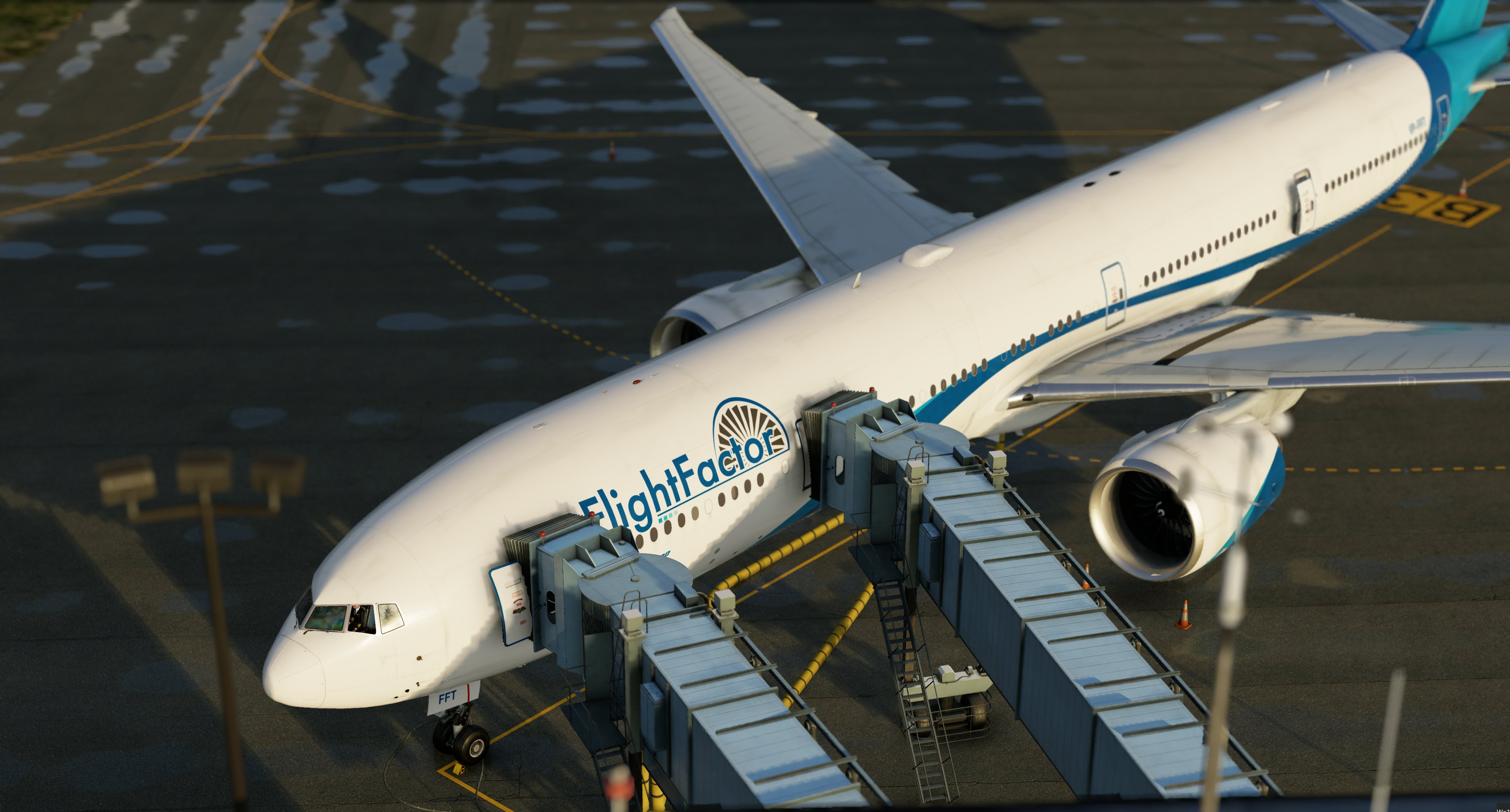

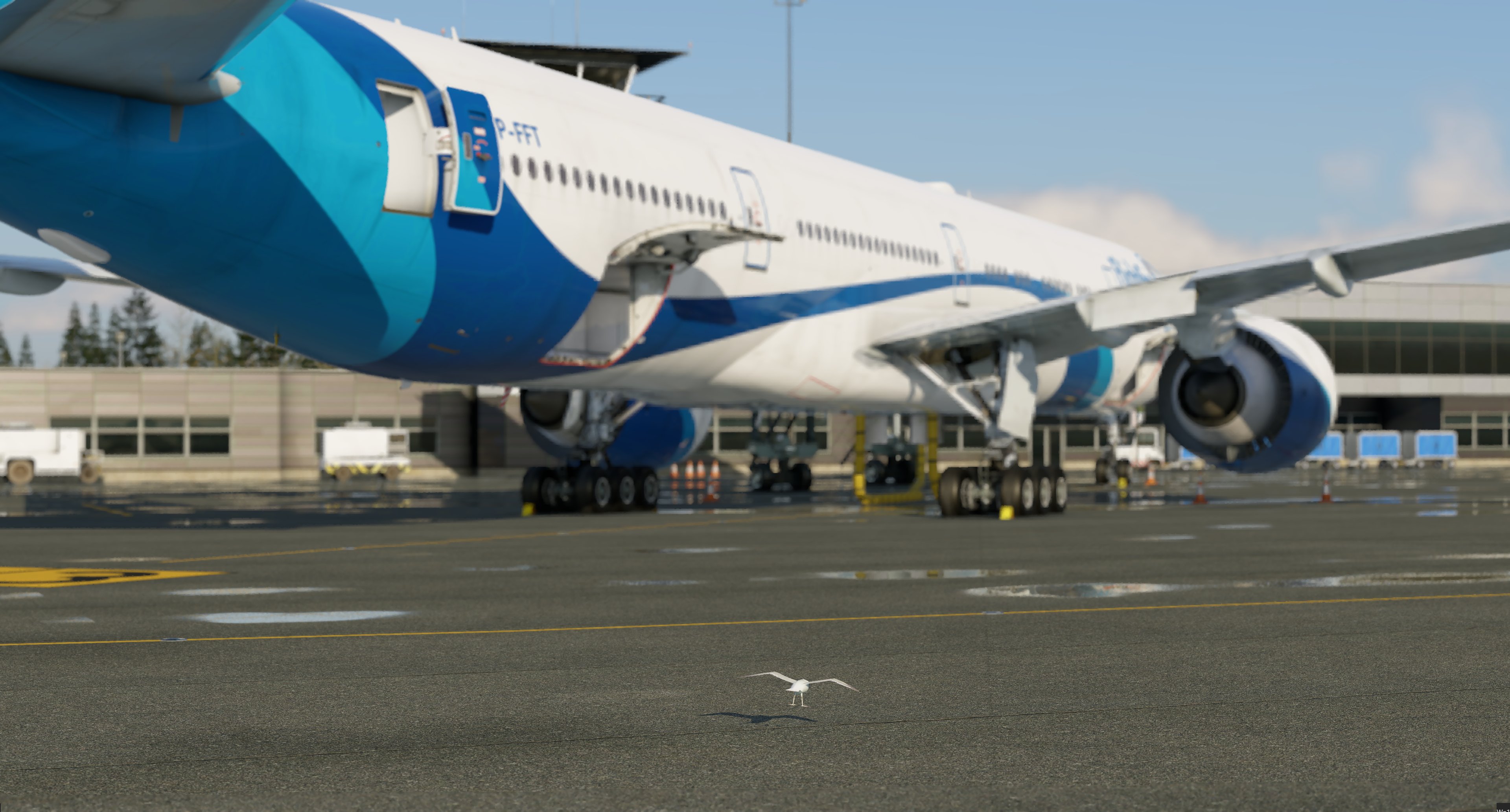

FlightFactor released new screenshots of the upcoming Boeing 777-300ER for X-Plane 12, taken during testing sessions.
If you’d like to read more flight simulation news, you can find plenty in our previous roundup article from yesterday.
If you want to go further back, we have a handy overview video of the major flight simulation news in the past week. You can watch it below. As usual, leaving a like and a comment and subscribing to our growing YouTube channel is extremely helpful.
While Simulation Daily is owned and financed by Orbx Simulation Systems, its staff is afforded full editorial independence and will strive to cover products from all companies and developers impartially. Check out our editorial policy.