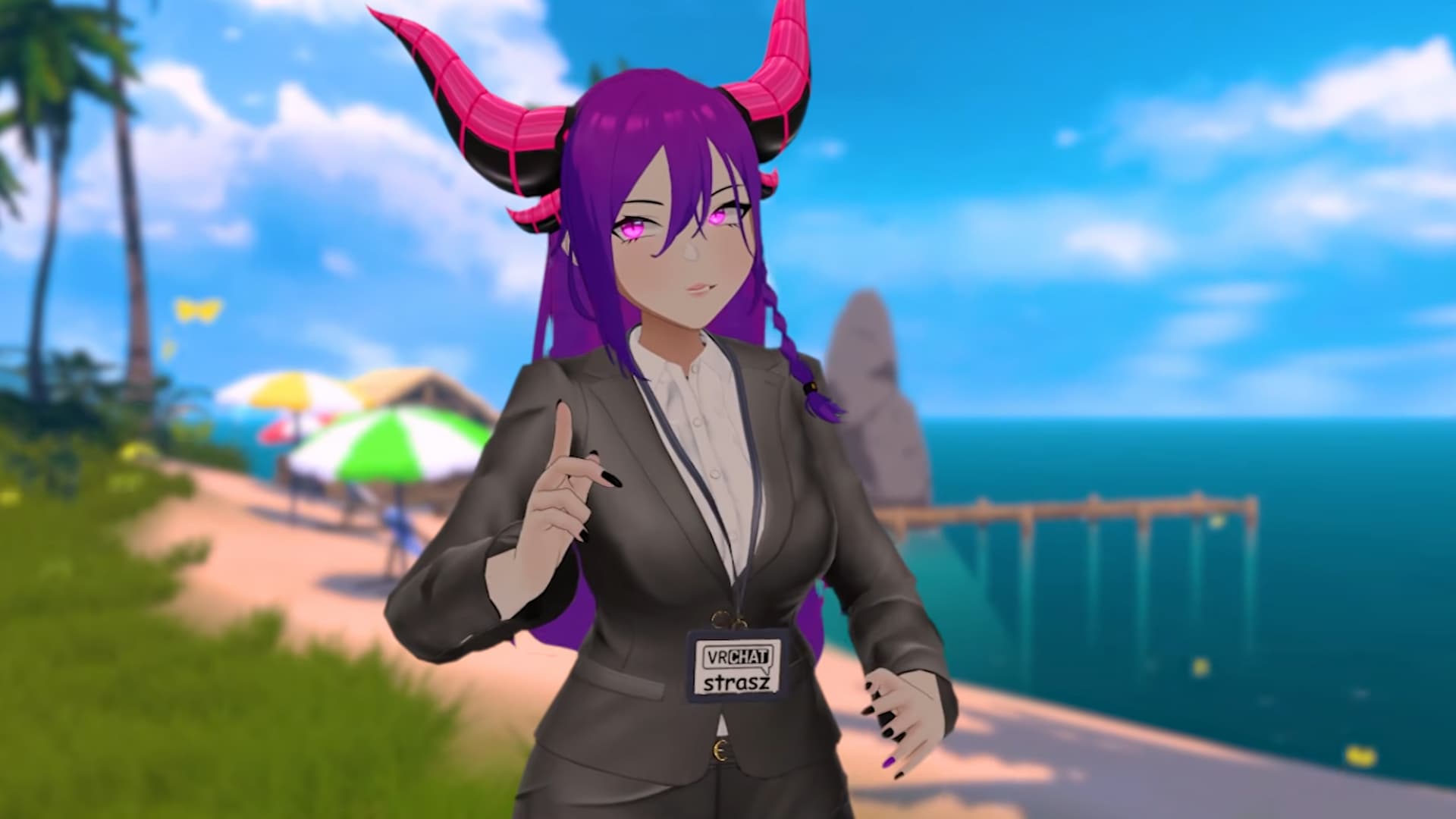
VRChat Version 2026.1.2 is here, adding Discord friends for users who have integrated their VRChat and Discord accounts.
Late last year, VRChat Version 2025.4.1 gave users the option to integrate their Discord accounts. Until now, this has mainly been an alternate way to sign in to the application.
Now, users will be able to instantly see their Discord friends under their Social tab. They’ll be under All Friends, and they’ll have a Discord icon on their user cell. Users can then view their Discord friends’ profiles, send them VRChat friend requests, and invite them to play via Discord.
Users will also be able to invite any of their Discord friends to play, even if they don’t have a linked VRChat account.
If users don’t want to see Discord friends and/or stop their accounts from showing up to their Discord friends, it’s easy to turn off under the Comfort and Safety settings. Additionally, upon logging in after the update, users who have integrated with Discord in the past will get a pop-up explaining the new feature, which also includes a quick way to disable it.
Because of the new feature, users will need to re-login to their Discord accounts to accept the permissions for VRChat to access their Discord friends.
Of course, VRChat Version 2026.1.2 had other changes and bug fixes besides the new Discord friends feature. Some of these include the following:
- Events can be linked to a Group instance after being created
- Added a random option for cosmetic inventory item categories
- Shop shows 3D previews
- Added Audio Sources Debug UI page
Users can check out the video discussing the changes below, or check out the full patch notes here for more details on the bugs and other changes.
VRChat is available on PC and mobile devices (iOS and Android). For more news, check out its last update, Version 2026.1.1.