• Gaming
  • Simulation
  • Esports
  • Entertainment
  • Technology
Simulation Daily
No Result
View All Result
Sign up for Our Newsletter
Simulation Daily
  • Gaming
  • Simulation
  • Esports
  • Entertainment
  • Technology
No Result
View All Result
Simulation Daily

Simbrief Update Adds New Route Calculation Engine and More

Giuseppe Nelvaby Giuseppe Nelva
May 21, 2025
in News
Reading Time: 4 mins read
Navigraph Update
ShareTweetShare

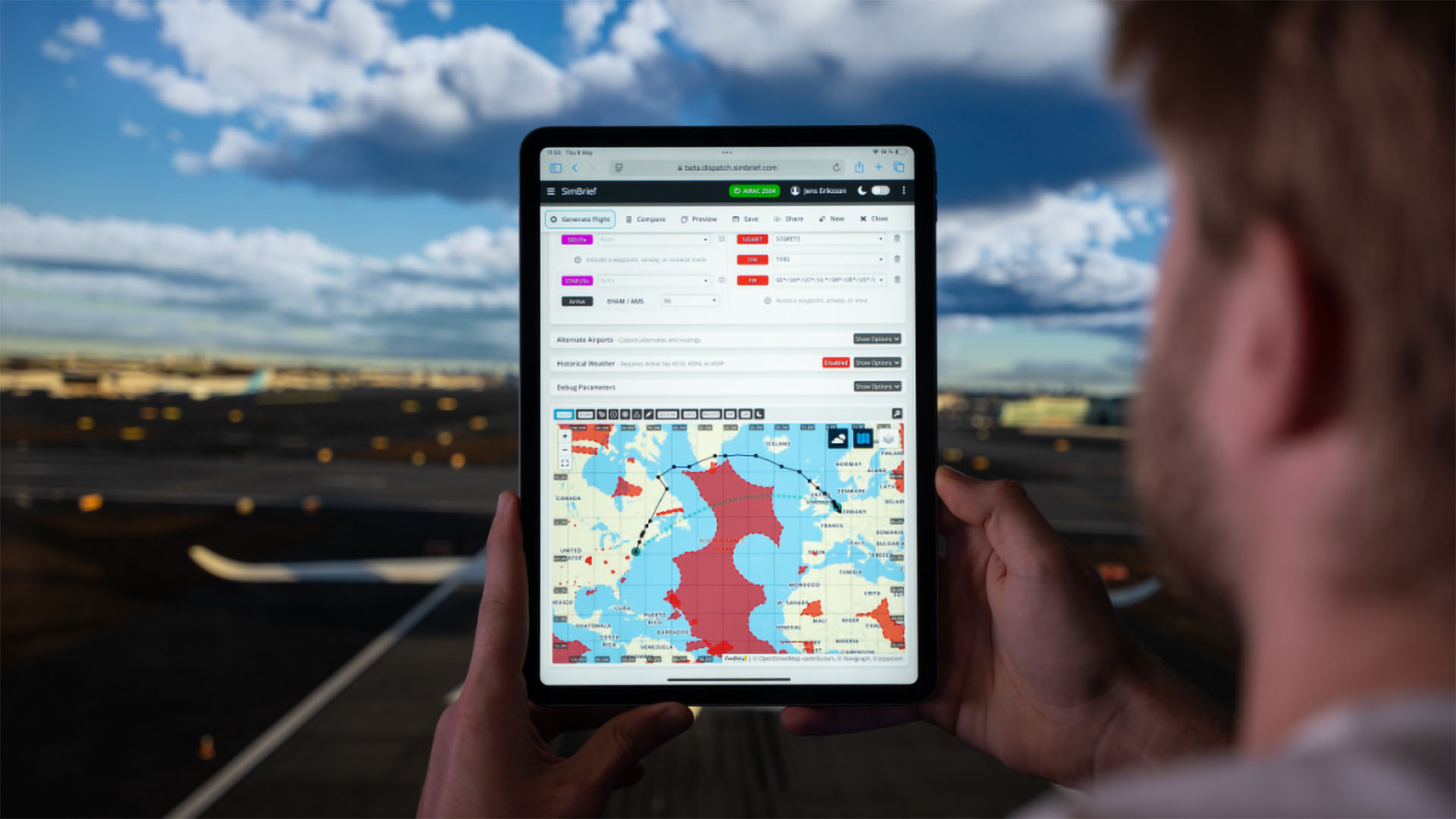
The popular flight planning platform Simbrief just received a big update with some features that will likely thrill flight simulation enthusiasts.

You might also like

Today in Gaming News – October 15, 2026

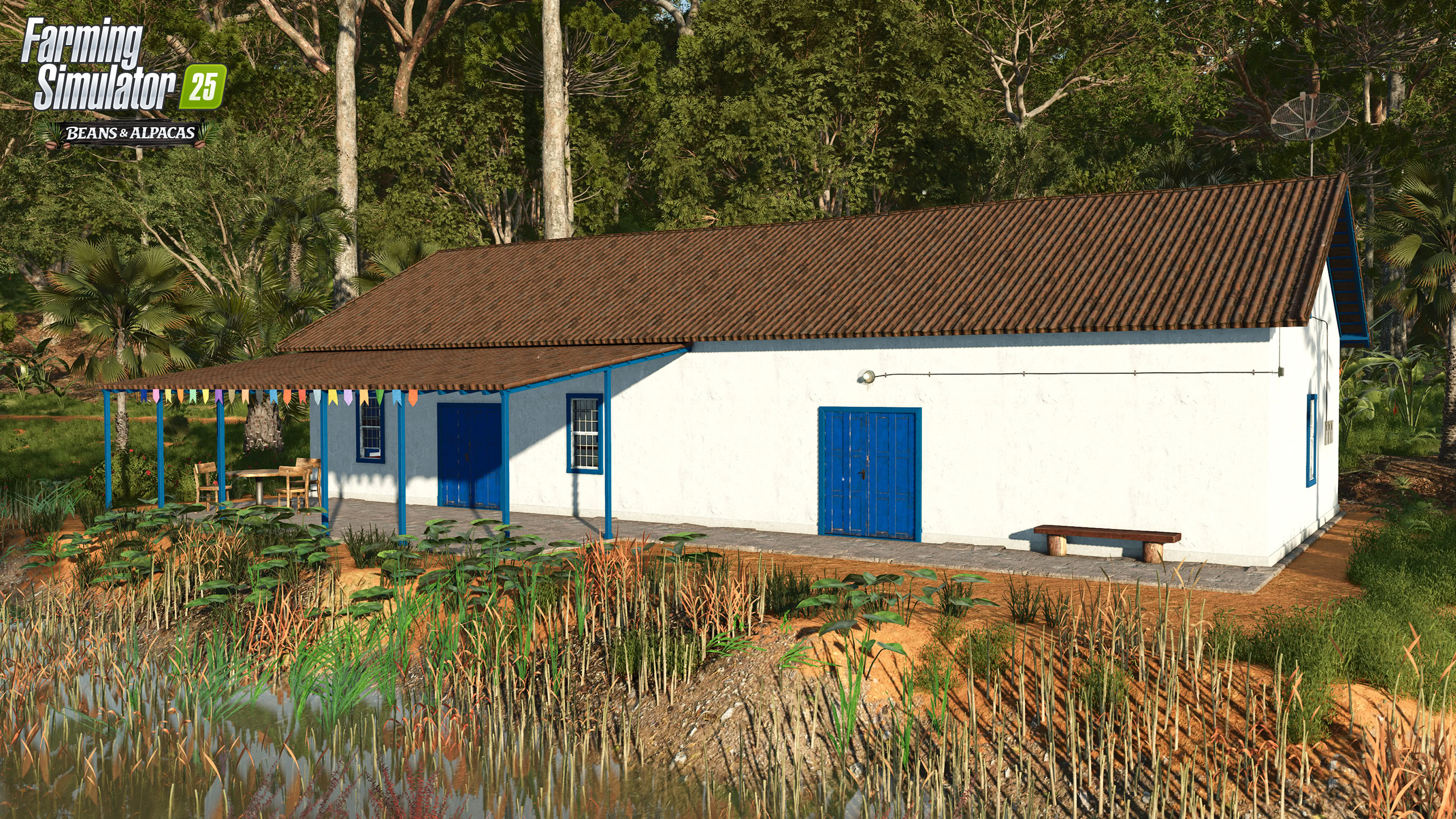
New Farmhouses and More Announced For Farming Simulator 25 Beans & Alpacas DLC

Ships At Sea Update v0.8.8 Improves Maritime Traffic, World Map Tracking, & More

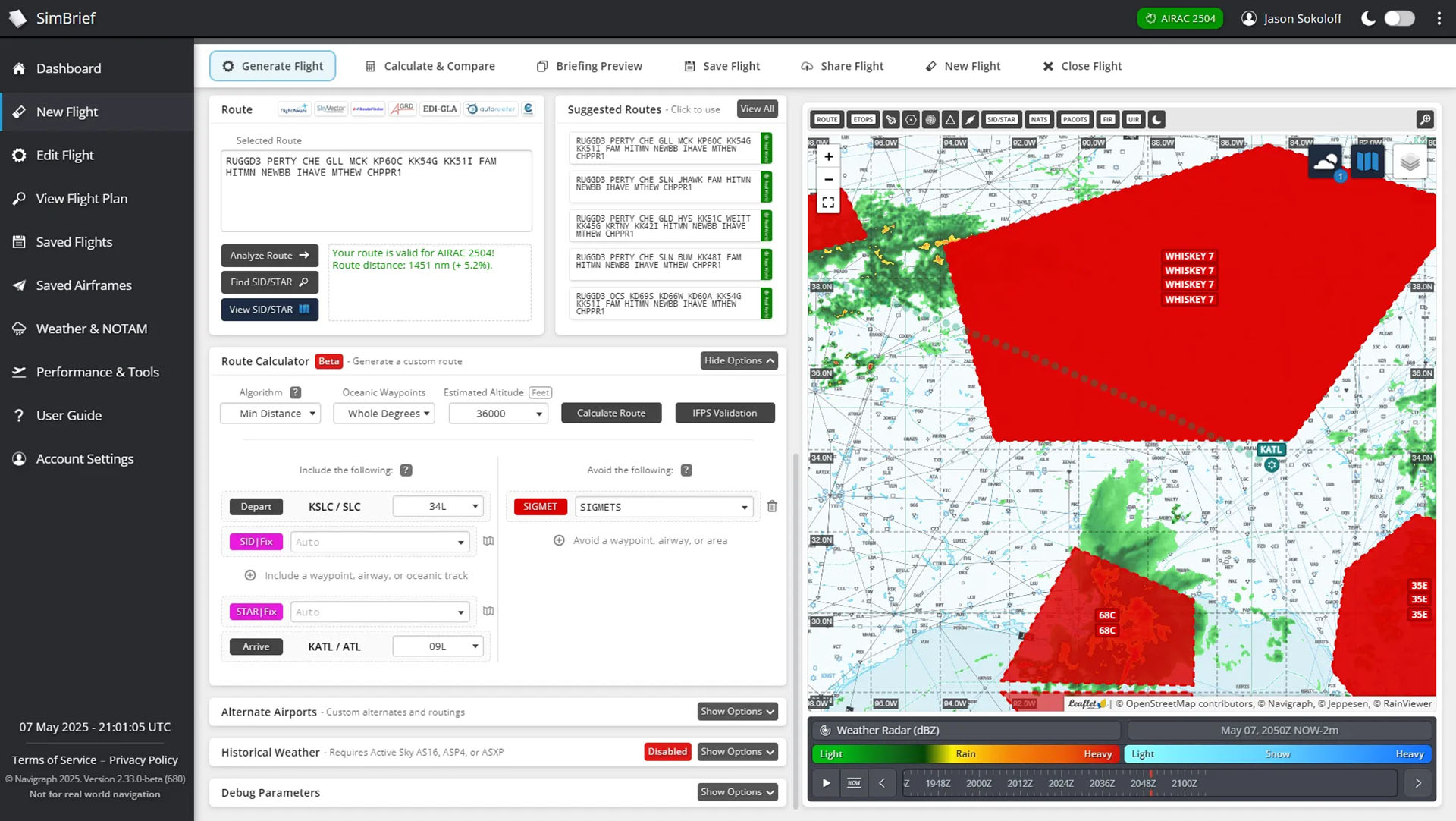
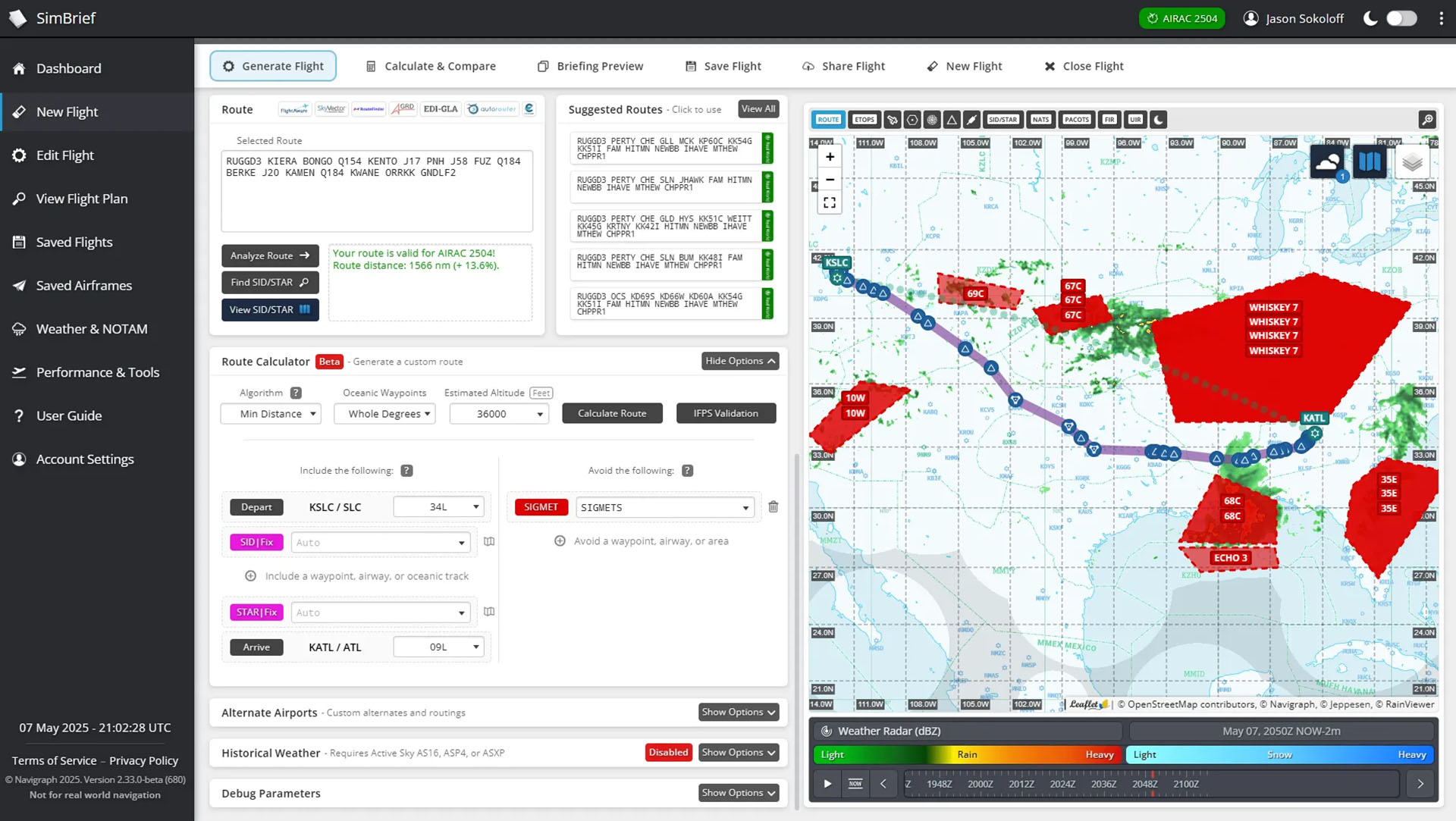
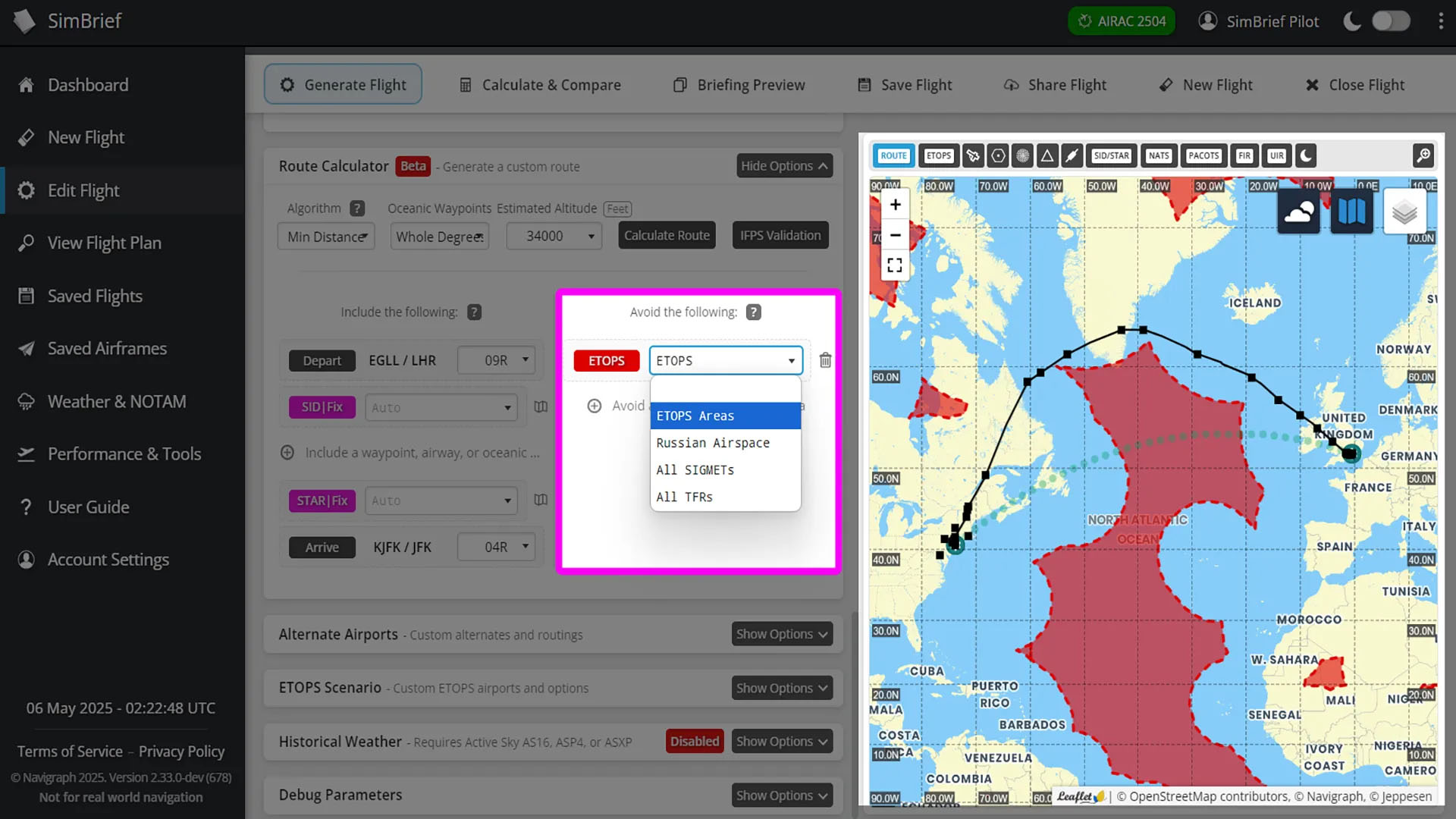
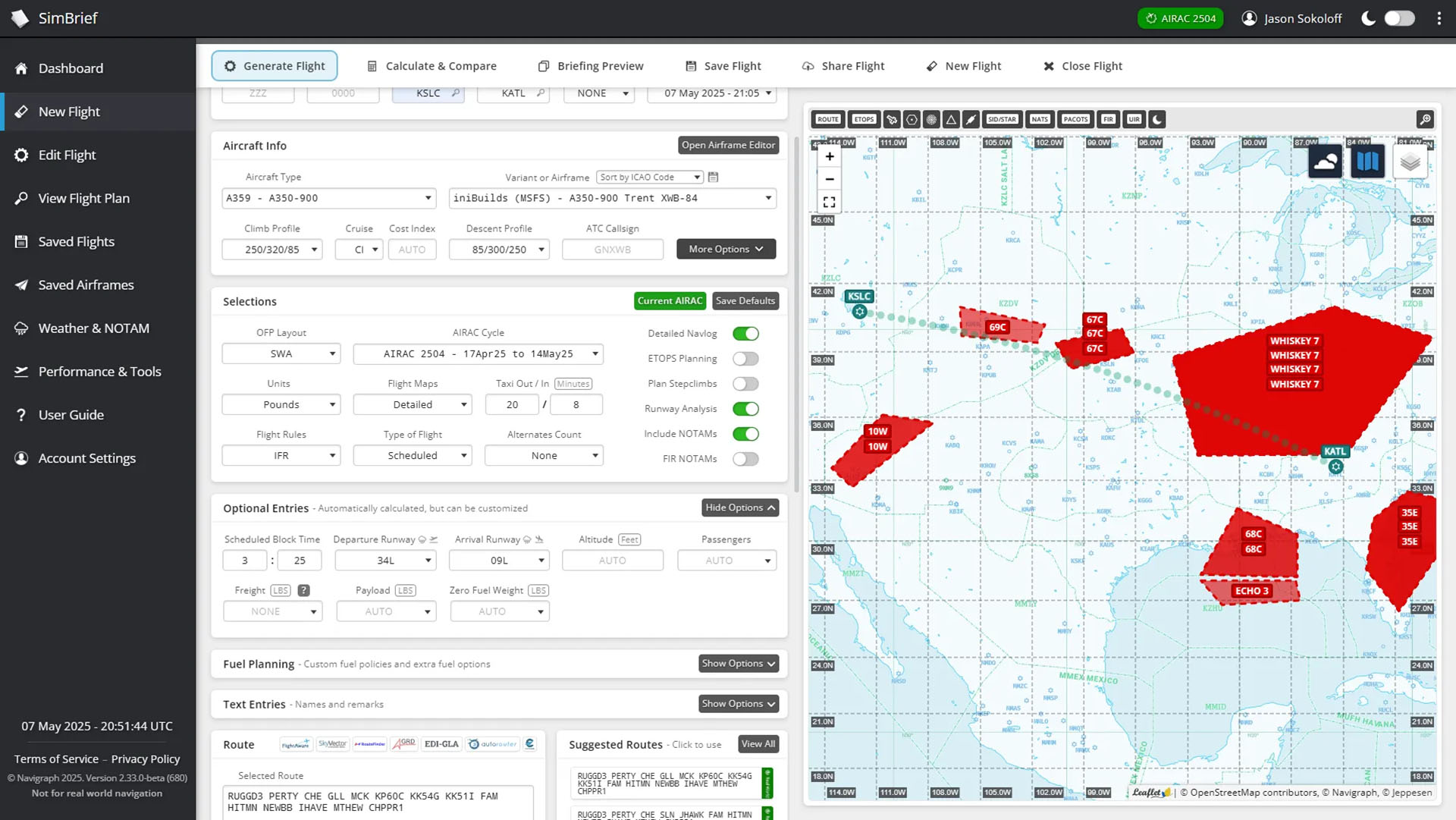
According to the announcement, a new route calculator can create routes avoiding any weather events (SIGMET) that you select or all of them. You can also tell it to keep away from temporary flight restrictions or ETOPS areas. The latter is very useful when ferrying across oceans aircraft that aren’t ETOPS certified.

It’s worth mentioning that this feature isn’t free for everyone but requires a Navigraph subscription.

Here’s a handy list of new features reserved to Navigraph subscribers.

  • Brand new route calculation engine: The redesigned route calculator tool finds routes in seconds, not minutes! It’s also much more reliable when avoiding multiple areas or fixes, gives more efficient routes over oceans, and is better optimized for Free Route Airspace.
  • Avoid predefined areas: Russian airspace, ETOPS areas, and more can be avoided using the dropdown menu. Any other waypoints, airways, or airspaces can be avoided by manually typing them in.
  • Easily add oceanic tracks: Just click “include a waypoint, airway, or oceanic track” and select a track from the list, or manually type in your own waypoints or airways to include.
  • Instant map previews: Before generating your route, check the interactive map to see exactly which waypoints, airways, or areas you’re avoiding or including.
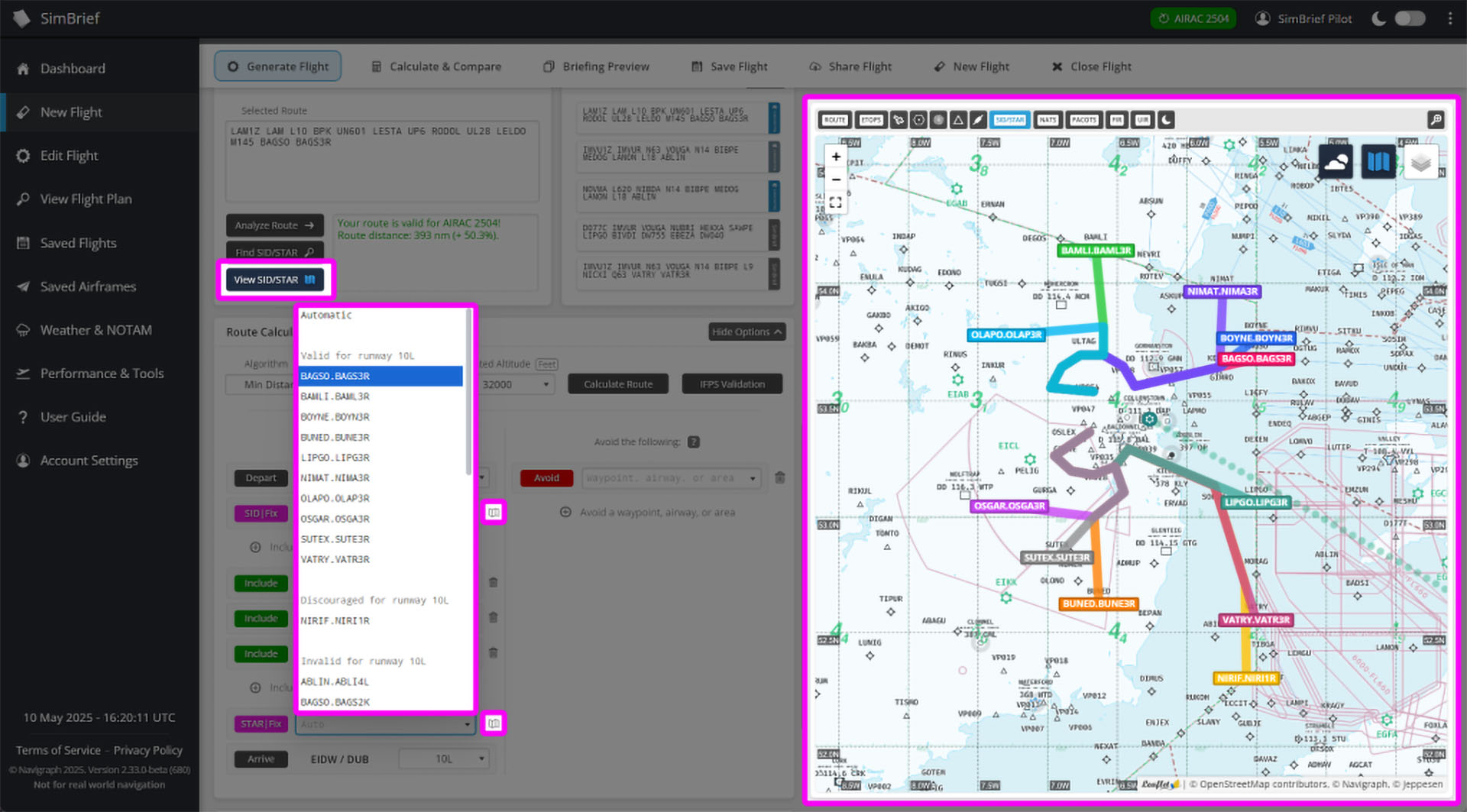
  • Choose specific SIDs or STARs: Pick exactly which ones you want from the dropdown list, or leave them in “Auto” to let the route calculator find the best one. SIDs and STARs are labelled and sorted based on whether they are valid for the selected runway and aircraft type.
  • SID/STAR visualization: Not sure which SID or STAR to choose? Preview all of them on the interactive map, just like in Navigraph Charts!

That being said, there’s also new stuff for those who prefer to steer clear from a subscription and use the free features Simbrief offers.

  • Flight History overhaul: When viewing history flights, flight plan revisions are now grouped together to reduce clutter. Click on a group to see all previous versions of that flight plan.
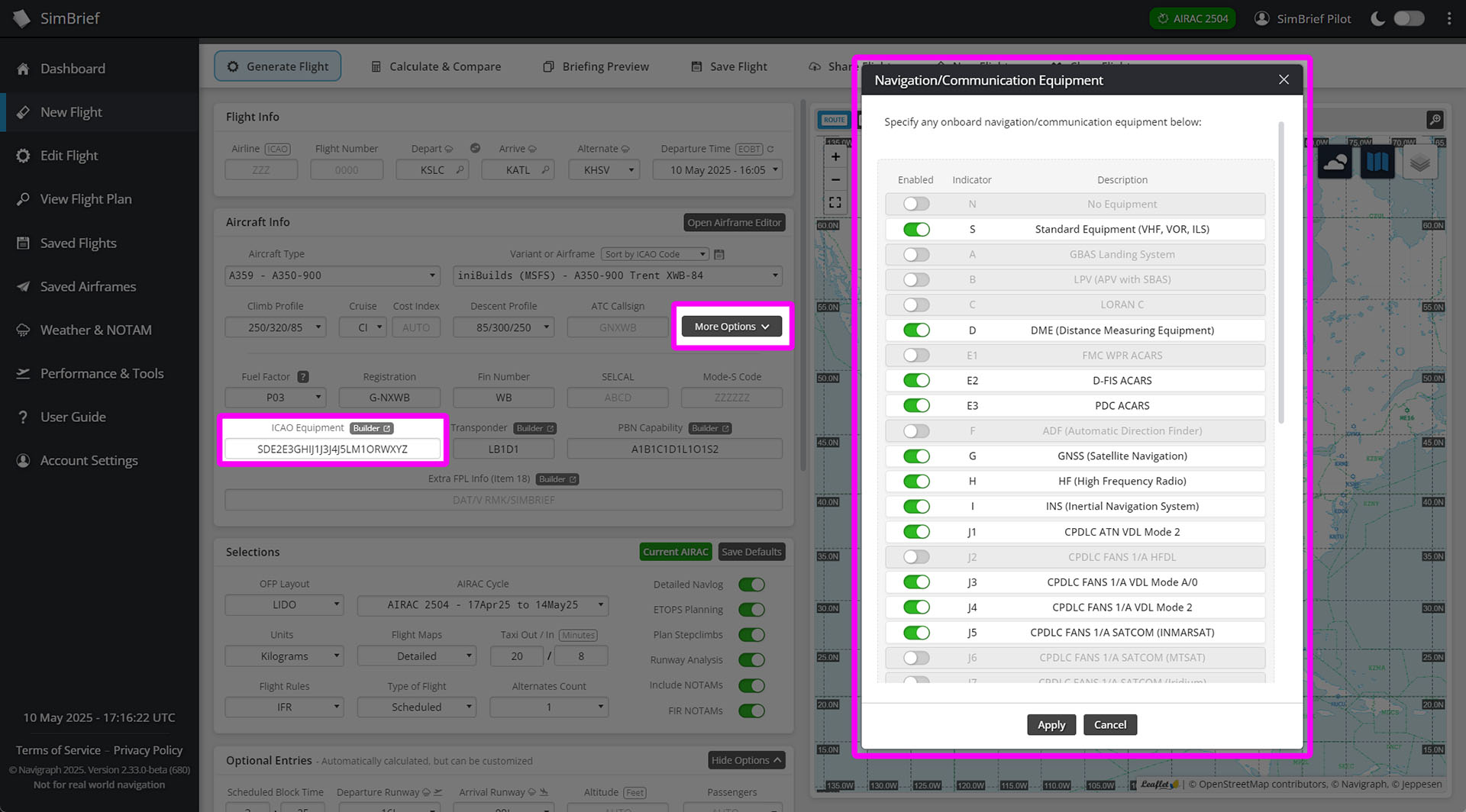
  • Expanded aircraft options: More aircraft options can be customized directly on the Flight Options page, including equipment codes, PBN capabilities, and more.
  • Easier equipment editing: Pop-up widgets make it a breeze to edit aircraft equipment codes and ATC flight plan remarks-no more manual typing.

Below you can check out a few images of the new features.
If you’re wondering, Simbrief is a platform-agnostic web-based flight planner, and it’s compatible with all major civilian simulators, including Microsoft Flight Simulator 2024, Microsoft Flight Simulator, X-Plane, and Prepar3D.

Related Posts

An Airbus A320neo in Starflyer livery performing a missed approach procedure after going around at Kitakyushu Airport in Japan in Microsoft Flight Simulator 2024 with Simulation Daily and MSFS 2024 logos and "Go Around! MSFS 2024 for Beginners" title.

Microsoft Flight Simulator 2024 for Beginners – How to Go Around

January 11, 2026
Final Fantasy XIV Patch 7.3 Gear

Final Fantasy XIV Reveals Patch 7.3 Screenshots and Gear

July 17, 2025
CRJ in Microoft Flight Simulator with Aerosoft Flight, Microsoft Flight Simulator 2024 logos and "Interview" title.

Aerosoft Flight Interview – Hear the Developer’s Plans for Microsoft Flight Simulator 2024 and More

February 18, 2025

Browse by Category

  • Editorials
  • Events
  • Guides
  • Interviews
  • News
  • Previews
Jurassic World
Orbx Perth
Volanta
Tags: GamingNavigraphPCSimbriefSimulation
ShareTweetShare

Recommended For You

cat secretary screenshot delay
News

Today in Gaming News – October 15, 2026

October 15, 2026
farming simulator 25 beans and alpacas dlc farmhouses
News

New Farmhouses and More Announced For Farming Simulator 25 Beans & Alpacas DLC

October 15, 2026
ships at sea
News

Ships At Sea Update v0.8.8 Improves Maritime Traffic, World Map Tracking, & More

October 15, 2026
GTA 6
News

GTA 6 Teases Jason & Lucia’s Chaotic Upcoming Criminal Journey

October 15, 2026
Star Citizen Costellation MkV Centaurus
News

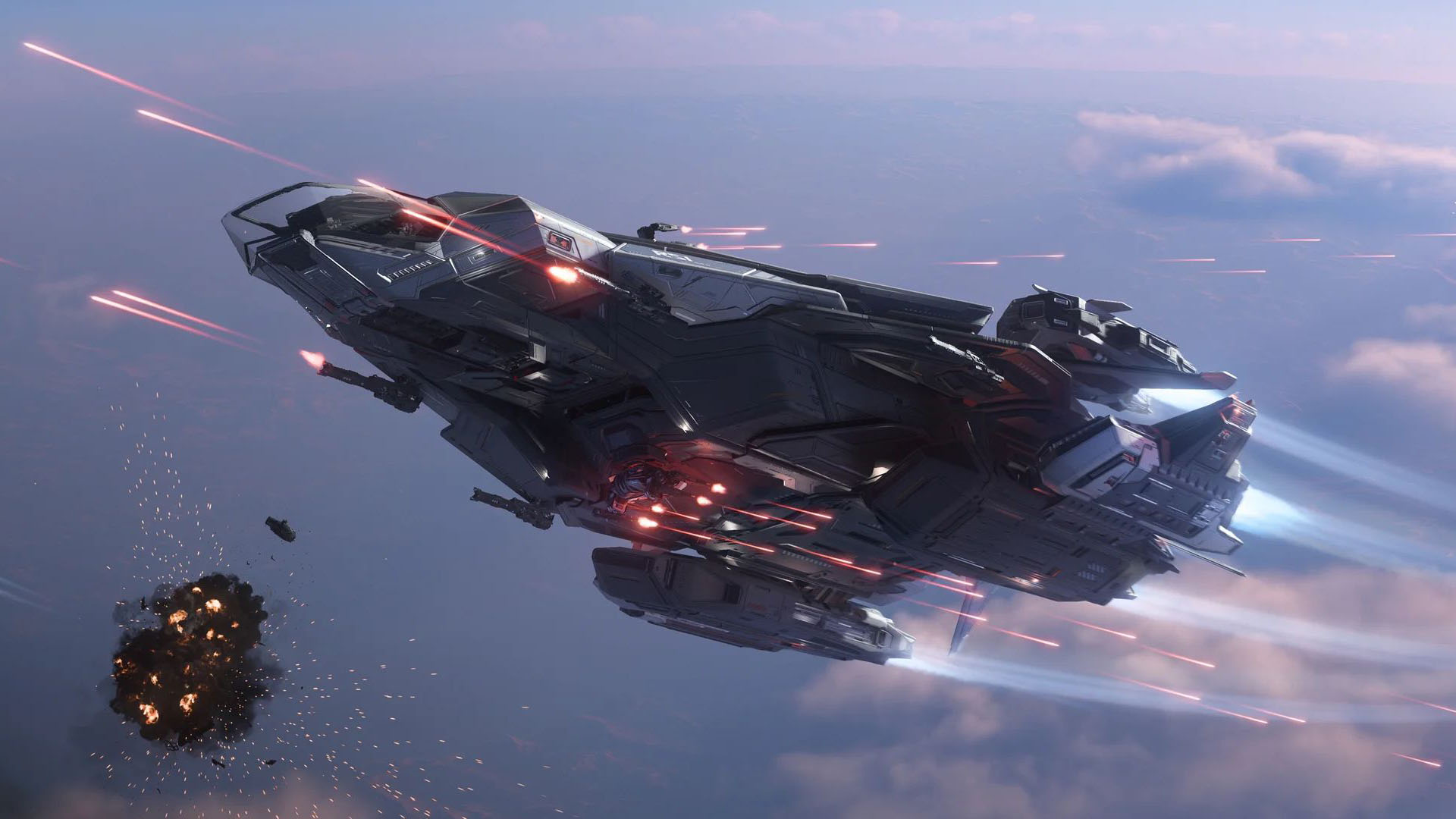
Star Citizen Reveals the Successor to the Legendary RSI Constellation

October 15, 2026
A flight simulation scene: Macchi-Castoldi M.C.72
News

Today in Flight Simulation News – October 14, 2026

October 14, 2026
Next Post
Pro Cycling Manager Screnshot

Pro Cycling Manager 25 PC Specs Revealed

Simulation Daily Powered by Orbx

Navigate Site

  • About Simulation Daily
  • Our Staff
  • Ethics
  • Contact Us
  • Advertise With US
  • Gaming
  • Simulation
  • Esports
  • Entertainment
  • Technology
  • Disclaimer and Privacy Policy

Follow Us

© 2026 Orbx Ltd

No Result
View All Result
  • Simulation Daily
  • Gaming
  • Simulation
  • Technology
  • Esports
  • Entertainment
  • About Simulation Daily
  • Our Staff
  • Ethics
  • Contact Us
  • Subscribe to our Newsletter

© 2024 Orbx Ltd

Are you sure want to unlock this post?
Unlock left : 0
Are you sure want to cancel subscription?
Loading Comments...